Your Squarespace site looks the part. Now help the right people find it. Keytomic brings keyword research, SEO audits, content automation, and AI visibility into one workspace. Build a smarter growth plan, then apply approved content and site changes in Squarespace.



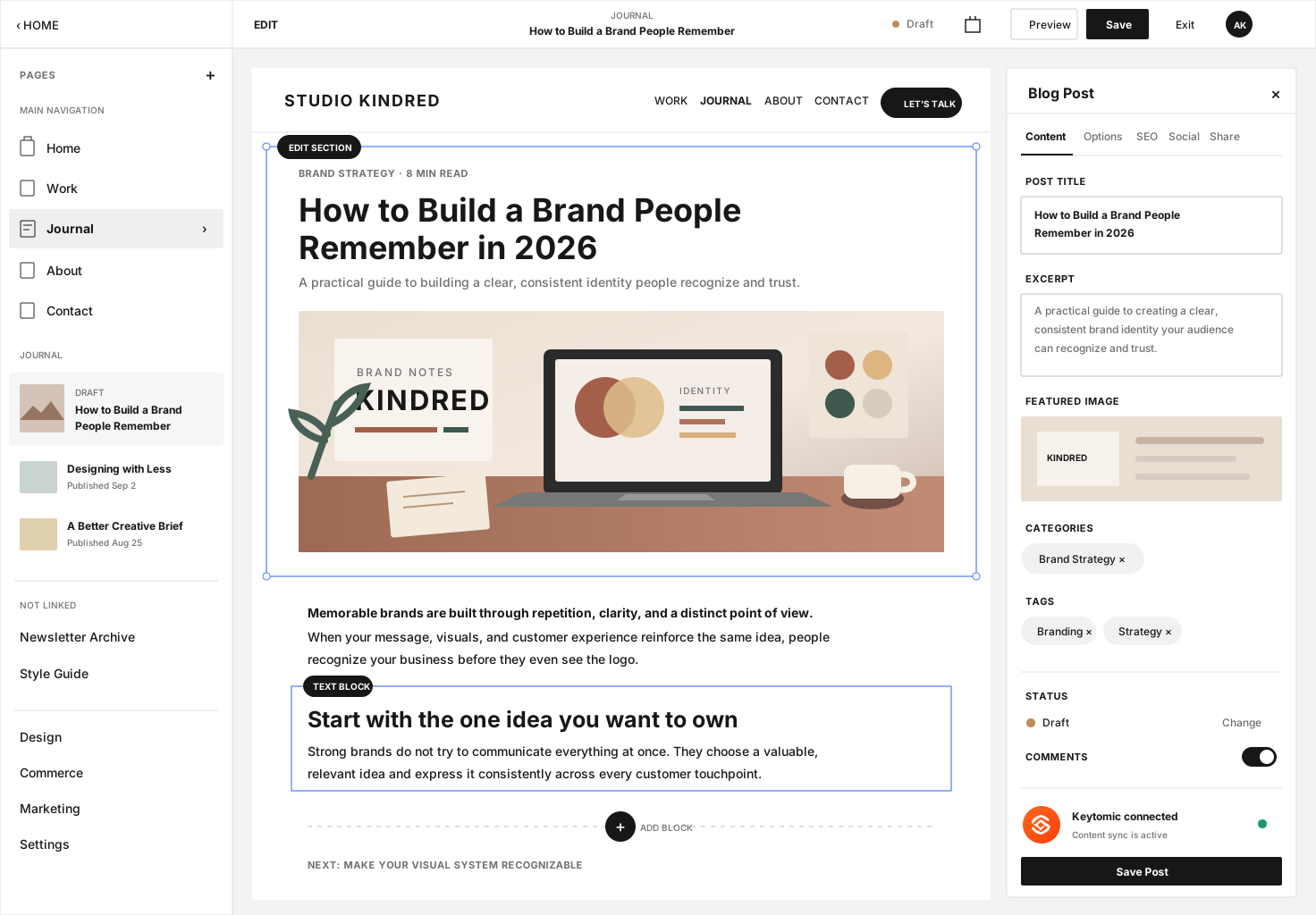




Turn what you do best into what people search for
A portfolio shows your work. A service page explains your offer. Helpful supporting content answers the questions people ask before they contact you. Use keyword research and search intent to connect all three.

" width="13.334px"><path d="M 5.13 1.08 C 5.878 0.355 6.252 -0.007 6.71 0 C 7.167 0.007 7.529 0.381 8.254 1.13 C 8.978 1.877 9.341 2.251 9.334 2.709 C 9.326 3.166 8.952 3.529 8.204 4.253 C 7.456 4.978 7.082 5.341 6.624 5.333 C 6.167 5.326 5.804 4.952 5.08 4.204 C 4.355 3.456 3.993 3.082 4 2.624 C 4.008 2.167 4.382 1.804 5.13 1.08 Z M 3.334 7.667 C 3.334 8.588 2.588 9.334 1.667 9.334 C 0.746 9.334 0 8.588 0 7.667 C 0 6.746 0.746 6 1.667 6 C 2.588 6 3.334 6.746 3.334 7.667 Z M 13.334 7.667 C 13.334 6.746 12.588 6 11.667 6 C 10.746 6 10 6.746 10 7.667 C 10 8.588 10.746 9.334 11.667 9.334 C 12.588 9.334 13.334 8.588 13.334 7.667 Z" fill="transparent" height="9.334099658966066px" id="AXTGqhcaF" stroke-dasharray="" stroke-linecap="butt" stroke-linejoin="miter" stroke-miterlimit="10" stroke-width="1" stroke="rgb(51, 85, 255)" width="13.334px"/><path d="M 3.667 1 L 3.667 5.667 M 2 0 L 0 2 M 5.334 0 L 7.334 2" fill="transparent" height="5.666999999999998px" id="ENPtWv5VB" stroke-dasharray="" stroke-linecap="round" stroke-linejoin="round" stroke-width="1" stroke="rgb(51, 85, 255)" transform="translate(3 4)" width="7.3340001106262225px"/><path d="M 0 1.6 C 0 0.846 0 0.469 0.235 0.234 C 0.469 0 0.846 0 1.6 0 L 1.734 0 C 2.488 0 2.865 0 3.099 0.234 C 3.334 0.469 3.334 0.846 3.334 1.6 L 3.334 1.733 C 3.334 2.488 3.334 2.865 3.099 3.099 C 2.865 3.333 2.488 3.333 1.734 3.333 L 1.6 3.333 C 0.846 3.333 0.469 3.333 0.235 3.099 C 0 2.865 0 2.488 0 1.733 Z" fill="transparent" height="3.333000000000002px" id="Vhs2zilOM" stroke-dasharray="" stroke-linecap="butt" stroke-linejoin="miter" stroke-miterlimit="10" stroke-width="1" stroke="rgb(51, 85, 255)" transform="translate(5 10)" width="3.33400000000006px"/></g></svg>)

Go beyond a Squarespace SEO checklist
Good titles and descriptions are a start. Build a repeatable strategy around search demand, useful answers, healthy pages, and trustworthy signals. Keytomic connects that work while Squarespace remains your website editor.
Find the searches worth showing up for
Start with the services, products, and questions that matter to your audience. Compare search intent and topic gaps before deciding what to create or improve.
Research customer questions and competitor topics
Build clusters around your core services or products
Assign each important query to the right page

Give search engines and AI clearer answers
Create focused pages with direct answers, helpful headings, and relevant internal links. Add first-hand examples and credible sources so readers can judge the advice.
Write useful answers, not keyword-filled paragraphs
Connect supporting guides to relevant landing pages
Monitor supported AI mentions and citation opportunities

Turn SEO signals into your next best move
Bring audit findings, backlink analysis, and performance reporting into your improvement cycle. Focus on relevant opportunities and content refreshes, not more pages for their own sake.
Prioritize technical and on-page issues for review
Assess backlink relevance before outreach decisions
Use queries, clicks, and GA4 data to guide updates
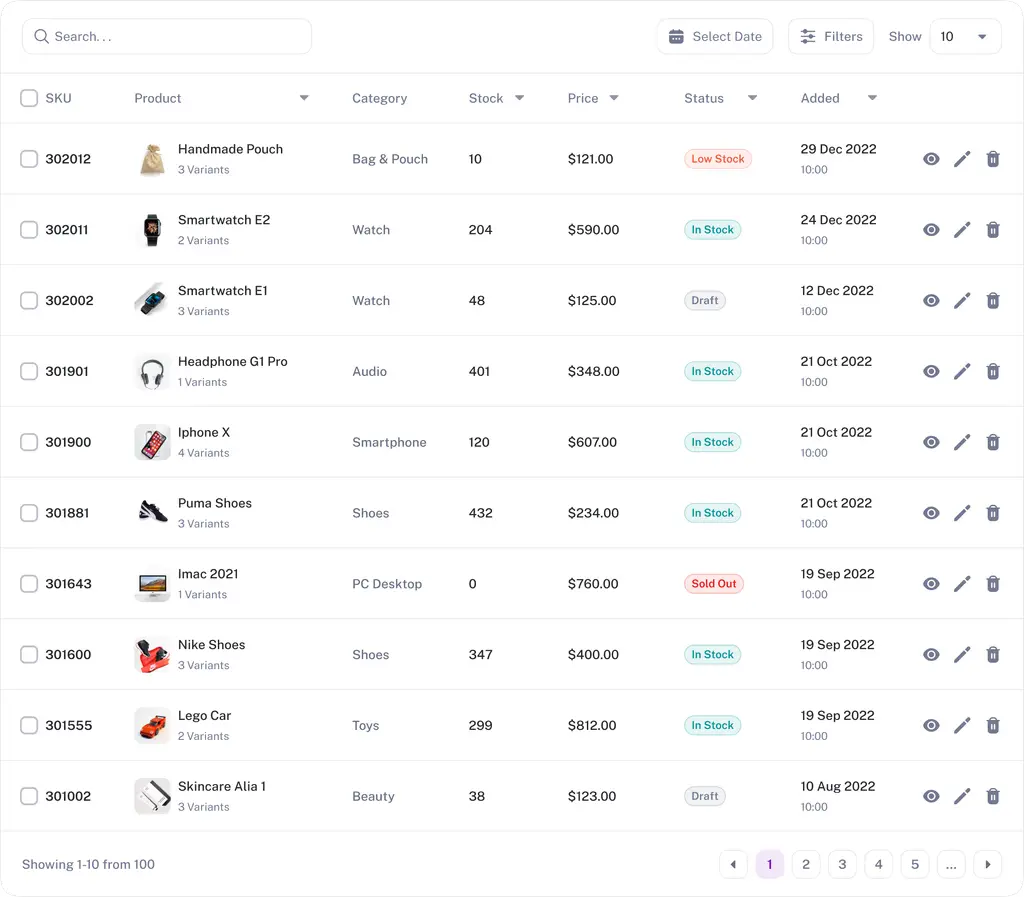
Make every visual work harder for your content
Use AI Images Studio to prepare visuals for articles, service guides, and products. Start from your own brand assets where appropriate, then review accuracy and fit. Add the approved images and descriptive alt text in Squarespace.
Create supporting visuals for guides, services, and products
Edit, restyle, or extend your existing brand images
Check visual accuracy, file size, and alt text before upload




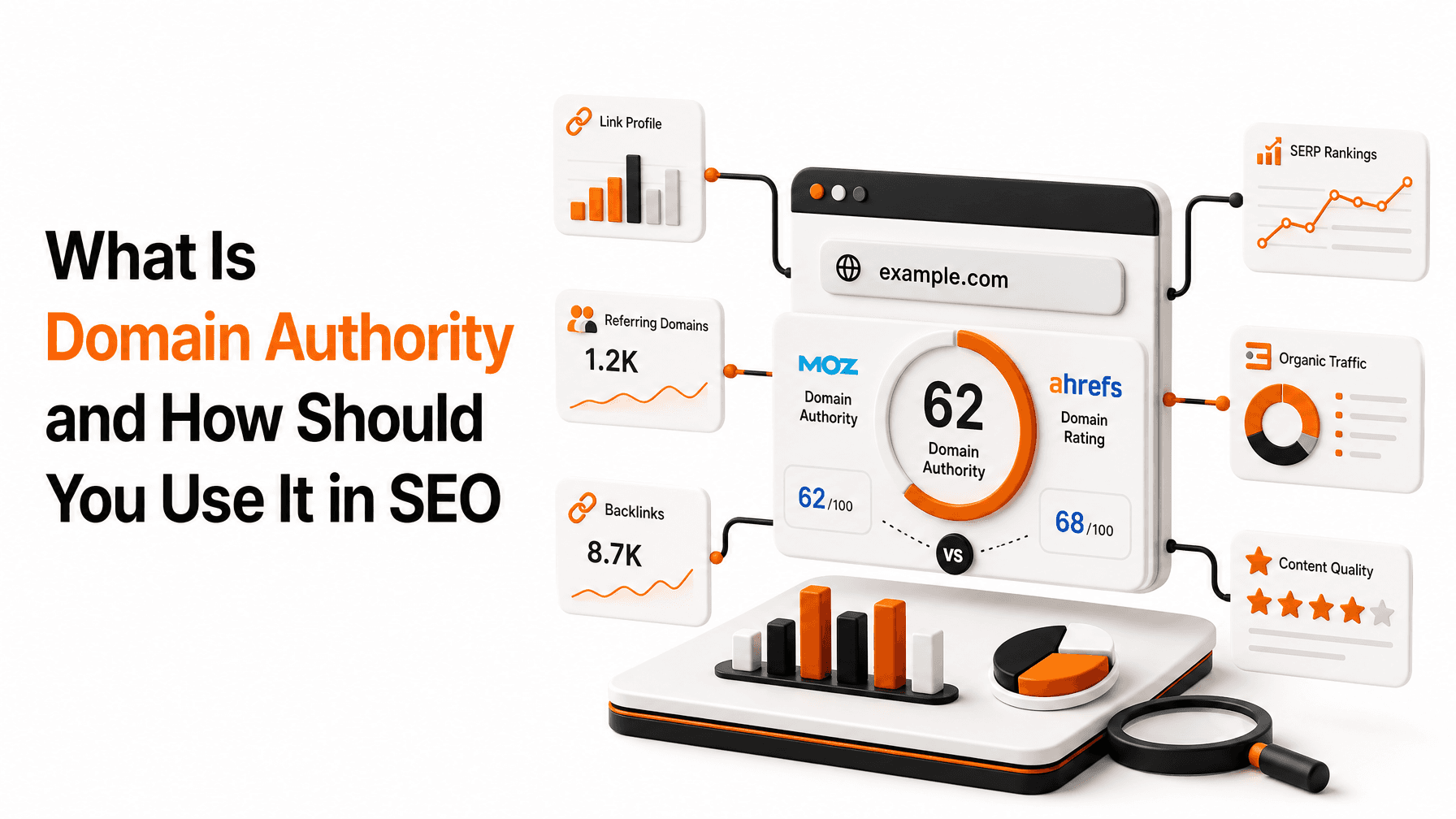

Don’t Take Our Word for It
Feedback from Keytomic users across different businesses and platforms. These reviews describe their experience with Keytomic, not Squarespace-specific case studies or guaranteed results.


Livhuwani M.
Éluvane Atelier Owner
I run a small candle and homeware brand entirely on my own, so content and SEO were always the things that slipped because I was busy actually making and shipping orders. Keytomic sorted that out. Setup was genuinely easy - I scanned my domain and it walked me through the rest - and since I started 2 months ago it’s been publishing consistent, on-brand content to my site without me having to write everything myself. As a one-person business that time back is massive. Would recommend to any small/ big brand owner who can’t keep up with content on their own or want to generally improve their business.
June 02, 2026


James Ives
Digital Marketing Strategist
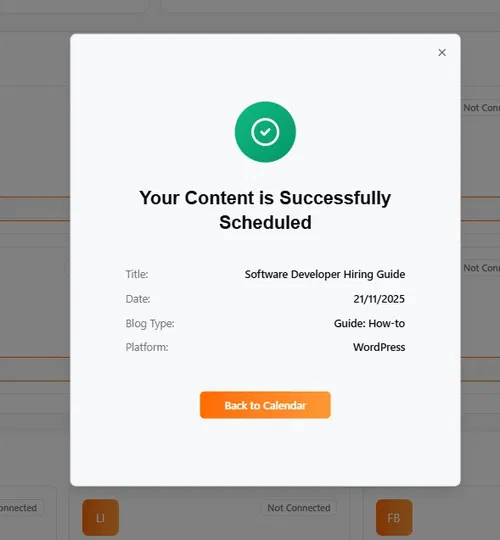
Keytomic helps simply SEO by turning a complex process into a manageable workflow. From identifying content opportunities to publishing optimized articles, the platform keep everything connected so business can stay focused on growth instead of juggling multiple tools.
June 11, 2026

Anna John
Media Agency Owner
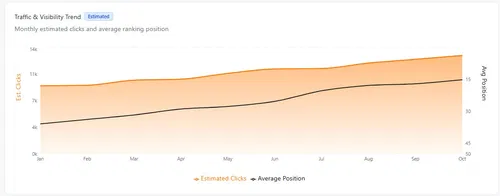
Working perfectly for our media website. We are producing daily content via Keytomic and its getting indexed and well-ranked. The dashboard, the content Calendar, the Reddit feature, everything is great. Hopefully they will add more features in future.
March 03, 2026


Ola H.
SaaS Founder
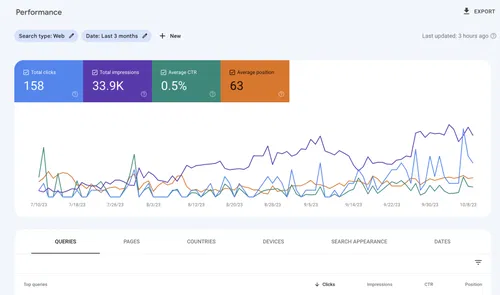
I like Keytomic's beautiful clean interface and its powerful content marketing generation capabilities. The extremely powerful analytics are great, and I really appreciate the integration with my CMS for content distribution. It saves me a lot of time by allowing me to automate parts of content creation and receive high-quality content much faster than creating it myself. The setup was extremely easy; I just had to create an account and scan my domain for a full SEO analysis, and the tool guided me through the entire onboarding process.
April 28, 2026

George H.
Senior Penetration Tester
We used Keytomic for SEO automation and it helps gain more traffic. I really appreciate the platform's excellent SEO automation capabilities which bring all the integrations together. I also love their support, especially the manual assistance from the SEO manager, Mr. Kashaf Khan, who is always there to guide us through everything including search console integration and resolving technical issues. His help is truly irreplaceable and a real game changer. Additionally, setting up Keytomic was a piece of cake.
March 04, 2026

Caliana Jade
Head of Content
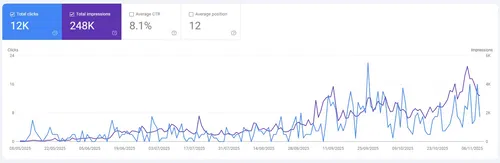
Keytomic has been a game changer for us. It really is an all in one SEO platform. The content creation and content quality is amazing. The Google search console integration allows us to view data directly from the dashboard. And the best part, Keytomic's AI visibility tracker really helps us to keep an eye on our brand visibility in AI engines. Not just the product, their support team is also great and always keep guiding us for better rankings.
Jan 23, 2026

Jonathan Rivera
E-commerce Growth Manager
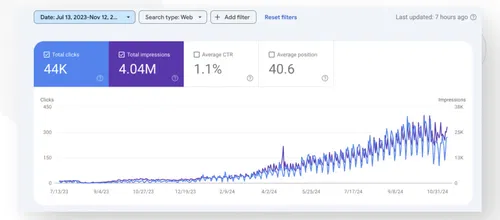
Honestly, I was little sceptical at the start but soon it became my best SEO tool for e-commerce blogs. Great content quality and image customisation options.
June 2, 2025

Goddoit G.
Business Owner
Growing organic traffic requires more than great ideas. Keytomic helps organize your SEO strategy with content planning, AI-assisted writing, and publishing content more efficient, allowing businesses to stay active without unnecessary complexity.
June 17, 2026

Jenkins Prince
Digital Marketing

Linda Miller
Marketing Strategist
Thanks to this Keytomic, our SEO content and AI overviews campaigns are fully automated and more effective than ever. CTR has also increased by 60%!
Nov 20, 2025


Henry Gerad
Head of Growth
We are using Keytomic since their Beta stages and we are absolutely loving it. It helped us automate our marketing strategy, from keyword research to content creation and suggestions. Everything is there. Pricing is also very affordable
Dec 12, 2025
One Workspace for Your Squarespace SEO
Bring research, audits, content preparation, and visibility reporting together. Review the plan limits below. Your Squarespace subscription remains separate, and publishing and website-setting changes stay in Squarespace.
Does Keytomic publish directly to Squarespace?
This workflow does not rely on a native Squarespace publishing connection. Use Keytomic for research, audits, content preparation, and reporting, then transfer approved content into Squarespace. Confirm any custom publishing requirements with the Keytomic team before purchase.
How is Keytomic different from Squarespace SEO settings?
Squarespace provides website-level SEO settings. Keytomic adds a workspace for keyword research, SEO audits, content planning and preparation, backlink analysis, and visibility reporting. It supports your strategy without replacing Squarespace or automatically changing every site setting.
Which keywords should my Squarespace site target?
Start with what you offer and what your audience is trying to do. Map service or product terms to relevant landing pages, then use guides to answer supporting questions. Compare intent, competition, and business relevance instead of choosing keywords on search volume alone.
What SEO work can I automate, and what needs my review?
Keytomic helps streamline research, content planning, drafting, and monitoring. Review recommendations, factual claims, internal links, and images before use. For this Squarespace workflow, publishing content and changing SEO or technical settings remain actions you complete in Squarespace.
Can Keytomic help with Google rankings and AI visibility?
Keytomic supports search research, clearer content, and monitoring of supported AI mentions. Direct answers, original expertise, accessible pages, and credible sources can make content more useful. Google rankings, indexing, and AI citations depend on external systems and are not guaranteed.
What should a Squarespace business publish?
A service business can explain its process, answer pricing questions, and compare options. A portfolio site can add project context and practical guides. A store can publish product comparisons and care advice. Choose topics that help your audience and link naturally to your relevant pages.
Does an SEO audit fix my Squarespace site automatically?
No. An audit identifies issues and priorities. Review titles, descriptions, headings, image alt text, internal links, redirects, and crawlability as relevant to your site. Apply the supported changes in Squarespace and verify the result; some issues may need template-specific or specialist work.
How do I measure whether Squarespace SEO is working?
Use Search Console queries, impressions, clicks, and landing-page performance alongside GA4 traffic and conversion events. Track supported AI mentions separately. Compare trends over time and check whether visits lead to relevant actions such as enquiries or purchases. There is no fixed timeline for SEO results.