Checking finds the links pointing at a site, monitoring rechecks the ones you chose to watch, and auditing is the human judgment about which links help or hurt. Most backlink monitoring tools are built around one of those jobs, so the right pick depends on which one slows your team down.
If you're an SEO manager, you've probably felt the gap: a dashboard shows a spike in new links, and nobody owns the question of what to do about them. In my product and growth work, I keep seeing teams buy for index size and then struggle with the follow-up.
This list is for in-house SEO managers and agency teams comparing six tools. I rank them on how they handle link changes, how they support review, and what the plan limits actually allow, then walk through a workflow for turning the data into decisions. Prices and plan details are current as of November 2027.
Key Takeaways
Choose by job, not by brand: one tool is best at rechecking links you already track, another at guided risk review, another at competitor research, and none replaces manual judgment.
SE Ranking documents automatic rechecks for source pages not visited in more than seven days, so plan around a weekly rhythm, not daily checks.
On Ahrefs, scheduled alerts and exports start at the $129 per month Lite plan; the $29 Starter plan has neither.
Semrush's Lost & Found report, automatic recrawls and exports need a paid toolkit, and file imports cap at 50 MB.
Most sites don't need a disavow file, so treat any toxicity or Spam Score as a prompt to investigate, not a verdict.
Quick picks
Best for rechecking a selected link inventory: SE Ranking
Best for a guided suspicious-link review: Semrush
Best for competitor research with scheduled alerts: Ahrefs
Best for approval-based outreach from competitor link gaps: Keytomic
Best for link context and historical-index research: Majestic
Best for Spam Score triage and saved link lists: Moz Pro
How we chose
I ranked six tools on three criteria: change workflow (how a tool tracks new, lost or rechecked links), audit and investigation (what it gives you to judge a link), and operational fit and limits (plan tiers, imports, exports). The sources are official product documentation and pricing pages, researched in November 2027. The order is my editorial judgment: explicit ongoing monitoring first, then guided review, then research depth and specialized workflows.
Backlink tools compared
Three words get mixed up here. Checking is discovery, monitoring is repeat checks on links you've chosen to watch, and auditing is the investigation of whether a link is risky or valuable. SE Ranking separates its Checker from its Monitor, and Semrush separates Backlink Audit from plain research. I describe AI only where documentation supports it: Moz's Spam Score is machine-learning based, and Keytomic is an AI-powered platform. The rest are compared on documented link workflows.
Rank and tool | Best for | Change workflow | Audit and investigation | Operational fit and limits |
|---|---|---|---|---|
1. SE Ranking | Rechecking selected links | Automatic recheck after more than 7 days, or manual | Filters: status, anchor, target URL | Checker discovers; Monitor tracks added links |
2. Semrush | Guided risk review | Lost & Found and automatic recrawls (paid toolkit) | Toxic-signal review; removal and disavow-file workflow | 50 MB import limit; exports need paid toolkit |
3. Ahrefs | Research with alerts | Scheduled alerts on Lite ($129) | Backlinks, referring domains, anchors | Lite: exports, six months of history; Starter ($29): no alerts or exports |
4. Keytomic | Approved outreach from gaps | Lost-link opportunities | Referring-domain map, competitor gaps | Outreach needs approval; Pro covers one site |
5. Majestic | Link context and history | Fresh Index; Backlink History on Pro | Link Context, Trust Flow | Lite $49.99; Historic Index and email alerts need Pro |
6. Moz Pro | Spam Score triage | Link Tracking Lists show whether saved links point to a target | Spam Score, linking-domain review | Notes and CSV export; disavow lists can't remove links from Moz's index |
1. SE Ranking
SE Ranking splits the job in two: its Checker researches other domains, while Monitor tracks links you've added by hand or imported from Search Console or a CSV. That makes it the cleanest fit when you already know which placements matter. With automatic checking on, it rechecks any source page not visited for more than seven days, and you can run a manual recheck whenever you want. Some roundups promise daily checks; the current documentation says seven days, so plan around that.
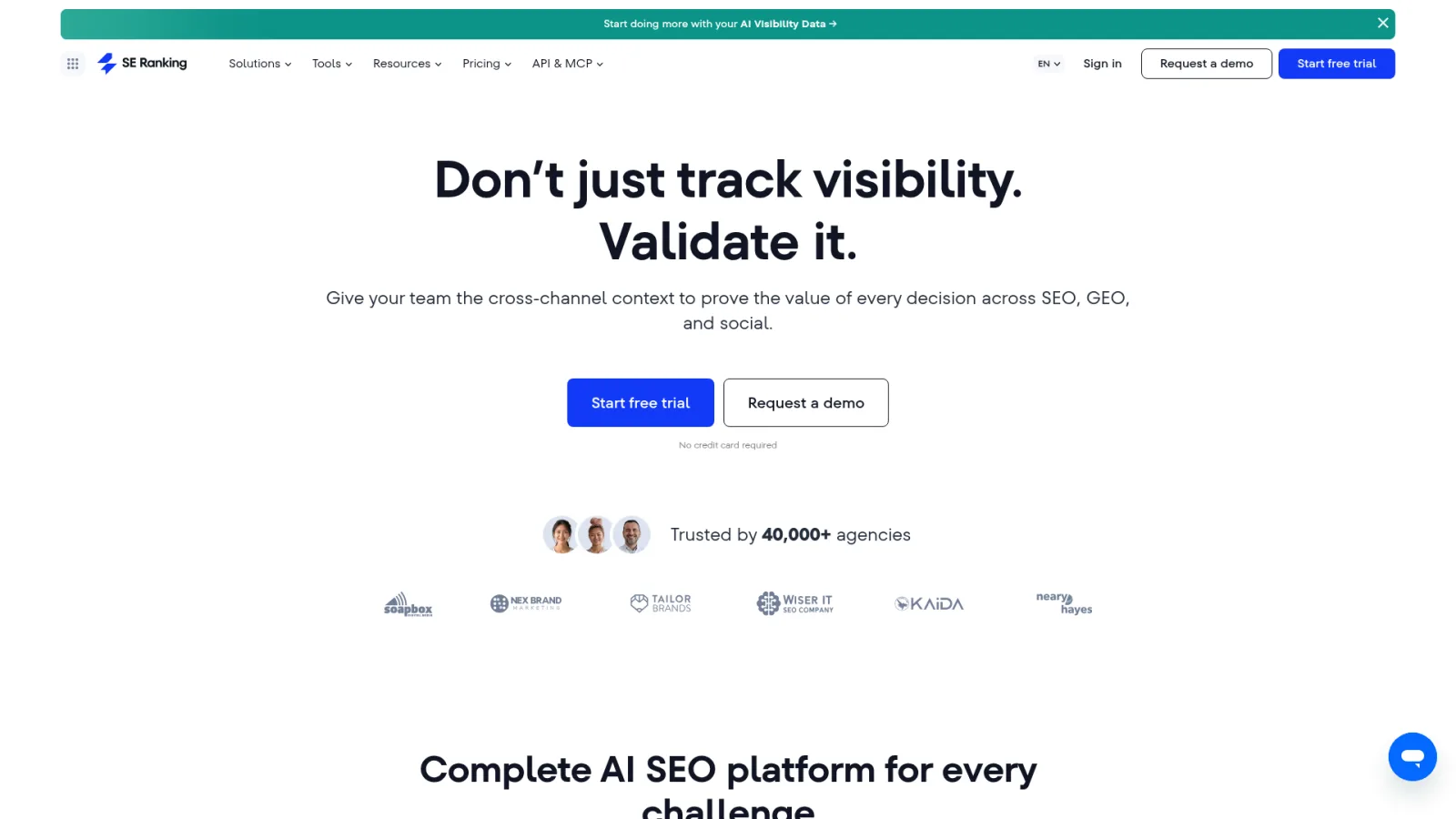
Best for: rechecking a selected link inventory. It wins on change workflow, with automatic rechecks after seven days plus manual rechecks.
Key facts:
Imports from Search Console or CSV
Filters by status, anchor and target URL
Pros:
Automatic and manual rechecks on the links you care about
Search Console and CSV imports save retyping a placement list
Cons:
Links must be added to Monitor before they're tracked, and discovery lives in the separate Checker
2. Semrush
Semrush's Backlink Audit pulls toxic-signal review, removal outreach and a disavow-file workflow into one guided flow. It also has a Lost & Found report for links that appeared or disappeared. Paid SEO Toolkit access adds automatic recrawls, exports and Lost & Found, and file imports are capped at 50 MB. I'd treat its score as a way to sort your review queue, never as a Google verdict.
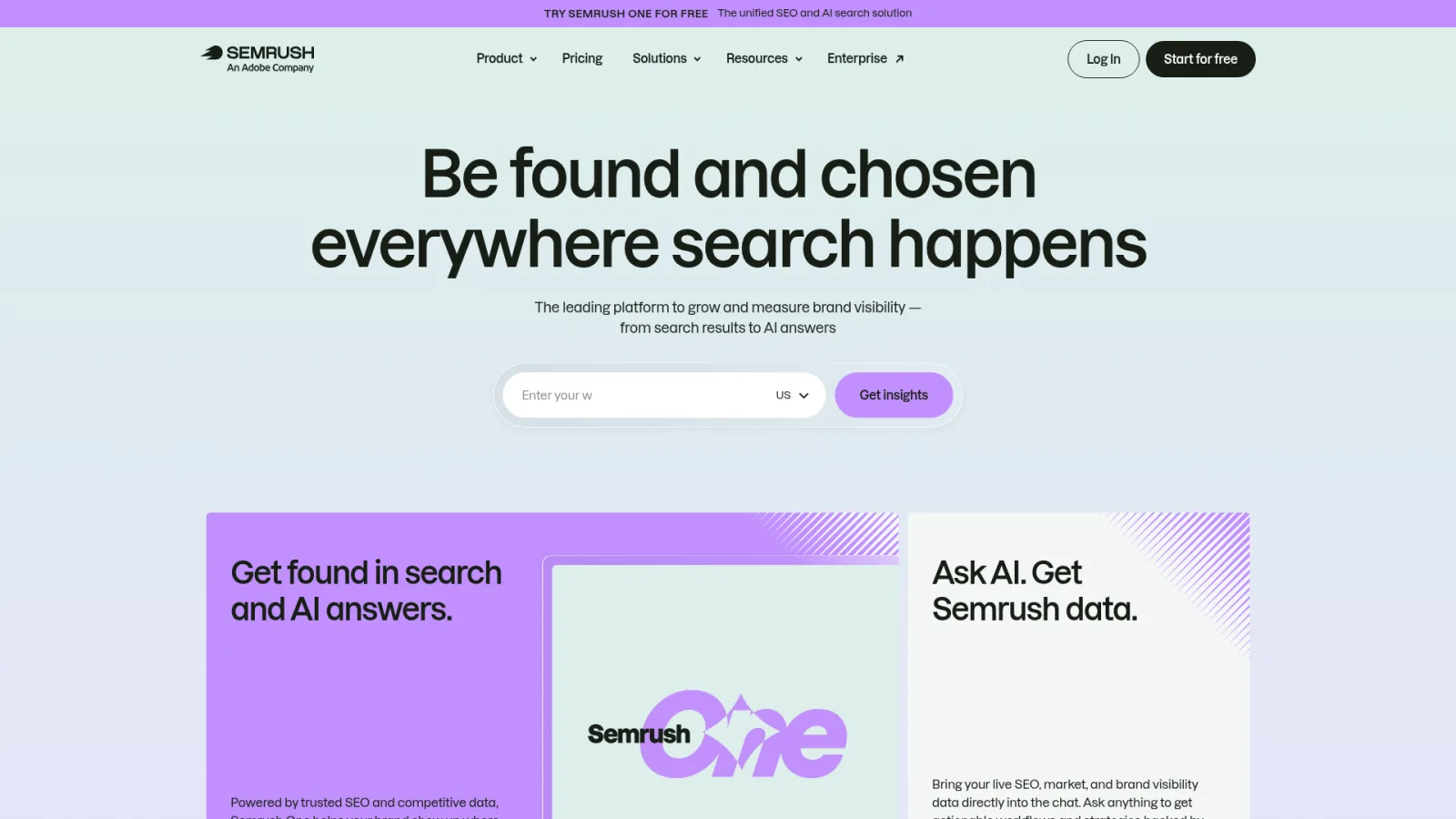
Best for: a guided suspicious-link review. It wins on audit and investigation, with toxic-signal review and a removal or disavow-file workflow in one place.
Key facts:
Lost & Found report for new and lost links
Imports up to 50 MB
Pros:
Review, outreach and file preparation sit together
Lost & Found shows link changes without a separate export
Cons:
Automatic recrawls, exports and Lost & Found require a paid toolkit
3. Ahrefs
Ahrefs' Site Explorer reports backlinks, referring domains and anchors, which makes it the strongest research workbench on this list. The catch is the plan boundary. Lite includes scheduled alerts, exports and six months of historical data; the cheaper Starter plan has no scheduled alerts or exports. If monitoring is the reason you're buying, Lite is the plan you're really pricing.

Best for: competitor research with scheduled alerts. It wins on change workflow, with scheduled alerts on Lite.
Key facts:
Backlink, referring-domain and anchor reports in Site Explorer
Exports on Lite
Price: Starter is $29 per month and Lite is $129 per month, billed monthly.
Pros:
Deep backlink, referring-domain and anchor reports
Scheduled alerts and exports on Lite
Cons:
Starter lacks alerts and exports, so $129 Lite is the relevant price
Lite's six months of history is shorter than Majestic's Pro Historic Index
4. Keytomic
Keytomic's backlink profile audit describes referring-domain mapping, flagged links, lost-link opportunities, competitor gap analysis and personalized outreach that needs your approval before anything is sent. Compared with Semrush at #2, it leads on a different job: Semrush guides risk review, while Keytomic turns competitor link gaps into outreach you approve. I wouldn't promise an alert frequency here, and I don't need to; the value is the checkpoint between a gap and a sent email. You can see how domain rating fits into that picture when you're evaluating which referring domains are worth pursuing.
Best for: approval-based outreach from competitor link gaps. It wins on operational fit, because outreach waits for your approval.
Key facts:
Maps referring domains and flags links
Surfaces lost-link opportunities and competitor gaps
Backlink opportunities appear on the pricing page
Price: Pro is $99 per month, billed monthly, for one project or site and up to three seats. That is the platform price, which also covers keyword research, content creation and publishing.
Pros:
Gap prospecting and review before send
Lost-link opportunities inside the same platform as content and technical audits
Cons:
Pro covers one site, so it isn't the one-plan fit for a buyer who needs several sites
Built around opportunity outreach, so not the best choice for scheduled rechecks of a fixed placement list; SE Ranking fits that
5. Majestic
Majestic is the specialist. Lite includes Fresh Index, Link Context, Trust Flow and referring-domain analysis. Historic Index, Backlink History and email alerts require Pro, which matters if you assumed the cheapest plan covers history. Trust Flow is Majestic's own metric, not a Google ranking factor, so use it to compare linking sites, not to predict rankings.

Best for: link context and historical-index investigation. It wins on audit and investigation, with Link Context and Trust Flow.
Key facts:
Fresh Index on Lite
Historic Index and Backlink History on Pro
Price: Lite is $49.99 per month, billed monthly. Pro is $99.99 per month, billed monthly.
Pros:
Link Context shows how a link sits on the page
Trust Flow and referring-domain analysis at the lowest entry price here
Cons:
Historic Index, Backlink History and email alerts need Pro, not Lite
6. Moz Pro
Moz Pro's Link Explorer provides Spam Score, a machine-learning based signal. Its Link Tracking Lists organize links and domains, show whether each one still links to your target, support notes and export to CSV. A high Spam Score calls for investigation, not an automatic disavow. Moz's help material also states that a disavowed-link list can't currently be submitted to remove those links from Moz's index.

Best for: Spam Score triage and organized link lists. It wins on audit and investigation, with Spam Score as a review cue and notes on saved links.
Key facts:
Link Tracking Lists track whether links point to a target
CSV export
Pros:
Saved-link notes keep review decisions on record
Spam Score gives a quick first-pass cue
Cons:
A disavow list can't be submitted to remove links from Moz's index
How should you evaluate backlink audit software?
Pick the tool whose report you'll open every week, then check that the report sits in the tier you'll pay for. Here are the six checks I use:

Discovery versus rechecks: SE Ranking's Checker researches domains, while Monitor tracks added links.
Data fields: source URL, target URL, referring domain and anchor, all exportable.
Limits: Semrush caps imports at 50 MB and gates exports behind a paid toolkit; Ahrefs Starter has no exports.
Alerts: Ahrefs scheduled alerts start on Lite, and Majestic email alerts need Pro.
Review aids: toxic signals, Spam Score or Link Context.
Total cost: see our SEO software pricing comparison for plan limits across a full stack.
How do you turn backlink changes into an SEO workflow?
Treat every link change as a task with an owner, not a number on a dashboard. This is the loop I recommend:
Export Google's Links report from Search Console. It's a sample, groups sites by root domain, caps tables at 1,000 rows and doesn't identify nofollow links.
Review new and lost links in your paid tool.
Open the source page and the destination URL.
Log the owner, next action and date, ideally inside your SEO automation workflows.
Send suspicious patterns to manual review.
Try removal outreach before disavow. Google's disavow guidance says most sites don't need it and warns that incorrect use can harm performance. Google's spam policies target links created mainly to manipulate rankings. For example, a lost link from a partner page is an outreach task; a cluster of unrelated paid-looking links is a review task.

Frequently asked questions
Can Search Console replace a paid backlink monitor?
Google's Links report is a sample, limits tables to 1,000 rows and doesn't identify nofollow links, so it works as a free baseline, not a full inventory.
Does a high toxicity or Spam Score mean Google has penalized a site?
It's a vendor signal that says investigate, not a Google penalty finding. Google reserves disavow for links that have caused, or will likely cause, a manual action.
Does a lost-link report prove the link was removed?
Open the source page and the destination before deciding anything, because a report status alone doesn't diagnose removal.
Do all backlink tools in this list use AI to audit links?
Most document standard link data and review workflows. AI appears in Moz's machine-learning Spam Score and in Keytomic, an AI-powered SEO platform.
Which backlink tool should your team choose?
Start with the job that's costing you time. To keep a known list of placements honest, choose SE Ranking. For a guided risk review that ends in removal outreach or a disavow file, choose Semrush. For broad link research with scheduled alerts, pay for Ahrefs Lite rather than Starter. Pick Majestic on Pro for link context and history, and Moz Pro for Spam Score triage with saved lists.
For turning competitor link gaps into outreach you approve before anything is sent, Keytomic is the one I ranked for that job. It sits alongside keyword research, content planning and technical audits, so link work connects directly to your broader SEO workflows for teams and SEO automation for marketing teams.
Google Search Console stays useful as a free, sampled baseline, but it doesn't replace the paid workflows above. Whatever you buy, treat a score as a reason to look, not a verdict, and let a person make the removal call. Buy for the decision you make every week, not the dashboard you'll open once.
Resources
Internal resources
External resources
About the author
Salam Qadir, Product & Growth Lead
Salam Qadir is a product owner and growth strategist with 7+ years of experience working across SaaS, product marketing, SEO, and AI search. He focuses on shaping product positioning, developing go-to-market strategies, and building sustainable growth systems for technology products and teams.
His work sits at the intersection of product, marketing, and search, helping companies turn technology into clear market propositions and measurable growth opportunities.
Follow him here for practical strategies, insights, and lessons on product, growth, and AI SEO.