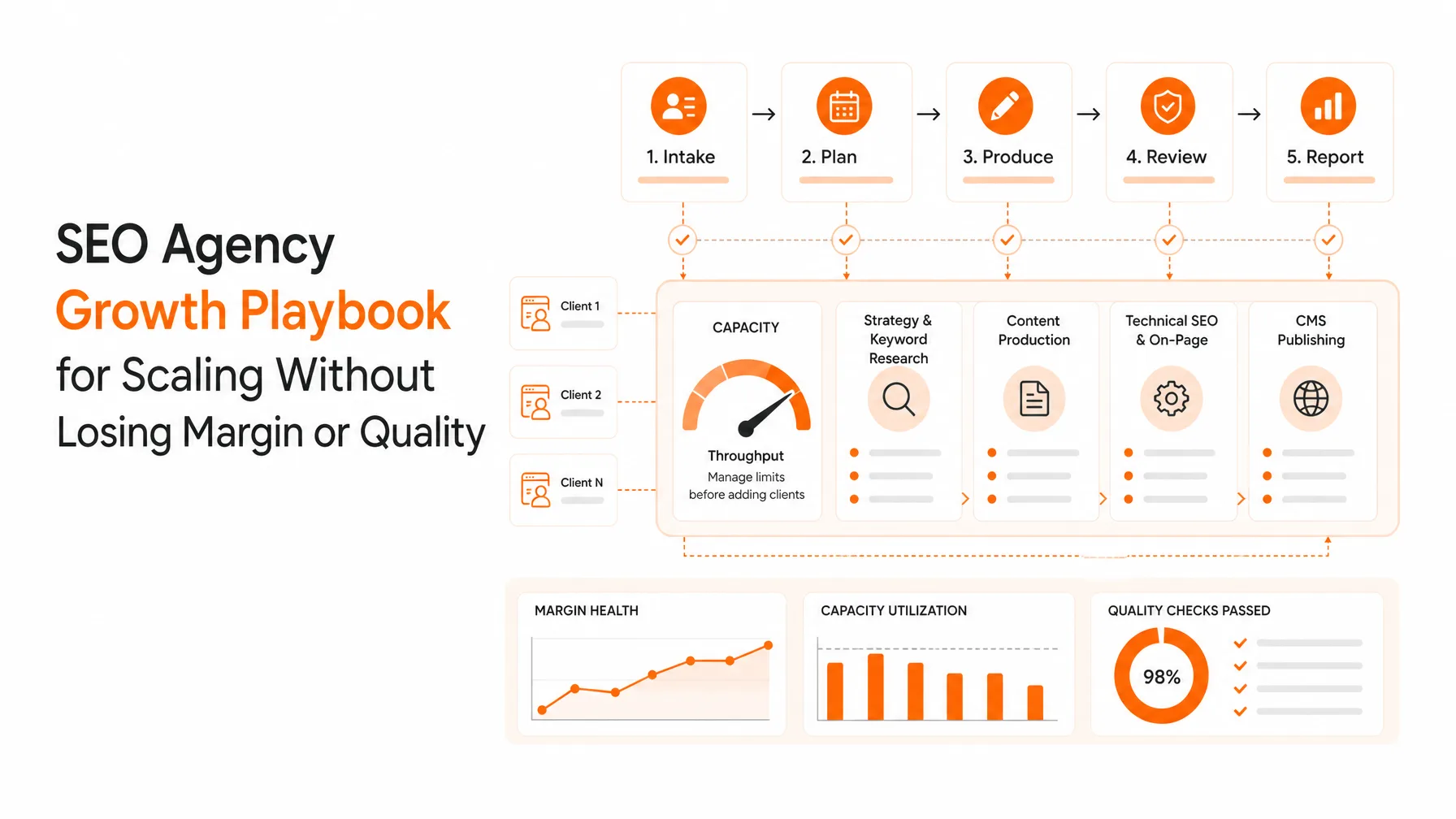
The best SEO automation workflows run on a clear trigger, follow rules you can write down, and stop at a human checkpoint before anything hard to undo goes live. Ten workflows cover most of the repeatable hours in an SEO program: keyword-to-calendar planning, SERP-based briefs, draft-to-CMS publishing, indexing submission, internal link suggestions, content decay alerts, technical audit alerts, Search Console reporting, AI citation tracking, and brand and backlink monitoring.
Most articles on SEO automation are tool lists. Tools are rarely the bottleneck. The time goes into the handoffs between them: exporting a keyword list into a spreadsheet, pasting a brief into a doc, copying a draft into the CMS, then remembering to check whether Google indexed it. A workflow removes those handoffs. A tool on its own usually does not.
This guide documents each workflow the way I would hand it to a team: what triggers it, the steps, the tools that can run it, where a person must approve, and what tends to break. If you are still choosing software, start with our comparison of the best SEO automation tools, then come back here to decide what to automate first.
What is an SEO automation workflow?
An SEO automation workflow is a repeatable sequence that starts with a trigger, runs a set of steps across your tools without manual copying, produces a defined output, and routes anything risky to a person for approval. The workflow, not the tool, is the unit worth designing.
Every workflow in this guide has five parts:
Trigger: a schedule (every Monday), an event (a draft is approved), or a threshold (clicks drop 20% year over year).
Inputs: the data the workflow needs, such as Google Search Console exports, a keyword list, or a CMS draft.
Steps: the actions that run automatically, in order.
Human checkpoint: the point where a person reviews before the workflow continues.
Output: what exists at the end, such as a published URL, a report, or a ticket.
Which SEO tasks are worth automating?
A task is a good automation candidate when it passes four tests:
It repeats. Weekly or monthly tasks pay back the setup time; a once-a-year task rarely does.
The rules can be written down. If you can describe the decision in a checklist, a system can follow it. If it depends on taste or business context, keep a person in the loop.
Mistakes are reversible. Drafting a brief is low risk. Deleting pages or adding redirects at scale is not.
The result is measurable. You need to know whether the automated version is faster and at least as accurate as the manual one.
Tasks that fail the third test can still be partly automated. Let the system prepare the evidence and the recommendation, and let a person make the change.
The 10 best SEO automation workflows at a glance
# | Workflow | Trigger | How much can run unattended | Human checkpoint |
|---|---|---|---|---|
1 | Keyword research to content calendar | Monthly | Most of it | Approve the calendar |
2 | SERP-based content briefs | Topic approved | Most of it | Review the angle and outline |
3 | Draft to CMS publishing | Brief approved | Most of it | Editorial review before publish |
4 | Indexing submission and monitoring | Page published | Nearly all of it | Investigate pages still not indexed |
5 | Internal link suggestions | Page published or updated | Part of it | Approve each link and anchor |
6 | Content decay alerts | Monthly or quarterly | Detection only | Diagnose cause; choose the fix |
7 | Technical audit alerts | Weekly crawl | Detection only | Prioritize and implement fixes |
8 | Search Console and GA4 reporting | Weekly or monthly | Nearly all of it | Write the commentary |
9 | AI citation tracking | Weekly or monthly | Nearly all of it | Decide which pages to improve |
10 | Brand mention and backlink monitoring | Daily or weekly | Detection and drafting | Approve every outreach or reply |
The pattern is consistent: detection, data collection, and formatting can run unattended; decisions that change your site or speak for your brand need approval.
Research and planning workflows
1. Keyword research to content calendar
This workflow turns raw keyword data into a dated, prioritized publishing plan, which is where most teams lose the first week of every month.
Trigger: first working day of the month.
Steps:
Pull seed keywords from Search Console queries where you rank in positions 8 to 30, plus competitor gaps and new seeds.
Expand and enrich them with volume, difficulty, CPC, and intent.
Cluster keywords by shared ranking URLs so each cluster maps to one page, not five.
Check each cluster against your existing URLs to flag cannibalization before it starts.
Score clusters by business fit, difficulty, and existing authority, then slot the top ones into a calendar.
Tools: Search Console, a keyword tool, and a clustering step. A platform with AI keyword research and a topical map generator runs the whole sequence.
Human checkpoint: approve the calendar. A person should confirm that each topic fits the product and that no cluster duplicates a live page.
What breaks: clustering by keyword similarity alone. "SEO automation tools" and "SEO automation software" look different but return the same results, so they belong on one page.
Our guide to building an SEO content calendar covers the planning side in more depth.
2. SERP-based content briefs
A brief built from the live results is faster and more accurate than one written from memory, and it is easy to standardize.
Trigger: a topic is approved in the calendar.
Steps:
Collect the top 10 results, People Also Ask questions, and whether an AI Overview appears.
Classify the dominant format: listicle, guide, tool page, forum thread, or video.
Extract the subtopics and entities that most ranking pages share.
Note what is missing across the top results, such as data, examples, or a decision framework.
Assemble the brief: target query, intent, format, outline, questions to answer, internal links, and sources.
Tools: a SERP API or SEO platform plus an LLM for drafting the outline. Semantic SEO automation covers the entity and subtopic step.
Human checkpoint: review the angle and outline. This is where an expert adds the point of view that competitors lack; skip it and the brief describes an average of what already ranks.
What breaks: mixed-intent results. When the top 10 holds tool lists, how-to guides, and forum threads at once, the system needs a person to choose which intent the page will serve.
Content production, publishing, and indexing workflows
3. Draft to CMS publishing
The draft-to-live handoff is where automation saves the most hours and where it fails most often. Copying a draft into a CMS, fixing formatting, adding images, setting metadata, and scheduling it can take longer than the edit itself.
Trigger: a brief is approved.
Steps:
Generate a draft from the brief, with brand voice, author details, and internal links included.
Run automated checks: title and meta length, heading structure, alt text, broken links, and keyword placement.
Push the draft to the CMS as an unpublished draft, never straight to live.
Notify the editor with a link and a short change summary.
After approval, publish or schedule, and add the URL to the sitemap.
Tools: an AI writer plus a CMS integration (WordPress, Webflow, Shopify, Framer), or an autoblog publishing workflow that handles both.
Human checkpoint: editorial review before publish. Check facts, examples, and claims, and add first-hand experience that a model cannot invent.
What breaks: publishing at volume without review. Google's spam policies on scaled content abuse target pages produced at scale primarily to manipulate rankings, however they are made. The approval gate is what keeps a publishing workflow on the right side of that line.
4. Indexing submission and monitoring
Publishing is not the finish line; a page that is not indexed cannot rank or be cited. This workflow confirms every new or updated URL actually makes it into the index.
Trigger: a page is published or materially updated.
Steps:
Update the XML sitemap with an accurate
lastmoddate.Ping IndexNow for Bing and other participating engines.
Check status with the Search Console URL Inspection API after a few days, then again after two weeks.
Flag URLs that are still "Discovered" or "Crawled, currently not indexed" for review.
Tools: your CMS sitemap, an IndexNow integration, and the Search Console API, or an AI indexing tool that combines them.
Human checkpoint: investigate pages that stay unindexed. The usual causes are thin or duplicate content, weak internal linking, or crawl budget spent elsewhere.
What breaks: relying on Google's Indexing API for blog posts. Google supports it only for job posting and livestream pages, so it is not a general shortcut.
If pages stay out of the index, our guides on why Google isn't indexing AI content and setting up IndexNow on Framer go deeper.
5. Internal link suggestions
New pages are often orphaned for weeks because nobody goes back to link to them. This workflow closes that gap every time something is published.
Trigger: a page is published or updated.
Steps:
Find existing pages that mention the new page's main topic or close variants.
Rank them by relevance and authority, such as traffic and referring domains.
Propose the sentence and anchor text for each link.
Queue the suggestions for approval, then apply the approved ones in the CMS.
Tools: a crawler or SEO platform with page-level data, plus an LLM to suggest anchors in context.
Human checkpoint: approve each link and anchor. Automated anchors drift toward exact-match keywords, which reads badly and helps no one.
What breaks: linking only from new posts to old ones. The links that matter most usually point from older, stronger pages to the new one.
Monitoring and maintenance workflows
Monitoring is where automation is safest and most underused. Detection is rules-based and reversible, and catching problems early is worth more than any single new article.
6. Content decay alerts
Trigger: monthly, with a full review each quarter.
Steps:
Pull page-level clicks and impressions from the Search Console API for the last three months and the same period last year.
Exclude pages younger than about six months.
Flag pages with a 20%+ year-over-year click drop in two consecutive windows.
Attach the queries that lost the most clicks and whether an AI Overview now appears for them.
Open a ticket per flagged page with the evidence attached.
Tools: the Search Console API with a scheduled script, Looker Studio, or a platform with the Search Console integration.
Human checkpoint: diagnose the cause and choose the fix. A drop can mean decay, seasonality, a tracking error, or a technical issue, and only a person with context should decide between a refresh, a consolidation, or a redirect.
What breaks: auto-refreshing flagged pages. Rewriting a page because a number fell, without knowing why, often makes things worse.
For the diagnosis step, see our guide to the four types of content decay and how to fix each one.
7. Technical audit alerts
Trigger: weekly scheduled crawl, plus a crawl after every site release.
Steps:
Crawl the site and compare the results with the previous crawl.
Alert only on new issues or spikes: new 4xx or 5xx errors, new noindex tags, canonical changes, redirect chains, or pages dropped from the sitemap.
Group issues by template so one fix covers many URLs.
Send a short digest to the owner of each issue type.
Tools: a scheduled crawler such as Screaming Frog, or a recurring technical SEO audit. Our roundup of SEO audit tools compares options.
Human checkpoint: prioritize and implement fixes. Automated audits list hundreds of low-impact warnings; a person decides which few matter.
What breaks: alert fatigue. A weekly report of 400 unchanged warnings gets ignored. Alert on the difference between crawls, not the total.
8. Search Console and GA4 reporting
Trigger: weekly for the team, monthly for leadership.
Steps:
Pull clicks, impressions, CTR, and position by page group from Search Console, and organic conversions from GA4.
Compare with the previous period and the same period last year.
Highlight the five biggest gains and losses by page.
Publish the report to a dashboard or send it as a summary.
Tools: Looker Studio with the native connectors, the Search Console and GA4 APIs, or a platform with GA4 and Search Console integrations.
Human checkpoint: write the commentary. The numbers are automatic; the explanation of why they moved and what happens next is the part leadership reads.
What breaks: reporting averages. Site-wide average position hides the pages that matter. Group by template or topic cluster instead.
9. AI citation tracking
Trigger: weekly or monthly.
Steps:
Maintain a fixed set of prompts that match how buyers ask about your category.
Run them in Google AI Overviews, ChatGPT, Perplexity, and Gemini.
Record whether your brand is mentioned, linked, or absent, and which competitor pages are cited.
Track changes over time and flag prompts where you lost a citation.
Tools: an AI visibility tracker or an LLM citations tracker. Running prompts by hand works for 10 prompts; it does not work for 200.
Human checkpoint: decide which pages to improve. Compare your page with the cited sources: answer placement, specific figures, named sources, and recency.
What breaks: changing the prompt set every month. Results vary between runs, so trends only mean something when the prompts stay fixed.
10. Brand mention and backlink monitoring
Trigger: daily for mentions, weekly for backlinks.
Steps:
Monitor new and lost backlinks and unlinked brand mentions.
Watch relevant forum and Reddit threads where your category is discussed.
Draft a reply or an outreach email for each opportunity.
Queue drafts for approval.
Tools: a backlink profile audit, a mentions monitor, and a Reddit AI agent for community threads.
Human checkpoint: approve every outreach email and public reply. This workflow speaks for your brand in public.
What breaks: auto-posting. Unreviewed replies in communities get flagged as spam quickly and can damage the brand far more than the link is worth.
What should you not automate in SEO?
Don't fully automate anything that sets strategy, changes your site in ways that are hard to reverse, or speaks for your brand in public. Automate the preparation for these decisions instead.
Task | Why it stays manual | What to automate instead |
|---|---|---|
SEO strategy and topic selection | Depends on product, positioning, and revenue goals | The research and scoring that inform it |
Final publish of new content | Facts, claims, and experience need a human check | Drafting, formatting, and CMS staging |
Redirects, deletions, and noindexing | Hard to reverse; mistakes lose rankings and links | The evidence report and recommendation |
Canonical and robots.txt changes | One wrong rule can remove sections from search | Change detection and alerts |
Outreach and community replies | Your brand's reputation is on the line | Prospect lists and first drafts |
Health, finance, and legal content | Accuracy errors carry real-world risk | Research collection and fact inventories |
Google's position is that it rewards helpful content however it is produced, and penalizes content made primarily to manipulate rankings. Approval gates are how an automated workflow stays on the helpful side.
How to build your first SEO automation workflow
Start with one workflow that runs often, has low risk, and currently eats the most handoffs. For most teams that is indexing monitoring or Search Console reporting, not content generation.
Choose how you will run it
There are three practical ways to build SEO workflows, and each fits a different team.
Approach | Examples | Best for | Trade-off |
|---|---|---|---|
All-in-one SEO platform | Keytomic, Semrush, SE Ranking | Lean teams that want research to publishing in one place | Less flexible than custom builds |
Workflow builder plus APIs | n8n, Zapier, Make with the Search Console and CMS APIs | Teams with technical skills and unusual processes | You maintain every connection when an API changes |
AI assistant with MCP | Claude or ChatGPT connected to SEO data through MCP | Ad hoc analysis and one-off tasks | Better for questions than for scheduled, unattended runs |
Many teams end up combining them: a platform for the core pipeline, a workflow builder for a few custom steps, and an assistant for analysis. Our guide to MCP for SEO covers the third option, and how to choose SEO automation tools has a vendor scorecard for the first.
Roll it out in five steps
Map the current process. Write down every step and every handoff, including who copies what into where.
Record a baseline. Time the manual version for two or three cycles and note errors.
Automate the steps, not the decision. Build the trigger, data collection, and formatting first; keep the approval step manual.
Run both side by side for one cycle. Compare the automated output with the manual one before switching over.
Write the rules down. Document thresholds, owners, and what happens when a step fails, so the workflow survives staff changes.
How do you know if SEO automation is working?
Measure each workflow on speed, accuracy, and outcome, against the manual baseline you recorded before switching. Hours saved alone is not enough: a workflow that saves time but ships more errors is a net loss.
Metric | What it tells you | Example |
|---|---|---|
Cycle time | How long the workflow takes end to end | Days from approved brief to live page |
Handoffs removed | How many manual copy steps are gone | Exports, pastes, and uploads per article |
Time to index | Whether published pages reach the index faster | Days from publish to "Indexed" in Search Console |
Error rate | Whether quality held up | Pages needing fixes after publishing |
Detection lead time | How early problems are caught | Weeks between decline starting and alert firing |
Outcome | Whether the work moved results | Clicks, conversions, and AI citations per page group |
Review these each quarter. A workflow that has not improved cycle time or outcomes after two quarters should be redesigned or retired, just like content.
How Keytomic runs these workflows
Keytomic runs workflows 1 through 4 and 6 through 10 in one place, so the handoffs between research, writing, publishing, indexing, and tracking disappear. It turns keyword research into a 30-day calendar, drafts content with internal links and author details, stages it in your CMS for approval, submits it for indexing, and tracks rankings and AI citations afterward. Search Console and GA4 data sit in the same project, and scheduled technical audits flag issues between crawls.
The approval gates in this guide stay with your team. Keytomic does not decide your strategy, diagnose why a page declined, or publish without review unless you choose to let it. See pricing for current plans.
Frequently asked questions
What is the best SEO workflow to automate first?
Start with indexing monitoring or Search Console reporting. Both run often, carry little risk, and remove manual exports immediately. Content generation saves more time but needs editorial review, so it is better as a second step.
What is the difference between SEO automation tools and SEO automation workflows?
A tool performs a task, such as a crawl or a keyword lookup. A workflow connects tasks into a sequence with a trigger, an output, and an approval step. Most time savings come from removing the handoffs between tools, not from any single tool.
Can you fully automate SEO?
No. You can automate research, drafting, publishing, indexing, monitoring, and reporting, but strategy, final content review, and site changes that are hard to reverse still need people.
Does Google penalize automated or AI-generated content?
Not for being automated. Google evaluates whether content is helpful. Content produced at scale mainly to manipulate rankings violates its spam policies, however it was made.
Can I build SEO workflows with n8n or Zapier?
Yes. Workflow builders connect the Search Console, GA4, and CMS APIs and suit teams with technical skills. The trade-off is maintenance: you own every connection when an API or template changes.
How many SEO workflows should a small team automate?
Start with one, prove it against a baseline, then add one per month. Three to five reliable workflows usually cover most of a small team's repeatable hours.