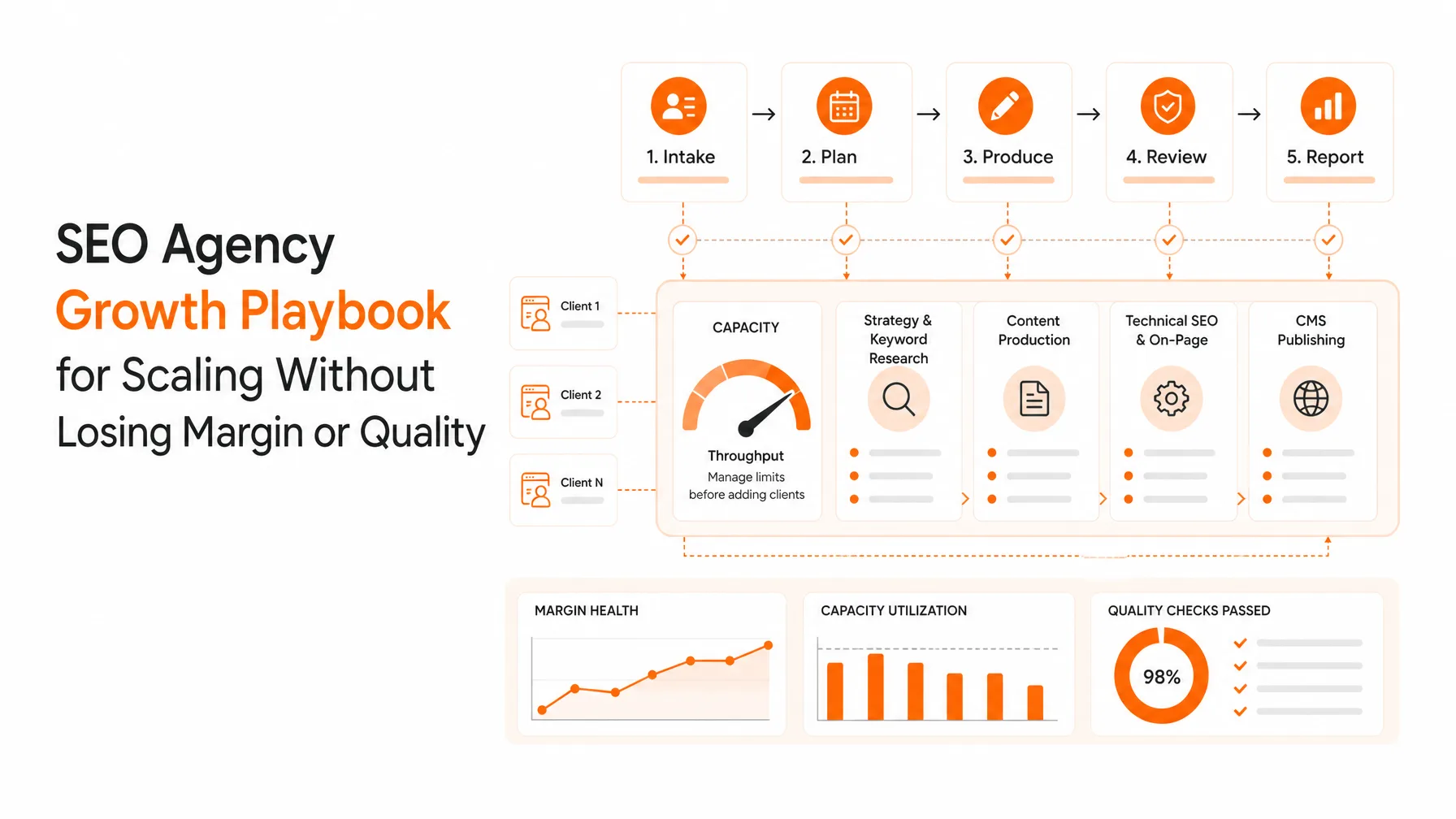
SEO reporting tools for agencies should automate data collection, support many clients, deliver white-label dashboards or reports, and tie SEO KPIs to next actions. AgencyAnalytics, DashThis, Semrush, SE Ranking, Databox, Whatagraph, Swydo, BrightLocal, Looker Studio, and Keytomic cover different reporting jobs. Choose by client count, source coverage, branding, permissions, and whether you need reporting alone or reporting tied to SEO execution.
You're copying clicks from Google Search Console, sessions from GA4, and rankings from a tracker into a client deck, again. Multiply that by every account on your roster.
The right SEO reporting tools aren't the ones with the most widgets. They give you a repeatable, client-facing decision workflow under your own brand.
Reporting also has to cover AI search now, where a tool supports it. Google says existing SEO fundamentals still apply to AI features, so I treat AI visibility as an added layer, not a replacement. I'm Salam Qadir, Product & Growth Lead at Keytomic, and Keytomic is one of the ten products below.
Which SEO reporting tool fits your agency?
Start with the layer, not the brand. A dedicated reporting platform produces client deliverables, an SEO suite bundles research, rank tracking, and reports, and a custom Google stack trades setup time for control.
Dedicated client reporting platforms
AgencyAnalytics, DashThis, Databox, Whatagraph, and Swydo connect data sources and turn them into scheduled, branded reports. I'd pick this layer when report production is your bottleneck.
SEO suites with reporting built in
Semrush and SE Ranking pair research and rank tracking with reporting. Ahrefs is a strong data source, but Ahrefs' official white-label help page says its reports can't carry your own branding, so I don't treat it as a client-facing layer.
Custom reporting stacks using Google data
Looker Studio pulls from Google Search Console and GA4 through connectors, and you own the templates, permissions, and upkeep. It's flexible, but it isn't a prebuilt agency portal.
This page covers reporting only. For the wider category, see our broader SEO automation software for agencies guide.
What should SEO reporting tools provide for agencies?
A good report is more than a polished export. It needs clear client separation, real branding control, defined data sources, and an owner for every recommendation.
Multi-client workspaces and permissions
Look for separate client workspaces, reusable templates, and role-based or read-only access. Ask each vendor whether client access is portal-based or link-based, and how it counts a client seat.
White-label delivery across dashboards, domains, and email
White-label isn't one feature. Logo and colors, branded PDFs, custom domains, custom sender email, and client portals are separate, and vendors cover them unevenly.
Data sources, refresh rules, and metric definitions
Give each metric one owner system, and write that down in your report template:
Clicks, impressions, CTR, and average position: Search Console, using Google's performance report definitions.
Organic sessions and key events: GA4, following the GA4 key event documentation. Sessions aren't conversions.
Tracked rankings: your rank tracker.
Technical health: your crawler.
Backlinks: your backlink index.
AI visibility: your AI visibility tool, reported separately.
From KPI movement to an owned next action
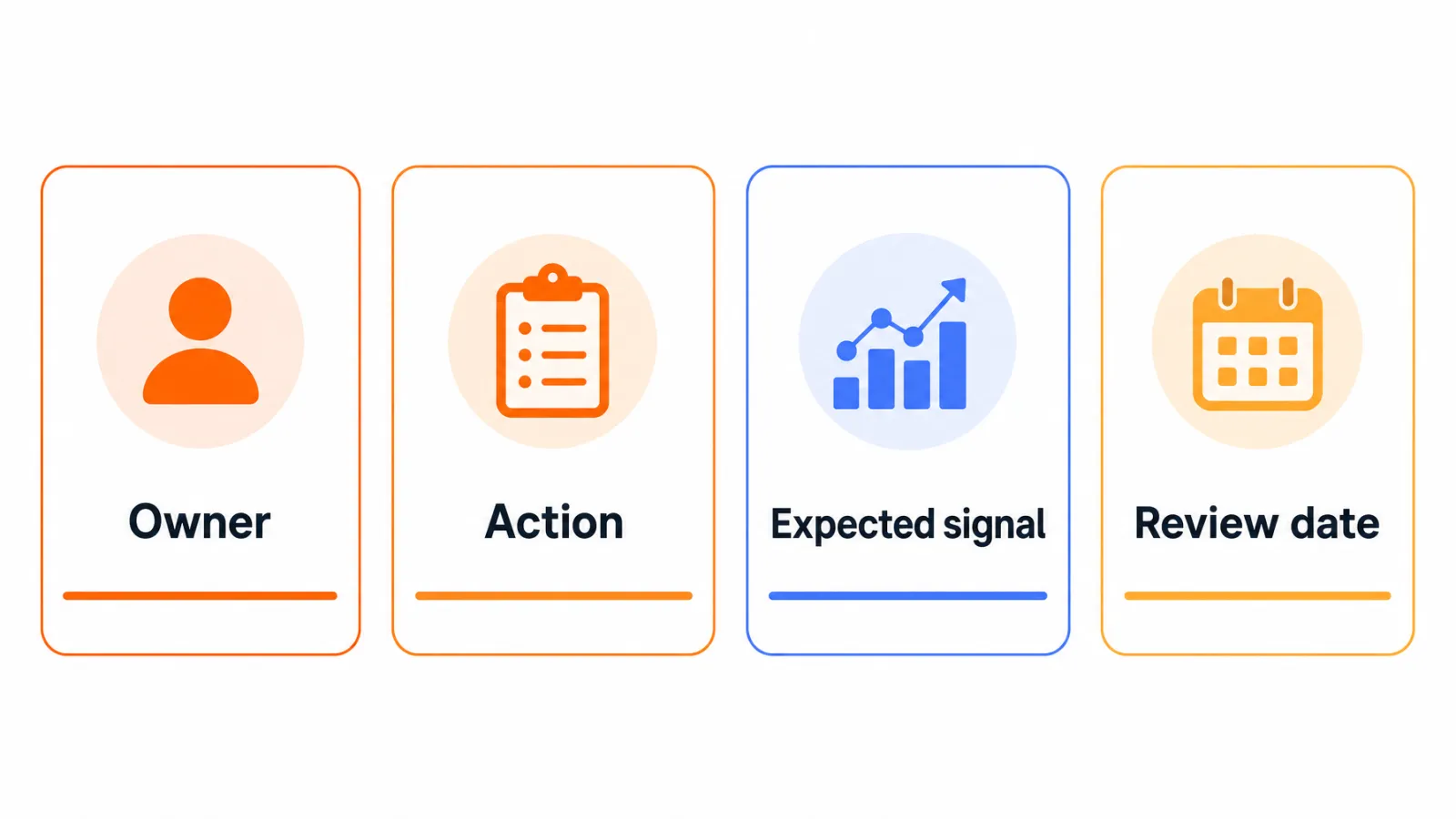
Run every report through a four-part test:
Source: which system produced the number?
Interpretation: what changed, and why do we think so?
Action: what will we do about it, and who owns it?
Review date: when do we check the result?
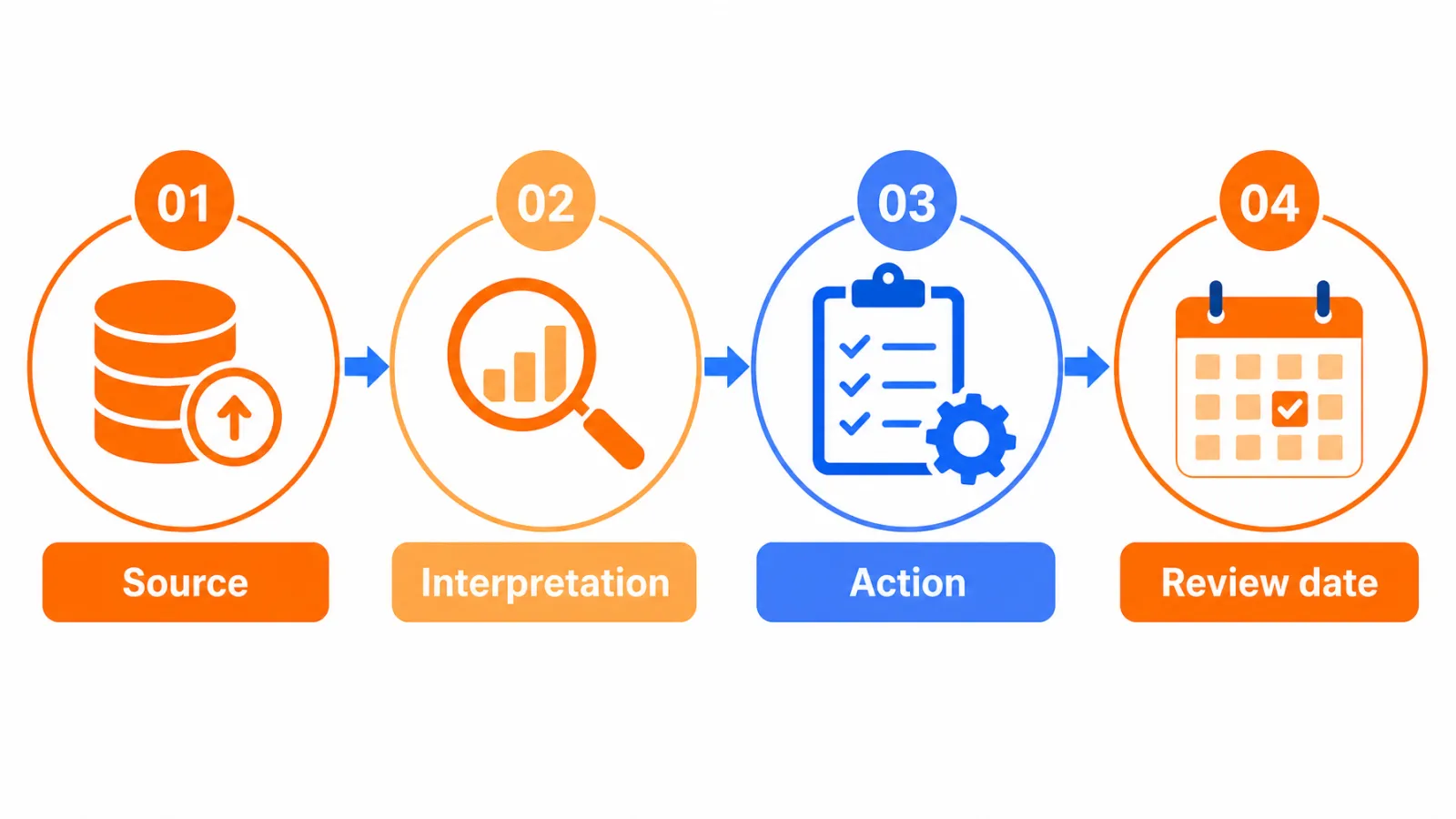
If a report can't pass all four, it's a data export. My decision rule: confirm the tool lets you add commentary beside the metrics, or plan to add it in your own deck.
The 10 best SEO reporting tools for agencies
How I evaluated these tools. I compared official feature pages, documentation, and pricing pages, then scored each product from 1 to 5 on agency fit, white-label and permissions, automation, source coverage, KPI actionability, and pricing transparency. The weights are my editorial rubric, not an industry standard, and I haven't run hands-on tests, so every entry notes what I'd check in a trial. Pricing and feature availability were checked in October 2026; vendors change plans often, so confirm before you buy.
Picks are use-case based, not universal. Ahrefs is left out as a dedicated white-label layer for the reason above.
Tool | Layer | Best for | Verify first |
|---|---|---|---|
AgencyAnalytics | Dedicated platform | Client reporting as a product | Source coverage |
DashThis | Dedicated platform | Branded, flexible dashboards | Domain and email branding |
Semrush My Reports | SEO suite | Teams already using Semrush | Base vs Pro report tier |
SE Ranking Agency Pack | SEO suite | Rank-tracking-led agencies | Client seats and add-on terms |
Databox | Dedicated platform | Cross-client, multi-channel dashboards | Client pack limits |
Whatagraph | Dedicated platform | Multi-channel agency reports | SEO connector coverage |
Swydo | Dedicated platform | SEO and PPC reporting together | Rank tracking and AI coverage |
BrightLocal | Local specialist | Local and multi-location SEO | Location limits |
Looker Studio | Custom stack | Analyst-led teams | Setup and governance time |
Keytomic | Execution platform | Reporting tied to SEO delivery | Agency plan terms |
Verdict: no single SEO reporting tool wins every agency, because dedicated platforms win on delivery, suites on bundled data, Looker Studio on control, and Keytomic on connecting reporting to execution.
1. AgencyAnalytics for dedicated agency reporting
AgencyAnalytics' SEO reporting page describes templates, scheduled reports, white-label branding, client permissions, and a broad integration directory. It's best for agencies that want client reporting as its own product.
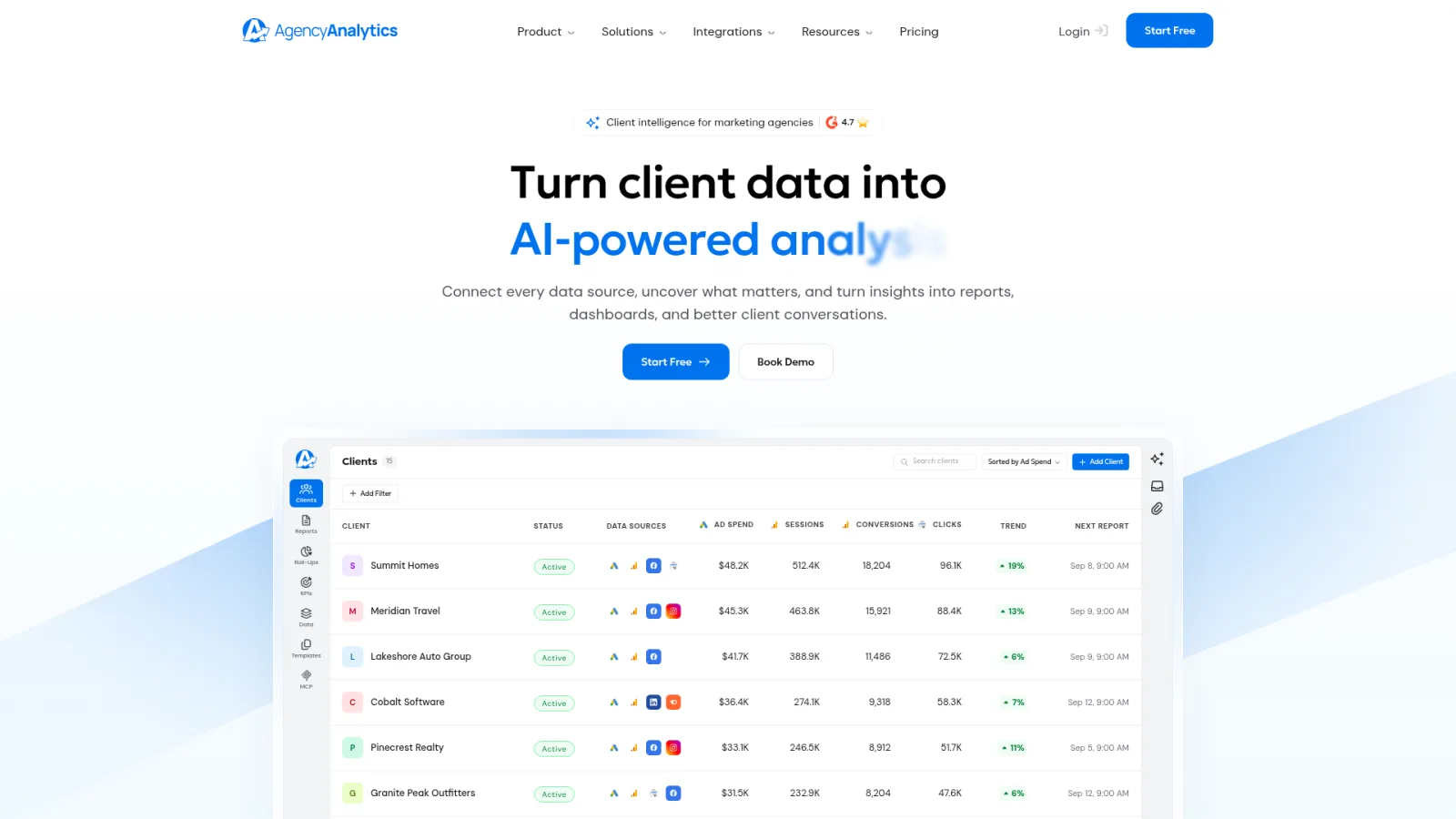
The limit: it reports on SEO work but doesn't produce it. In a trial, I'd build one client template and confirm every source you need connects. Check its pricing page for per-client terms.
2. DashThis for branded dashboards with flexible templates
DashThis' SEO reporting software page lists white-label dashboards, custom domains, templates, scheduled delivery, and multiple data sources. It suits agencies that want flexible, branded dashboards.
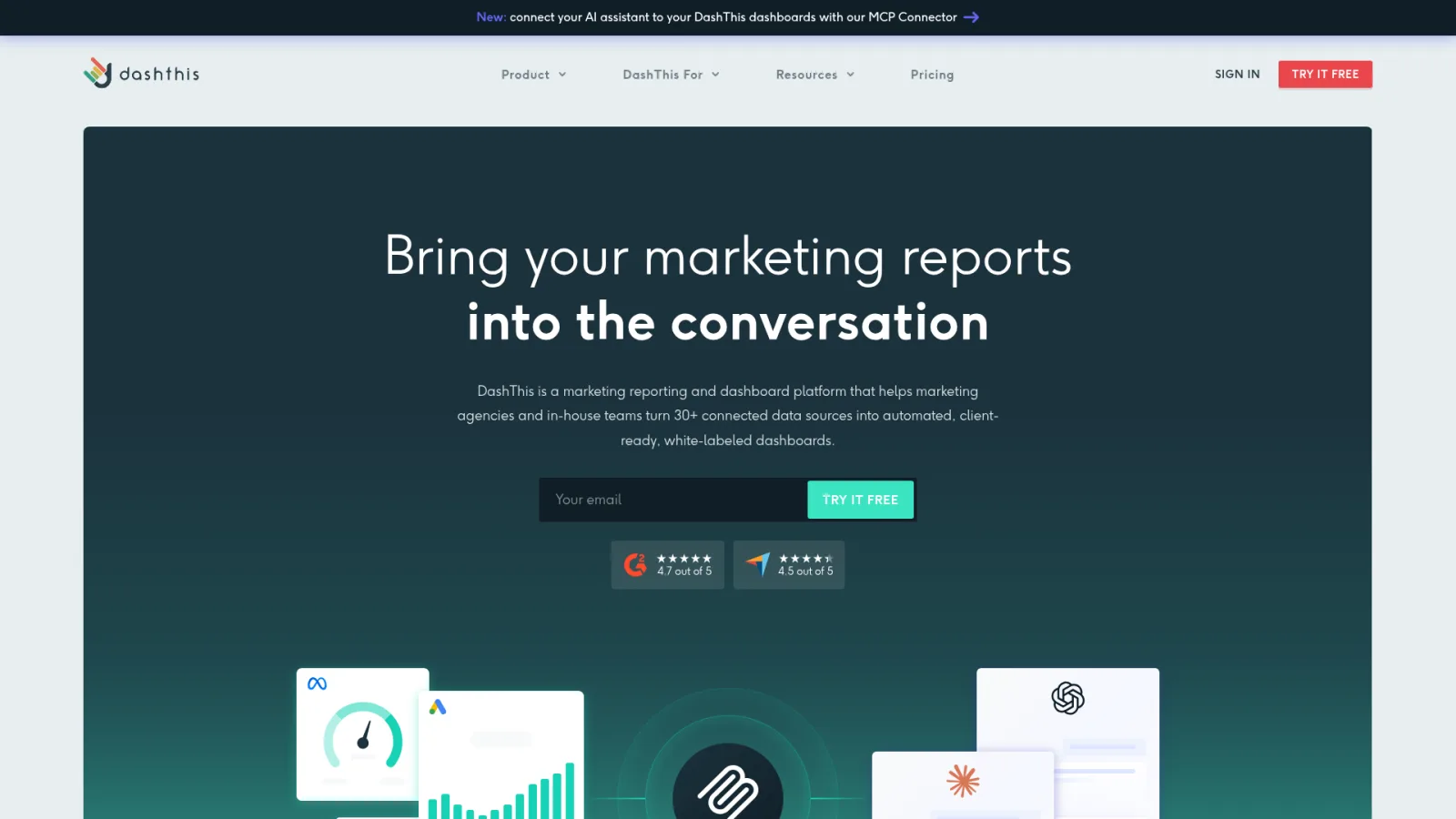
It's dashboard-first, so interpretation and action tracking are your job. In a trial, I'd test the custom domain and email branding end to end.
3. Semrush My Reports for SEO-suite reporting
Semrush's My Reports feature page supports branded reports, scheduling, and Google Analytics and Search Console connections, with separate Base and Pro report pricing. It's best if your team already works inside Semrush.
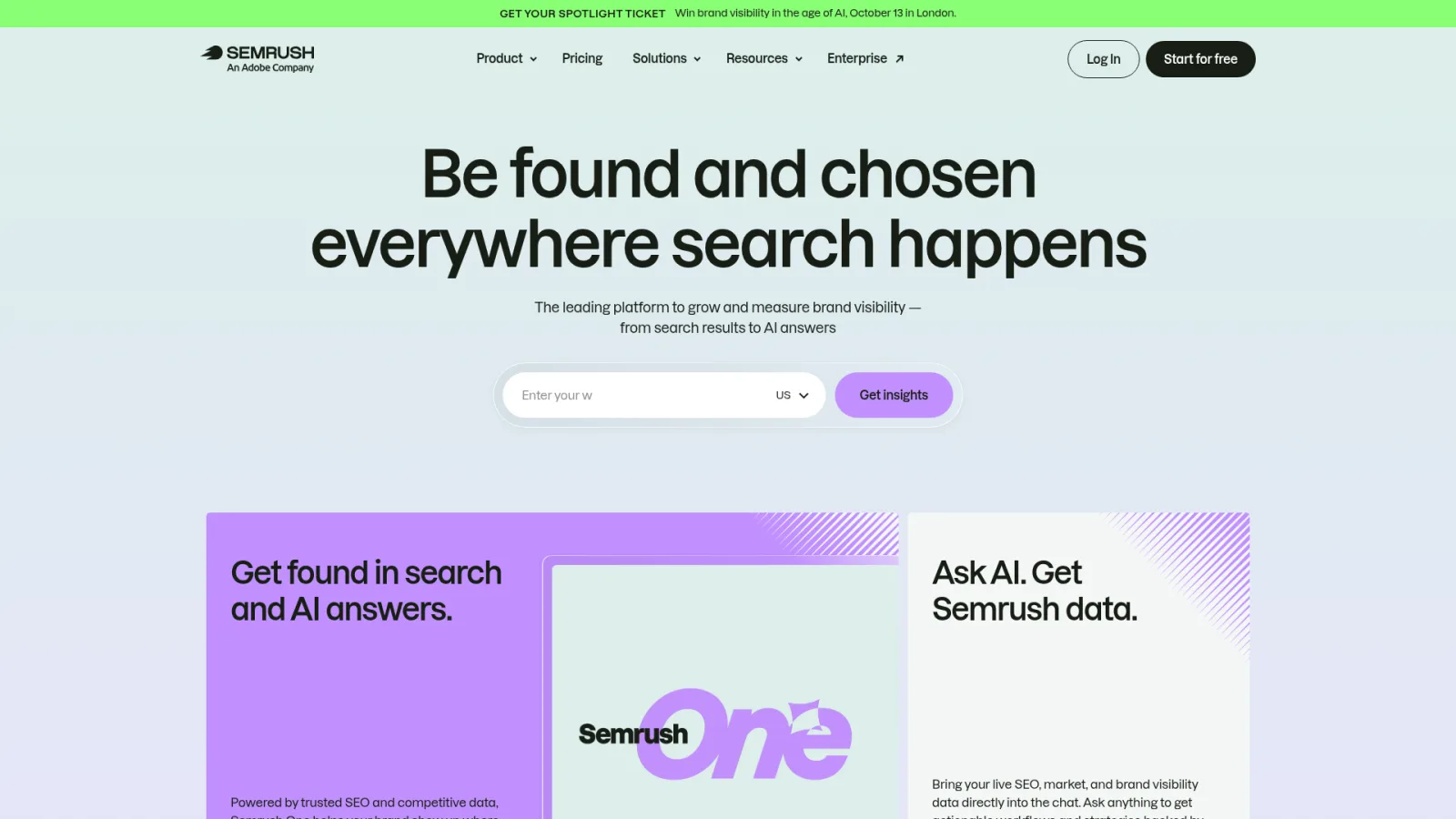
Reporting sits inside a suite subscription, so check which report tier your white-label needs actually require. I'd also confirm how many client projects the plan covers.
4. SE Ranking Agency Pack for rank tracking and agency delivery
SE Ranking's Agency Pack documentation supports white-label reporting, client seats, scheduled reports, and an annual add-on. It fits agencies led by rank tracking that want client seats.
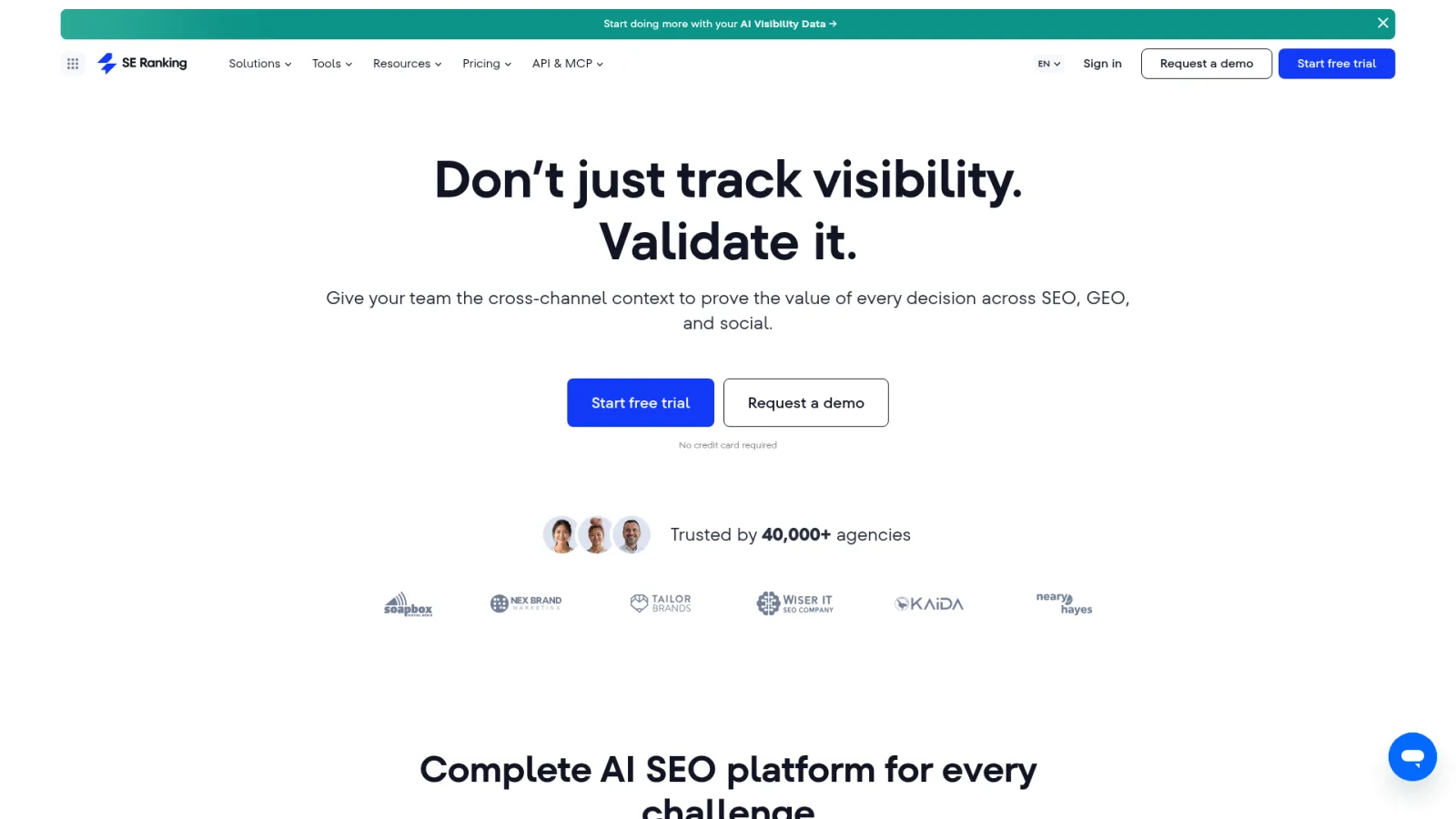
Verify current plan limits and add-on pricing before you build a cost model. In a trial, I'd test what a client seat can and can't see.
5. Databox for cross-client dashboards and BI workflows
Databox's official pricing page lists an agency plan with custom templates, cross-client reporting, and client packs. It's best for agencies that mix SEO with wider marketing and BI-style dashboards.
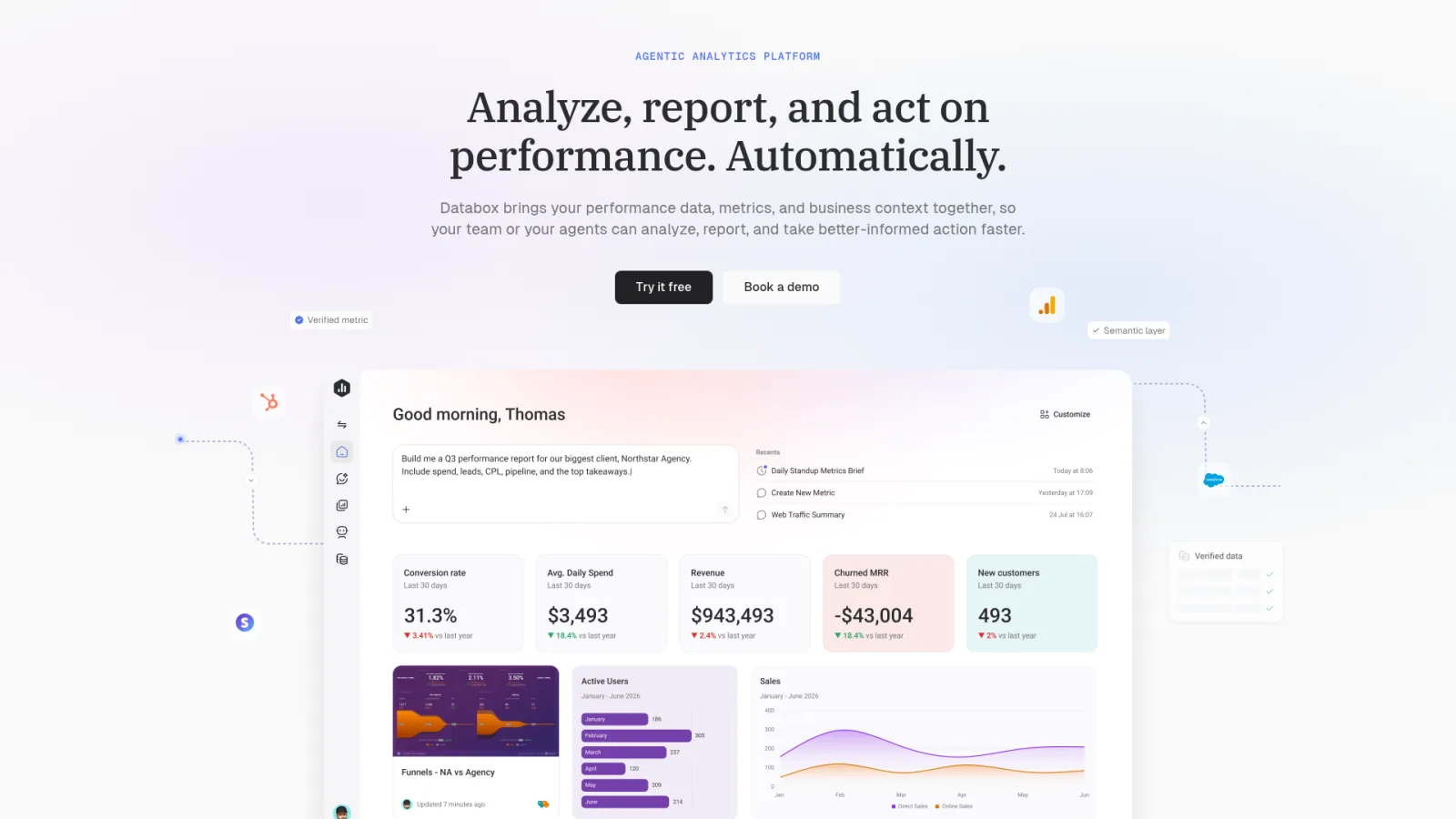
Pack-based pricing means cost grows with your client count, so verify pack limits. I'd check the cross-client view with three real accounts.
6. Whatagraph for multi-channel agency reporting
Whatagraph's agency reporting page supports cross-platform reporting, white-label delivery, templates, scheduled reports, and SEO data connections. It's best when SEO is one section of a multi-channel report.
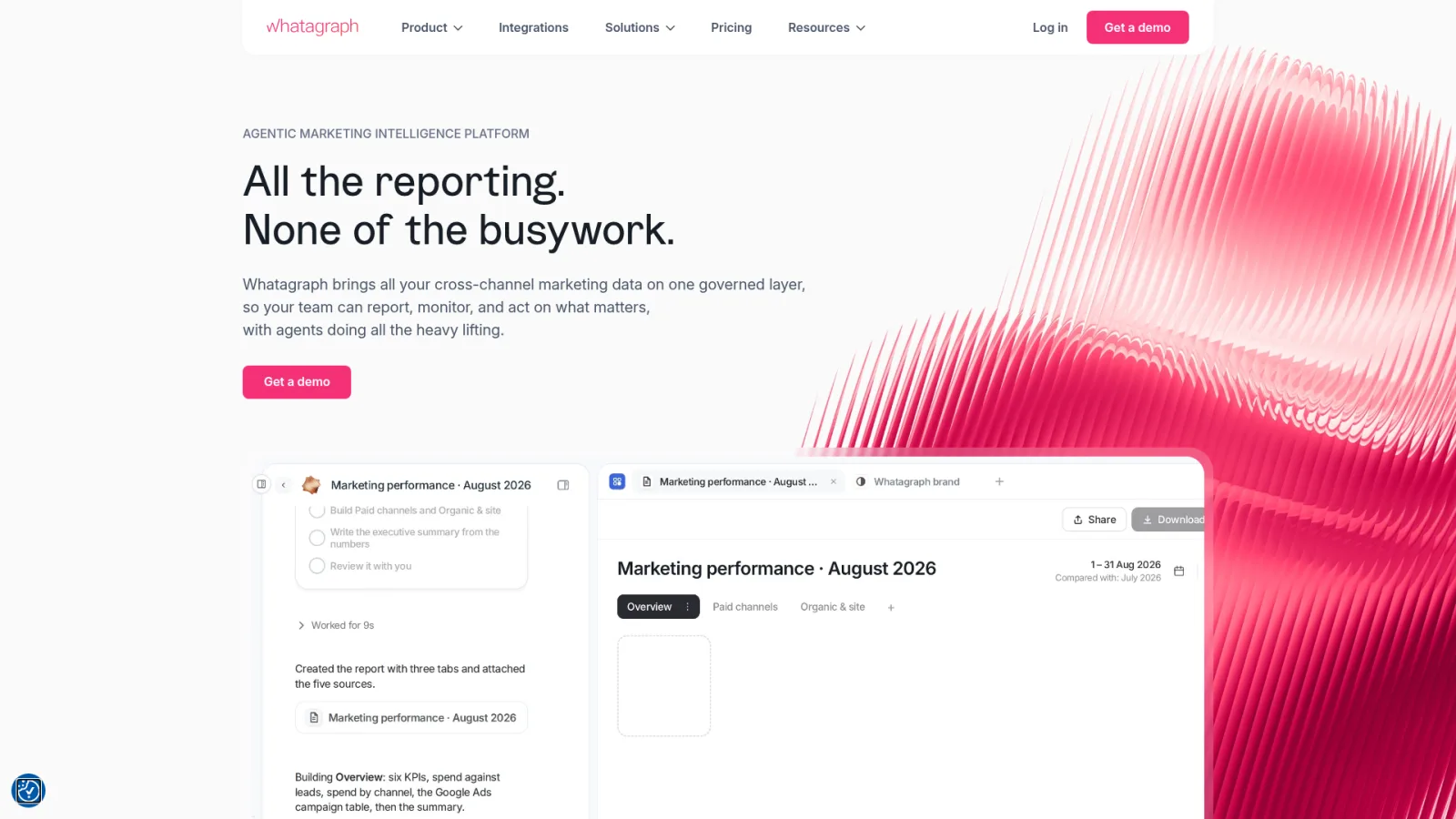
Verify that the specific SEO sources you rely on are connected. In a trial, I'd link Search Console and GA4 for one client and review the output.
7. Swydo for scheduled SEO and PPC reporting
Swydo's SEO reporting tool page supports SEO reports, white-label delivery, scheduling, dashboards, templates, and connections including GA4 and Search Console. It's best for agencies reporting SEO and PPC together.
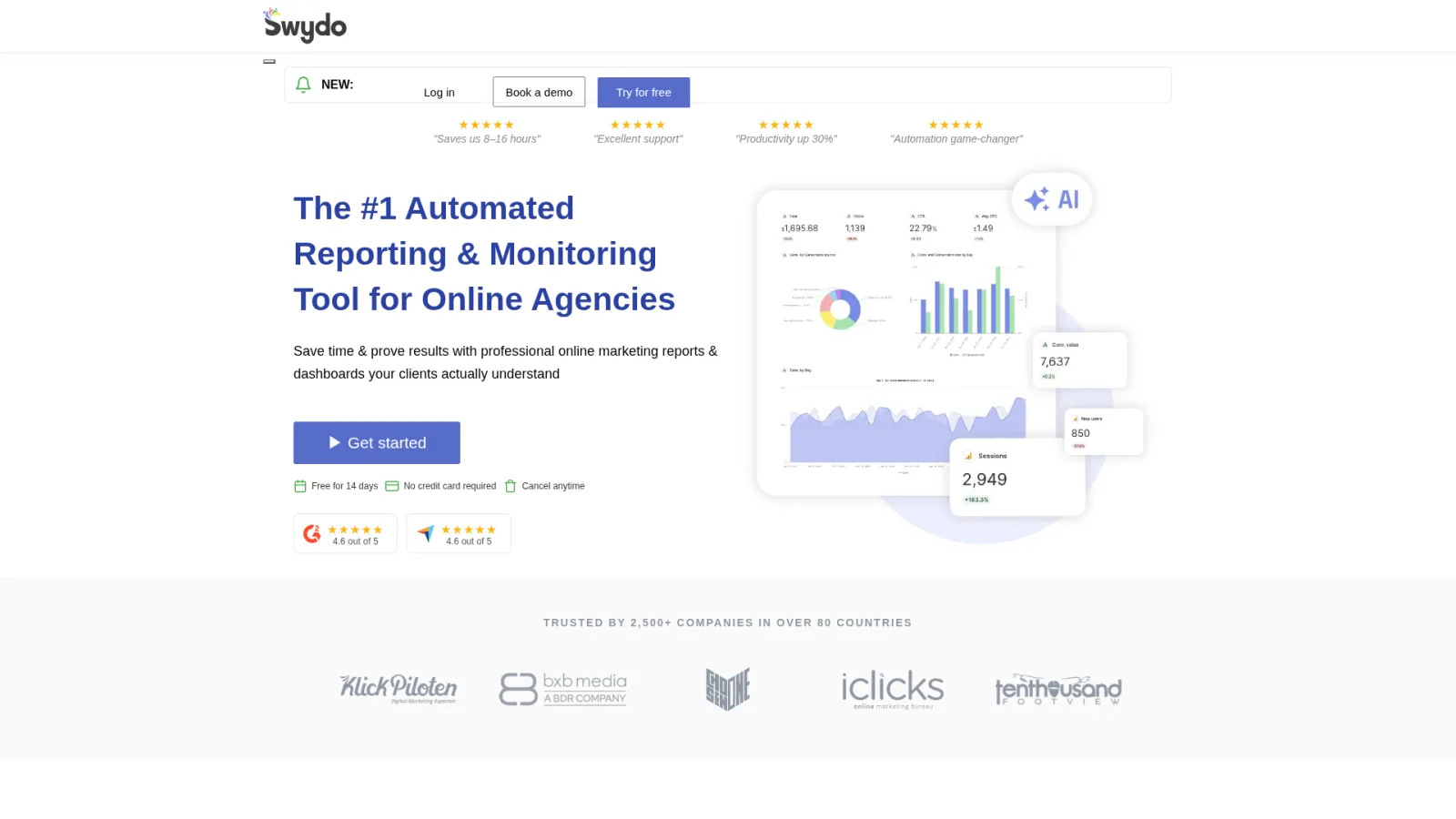
Don't assume rank tracking or AI visibility coverage; verify both. I'd test a scheduled send to a real client inbox.
8. BrightLocal for local SEO reporting
BrightLocal's white-label reports page supports local SEO white-label reports, client dashboards, and scheduled delivery. It's the specialist pick for local and multi-location work.
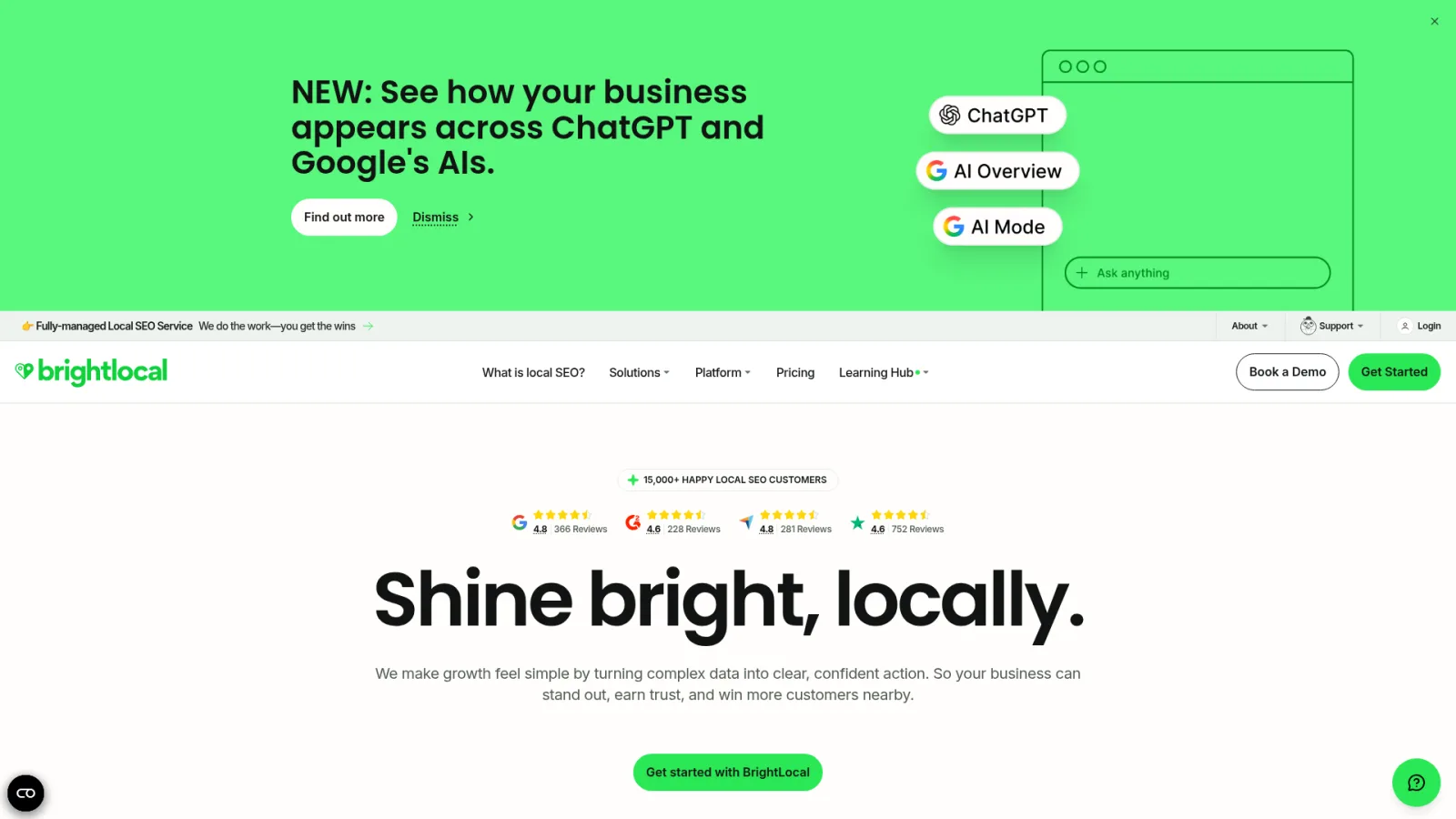
It's a local specialist, not a universal agency choice. Check location limits and whether non-local clients need a second tool.
9. Looker Studio with Google Search Console and GA4
Google's Looker Studio connector and data-source documentation explains how data sources and connectors are managed. It's best for agencies with analytics talent that want full control of layout and metrics.
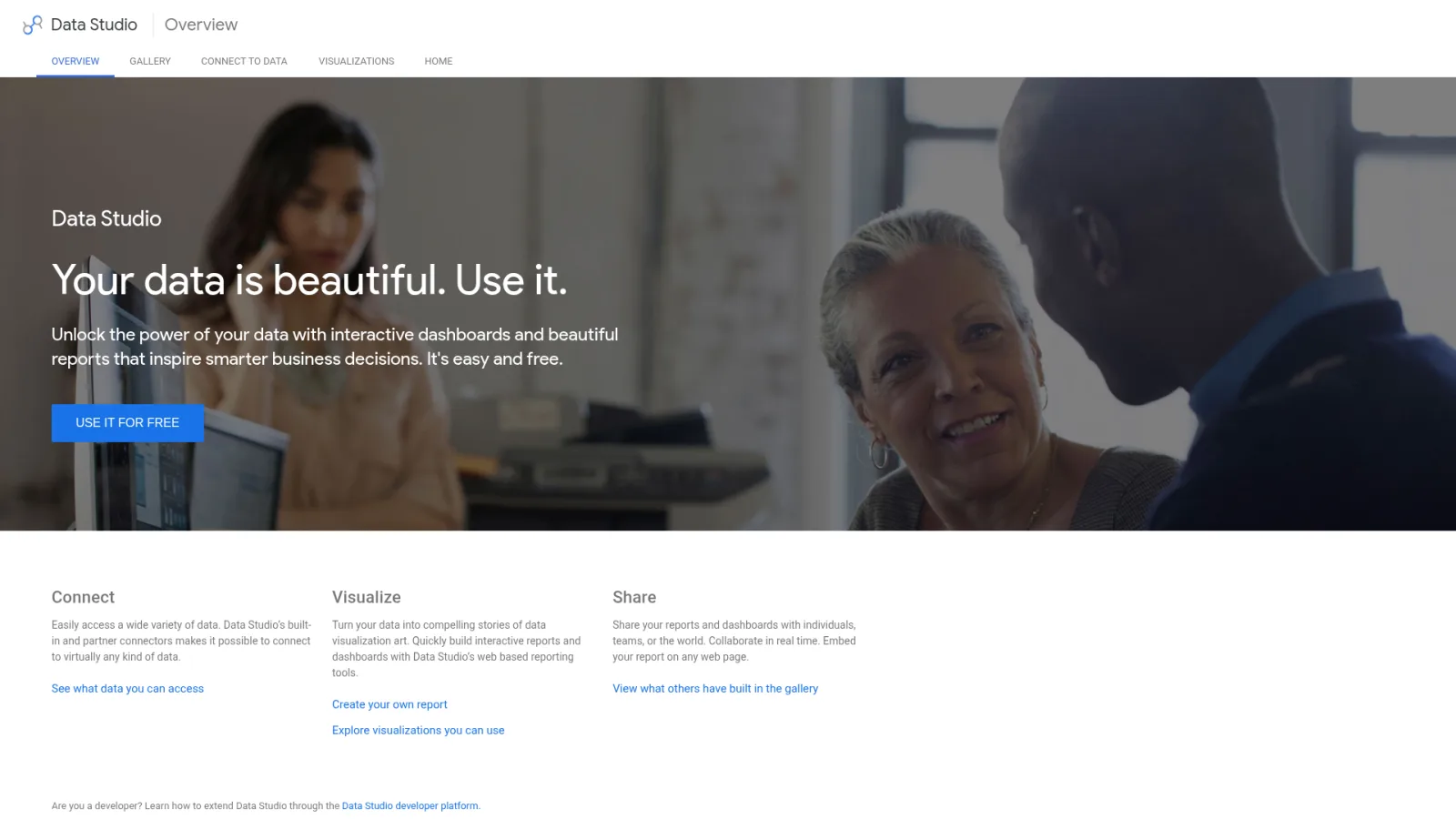
It's a flexible stack, not a prebuilt agency portal, so governance, templates, and permissions are yours to maintain. I'd test refresh behavior and name an owner for every template.
10. Keytomic for reporting connected to SEO execution and AI visibility
Keytomic's agency page describes white-label reports, client access, multi-client workflows, AI visibility, and content delivery. It fits agencies whose reporting problem starts upstream, in keyword planning, content production, and publishing.
The limits are real. The public pricing page lists one project or site on the self-serve Pro plan, so confirm agency terms on Keytomic pricing and current plan limits before mapping clients. Plans start at $99 a month with a 3-day trial, and Keytomic isn't a forensic crawler or a deep backlink database.
How do you compare SEO reporting software before buying?
When you compare SEO reporting tools, score the handoffs removed, the sources owned, and the true cost per client.
Compare automation by the handoffs it removes
Count the manual steps between data pull and client inbox: connect sources, apply a template, schedule, add commentary, send. Automated SEO reporting should remove the first three, not the fourth. For the execution side, see these SEO automation workflows worth automating.
Check integrations and source ownership
Use each vendor's integration directory, and don't call a connector official unless the vendor lists it. Decide who owns each connection, you or the client, because a revoked login can break every scheduled report.
Separate white-label appearance from client permissions
A branded PDF doesn't give clients controlled access. Ask for each item separately: logo and colors, branded PDF, custom domain, custom email, client portal, role-based access, and no vendor branding. Then ask which plan includes each.
Calculate total cost per client, seat, project, and data source
Total monthly cost equals the base subscription plus the items below, divided by active clients:
Client packs or per-client fees
Seats
Projects or sites
Data connectors
Required add-ons
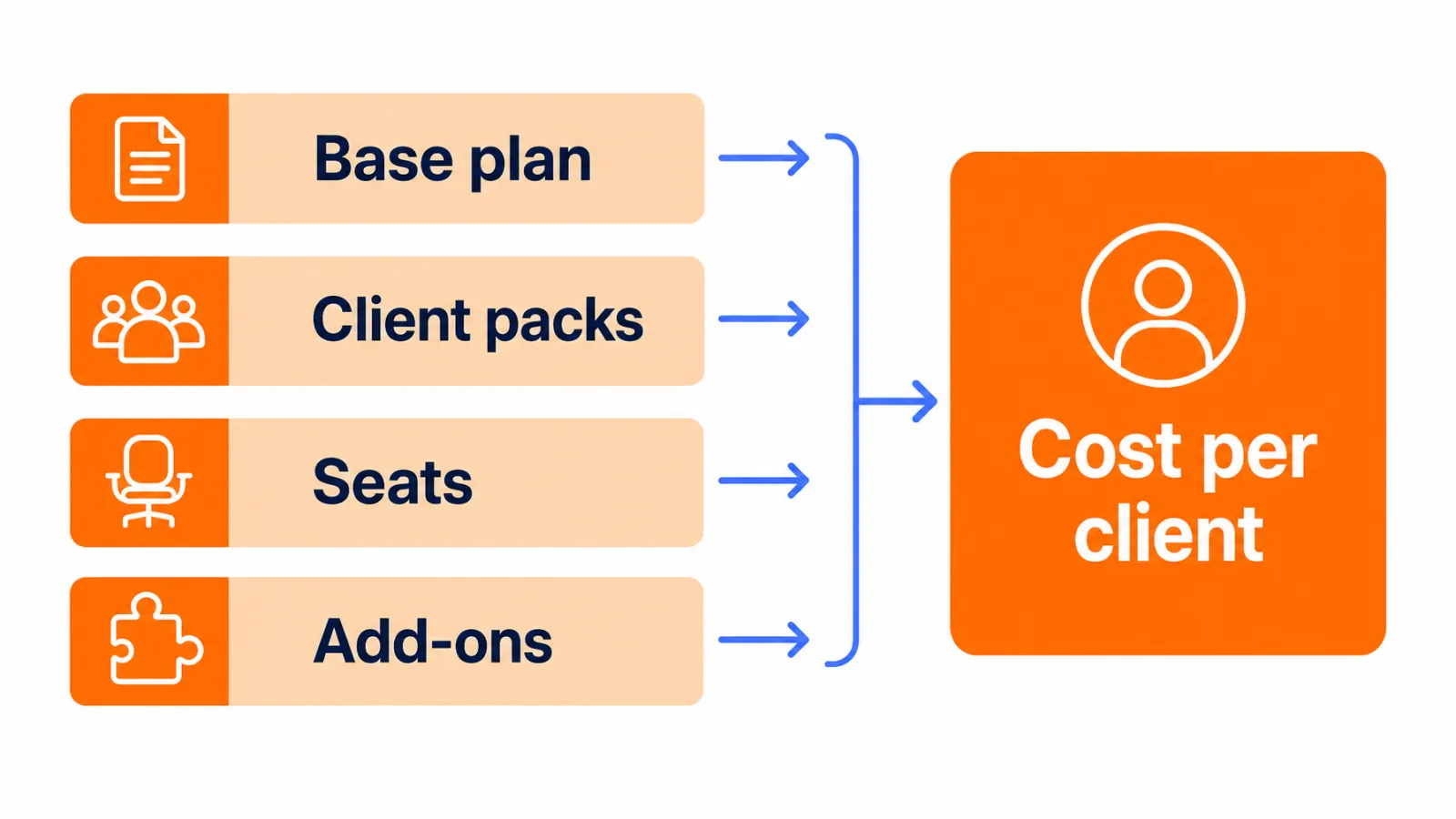
Fill each from the vendor's current pricing page, and keep placeholders until you have real quotes.
Which tool fits each agency use case?
The right pick among SEO reporting tools depends on your bottleneck, not your feature wishlist.
Small agencies with a few recurring clients
Choose DashThis or AgencyAnalytics for fast branded templates, or Looker Studio if someone on the team likes building. Verify per-client pricing steps and the setup time for each new client.
Agencies managing many client accounts
Shortlist AgencyAnalytics, Databox, and Whatagraph, then verify limits on clients, seats, and data sources for the exact plan. I wouldn't assume any tool scales to a given client count without plan evidence.
Local SEO agencies and multi-location work
BrightLocal is the specialist pick for local reporting. Verify location limits, and whether you still need a general layer for non-local clients.
Agencies that need reporting plus SEO execution
Keytomic fits when keyword planning, publishing, indexing, and AI visibility sit inside your scope. Semrush or SE Ranking fit if you'd rather keep research and rank tracking in a suite. Verify agency terms either way.
What should an agency report besides rankings?
Report visibility, traffic, key events, and the action taken, in that order. SEO reporting tools display rankings easily; the harder part is explaining what to do next.
Search visibility and landing-page movement
Average position in Search Console isn't a fixed live rank. Google's Search Console performance report guidance points to trends in impressions and clicks rather than position alone. Segment by page, query, device, and country; our guide on how to build a Search Console position report shows one way.
Organic traffic and key events
Pair organic sessions with GA4 key events so clients see outcomes, not just visits. Keep the terms accurate: a session is a visit, and a key event is an action you've marked as important.
Business outcomes, annotations, and next actions
Metric | Source | What to tell the client | Next action |
|---|---|---|---|
Clicks and impressions | Search Console | Trend by landing page | Pick pages to update |
Organic sessions | GA4 | Traffic quality and direction | Adjust content focus |
Key events | GA4 | Which pages lead to outcomes | Strengthen those pages |
Tracked rankings | Rank tracker | Movement on priority terms | Review target pages |
AI visibility | AI visibility tool | Prompt set and engines used | Report as a separate layer |
Verdict: a report is useful when every metric has a named source and every movement has an owner and a next step.
Hypothetical example: a dental clinic's service page gains impressions but clicks stay flat. The action register entry would read: rewrite the title and meta description, owner is the content lead, expected signal is higher CTR, review at the next report.
How can agencies add AI search visibility to client reports?
Treat AI visibility as its own measurement layer. Coverage varies across SEO reporting tools, and Google says there are no special technical requirements for AI features beyond sound SEO fundamentals.
Report AI visibility as a separate measurement layer
Don't blend an AI visibility score into Search Console traffic. They measure different things, with different sampling.
Verify the platforms, prompts, and sampling rules
Before you report anything, record:
Which engines are covered, such as Google AI Overviews, ChatGPT, Perplexity, or Gemini
The prompt set and how often it runs
Location and output type, such as mentions or citations
Avoid promising citations or attributing revenue without evidence
AI outputs vary by prompt, model, location, and time. Report what you measured and how, and never promise inclusion or tie revenue to it without evidence.
How Keytomic fits an agency reporting workflow
Reporting alone doesn't fix a slow content pipeline, so this section covers the case where it's the real bottleneck.
Connect reporting to keyword research, content planning, and publishing
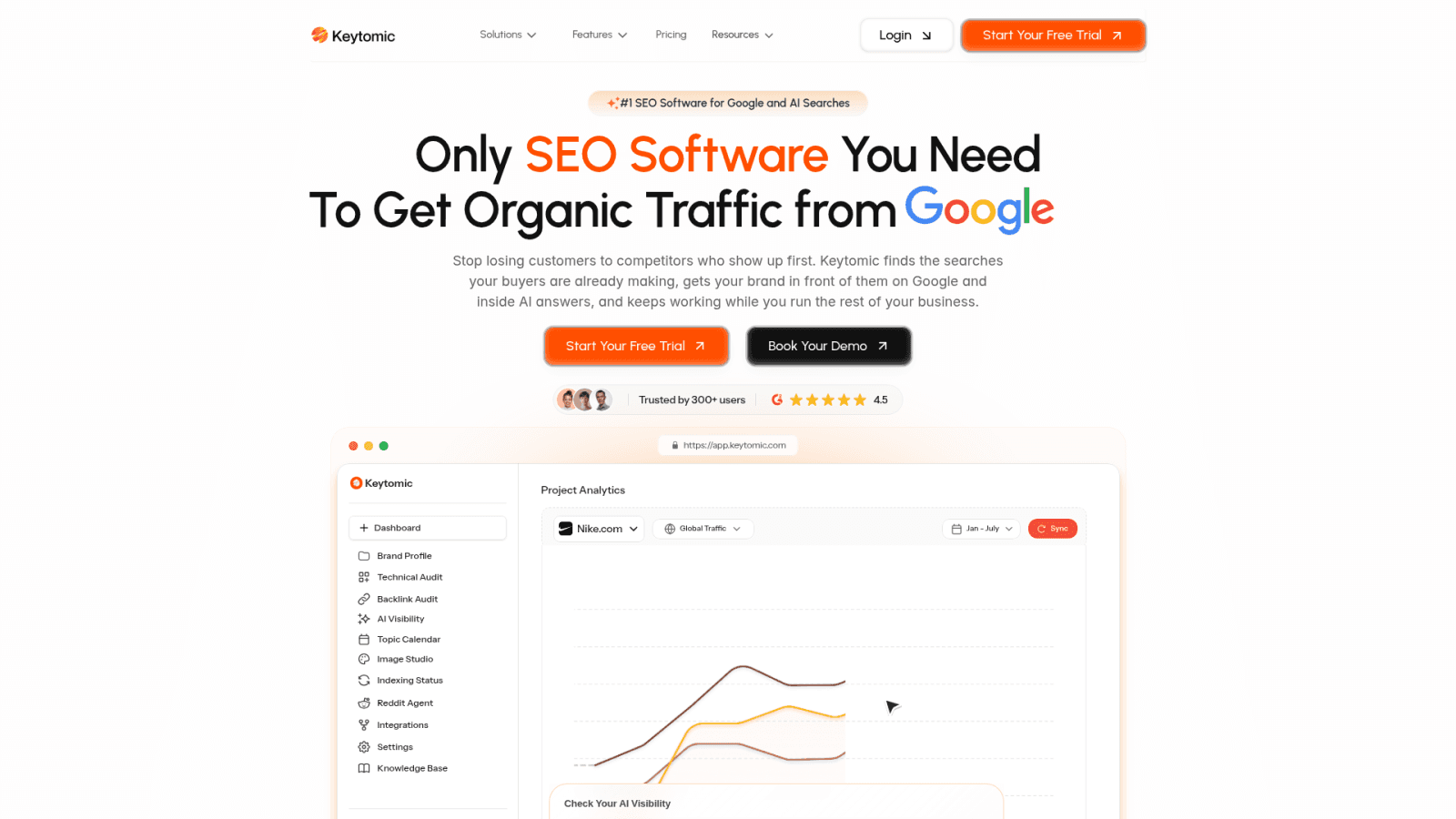
Keytomic maps keywords to pages, plans a 30-day content calendar, drafts articles, and publishes to CMSs such as WordPress, Shopify, Webflow, and Framer. It submits new URLs to search engines, tracks index status, and runs AI visibility prompts across engines including ChatGPT, Perplexity, Gemini, Claude, and Google AI Overviews. Keytomic's SEO workflow for agencies also describes white-label reports and client access.
Verify agency plan limits before mapping client accounts
The public pricing page lists one project or site on the self-serve Pro plan, while the agency page describes multi-client workflows. Confirm current agency terms, seats, and trial details with Keytomic before making a multi-client cost claim.
When Keytomic is not the right fit
Skip it if you only need a standalone reporting layer, a forensic crawler, or a deep backlink database. Every draft also still needs a human check for facts and brand voice.
Frequently asked questions about SEO reporting tools
What is the best SEO reporting tool for an agency with multiple clients?
There's no single best. AgencyAnalytics, DashThis, Databox, and Whatagraph suit dedicated client reporting; Semrush and SE Ranking suit suite-led agencies. Match the tool to your bottleneck.
How do agencies automate SEO reporting?
Connect Search Console and GA4 once, build a reusable template per client type, schedule delivery, then add a short human note explaining movement and next actions.
What is white-label SEO reporting?
It means reports or dashboards carry your agency's branding instead of the vendor's. Depth varies: logo, PDF, custom domain, email sender, and client portal are separate features.
Can Looker Studio replace dedicated agency reporting software?
It can, if you have time to build and govern templates, connectors, and permissions. It isn't a prebuilt agency portal, so setup and upkeep sit with you.
Does Ahrefs provide white-label SEO reports?
No, not as a branded deliverable. Ahrefs' official help page currently says its reports can't be white-labeled, so verify current status before promising clients branded exports.
Do SEO reporting tools track AI Overviews, ChatGPT, or Perplexity visibility?
Some do, but coverage varies. Ask which engines, prompts, and sampling frequency each tool uses, and report results separately from Search Console data.
How should an agency compare SEO reporting software pricing?
Add the base subscription, client packs, seats, projects, connectors, and add-ons, then divide by active clients. Use each vendor's current pricing page.
Is Keytomic a reporting tool or a broader SEO workflow platform?
It's a broader SEO workflow platform that also offers white-label reports and AI visibility tracking. If you only need a standalone reporting layer, a dedicated tool fits better.
Choose the tool that matches your reporting bottleneck
Pick by the problem you actually have:
Choose a dedicated reporting platform when the bottleneck is report production, branding, and client access.
Choose a suite when you want research, rank tracking, and reporting in one product.
Choose a workflow platform such as Keytomic when reporting must connect to keyword planning, content delivery, publishing, indexing, and AI visibility, after verifying plan limits.
Before you commit to any of the SEO reporting tools above, work through this checklist:
Define the client report.
List the source systems.
Check permissions.
Calculate total cost per client.
Run one representative trial account.
Verify every current plan limit.
When you're ready, review how Keytomic runs the agency workflow and check current pricing and trial terms.