
SEO content optimization tools help teams research, brief, edit, audit, and improve pages for search intent and on-page relevance. The right pick depends on your bottleneck: SERP-based editing (Surfer, Clearscope), topic planning (MarketMuse), research and briefs (Frase), an all-round suite (Semrush, SE Ranking, Ahrefs), on-page checks inside WordPress (Yoast SEO, AIOSEO), or a connected workflow (Keytomic). No tool can guarantee rankings or AI citations.
You've got three tabs open, every tool promises a better content score, and none of them seems to solve the same problem. That's because similar-sounding products cover different jobs: editing one page, planning a topic map, writing a brief, or publishing and measuring the result.
This guide sorts nine SEO content optimization tools by workflow stage instead of by score.
Disclosure: Keytomic publishes this article and is included in the list. The comparison is based on official documentation as of October 2026, and prices are left out because they change often.
How to evaluate SEO content optimization tools
SEO content optimization tools differ more than their feature pages suggest, so set the criteria before you compare names.
Separate page-level optimization from broader SEO software
A page-level editor guides one article while you write or revise it. A research suite finds keywords, competitors, and gaps. A planning platform decides which topics to cover, and a workflow platform connects planning, drafting, approval, and publishing.
Mixing those categories is the classic comparison mistake. Surfer and Clearscope are closest to dedicated editors, while Semrush and Ahrefs are broader suites, so a feature-for-feature match isn't fair. Site-level planning is a separate job again, which is where an SEO topical map generator comes in, and it ties directly to topical authority.
Scores deserve caution too. Google's guidance on helpful, people-first content centers on usefulness and expertise, which no score fully measures, and the same goes for the E-E-A-T signals reviewers look for.
Compare research, briefs, editing, publishing, and measurement
Here are the five criteria used, in the order most content teams should weigh them:
Content analysis: how the tool evaluates a page against search intent and competing results.
Research and briefs: keyword, question, and topic support before anyone starts writing.
Editing and control: guidance that leaves final decisions with your editors.
Workflow coverage: planning, collaboration, publishing, measurement, and integrations.
Pricing transparency: whether plans and limits are published and easy to compare.

Measurement matters too. Google Search Console shows queries, clicks, and impressions, so it pairs with any option here, and you can connect Search Console to Keytomic to feed that data into refresh decisions.
Best SEO content optimization tools at a glance
Tool | Best-fit job | Workflow stage | Scope note |
|---|---|---|---|
Keytomic | All-in-one content workflow | Planning, briefs, drafting, publishing, visibility | More than a team needs for page editing alone |
Surfer | SERP-guided editing | Editing and scoring | Score is an editorial signal, not an outcome |
Clearscope | Editorial content reports | Term coverage and grading | Grade is not a ranking probability |
MarketMuse | Topic planning and inventory | Planning, briefs, analysis | Broader than single-page editing |
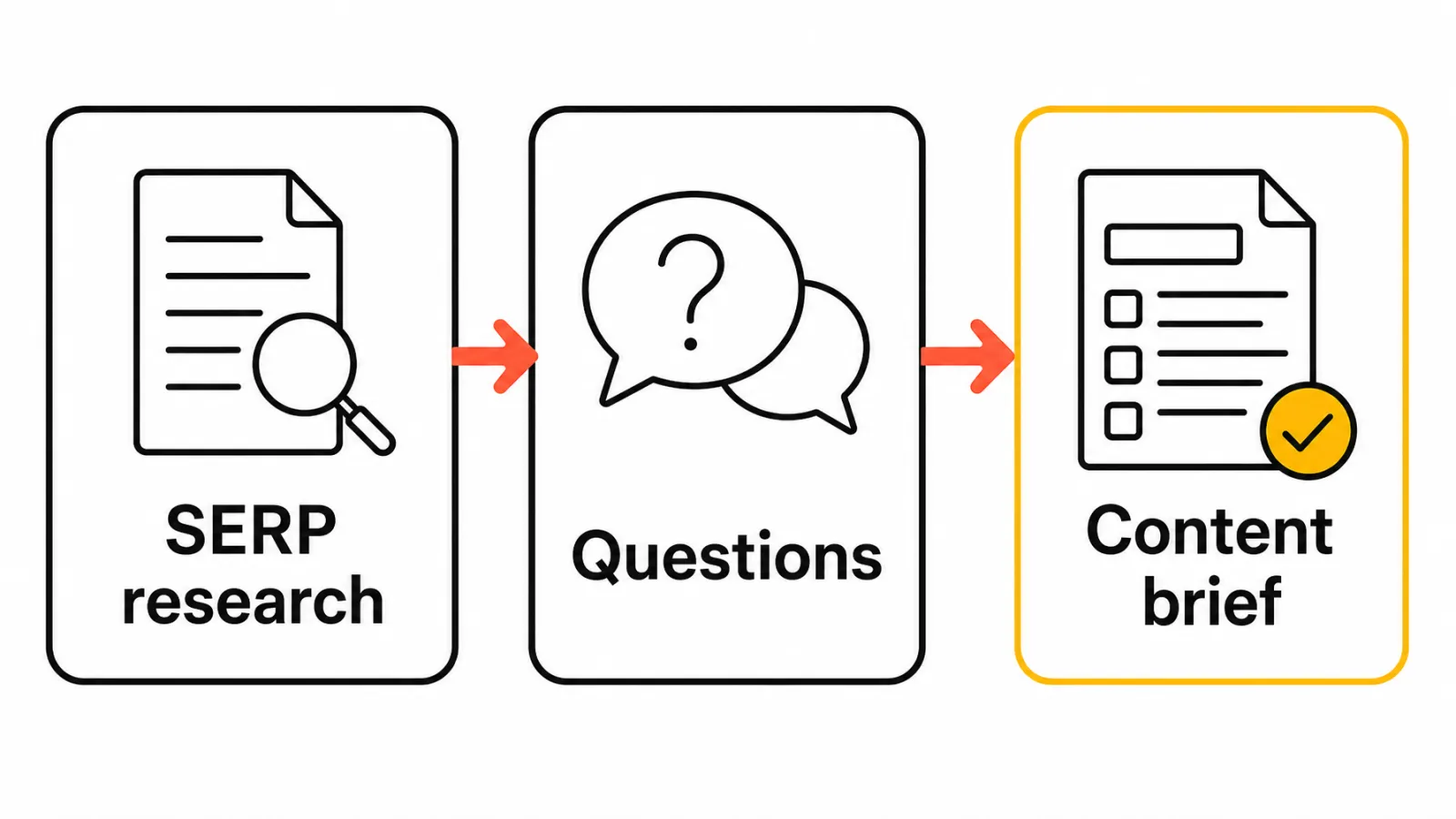
Frase | Research and briefs | SERP research, questions, briefs | Editing and AI features vary by plan |
Semrush | Teams already using its toolkit | Writing assistance, broader suite | Content features sit in a separate toolkit |
SE Ranking | Optimization inside an all-round suite | Content editor alongside research and tracking | Editor is less specialised than dedicated tools |
Ahrefs | Content discovery and AI writing | Competitor research, AI Content Helper | Not a SERP-scoring editor |
Yoast SEO / AIOSEO | On-page checks in WordPress | Pre-publish on-page review | Checks basics, not SERP competitiveness |
Detailed reviews of the best SEO content optimization tools
Each tool gets the same fields so you can compare them fairly. Features come from each vendor's own documentation.
Keytomic: best for an all-in-one SEO content workflow
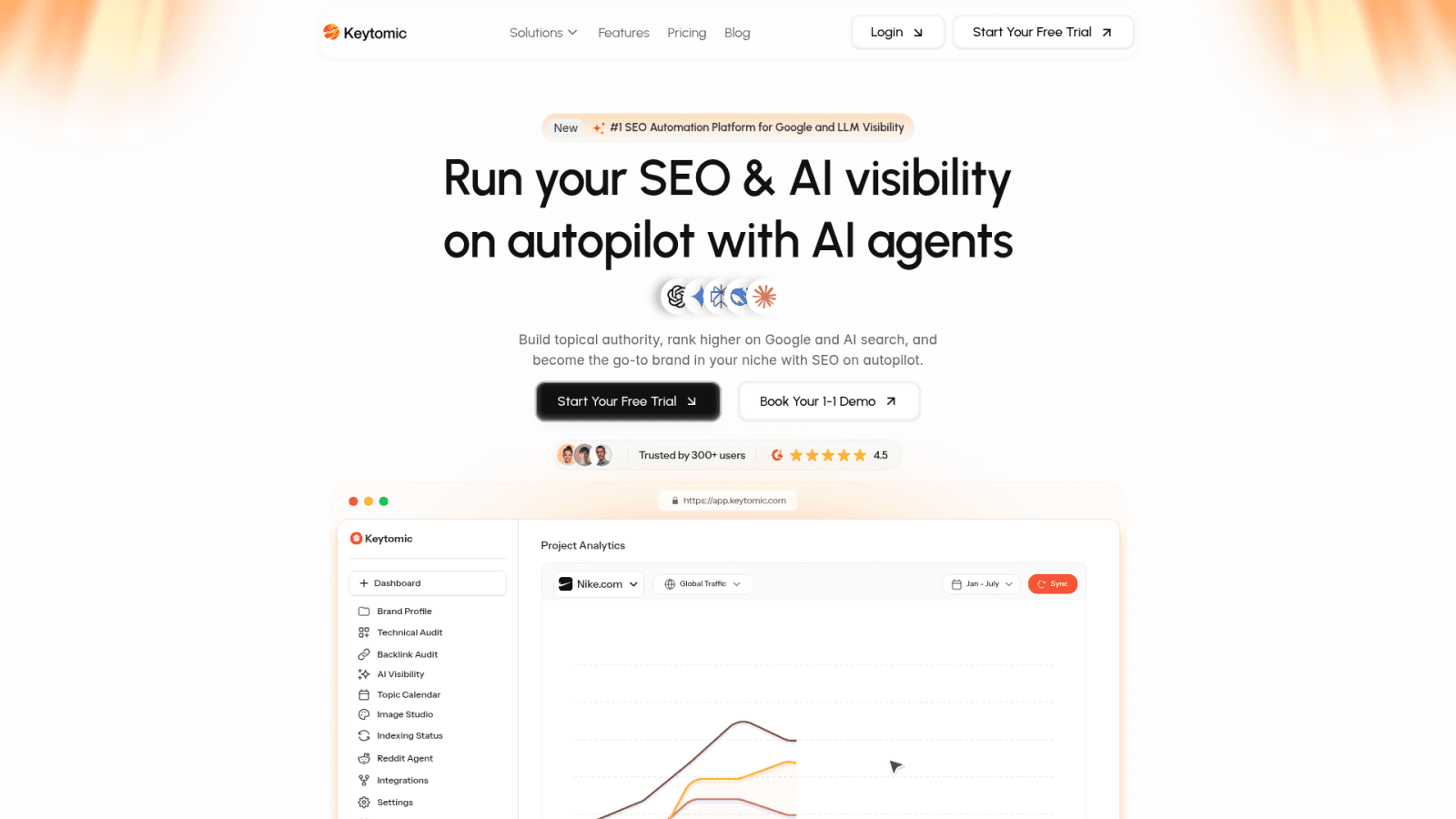
What it does: An AI-powered SEO automation platform covering keyword research, topical planning, AI-assisted content, technical audits, CMS publishing, and visibility monitoring across Google and AI answer engines.
Useful capabilities: Briefed drafting through the AI blog writer, semantic SEO automation that works from topical context, and an approval step before publishing.
Limitation: Teams that only need a focused page editor may not need a broader platform.
Best for: Founders, small teams, agencies, and ecommerce brands that want fewer disconnected tools.
Surfer: best for SERP-guided content editing

What it does: A content editor with SERP-oriented recommendations and a content score.
Useful capabilities: Guidance you can follow while writing or revising a single page.
Limitation: The score is a signal for editors, not a promise of results, so someone still has to judge each suggestion.
Best for: Writers and editors who want live, SERP-based guidance. See Keytomic vs Surfer SEO or our Surfer SEO alternatives for the wider field.
Clearscope: best for editorial content reports and term coverage

What it does: A content grade based on terms found in ranking pages, plus monitoring for published content.
Useful capabilities: Reports that point writers toward relevant terms and topics.
Limitation: The grade reflects term coverage. It can't judge originality or accuracy.
Best for: Editorial teams that want term guidance while writers keep control of voice. More in Keytomic vs Clearscope.
MarketMuse: best for topic planning and content inventory
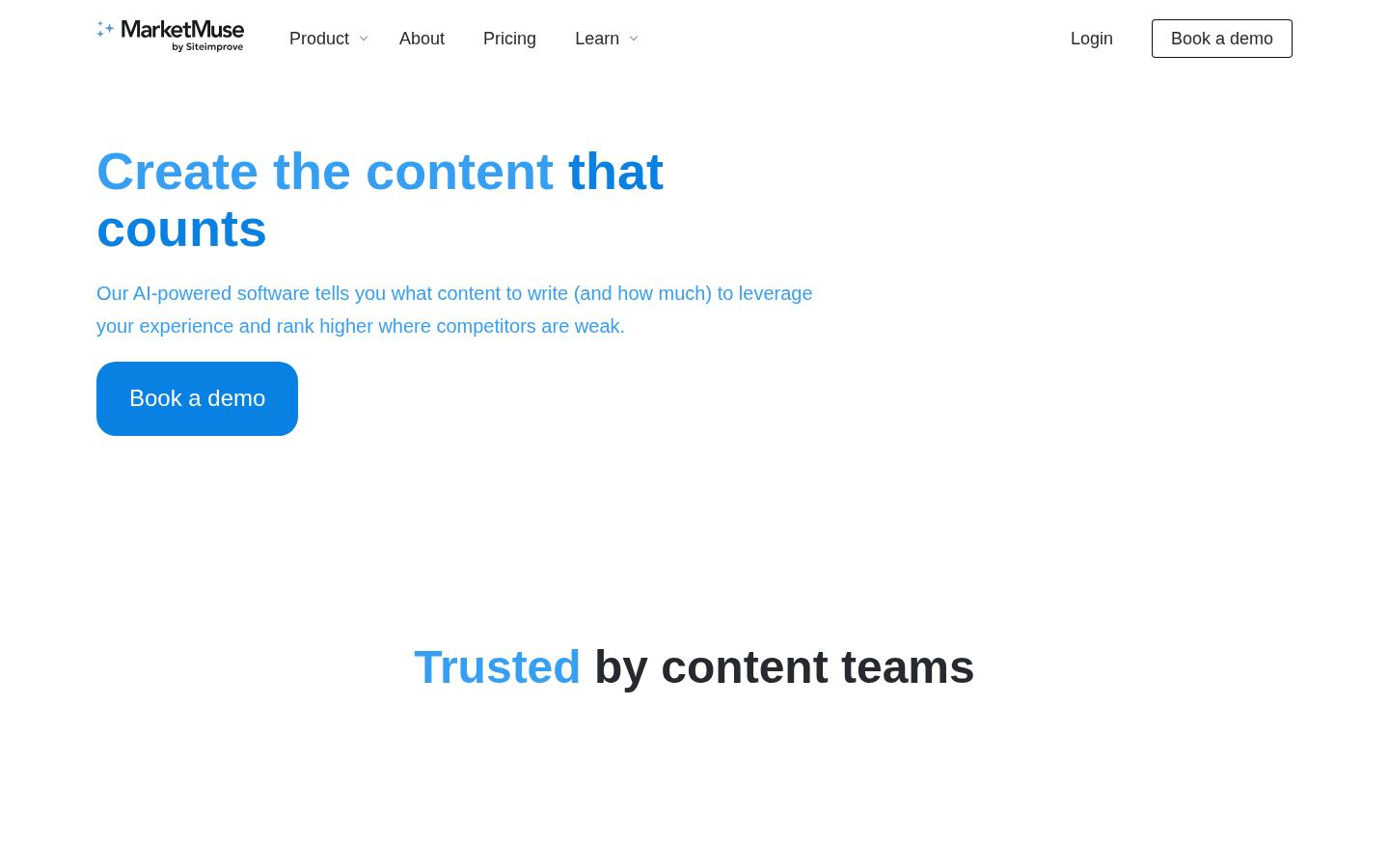
What it does: Topic models, questions, content inventory, and content analysis.
Useful capabilities: Topic research, briefs, and a view across a content library, not just one page.
Limitation: Its planning depth is more than a solo writer needs.
Best for: Teams with a sizable library to audit and prioritize. Compare it in Keytomic vs MarketMuse.
Frase: best for research and content briefs
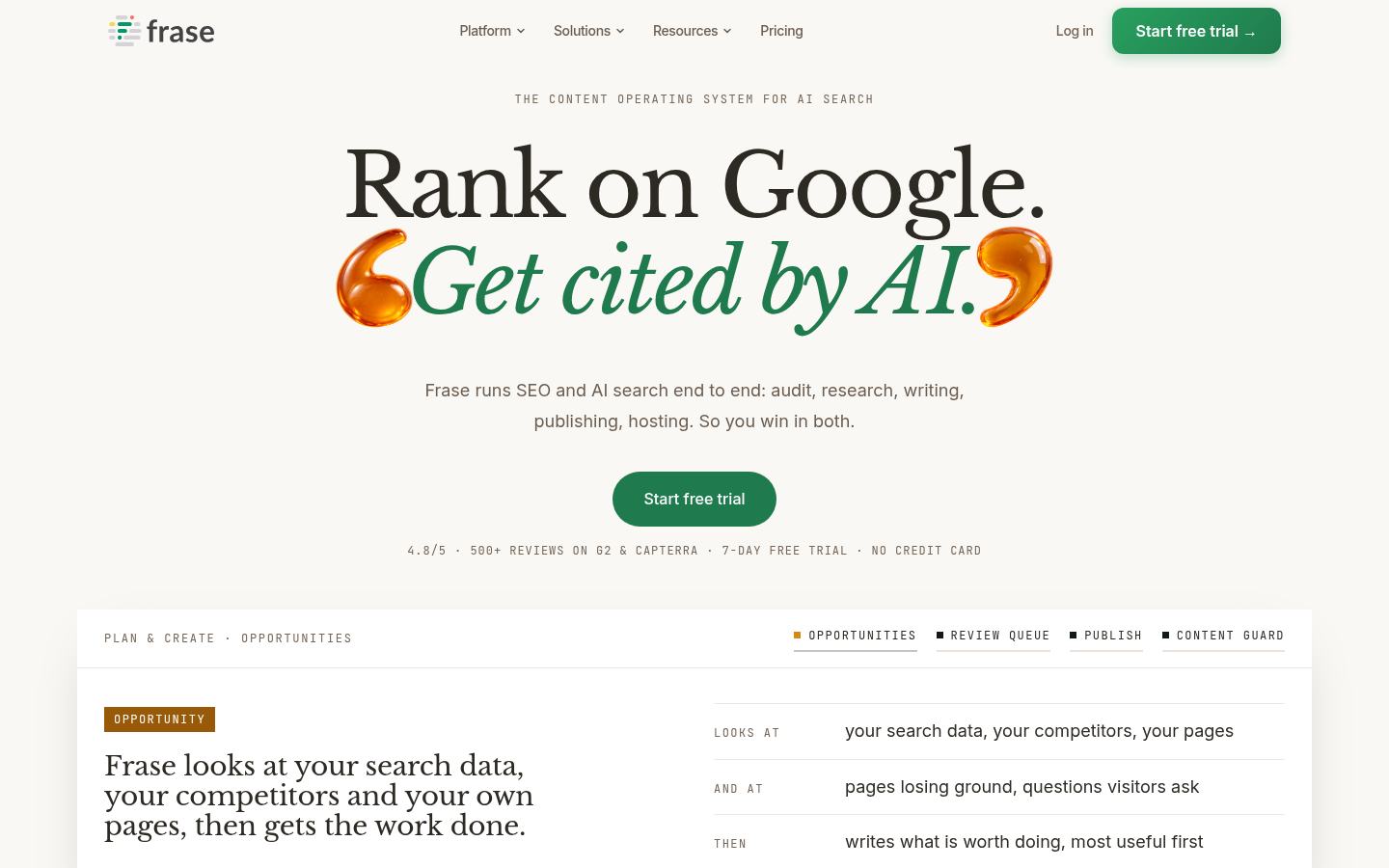
What it does: SERP research, question discovery, and brief creation.
Useful capabilities: A research-to-brief flow that gives writers a starting outline.
Limitation: Editing and AI features vary by plan.
Best for: Writers and small teams that start from research and briefs. See Keytomic vs Frase.
Semrush: best for teams already using its content toolkit
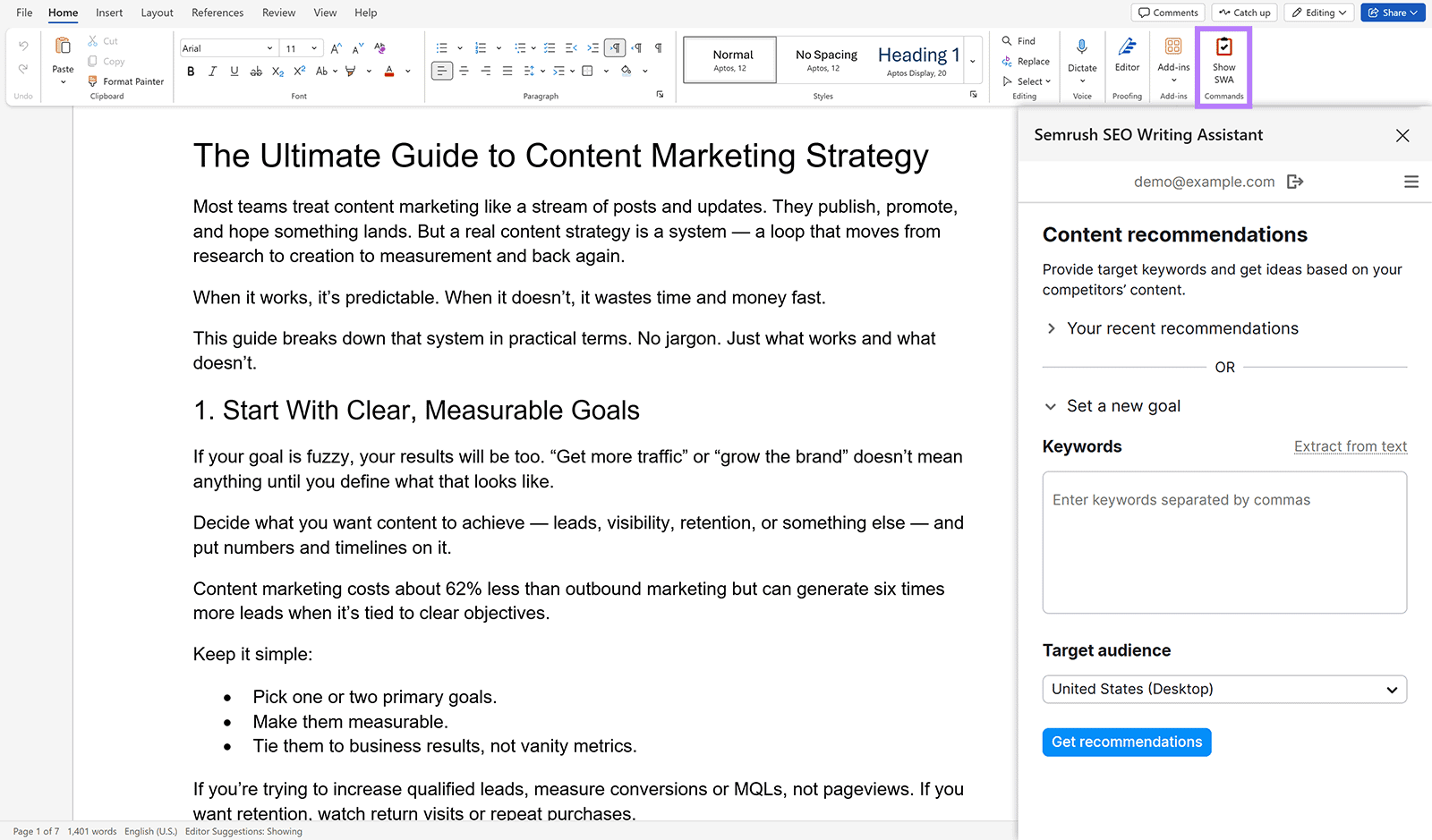
What it does: An SEO Writing Assistant with recommendations on SEO, readability, originality, and tone, inside a broader Content Toolkit.
Useful capabilities: Writing guidance next to a wider SEO suite, including a Google Docs add-on.
Limitation: Content features sit in a separate toolkit from the core SEO plan.
Best for: Teams already working inside Semrush. If you're weighing a move away, see our Semrush alternatives.
SE Ranking: best for content optimization inside an all-round suite
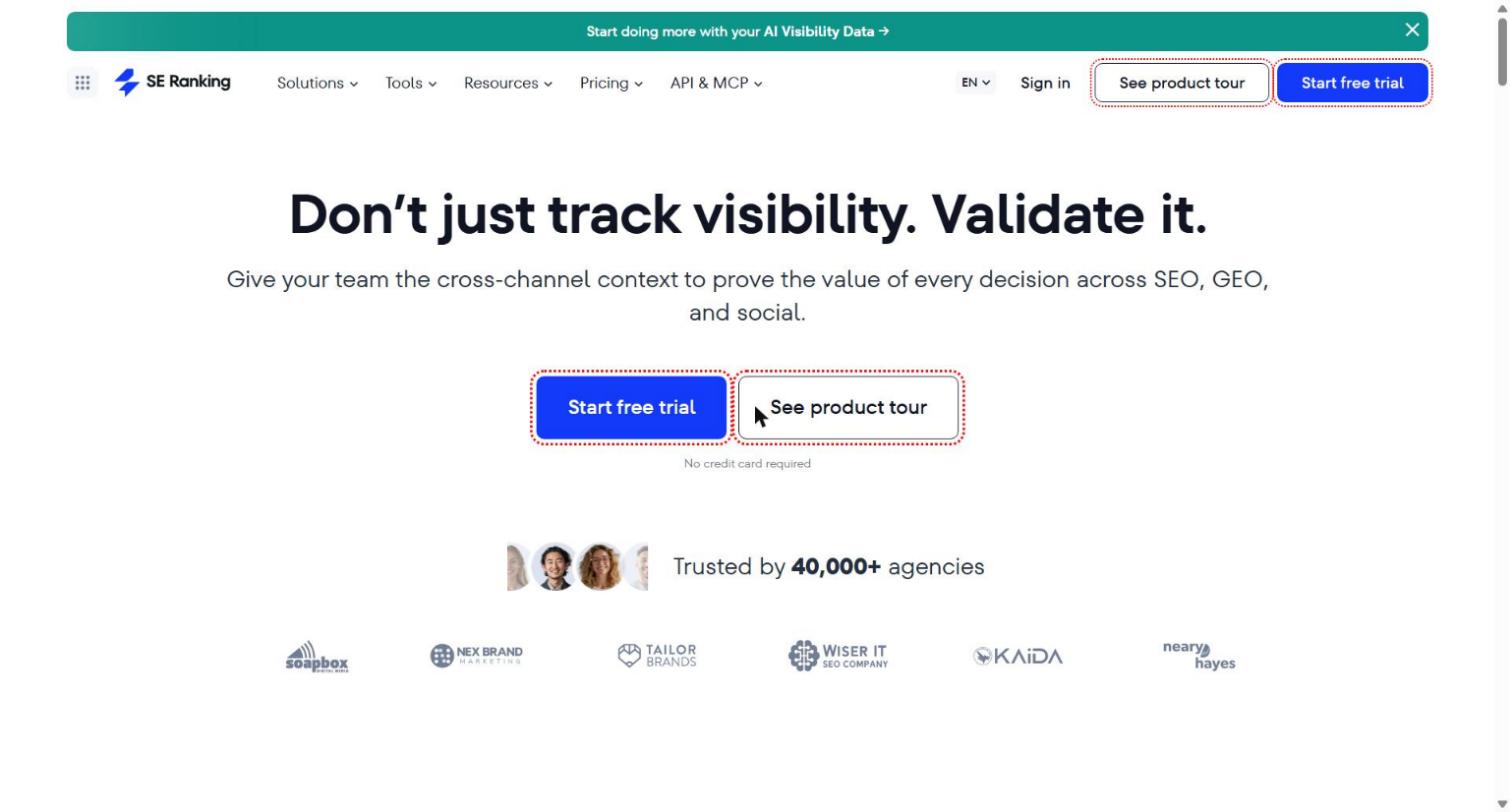
What it does: A content editor and brief tools that sit alongside rank tracking, audits, and keyword research.
Useful capabilities: Optimization guidance without paying for a separate specialist editor.
Limitation: The editor is less specialised than Surfer or Clearscope.
Best for: Small teams and agencies that want optimization bundled with the rest of their SEO stack.
Ahrefs: best for content discovery and AI-assisted writing
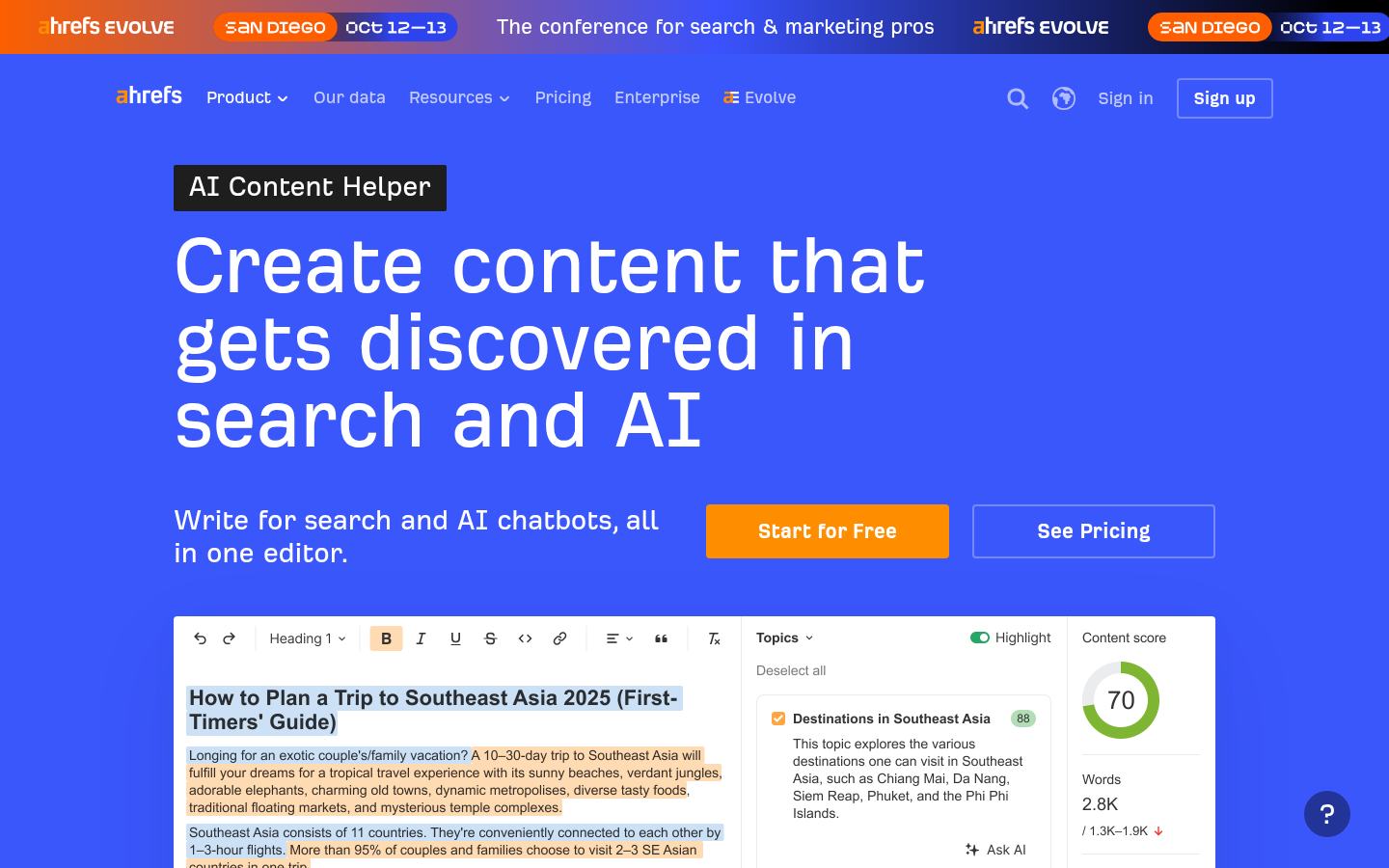
What it does: Content Explorer for content discovery and competitor research, plus AI Content Helper for drafting and improving pages with Ahrefs data.
Useful capabilities: Finding what already performs in your space and writing against it in the same platform.
Limitation: It doesn't score drafts against the live SERP the way Surfer or Clearscope do. Our Surfer SEO vs Ahrefs breakdown shows how the two fit together.
Best for: Teams already using Ahrefs who want topic ideas and AI drafting in one place.
Yoast SEO and AIOSEO: best for on-page checks inside WordPress
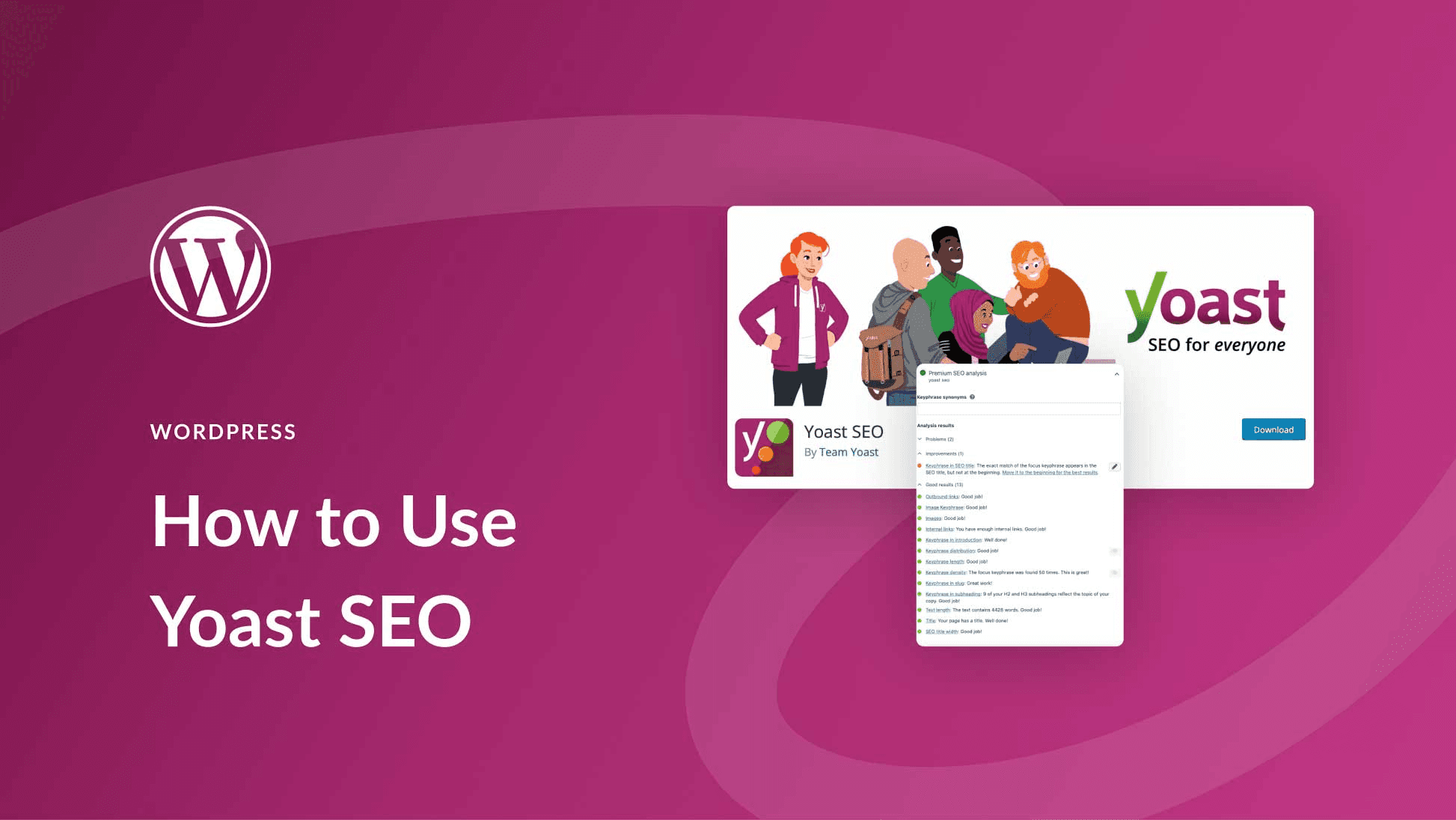
What they do: WordPress plugins that check titles, meta descriptions, keyphrase use, readability, and schema before you publish.
Useful capabilities: A final on-page review where the content actually lives.
Limitation: They check basics, not how competitive a page is against the live SERP.
Best for: WordPress sites that want a pre-publish checklist. More options are in our list of SEO plugins for WordPress.
Which content optimization tool fits your workflow?
Team | Likely bottleneck | Shortlist category | Watch for |
|---|---|---|---|
Solo publisher | Time spent researching and editing each post | Page editor, brief tool, or WordPress plugin | Monthly usage caps |
In-house team | Consistent quality and approvals | Editor plus planning, or a connected workflow | Seats and roles |
Agency | Many sites and clients | Connected workflow or all-round suite | Site and seat limits |
Ecommerce team | Recurring product and editorial content | Workflow with publishing, or research plus editor | Publishing support and content volume |
If you publish a few posts a month, a focused editor or a brief tool usually covers the job, and free checks like a headline checker or keyword density checker can fill the gaps. Multi-site agencies should treat site limits, seats, and approval permissions as the deciding factors.
How to choose an SEO content optimization tool
Start with the bottleneck, not the score
Write down the one step that slows you down most: finding topics, building briefs, editing drafts, publishing, or measuring results. Buy for that step first. If briefs eat your week, a score-focused editor won't fix that.

Questions to ask about research, controls, and integrations
Does it evaluate new drafts, existing pages, or both? Refreshing pages hit by content decay needs the second.
How does it research the SERP, and does it fit your language and market?
Can editors override suggestions and approve final copy?
Which CMS or data connections come with your plan?
How hard is it to export your work or switch later?
Compare cost per usable page
Divide the monthly plan cost by the pages you can realistically finish under its limits, counting extra seats, sites, or overages. Pilot on a handful of pages before committing.
When is an SEO content optimization tool not the right fit?
Most content optimization tools assume you already know which topics to target. If your real gaps are crawl errors, weak backlinks, or missing keyword data, start with a technical audit or a research suite. And a score can't supply product knowledge, original insight, or editorial capacity, so fix that gap first.
Whatever you buy, Google's AI features documentation says standard SEO fundamentals apply to AI Overviews too. If AI answers matter to you, measure them separately with an AI visibility tracker.
Frequently asked questions about SEO content optimization tools
What is an SEO content optimization tool?
Software that helps you research, brief, edit, or audit content against search intent and on-page relevance. Some tools focus on one page; others also cover planning and publishing.
How is a content optimization tool different from SEO writing software?
Writing software drafts or polishes text, while optimization tools guide content against search signals. Many products now do both.
Which SEO content optimization tool is best for a small team?
It depends on your bottleneck. Choose an editor for page edits, a research tool for briefs, or a connected workflow if you want fewer tools.
How do content optimization tools evaluate a page?
Most compare your draft with top-ranking pages for terms, topics, questions, or readability. Methods differ by product, so read each vendor's documentation before trusting a score.
Can AI content optimization tools guarantee higher rankings?
No. They guide editing, but they don't control search outcomes.
Are there free SEO content optimization tools?
Yes. Yoast SEO and AIOSEO have free WordPress versions, and Google Search Console is free for performance data. Paid editors usually offer trials rather than free plans.
What should agencies look for in content optimization software?
Site and seat limits, approval and collaboration options, billing terms, and export or client-facing needs.
Choose the tool that fixes your actual content bottleneck
The best SEO content optimization tools are the ones that fit the bottleneck you actually have, not the ones with the highest score:
Name your bottleneck: page editing, topic planning, research and briefs, an all-round suite, on-page checks, or a connected workflow.
Shortlist by category using the tables above.
Pilot your top two on a few real pages before you commit.


