
A topical map organizes a site's core subject, supporting topics, intended pages, and their relationships into one content plan. Keytomic suits teams that want the map connected to research, drafting, and publishing; Semrush, Surfer, Keyword Insights, and Ahrefs suit different planning or clustering needs; and Google Search Console plus a spreadsheet is the free manual route. Choose by how each tool groups topics, assigns page targets, and hands research into production.
You've got a spreadsheet full of keywords and one nagging question: which of these deserve their own page, and how should those pages connect? That's where a topical map either saves you a month of guesswork or becomes another tab nobody opens.
Most buyers miss one thing. You're not just shopping for a generator; you're deciding whether you need topic discovery, SERP-based grouping, a view of your existing site, or a path into briefs and publishing. A tool can speed up research and organization, but it can't judge business fit or promise rankings.
Disclosure: Keytomic publishes this article and is included in the list. The comparison is based on official product pages and documentation as of October 2026, and prices are left out because plans change often.
What is a topical map?
A topical map is a planning model that connects a core subject to supporting topics and page-level targets. People use these terms loosely, so here's how they're used in this article.
Term | What it is | Typical output |
|---|---|---|
Keyword list | A record of queries | Spreadsheet rows |
Keyword cluster | Related queries that may fit one page | Grouped queries |
Topic cluster | Related pages around a broader subject | Pillar page plus supporting pages |
Topical map | Adds intent, page roles, priority, and relationships | Page-level plan with link paths |
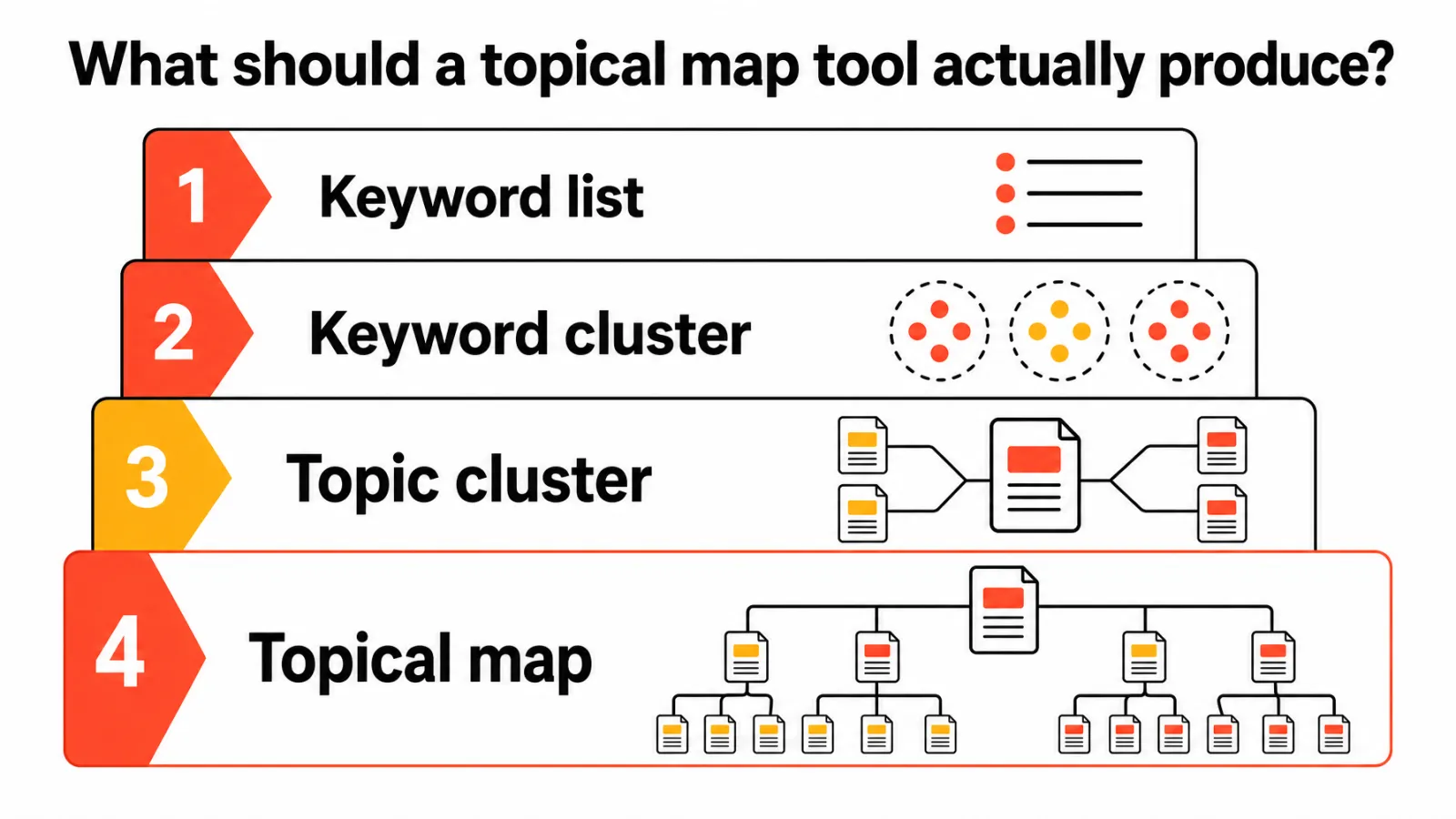
Google doesn't publish a topical map format. Its guidance covers useful, people-first content and crawlable internal links, so everything else is a planning convention. The reason teams bother is topical authority: covering a subject thoroughly and connecting the pages so both readers and crawlers can follow the thread.
How to build a topical map in five steps
Whichever tool you use, the process is the same:
Pick the central topic. Start from what you sell or know best, not from a keyword with high volume.
List supporting topics. Pull related queries from keyword research and from Search Console, then group them by intent. Use keyword difficulty as a guide, not a filter.
Assign one page per intent. Each group gets a page role: pillar, supporting guide, comparison, or product page. Flag groups that could cannibalize each other.
Map the links. Decide which pages link to which, using descriptive anchor text.
Turn it into a schedule. A map becomes useful when it turns into a publishing plan; our guide to building an SEO content calendar covers that step.
Here's a hypothetical row to show the level of detail you want: topic "onboarding email examples", intent informational, parent page "customer onboarding guide", evidence from live results and existing URLs. A map stays a draft until someone validates rows like that. If you're mapping an existing site, a sitemap URL extractor gives you a quick inventory of what's already published.
How to evaluate topical map tools before you buy
Most bad purchases come from comparing keyword counts instead of decisions. Test these five things on every shortlisted tool:
Input: Does it start from a seed topic, a keyword list, or your existing site data?
Grouping rationale: Does it show why two queries belong together or apart?
Intent: Are intent labels visible and editable?
Page assignment: Does each group get a page role, and are ambiguous groups flagged?
Handoff: Can the plan move into briefs and publishing, or does it stop at an export?
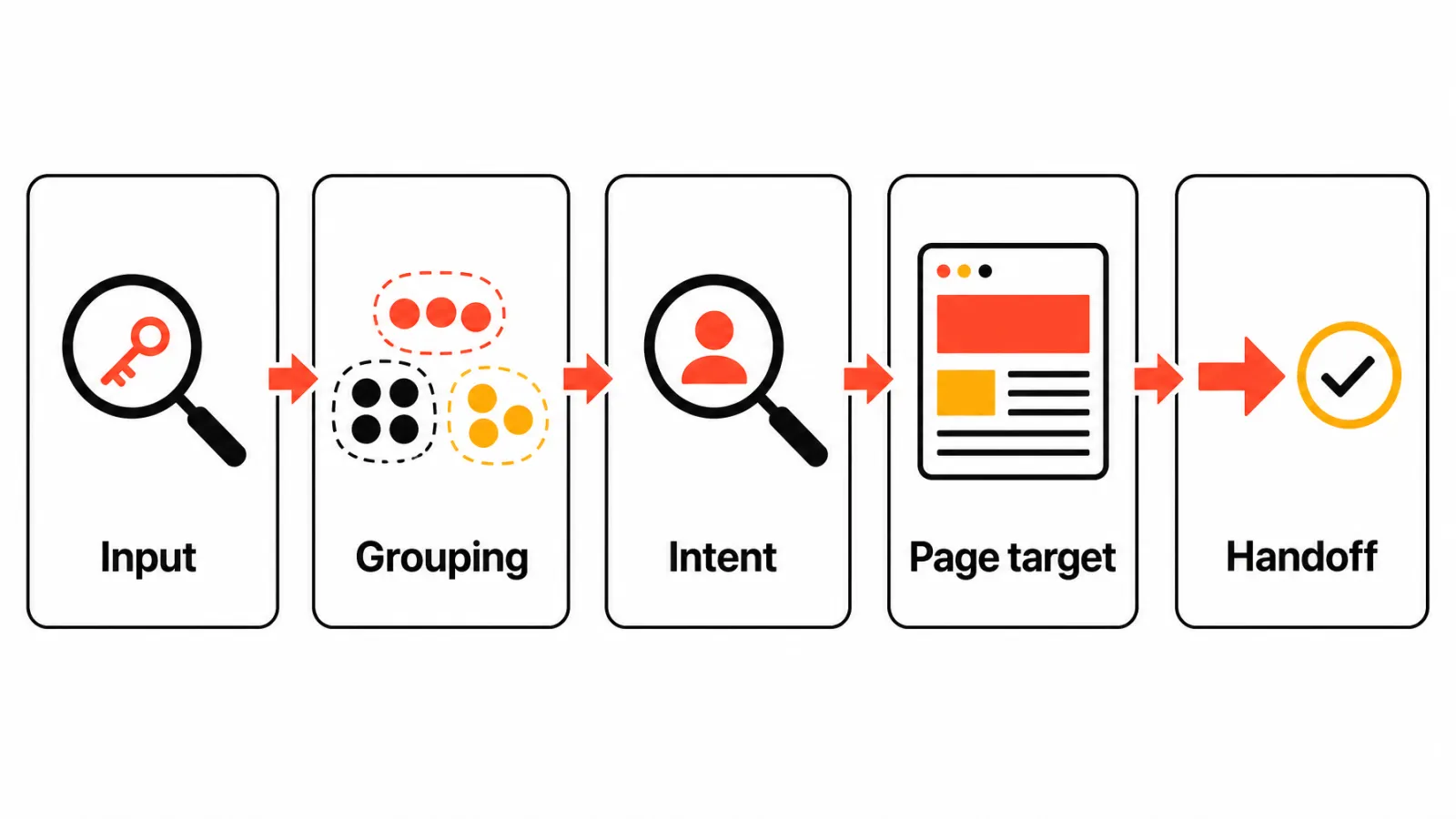
Run one mini-test: feed one identical seed topic and a small set of your existing queries into each tool, then save inputs, outputs, and dated screenshots. Compare the page assignments against live results and your current URLs. A vendor's stated method isn't proof of accuracy; your own comparison is.
Best topical map tools for building SEO content clusters
Keytomic: best for connecting the map to production
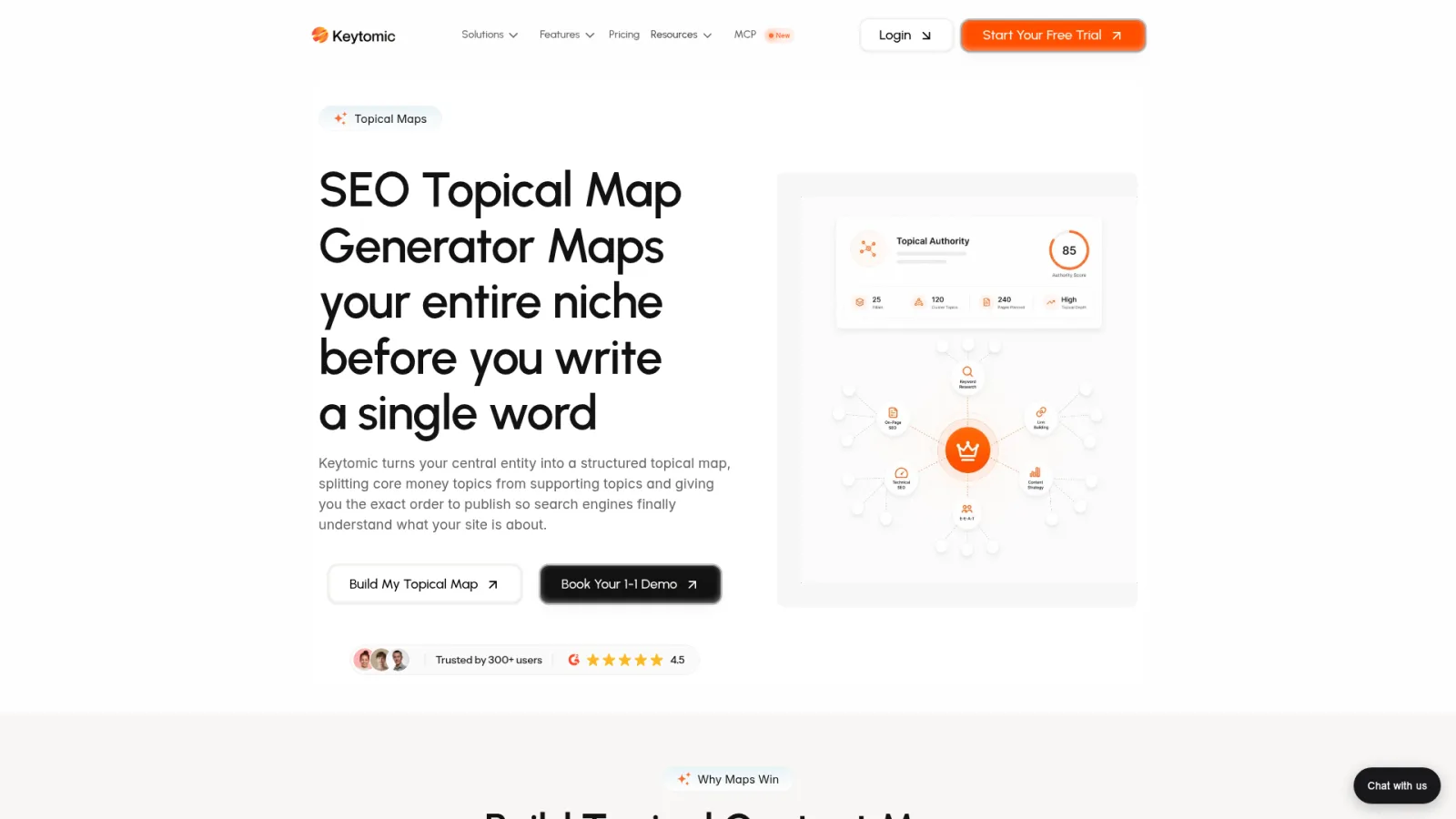
Keytomic's topical map generator builds a structured map from a central entity and separates core topics from supporting ones. It sits inside a wider workflow that includes semantic SEO automation, drafting through the AI blog writer, and publishing, so map nodes become scheduled pages instead of spreadsheet rows.
Best for: teams that want a connected workflow rather than a standalone clustering feature.
Limitation: human review still decides business fit, page intent, and editorial priorities.
Semrush: best for structured planning within a keyword-research platform
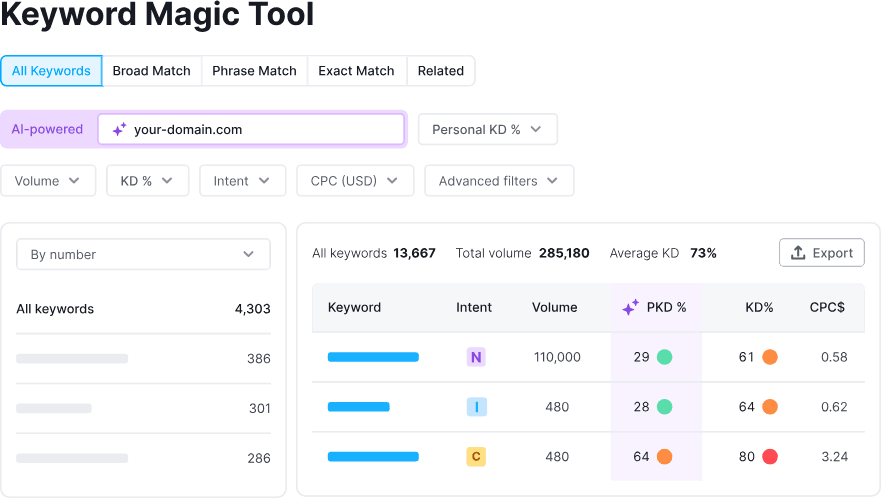
Semrush's Keyword Strategy Builder arranges keyword research into topics, pillar pages, and subpages, built on the same database as its Keyword Magic Tool. That's a solid planning scaffold, not a guarantee that every suggested page is right.
Best for: people already doing keyword research in Semrush who want a structured topic plan.
Limitation: the plan stops at structure, so briefs and publishing happen elsewhere. See Keytomic vs Semrush for how the two approaches differ.
Surfer: best for topical planning tied to an existing content site

Surfer's Topical Map and Topic Research features suggest clusters for your domain and can draw on Search Console data to show which topics you already cover.
Best for: teams whose decision hinges on relating planning to current site coverage.
Limitation: it's strongest inside Surfer's own content editor workflow. More in Keytomic vs Surfer SEO.
Keyword Insights: best for SERP-based keyword clustering
Keyword Insights groups submitted keywords using country-specific search results, so queries that share ranking pages land in the same cluster. Treat that as a clustering layer, not a complete topical map.
Best for: you already have a keyword set and want to see whether queries share results.
Limitation: SERP grouping alone doesn't settle priority, page architecture, or internal linking.
Ahrefs: best for keyword expansion and Parent Topic grouping
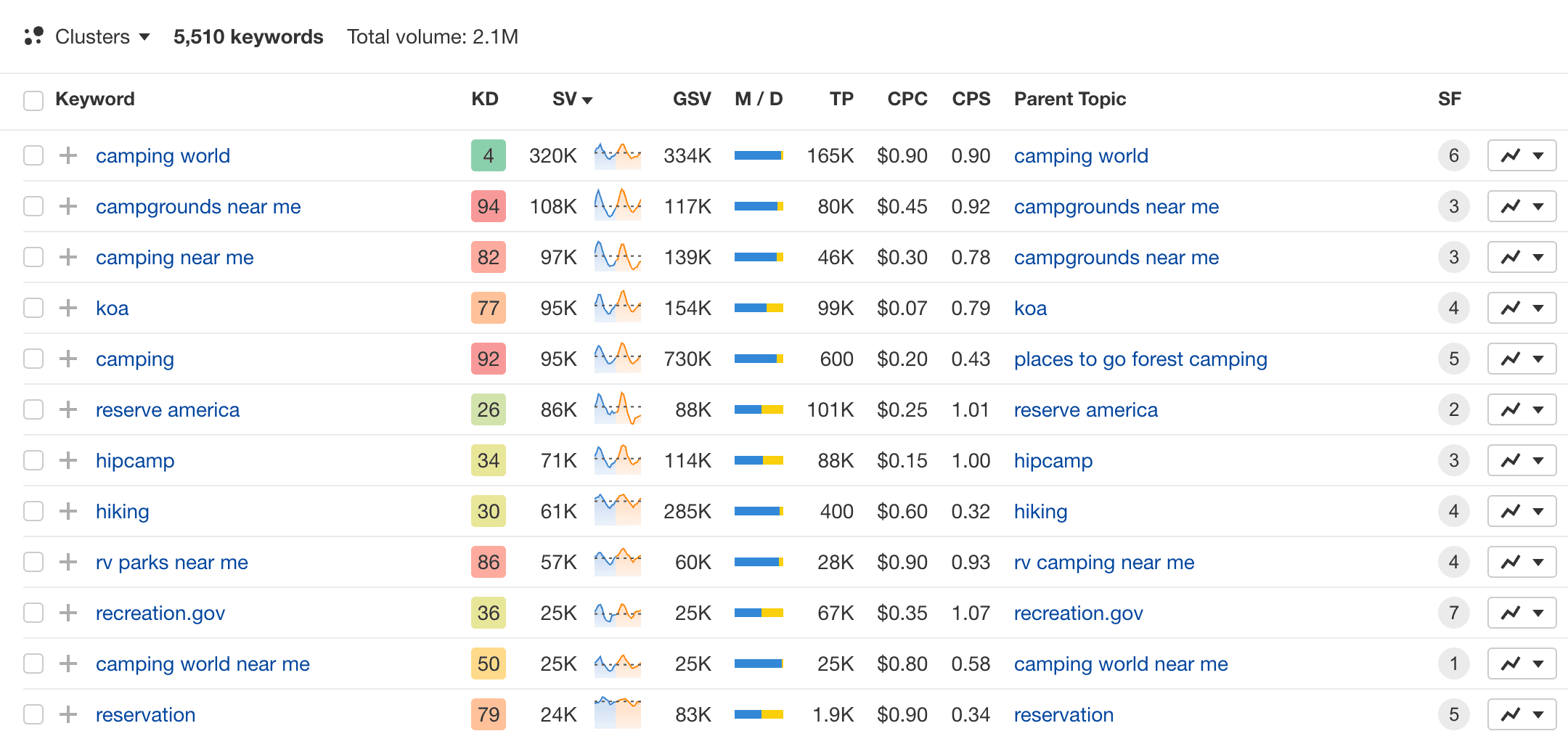
Ahrefs groups keywords by Parent Topic and by terms in Keywords Explorer. That's useful for expansion, but it isn't automatically a site map with editorial priorities and link relationships.
Best for: existing Ahrefs users who want its grouping as part of their research.
Limitation: you build the page plan and links yourself. See Keytomic vs Ahrefs.
Google Search Console plus a spreadsheet: best manual starting point
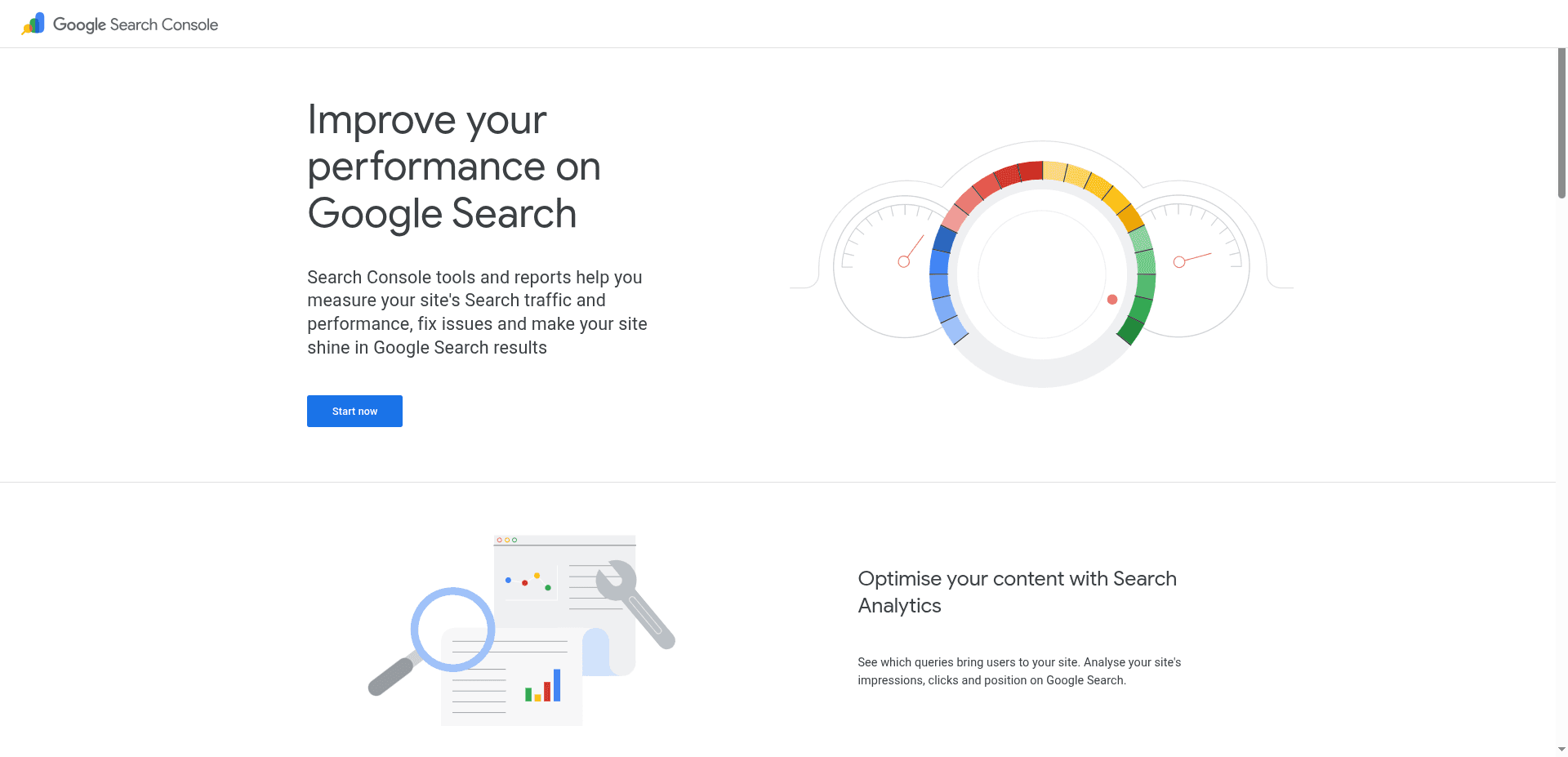
Search Console query and page data covers clicks, impressions, CTR, and position. It's a manual route: you add topic boundaries, intent, page roles, priority, and links yourself. You can also connect Search Console to Keytomic to use that data inside a map.
Best for: teams that want to start from their own observed data before paying for a tool.
Limitation: a new site has little history to work from.
Which topical map tool fits your team's workflow?
Match the tool to your bottleneck, not the longest feature list.
Situation | Where to look first | Watch for |
|---|---|---|
New site | Keytomic's map from a central topic, or a manual spreadsheet | No site history to ground priorities |
Established content site | Surfer's site workflow, or Search Console plus a spreadsheet | Search Console connection required |
Agency workflow | A connected workflow like Keytomic, compared against narrower tools | Multi-client needs |
Keyword-list cleanup | Keyword Insights or Ahrefs Parent Topic grouping | Grouping isn't page architecture |
Research to publishing in one place | Keytomic | Human review at each stage |
For agencies building maps for several clients, the handoff into briefs and publishing usually matters more than the grouping algorithm, which is why it pays to map your SEO automation workflows first.
What can topical map tools miss?
A generated plan has blind spots, and they're predictable:
Broad seeds that pull in irrelevant subjects.
Keyword-only grouping that ignores search intent.
Duplicate page targets across clusters.
Maps that ignore business relevance.
Outputs nobody reviewed.
Inspect representative SERPs and current pages before you create URLs. For example, "email onboarding examples" and "onboarding email examples" may share one page, while "onboarding email software" signals a different intent and may deserve its own. Existing pages also need a look: a page that's indexed but not ranking or slipping from content decay may need a refresh rather than a new sibling.
Well-connected topic coverage also helps beyond classic rankings, since visibility in Google AI Overviews leans on the same fundamentals.
Frequently asked questions about topical map tools
What is a topical map in SEO? A planning model linking a core subject to supporting topics and page-level targets, often with intent, priority, and internal-link relationships.
How is a topical map different from a keyword list? A keyword list records queries. A topical map assigns those queries to pages and roles, then shows how the pages connect.
What is the difference between a topical map and a topic cluster? A topic cluster groups related pages around one subject. A topical map is broader, adding intent, priority, and page relationships across several clusters.
Can I build a topical map without a paid tool? Yes. Start with Search Console query and page data in a spreadsheet, then add topic boundaries, intent, page roles, and links manually.
Can ChatGPT or another AI assistant create a topical map? It can help brainstorm topics, but suggestions aren't validated demand. Compare them with live results, existing pages, and keyword data before assigning pages.
Can a topical map tool prevent keyword cannibalization? It can help surface overlapping targets, but it can't guarantee prevention. Review intent, live results, and existing URLs yourself.
How often should I review a topical map? Whenever your offering, site, or search results change materially. A quarterly review is a sensible default.
A decision checklist before you choose a tool
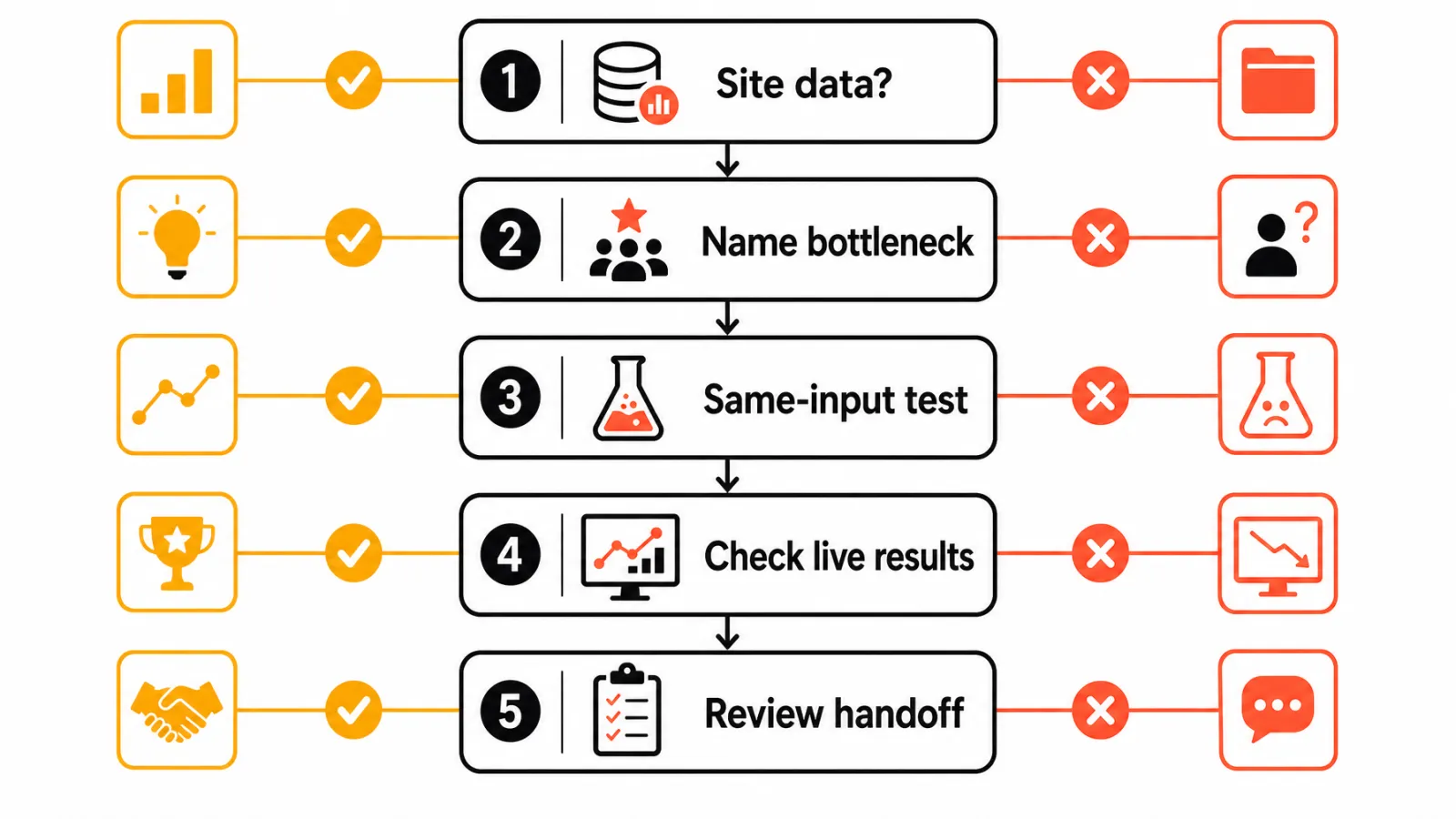
Name your bottleneck: discovery, grouping, site coverage, or handoff.
Understand the tool's grouping or coverage method.
Compare one output with live results and your existing pages.
See how the plan moves into briefs and publishing.
Price the plan against how many sites and maps you'll build.


