I have spent last seven years running organic growth, across more than 20 SaaS, tech and service brands on both the B2B and B2C side. I now run SEO and content for Keytomic, and I spend most of my week inside automation platforms rather than reading about them.
Over the last 12 months, while building our seo automation software, our team has tested more than 30 tools across content workflows, SEO research, on-page SEO, technical SEO and AI visibility.
This shortlist compares 12 options from that work; they are not all direct substitutes.
Before you notice it, yes I work at Keytomic, and Keytomic is included here. I will disclose where it fits, where it does not, and the trade-offs I see from working on the product.
Across the category, automation means different things.
Some tools schedule monitoring and reporting; others deploy changes or move approved content into a CMS. I compare them by the specific work they execute, so a crawl scheduler is not treated as equivalent to a publishing workflow.
I use an editorial Execution Depth score from 1 to 5: how much of the recurring task a product carries out after setup, rather than how many features it lists. It is one comparison lens, not a universal quality rating.
Disclaimer: Pricing was checked against vendor pages on October 4, 2026. Plans, limits and add-ons can change; the linked vendor pages are the source of truth before purchase.
What SEO automation software actually is
SEO automation software is a platform that performs recurring SEO work without a person triggering each step: automated keyword research and clustering, technical crawls, content briefs, on-page changes, CMS publishing, indexing requests and reporting.
The distinction that matters when buying is whether a platform executes those tasks or only recommends them. Most tools marketed as SEO automation software are recommendation engines with scheduling attached.
That distinction is not pedantry, it is the entire purchase decision. Here is the test I use.
Ask what happens after the tool finds the problem. If the answer is “it appears in a dashboard and you go fix it,” that is monitoring. Useful, often essential, but it does not give you back any hours. If the answer is “it changes the thing, or it ships the thing, and tells you afterwards,” that is automation.
Almost every platform in this category sits on the monitoring side and is sold using automation language.
Scheduled crawls are automation of noticing. Bulk keyword exports are automation of gathering. Neither one publishes a page. To see what the alternative looks like in practice, read what AI SEO agents actually do.
The second thing worth knowing before you shop: automation does not reduce the need for SEO judgement, it concentrates it.
When a platform ships 30 pages a month without you touching the CMS, your job stops being production and becomes direction and quality control. Teams that buy automation expecting to think less about SEO tend to cancel within two months. Teams that buy it expecting to think about different things tend to keep it.
The 12 tools, grouped by the work they automate
These products solve different parts of SEO operations. I group them by the task they perform and use Execution Depth to compare how much work happens without a person repeating each step.
Technical deployment: Alli AI
Content workflow and publishing: Keytomic
Broad SEO research, monitoring and reporting: Semrush and SE Ranking
Enterprise workflow and large-site operations: Conductor and seoClarity
Content briefs and optimization: Surfer and Clearscope
Technical crawling: Screaming Frog SEO Spider
Reporting and first-party Google data: Google Data Studio and Google Search Console
Competitive and backlink research: Ahrefs
Comparison: what each one automates
Starting prices and capabilities below link to the vendors' current plan pages. AI visibility is plan- or product-dependent; it is not included in every tier.
Tool | Starting price checked Oct. 4, 2026 | Automation focus | AI visibility |
|---|---|---|---|
$249/month | Deploys approved on-page changes | Product-specific features; verify plan | |
$99/month | Content planning, drafting and CMS publishing; plan limits apply | Plan-dependent | |
$139.95/month | Research, audits, rank tracking and scheduled reporting | Separate AI Visibility product or Semrush One plans | |
Core $129/month | Rank tracking, audits and agency reporting | Separate SE Visible product | |
Custom quote | Enterprise content and SEO workflows | Plan/product dependent | |
Custom quote | Enterprise crawling, prioritization and deployment workflows | Plan/product dependent | |
Discovery $49/month, billed yearly | Content research, writing and optimization | Plan dependent | |
Essentials $129/month | Content research, optimization and inventory | Plan dependent | |
Free to 500 URLs; $279/year per licence | Desktop technical crawls, scheduled exports | No built-in AI visibility tracking | |
Free; Pro $9/user/project/month | Dashboard refresh and reporting | Via connected data sources | |
Free | First-party performance data and manual URL inspection | No | |
Starter $29/month; Lite $129/month | Competitive research, backlink data and scheduled audits | Brand Radar is separate |
Execution Depth is not a substitute for fit, data quality or editorial control. A crawler and a content workflow should not be bought as though they perform the same job.
How I tested and scored these
Over the past 12 months, our team tested more than 30 products across content workflows, SEO research, on-page SEO, technical SEO and AI visibility. The 12 tools here were selected because they automate recurring work relevant to this comparison.
We evaluated each against its intended job, reviewed current vendor documentation and plan pages, and noted where a person still has to make or implement the decision.
This was not a controlled benchmark in which every product received the same inputs or environment. Execution Depth is my editorial rubric, not a lab result or third-party rating. Pricing and feature availability are linked to vendor sources and were checked October 4, 2026.
The Execution Depth scale
Score | What it means | Example |
|---|---|---|
1 | Reports what happened. You interpret and act | A rank tracker with email alerts |
2 | Finds issues and recommends fixes. You implement all of them | Ahrefs Site Audit |
3 | Produces a usable work product you still have to place | Surfer brief, Screaming Frog export, a Google Data Studio report |
4 | Runs the recurring job unattended, but the change to your site is manual | Semrush scheduled crawl plus report delivery |
5 | Changes your live site, or ships new pages to it, with approval rather than execution from you | Alli AI rule deployment, Keytomic auto-publish |
The jump that matters is 4 to 5. Everything up to 4 saves you the time spent finding out. Only a 5 saves you the time spent doing, and the doing is where the hours go.
Three things I deliberately did not score on
Feature count. Every platform here lists 40 or more features. The count correlates with nothing. Two tools on this list with the longest feature pages have the shallowest execution.
Benchmark claims from vendors, including ours. If a number came from a vendor's own marketing and I could not reproduce or source it, I left it out. You will notice this post has far fewer statistics than most posts in this category. That is the reason.
AI-generated quality scores. Content scores from optimisation tools measure similarity to what already ranks. That is useful for coverage and useless as a quality signal, and a lot of posts in this category present it as both.
1. Alli AI — deepest technical execution
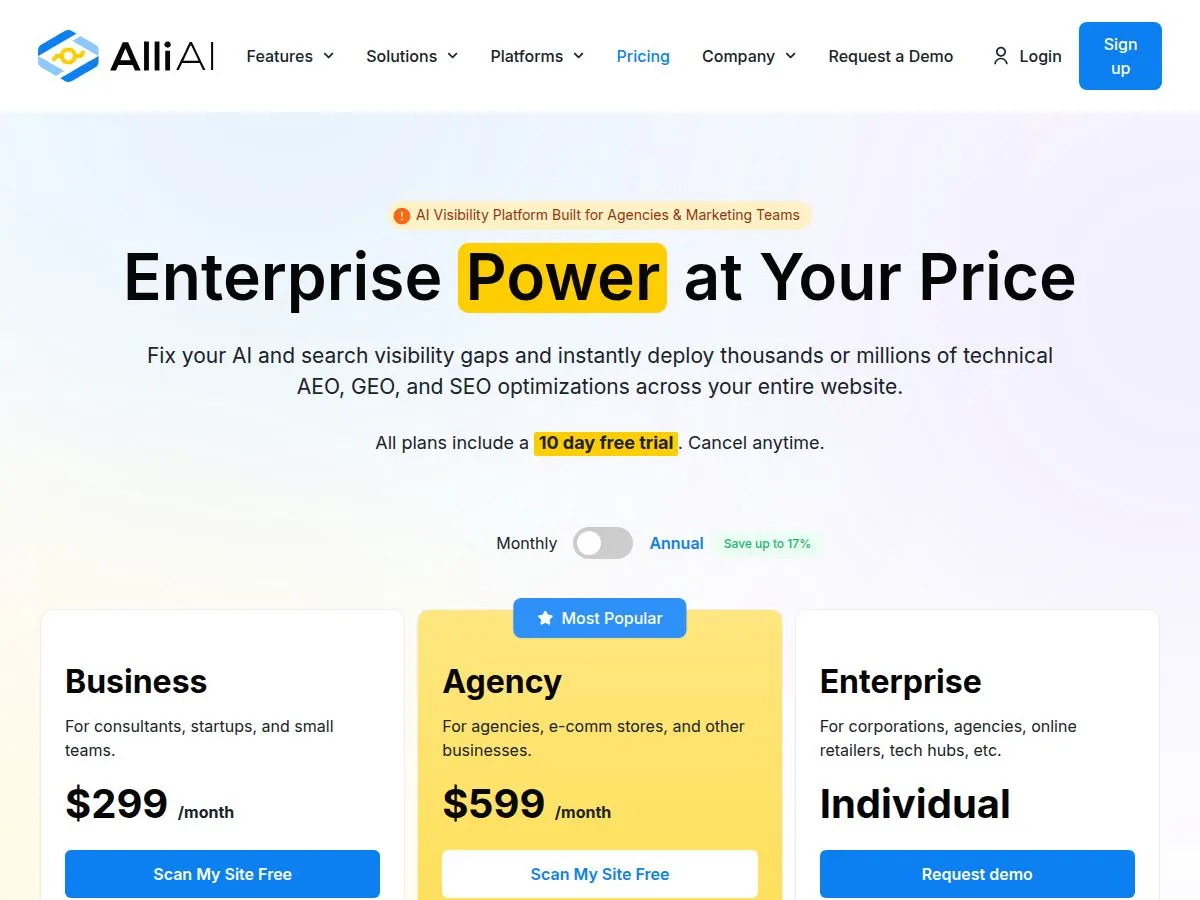
Official pricing page · captured Oct. 4, 2026
Category: On-page and technical SEO automation
Best for: Multi-site operators who need changes shipped without a developer
Execution Depth: 5 / 5
Pricing: From $249/month; 10-day trial. Verify current Alli AI plans
Alli AI is the only tool in this list that changes your live website without anyone opening the CMS. You install a snippet, it crawls, it proposes changes, you approve in bulk, and the changes render. Titles, meta descriptions, headings, internal links, schema, across hundreds or thousands of URLs at once.
If you have ever sat in a sprint-planning meeting trying to get 400 title tag rewrites onto a dev roadmap, you understand immediately why this exists.
Where it genuinely wins
Bulk deployment is the whole product and it does it well. For an agency with fifteen client sites, each with its own CMS and its own gatekeeper, the ability to push on-page work without touching any of those systems is worth real money. It is also the clearest answer in this category to “my technical SEO backlog is 300 tickets long and we have no engineering time.”
The thing you must understand before buying
Alli AI's deployment approach uses a JavaScript snippet to apply approved changes. Ask the vendor how each change is rendered, what persists if a subscription ends, and how your team can export or implement winning changes permanently. You are not buying optimisation work, you are renting it.
I do not think that makes it a bad product. I think it makes it a product with a specific shape that a lot of buyers do not notice until month fourteen. If you are going to use it, use it to prove which changes move the needle, then write the winners permanently into your templates.
Pros
The only real bulk on-page deployment in the category
Works on any CMS, because it bypasses the CMS entirely
Schema generation across large page counts without developer time
Explicit focus on AI crawler visibility, which most technical tools ignore
Genuinely removes the dev-ticket bottleneck, which is the actual constraint for most in-house teams
Cons
Changes are rented, not owned. Cancel and they vanish
$249/month entry is steep for a single site, and the value only compounds across many
Client-side injection adds JavaScript weight, which matters if you are already fighting Core Web Vitals
No content production at all. This is an optimisation layer, not a content engine
Assumes you already know what should change. It executes judgement, it does not supply it
Pricing has moved around and several review sites still quote outdated figures
Who should skip it: Single-site owners under 50 pages, anyone with developer capacity, and anyone whose bottleneck is producing content rather than optimising what exists.
2. Keytomic — content workflow and CMS publishing
Category: SEO content workflow and publishing platform
Best for: Lean teams that need planning and content production connected to their CMS
Execution Depth: 5 / 5 for the content-to-publishing workflow
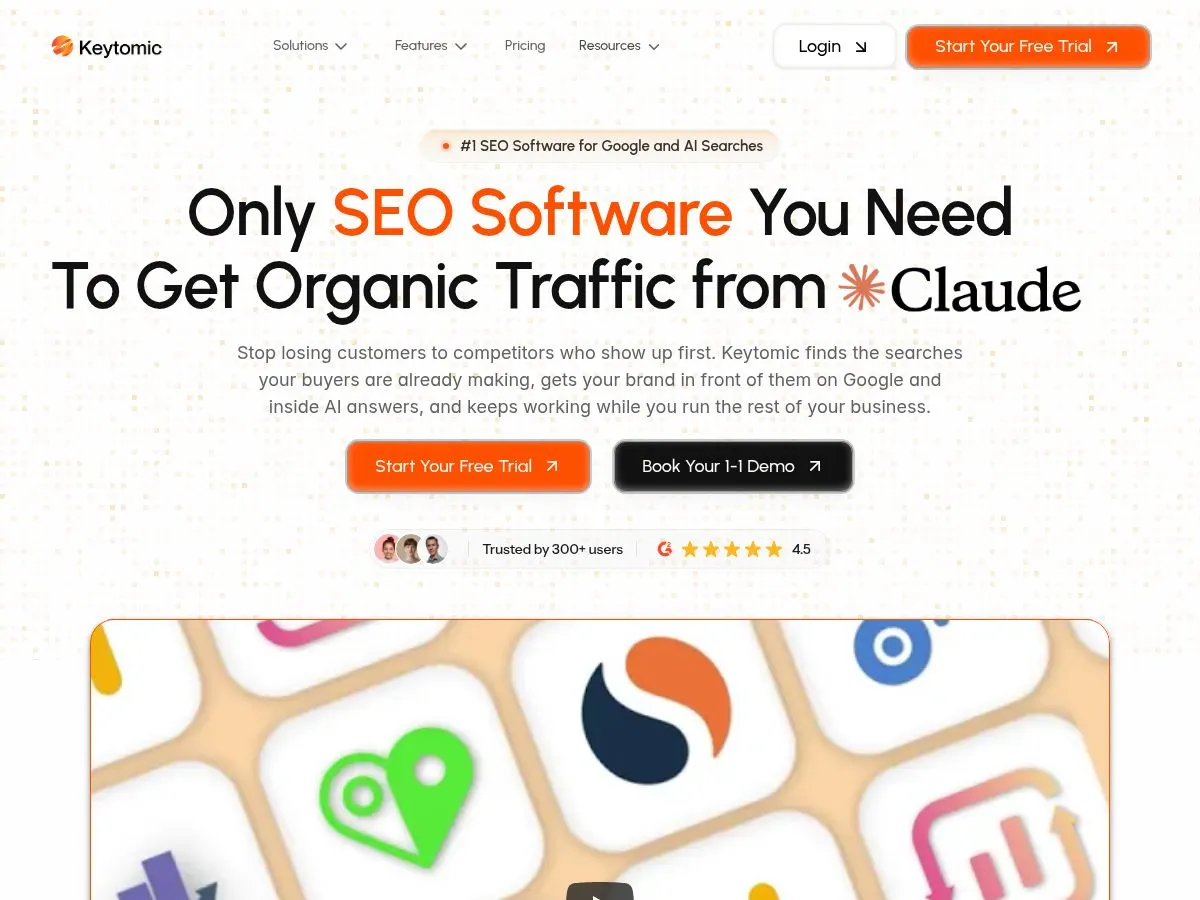
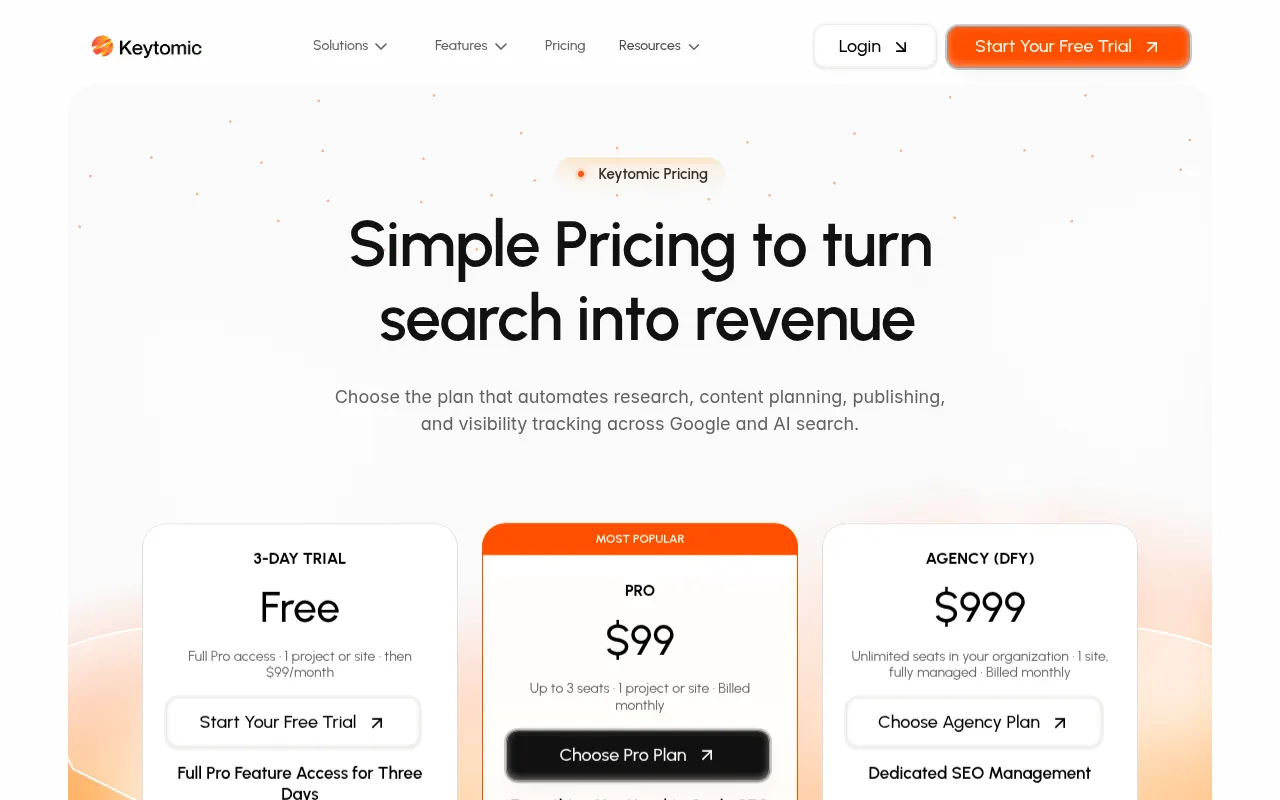
Pricing: Pro is $99/month, with one project/site, up to three seats and 30 blog credits per month; a three-day trial is offered. Offers a DFY/Managed SEO service for $999/month. Check current Keytomic pricing and limits.
I work on Keytomic, so I have a direct conflict in reviewing it. The product connects keyword research and planning with briefs, drafting, image generation and publishing to supported CMS platforms.
It also includes SEO and AI visibility tracking, so you don’t just automate your content calendar but can actually see where your brand shows up in AI answers. It is designed to reduce handoffs between a content plan and a published page, not replace an editor’s decisions.
You can connect your website, generate topical maps, finalise a 30-day SEO content calendar, then generate, review and publish your first article in under two minutes.
Data is sourced from Google Search Console, written in your brand language and structured for E-E-A-T, so the content is built to rank and attract high-intent traffic.
Keytomic scores 5 for this workflow because it can move approved content into a connected CMS. That score does not mean it is the deepest technical crawler, backlink index or enterprise rank tracker in this list.
Teams publishing to WordPress can review the WordPress publishing integration; agencies should also compare scope against SEO automation software for agencies.
Where it fits
It suits founders who need pages shipped without a content team, in-house SEO teams that cannot grow headcount, and agencies running multiple client workflows from one platform. See the full range of use cases at Keytomic solutions.
Trade-offs to consider
Thirty monthly blog credits set a ceiling, although you can buy more credits; human editing and fact-checking is encouraged.
It is a young product with a smaller third-party review base than established suites, so buyers have less external review history to assess.
It does not replace a dedicated backlink index or a specialist enterprise rank tracker.
Its strongest fit is content operations; teams whose main need is deep technical crawling should assess Screaming Frog or enterprise options.
For more detail, see Keytomic pricing and the CMS auto-publishing workflow.
3. Semrush — the all-in-one everyone defaults to
Category: All-in-one SEO suite
Best for: Teams that want one subscription covering most SEO jobs adequately
Execution Depth: 4 / 5
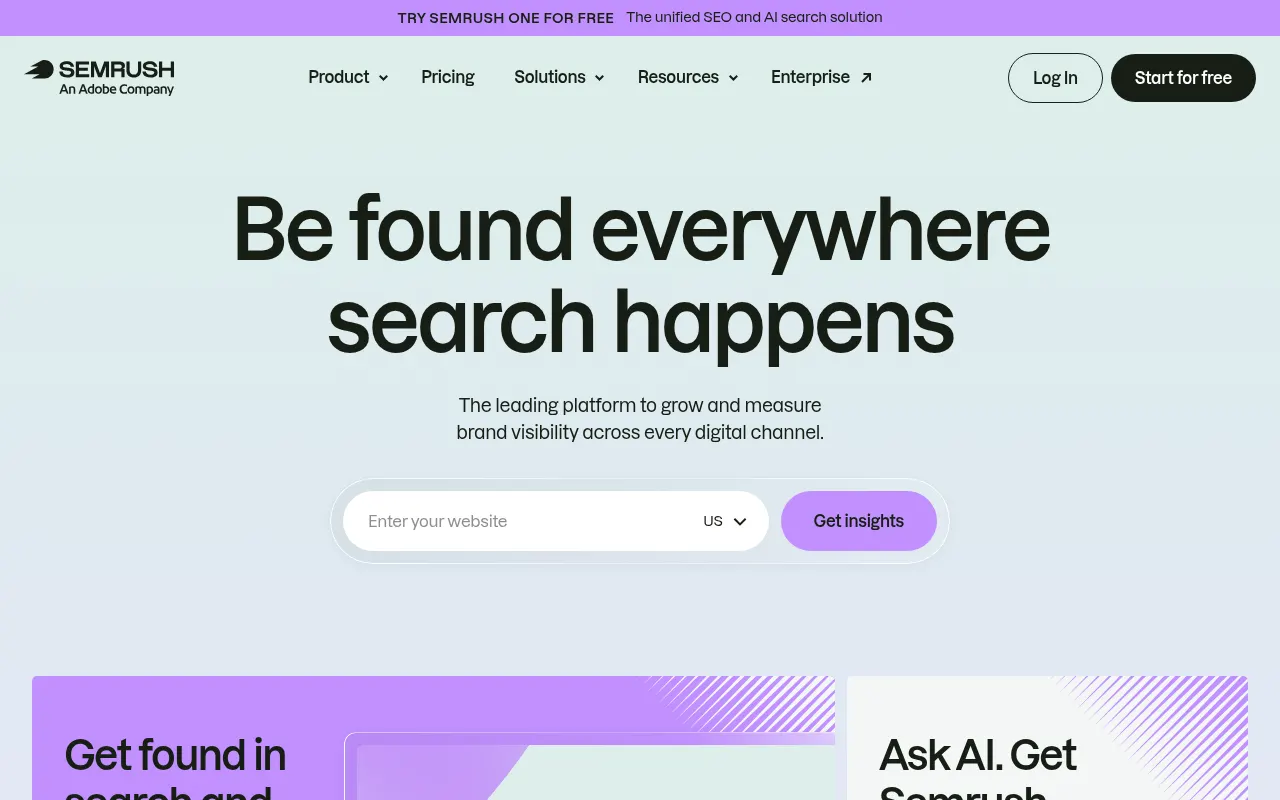
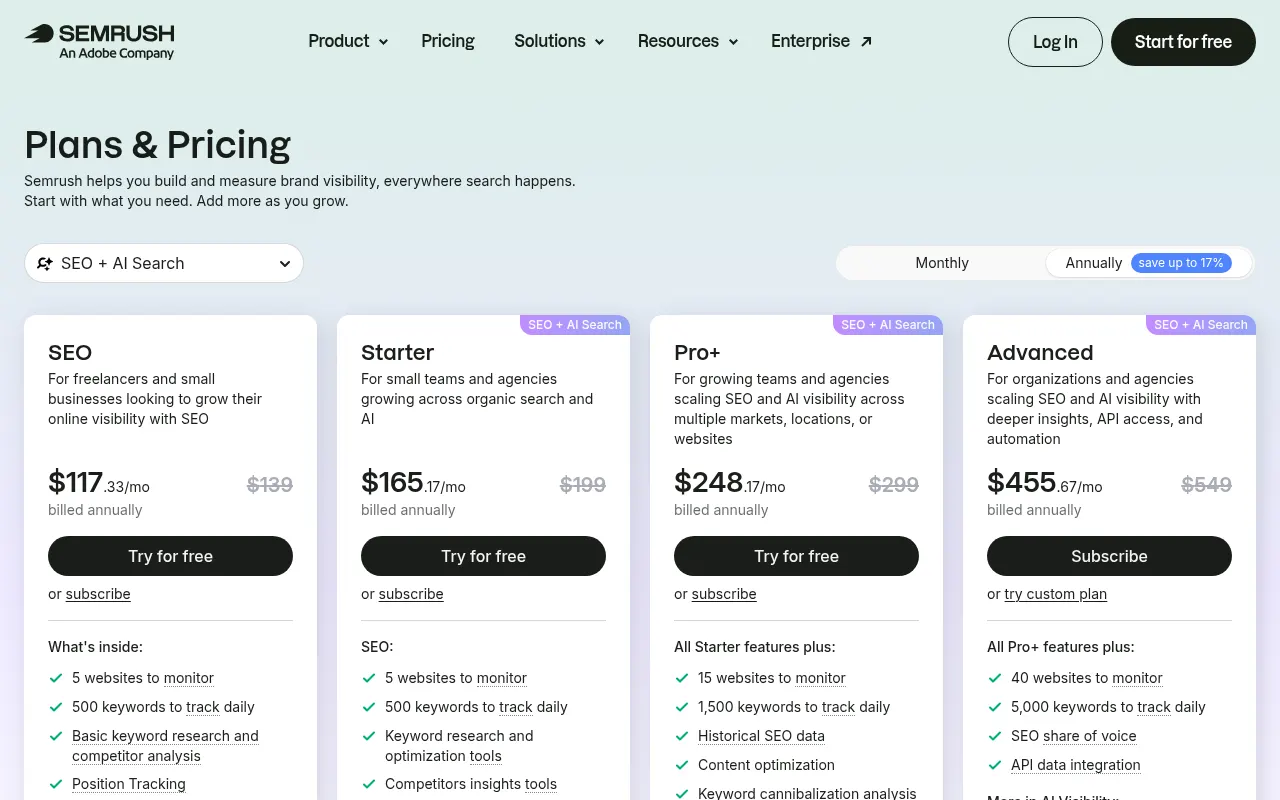
Pricing: Pro from $139.95/month, Guru $249.95, Business $499.95
Semrush is the tool most people mean when they say “SEO platform,” and for good reason. Scheduled site audits, position tracking, backlink monitoring, content audits, automated reporting, all running without you starting them.
I score it 4 for scheduled research, monitoring and reporting. The amount of direct website execution depends on the product and integration; validate the workflow you intend to automate before purchase.
Pros
Broad coverage across research, auditing, rank tracking and reporting; whether it replaces other subscriptions depends on your stack.
Scheduled everything: crawls, rank checks, reports, alerts
Enormous ecosystem of tutorials and training, which lowers the cost of onboarding a junior
Publicly traded and shipping constantly, so feature risk is low
Local and multi-location data is strong, which most competitors handle poorly
Cons
Expensive once you add the seats and projects a real team needs
The interface has a genuine learning curve, and breadth is the reason
Automation stops at the report. Nothing reaches your site
Semrush offers AI visibility through its separate AI Visibility product and Semrush One plans; availability and price depend on the product selected. See current Semrush plan details.
Who should skip it: Solo operators on a tight budget, and anyone whose actual constraint is execution capacity rather than information.
4. SE Ranking — best value for multi-client automation
Category: All-in-one suite, agency-oriented
Best for: Agencies and freelancers running 3+ sites who need automated reporting
Execution Depth: 4 / 5
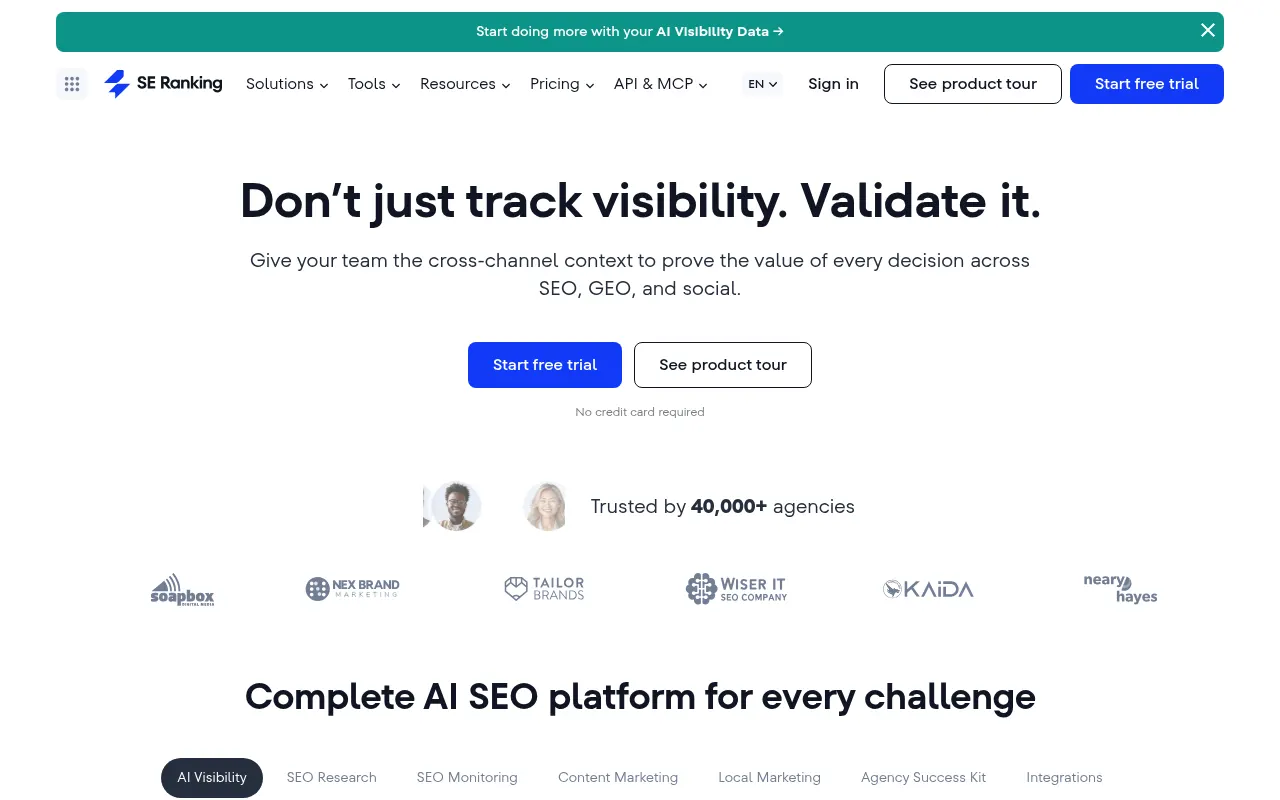
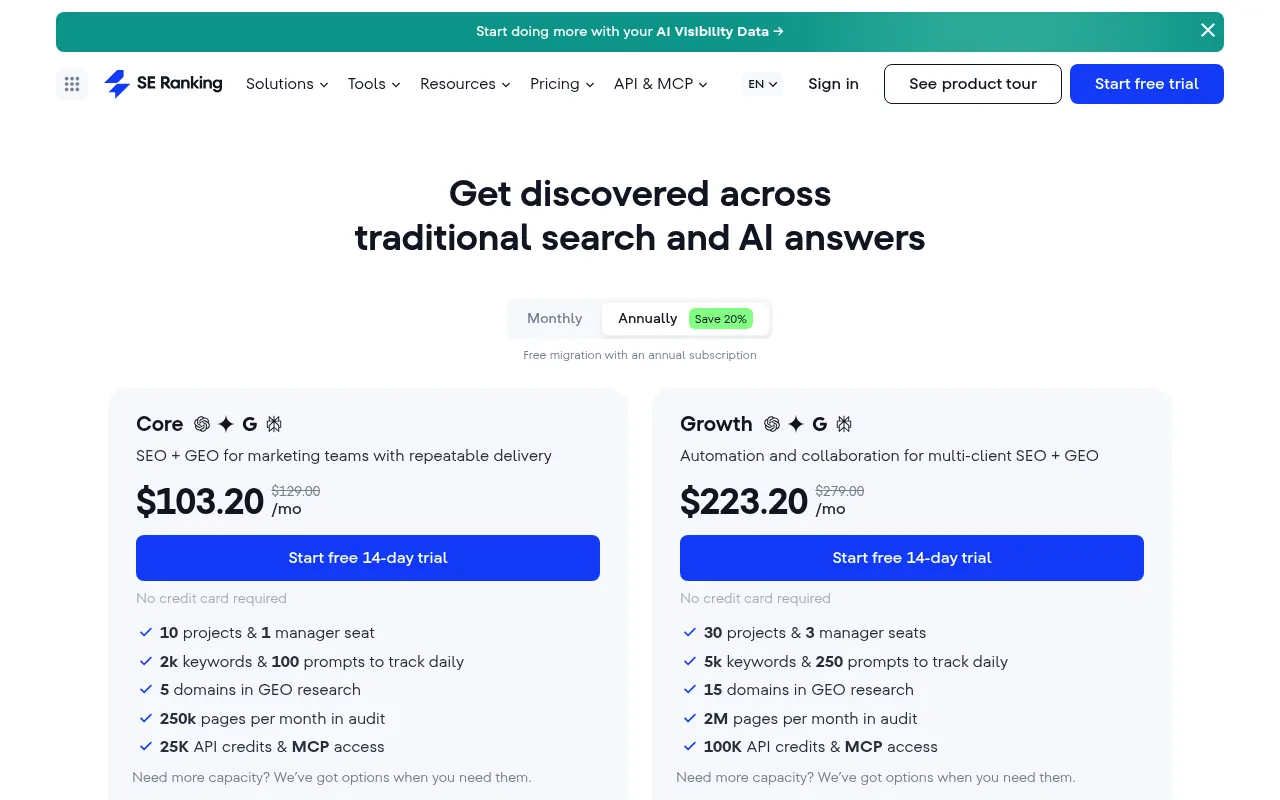
Pricing: Core $129/month; Growth $279/month; Enterprise custom. Check current SE Ranking plans
SE Ranking covers a range of similar SEO workflows at a lower entry price than Semrush, depending on selected plan limits, and it is built around the agency problem rather than the in-house one: many sites, many reports, many stakeholders who want a PDF on the first of the month.
The white-label reporting is the part that actually earns its keep. If you are assembling client reports by hand, this pays for itself in the first month on time alone.
Pros
Clearly the best price-to-capability ratio among the full suites
Built for multiple projects from the ground up, not retrofitted
White-label automated reporting that clients accept without edits
AI visibility is available through SE Visible, a separate product; Agency Pack is an add-on. Check current SE Ranking plan details.
Daily rank checks at a price point where competitors give you weekly
Cons
Rank tracking accuracy is the recurring complaint, and it comes up often enough to take seriously
Pricing logic falls apart for a single site. This is a multi-project tool
Like every suite here, nothing it produces reaches your CMS
Keyword database is shallower than Semrush or Ahrefs in smaller markets
Who should skip it: Anyone managing one website, and anyone who needs best-in-class keyword data rather than good-enough keyword data across many projects.
5. Conductor — enterprise content workflow orchestration
Category: Enterprise SEO and content platform
Best for: Large in-house teams where the bottleneck is coordination, not knowledge
Execution Depth: 4 / 5
Pricing: Custom, sales-led
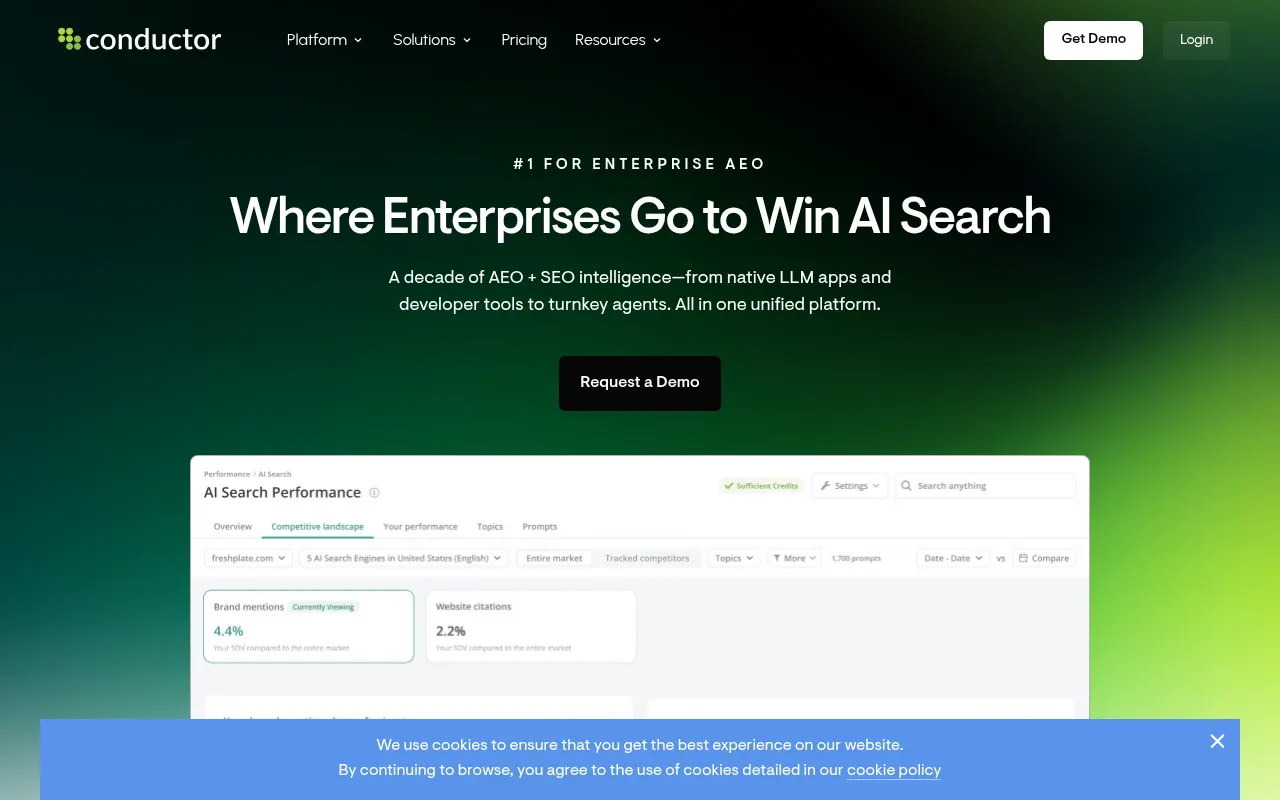
Conductor's real product is workflow. When you have 14 people across three business units publishing to one domain, the hard part is not knowing what to write, it is routing briefs, enforcing standards and catching the page that went live without a meta description.
It automates the orchestration layer: monitoring, alerting, routing work to owners, and keeping guidelines in front of writers at the moment they write.
Pros
Strongest governance and workflow routing in the category
Built for multi-team organisations with real approval chains
Monitoring and alerting that catches regressions before anyone files a ticket
Training and enablement is part of the contract, which matters at that size
Cons
Sales-led pricing with no public numbers, so evaluation takes weeks before you see a figure
Enormous overkill below roughly 20 people touching the site
Conductor offers content workflow and CMS-connected capabilities, including a Content API. Verify the integrations and publishing flow available to your team with the vendor; implementation is enterprise-oriented.
Implementation is a project, not a signup
Who should skip it: Everybody under enterprise scale. If you can name every person who publishes to your site, you do not need this.
6. seoClarity — automation at very large page counts
Category: Enterprise SEO platform
Best for: Sites with hundreds of thousands of URLs
Execution Depth: 4 / 5
Pricing: Custom, sales-led
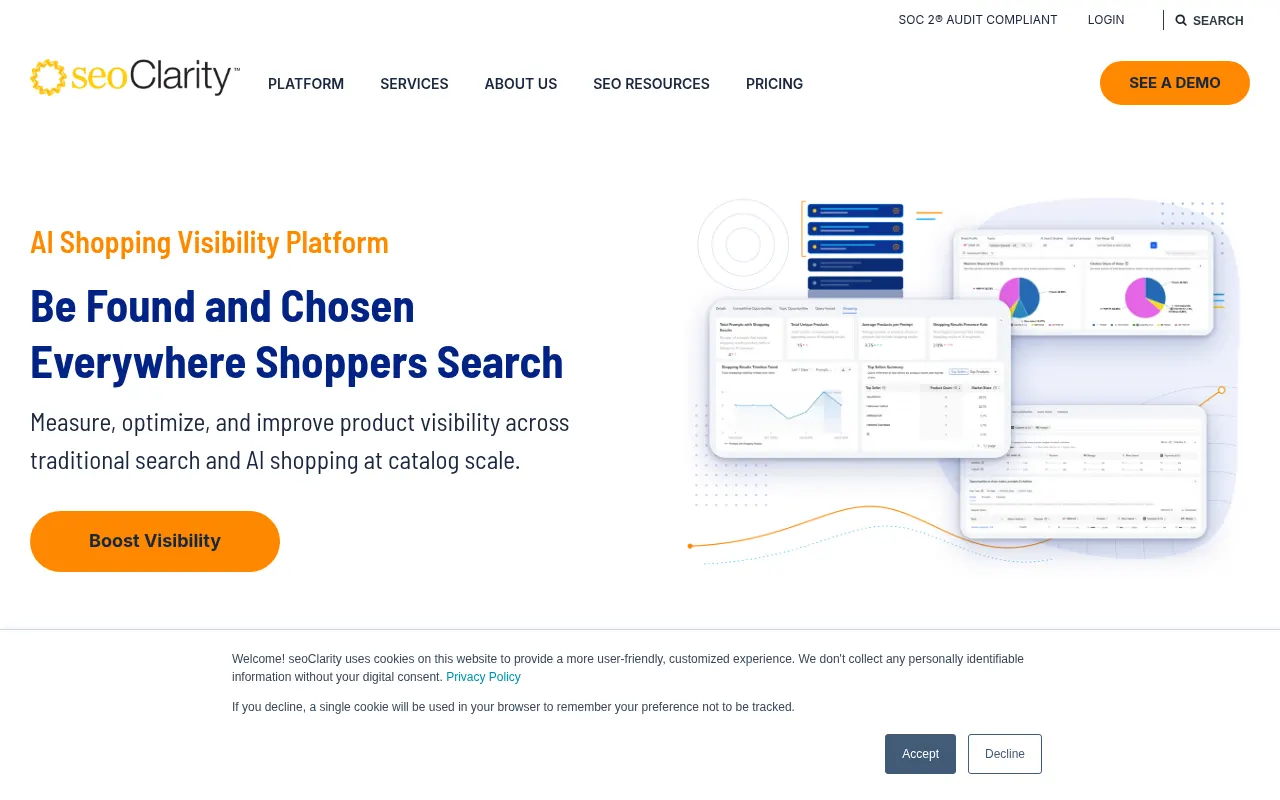
seoClarity exists for a problem most readers of this post do not have: a site so large that crawling it is itself an engineering exercise. Marketplaces, large publishers, retailers with deep catalogues.
At that scale, automation stops being a convenience and becomes the only option. Nobody is manually auditing 400,000 product pages. seoClarity handles crawl, prioritisation, automated recommendations and, through its deployment layer, some direct implementation.
Pros
Handles page counts where most tools in this list simply time out
Automated recommendation generation prioritised by projected impact
Strong API, which matters because at this scale you are building internal tooling on top of it anyway
Content and technical in one platform, so large teams are not stitching two vendors together
Cons
Priced and scoped for enterprise. If you are asking whether you can afford it, you cannot
Interface complexity is real and onboarding takes months, not days
Overwhelming for a site under a few thousand pages
Much of the “automation” is still recommendation at volume rather than execution
Who should skip it: Anyone under roughly 10,000 URLs. The tool is not wrong, your site is just not big enough for it to pay back.
7. Surfer — content optimisation automation
Category: Content optimisation
Best for: Editorial teams who write their own content and want it structurally competitive
Execution Depth: 3 / 5
Pricing: Discovery $49/month, Standard $99/month and Pro $182/month when billed yearly; Enterprise is custom. Check current Surfer plans.
Surfer scrapes the pages ranking for your target term, works out what they have in common, and hands you a brief: terms to include, structure, length, heading count. Then its AI layer will draft against that brief in your brand voice.
It is a staple for a reason. The optimisation reports are good and the Google Docs integration means it fits the way most editorial teams already work.
The pricing detail that catches people
Plan names, included credits and AI visibility availability can change. Compare the feature limits on Surfer's current pricing page against your workflow before comparing monthly totals.
Pros
Best-in-class content briefs. If you are writing manually, this closes the gap between a good draft and a competitive one
Google Docs and WordPress integrations that fit existing workflows
Brand voice controls available even on the entry plan
Used by large, recognisable companies, so platform risk is low
Cons
Add-on pricing means the real monthly cost is routinely 50% above the sticker
No technical SEO at all. This is content only
Optimisation scores measure similarity to what ranks, which is a coverage check, not a quality check
It will not rescue you if you do not already know SEO fundamentals. It takes an 80% page to 100%, not a 0% page to 80%
Publishing is still a manual step
Who should skip it: Teams that need pages produced rather than pages polished, and absolute beginners who would be better served learning fundamentals first.
8. Clearscope — content decay detection

Category: Content optimisation and monitoring
Best for: Teams with a large existing library that is quietly losing traffic
Execution Depth: 3 / 5
Pricing: Essentials $129/month and Business $399/month; Enterprise is custom. Check current Clearscope pricing.
Clearscope does roughly what Surfer does on the briefing side, with higher-quality term recommendations and a premium price. The feature that justifies it for established sites is Content Decay: it surfaces the pages that are slipping before the traffic loss shows up in a monthly report.
That is the most underrated automation in this entire list. Most teams discover decay six months late, by which point recovery is a rewrite rather than an update.
Pros
Term recommendations are the best I have used, noticeably cleaner than cheaper alternatives
Content Decay detection catches the slow losses nobody is watching for
Simple enough that writers actually use it, which cannot be said of every tool here
Trusted by large content organisations, so the data quality is proven at scale
Cons
Expensive, and the tier structure is genuinely confusing: Essentials and Business are over $200 apart but both cap at the same number of monthly content reports
No technical SEO, no publishing, no AI visibility tracking
Priced per report, which punishes high-volume teams exactly when they need it most
Hard to justify alongside a full suite you are already paying for
Who should skip it: New sites with nothing to decay yet, and anyone whose budget would be better spent producing pages than scoring them.
9. Screaming Frog — scheduled technical audits
Category: Technical SEO crawler
Best for: Anyone who needs a real crawl on a schedule without enterprise pricing
Execution Depth: 3 / 5
Pricing: Free up to 500 URLs, paid licence $279/year per user
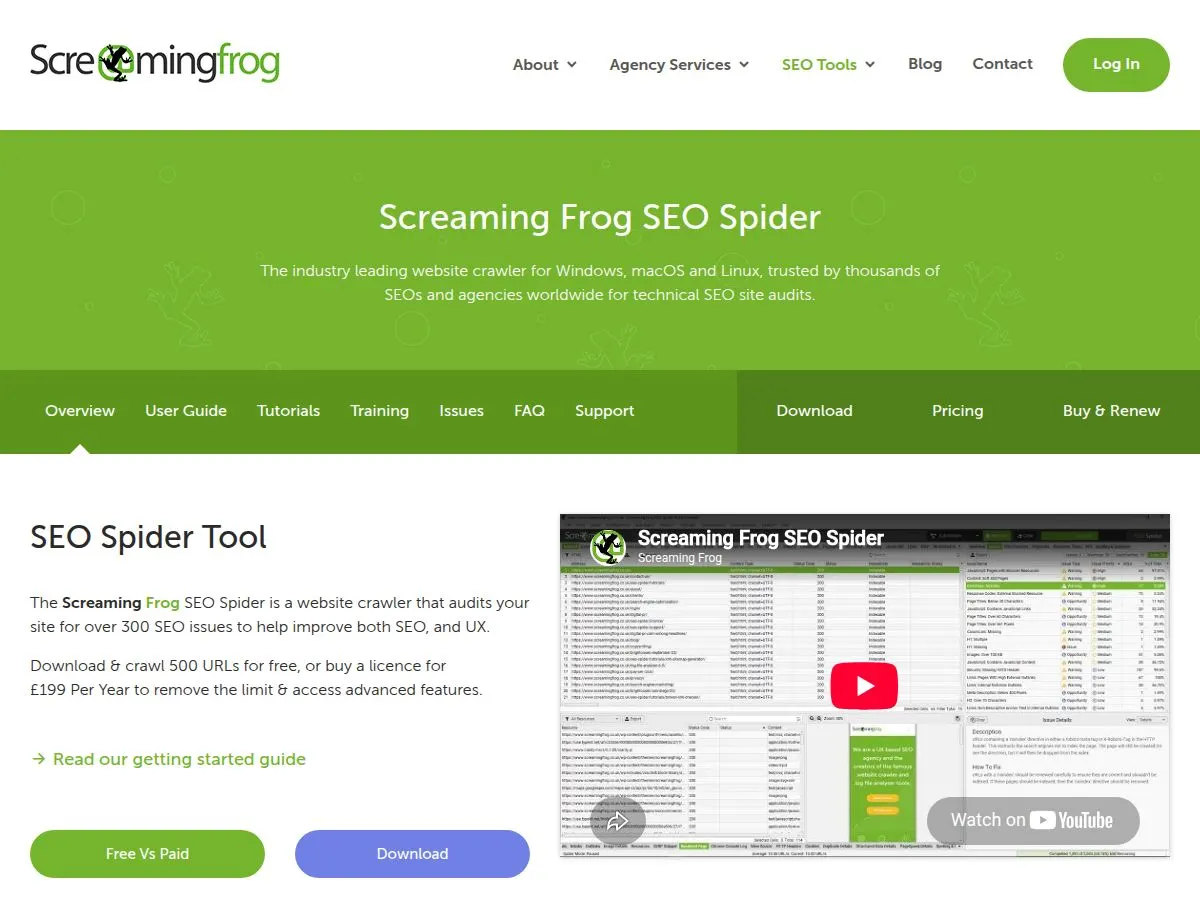
The paid SEO Spider licence supports scheduled crawls and exports. Set up the crawl on a machine that remains available, then route its output into your reporting workflow.
At $279 per user annually, the paid licence is about $23.25 per month when averaged over a year; it remains a desktop crawler, not a hosted monitoring service. If you want the platform-level equivalent of this without the desktop app, Keytomic's own technical SEO audits run on the same schedule-and-flag principle.
Pros
Scheduled crawls plus automated exports, for a fraction of suite pricing
Depth no suite matches. Redirect chains, canonical conflicts, hreflang, structured data validation
Free tier up to 500 URLs is genuinely useful for small sites
Connects to Search Console, Analytics and PageSpeed so one crawl carries all the context
Cons
The interface is dated and intimidating for anyone who is not technical
Licence is per user, so team use multiplies the cost
Runs on your machine, which means large crawls tie up a laptop
Finds problems beautifully and fixes nothing
Who should skip it: Non-technical marketers working alone. The learning curve is real and a suite's audit will cover 80% of what you need.
10. Google Data Studio — automated reporting
Category: Reporting and dashboards
Best for: Teams that need repeatable dashboards from connected data sources
Execution Depth: 3 / 5 for report assembly and refresh
Pricing: Free self-service edition; Data Studio Pro is $9 per user per project per month. Confirm current Google plan details.
Google Data Studio builds dashboards from Google products and partner or community connectors. Reports can refresh from connected sources, subject to connector and data-freshness limits. It automates report assembly; it does not analyze SEO performance or make optimization decisions for you.
Pros
Free self-service option for common reporting needs.
Combines eligible Google and third-party data sources in one dashboard.
Shareable report links can replace recurring static exports.
Cons
Building and maintaining a useful dashboard takes setup work.
Connector availability, quotas and freshness vary.
It displays data but does not provide SEO analysis by itself.
A reasonable fit for teams willing to build and maintain their reporting layer; compare the free and Pro terms before selecting a plan.
11. Google Search Console — free first-party performance data
Category: First-party search performance and diagnostics
Best for: Every site owner who wants Google's reported search performance
Execution Depth: 2 / 5 for reporting; URL Inspection can request a crawl
Pricing: Free
You cannot call yourself a true SEO guy if you don't consider this tool as a biggest source of truth for your website's SEO data.
Google Search Console reports search performance and offers URL Inspection, which can show indexing status and let an authorized user request indexing for an important updated URL. A request is not a guarantee of crawling or inclusion.
For routine blog publishing, keep the sitemap accurate and update lastmod when page content changes meaningfully, make sure the page is crawlable and linked from relevant pages, then use URL Inspection when a specific high-priority update needs attention. Do not wire ordinary blog posts to Google's Indexing API: Google's documented eligibility is limited to pages with JobPosting or BroadcastEvent structured data in VideoObject.
Search Console date comparisons can help identify pages losing clicks or impressions, but it remains a reporting and diagnostic tool. It does not itself find or rewrite content.
Pros
Free first-party search data for a verified property.
URL Inspection explains Google's indexed view and provides a request-crawl control.
Sitemap processing and performance reports support a repeatable monitoring routine.
Cons
It does not provide competitor keyword or backlink data.
Performance data is delayed and subject to reporting limits.
Requesting indexing does not guarantee a crawl or indexing outcome.
Use the multi-search-engine discovery workflow only with a clear understanding of each engine's rules; Search Console URL Inspection and Google's Indexing API are different mechanisms.
12. Ahrefs — best data, least execution

Category: Competitor and backlink research
Best for: Anyone who needs the most reliable third-party data in SEO
Execution Depth: 2 / 5
Pricing: Starter $29/month, Lite $129/month, Standard $249/month and Advanced $449/month. Check current Ahrefs plans.
A low Execution Depth score does not mean a low-quality product. Ahrefs is strong for competitive and backlink research, a different job from publishing or deploying site changes.
Ahrefs automates almost nothing about executing SEO. What it does is own the best link index in the business and give you competitor visibility no first-party tool can. Scheduled audits and rank tracking with alerts are genuinely automated. Everything else is you, reading excellent data and deciding.
If you are buying “SEO automation software” and you end up with Ahrefs, you have bought something excellent that will not give you back a single hour of production time. Know that going in.
Pros
The most reliable competitor and backlink data available without first-party access
Scheduled site audits and rank alerts that run unattended
Expanding AI search mention tracking across ChatGPT, Perplexity and Gemini
Outstanding free education, which lowers the cost of training a team
Starter is a public entry plan; check its current usage limits before relying on it for regular research.
Cons
Genuinely expensive, and the credit system on lower tiers bites quickly
Traffic estimates diverge from first-party Search Console data, sometimes significantly
Rank tracking is not the most accurate available. Dedicated trackers beat it
Almost no execution. It is an instrument panel, not an engine
Who should skip it: Teams whose constraint is output, not insight. If you already know what to publish and cannot get it published, more data will not help.
What separates real automation from a long feature list
The market is full of platforms that attached AI to every feature and relabelled the result. Three tests cut through it.
Workflow depth beats feature breadth
A platform can offer 40 features and automate 40 individual tasks while connecting none of them. You still export keyword data, still rebuild it as a brief, still paste the draft, still format in the CMS. That is not automation, it is a very expensive to-do list that fills itself in.
Depth means the platform handles connected steps without you triggering each one. Keyword discovery generates the roadmap. The roadmap generates briefs with SERP analysis already in them. The brief feeds the editor. Publishing triggers indexing.
This connected-steps idea is also what semantic SEO automation is actually trying to solve, as distinct from point tools that handle one step well. Ask a vendor to demonstrate that chain end to end in one session. Most cannot, and watching them try is more informative than any feature page.
Publishing and indexing is where almost everything fails
This is the clearest dividing line in the category. Plenty of tools will help you write a better page. Far fewer will put it on your site, format it correctly, handle the images and tell Google it exists.
When you evaluate, go straight to this question: after the draft is approved, how many human actions remain before the page is live and submitted? If the answer is more than one, you are buying a writing assistant.
The hidden cost of a fragmented stack
When your workflow spans five tools, the subscriptions are the smallest line item. You also pay in context switching between interfaces, in data that degrades every time it is copied between systems, in training each new hire on five products instead of one, and in maintenance every time an integration breaks after a vendor update.
The “best of breed” instinct, picking the strongest tool for each function, is intuitive and frequently loses to an integrated platform with merely good components. Not because the components are better. Because the friction between steps disappears, and friction is what stops work from shipping.
Where the hours actually go: the handoff problem
Most teams assume the slow part of content production is writing. In my experience it is not. The writing is maybe a third of the elapsed time. The rest is transitions between tools, and every transition is a place where work stalls.
Here is a typical stack, and it is not an exaggerated one:
Step | Tool | What happens at the handoff |
|---|---|---|
Keyword research | Ahrefs or Semrush | Export a list, lose the clustering logic, reformat by hand |
Brief | Google Docs | Re-explain requirements, competitive insight does not travel |
Draft | A separate AI writing tool | Start from scratch, brief context partially lost |
Optimisation | Surfer or Clearscope | Paste in, wait for analysis, implement suggestions manually |
Publishing | WordPress | Paste, reformat, add images, set metadata, fix what broke |
Indexing | Search Console | Open it, submit manually, hope |
Reporting | Another tool entirely | Rebuild the same report you built last month |
Seven tools, six handoffs. Each handoff adds context switching and creates opportunities for formatting or requirements to be lost. The cost varies by team and workflow, so measure it in your own process rather than assuming a fixed time per transition.
At higher publishing volumes, repeated handoffs can consume meaningful production time; track your own hours before and after changing the workflow.
Why it compounds
Nobody starts with seven tools. You start with one, find a gap, add a second, discover it does not integrate, add a third to bridge them. Six months later you are paying for a subscription you cannot remember approving and no one person understands the full pipeline.
The costs stack in three places. Subscriptions multiply. Every new hire needs seats across all of them and training on each. And when one vendor changes an API, someone spends a day repairing a workflow that was never anyone's job to maintain.
This is the actual case for consolidation, and it has nothing to do with any individual tool being better. It is that six handoffs cost more than the quality difference between a best-in-class tool and a good-enough one.
The gap nobody's automation covers properly yet: AI search
Every platform in this list was architected for a world where the goal was a blue link on a results page. That is no longer the only goal, and the tools are retrofitting rather than rebuilding.
When someone asks ChatGPT or Perplexity to recommend a vendor in your category, your rank for the matching keyword is close to irrelevant. What matters is whether your content is structured so a model can extract and attribute a claim from it. Those are different jobs with different requirements. Our own complete guide to GEO goes deeper into this if you want the full mechanics.
What automating for AI search actually requires
Content structured for extraction. Direct answers near the top of a section, claims that stand alone without the surrounding paragraph, no burying the point three sentences deep.
Attribution that survives summarisation. Models cite sourced claims more readily than confident assertions. This is the practical reason this post sources its numbers, and the practical reason most SEO content does not get cited. See our guide to building ChatGPT visibility for the specifics.
Structured data that machines can read. Article, FAQPage, Person, ItemList. Not for rich results, which are mostly deprecated anyway, but because it gives a model an unambiguous reading of what the page contains and who wrote it.
Freshness that is maintained, not claimed. Changing a date field is not an update. Models weight content that has actually changed.
What to ask vendors about this
Two questions separate real coverage from a tracking dashboard with AI in the name.
First: does the platform track citations, or only brand mentions? Mentions are cheap to detect and tell you little. Citations tell you whether you are the source. This is also where AI visibility tracking tools differ most from each other, and worth checking directly against what we found when comparing how Keytomic compares to Profound on exactly this point.
Second: does it do anything about what it finds? Nearly every AI visibility feature in this category is measurement. Measuring your absence from ChatGPT answers is the easy part.
This gap is the most honest reason to look hard at the newer platforms in this category rather than defaulting to the established suites. It is also why the established suites will probably close it within eighteen months, so weigh that if you are signing a long contract.
How to run a trial that actually tells you something
Most trials get wasted on exploring features. You click around, the interface is nice, the demo data looks impressive, and you learn nothing about whether it will work on a Tuesday in March.
Run your real workflow instead, on a real keyword you were going to target anyway, and time every step. One article, start to finish.
Keyword research. Pick a topic you are genuinely planning. How long until you have a target term and a cluster you would actually commit to? Record your current time for this step.
Brief generation. Is the output usable as-is, or do you rewrite it before handing it to a writer? This is where most tools quietly fail. Record your current time for this step.
Draft and optimise. Time to a draft you would not be embarrassed to publish after editing. Count the editing honestly. Record your current time for this step.
Publish to your actual CMS. Not a sandbox. Your CMS, with your formatting, your images, your metadata. Count every manual action. Record your current time for this step.
Indexing. Does it happen, or do you open Search Console? Record the human steps and time to request a crawl; inclusion is not guaranteed.
Then compare the total to your current process. Compare total elapsed time and manual actions with your existing process, while checking that editorial quality and technical requirements remain intact.
The two questions nobody asks during a trial
What happens when it is wrong?
Generate something deliberately outside the tool's comfort zone, a niche technical topic, a product with an unusual name. See whether it produces confident nonsense or flags uncertainty. Every tool here looks excellent on a generic topic. The difference shows up at the edges.
What happens when you leave?
Ask directly: if I cancel, what do I keep? With a content platform the pages are yours. With a client-side optimisation layer they may not be. That question has a different answer for different tools on this list and it rarely comes up before signing.
What I would actually pick, by situation
The honest answer to “what is the best SEO automation software” is that it depends entirely on which part of your work is the bottleneck. Find yourself below.
Solo founder, no content team, needs pages shipped. Your constraint is production, not insight. An AI SEO for founders platform plus free Search Console automation. Skip the data suites entirely at this stage. You do not have a measurement problem, you have a nothing-published problem.
In-house SEO at a mid-size company, cannot grow headcount. Automation for in-house SEO teams for output, plus Ahrefs for competitive intelligence, plus Google Data Studio for the reporting that is eating your Fridays. Roughly $210 a month and it replaces a hire you are not going to get approved.
Agency with 5–20 clients. SE Ranking for the multi-client tracking and white-label reports, plus Alli AI if your clients' technical backlogs are the recurring complaint, plus an AI SEO for agencies platform for the content side. If you are comparing dedicated listicles, our SEO automation software for agencies roundup goes deeper on this stack. The reporting automation alone justifies the stack.
Large existing library, traffic quietly declining. This is a decay problem, not a production problem. Clearscope's decay detection, or build the free version with the Search Console comparison report. Do not buy a content generation tool. You do not need more pages, you need the ones you have to work again.
Enterprise, 10,000+ URLs, multiple teams. seoClarity or Conductor, and budget for a real implementation. Nothing else on this list operates at that scale without breaking.
Technical backlog you cannot get onto a dev roadmap. Alli AI, with the lock-in caveat understood and a plan to write the winning changes permanently into your templates.
If you only take one thing from this
The most common expensive mistake in this category is buying a measurement tool to solve an execution problem. It feels productive because the dashboards are good and the reports look like progress. Six months later you have beautiful visibility into a backlog that has not moved.
Before you buy anything, write down the specific task you want to stop doing. If no tool on your shortlist actually performs that task, the shortlist is wrong.
Frequently asked questions
What is the best SEO automation software?
There is no single best option for every team. Alli AI focuses on deploying approved on-page changes, Keytomic connects content planning and CMS publishing, SE Ranking supports multi-project monitoring and reporting, and Ahrefs focuses on competitive and backlink research. Choose by the recurring task you need to automate.
What is the difference between SEO automation software and AI SEO tools?
AI SEO tools use machine learning to assist with tasks such as analysis or drafting. SEO automation software connects recurring steps and performs some of them with less manual intervention. Check whether a tool executes changes or only gives recommendations.
Can SEO automation software replace an SEO specialist?
No. Automation can support research, audits, publishing and reporting, while strategy, business context, fact-checking and editorial quality still need human judgment.
How much does SEO automation software cost?
Prices in this comparison range from free tools and $29 entry plans to several hundred dollars per month; enterprise platforms often require a custom quote. Add-ons, seats, usage limits and annual billing affect actual cost, so confirm current vendor pricing.
Will automated content hurt my rankings?
Automation alone does not determine search performance. Content still needs to be useful, accurate, original and reviewed for the audience; publishing unhelpful or unverified pages can create quality problems.
How do I measure ROI from SEO automation software?
Track the manual steps removed, time per completed workflow, content quality and business outcomes over a suitable period. Compare against a baseline from your own process; organic traffic changes can take longer and have other causes.
What should an SEO platform automate first?
Start with a repeatable task that consumes time but requires limited judgment, such as scheduled reporting or moving approved content through a CMS workflow. Keep human review where quality, strategy or technical risk requires it.