Table of Contents
Share Article
Best SEO Tools Under $100 in 2026: 15 Tools Compared
Best SEO Tools Under $100 in 2026: 15 Tools Compared
Best SEO Tools Under $100 in 2026: 15 Tools Compared

Salam Qadir
Product & Growth Lead

15 SEO tools under $100 for 2026, compared by job: keyword research, content optimization, technical audits, and AI visibility. Real pricing, verified.
TL;DR
You do not need to spend $300–$500 every month to run a functional SEO operation.
Here are my direct recommendations:
Best free SEO tool: Google Search Console
Best free technical SEO crawler: Screaming Frog
Best cheap SEO tool for keyword research: KeySearch
Best for low-competition keywords: LowFruits
Best entry point into Ahrefs data: Ahrefs Starter
Best affordable competitor research tool: SpyFu
Best beginner-friendly SEO toolkit: Mangools
Best cheap content optimizer: NeuronWriter
Best content research and briefing tool: Frase
Best traditional all-in-one SEO platform under $100: Serpstat
Best advanced content optimizer: Surfer SEO
Best AI search and GEO content platform: Scalenut or Writesonic
Best content-only Semrush product: Semrush Content Toolkit
Best SEO automation platform under $100: Keytomic
You probably landed on this guide because you searched for best SEO tools under $100, best cheap SEO tools, cheapest SEO tools or affordable SEO tools.
You were looking for something that could help you grow search traffic without forcing you to spend hundreds of dollars before you have even proved that SEO can work for your business.
Fair enough.
You do not want to invest your hard-earned money into Ahrefs, Semrush and four additional subscriptions before testing the channel, understanding the workflow or publishing enough content to get meaningful results.
Been there, done that.
I have worked in SEO and digital marketing for over six years, and I have repeatedly seen founders struggle with what looks like a simple decision:
Which SEO tool should I buy?
It is rarely that simple.
Price is not always the real problem.
Sometimes the business buys a cheap keyword tool but never publishes anything. Sometimes it buys an expensive platform and uses 10% of it. Sometimes it pays for three affordable tools that overlap so heavily that the combined stack costs more than one integrated platform.
A tool can be inexpensive and still be poor value.
A tool can cost $99 and still save money if it replaces several disconnected subscriptions and removes hours of manual work.
That is the lens I have used for this comparison.
I am not ranking tools by the length of their feature pages. I am comparing them according to the work they help a small business, startup, content team or lean agency complete.
Disclosure: I am Product & Growth Lead at Keytomic, which is included in this comparison. I have not positioned it as the universal winner. Keytomic is the strongest choice for a specific problem—SEO execution and automation—but it is not the cheapest keyword database, the deepest backlink tool or the right product for every buyer.
Pricing note: Prices were checked on July 15, 2026 using official product pages wherever possible. “Billed annually” means you may need to pay for a full year upfront. Taxes, promotions, currencies and plan limits can vary.
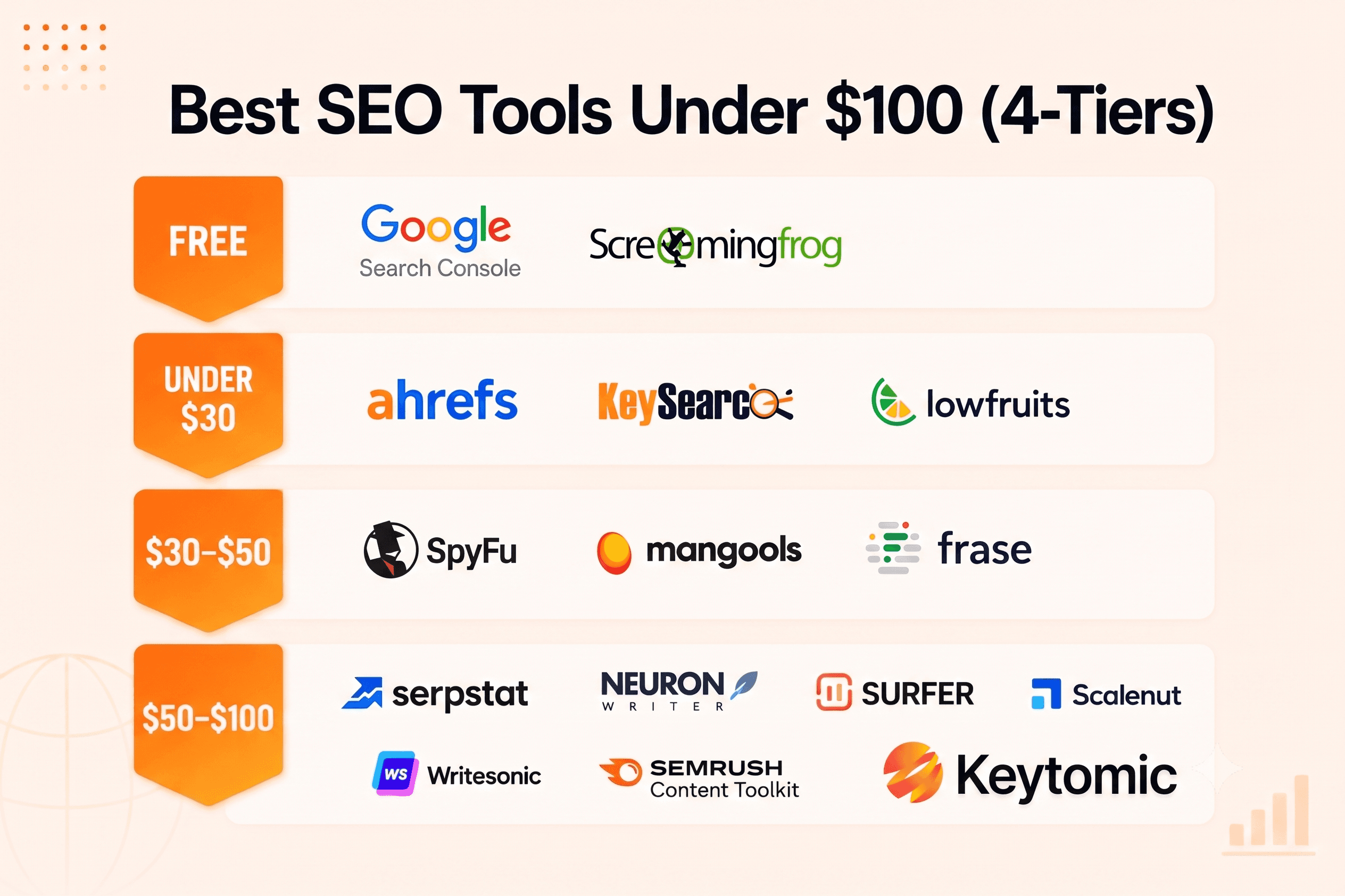
Best SEO Tools Under $100 at a Glance
SEO tool | Starting price | Best for | What it does particularly well | Main limitation |
|---|---|---|---|---|
Google Search Console | Free | First-party search data | Queries, clicks, impressions, indexing and page performance | No competitor research |
Screaming Frog | Free for 500 URLs | Technical SEO | Crawling, metadata, canonicals, redirects and directives | Desktop tool with a free crawl limit |
Ahrefs Starter | $29/month | Entry-level SEO research | Keyword and competitor discovery using Ahrefs data | Not the full Ahrefs platform |
KeySearch | $24/month | Budget keyword research | Keywords, SERPs, audits and rank tracking | Smaller ecosystem than premium suites |
LowFruits | $25 pay as you go | Low-competition keywords | Weak-SERP and long-tail opportunity discovery | Credit-based specialist tool |
NeuronWriter | $23/month | Affordable content optimization | Semantic analysis and content scoring | Limited traditional SEO research |
SpyFu | $39/month | Competitor and PPC research | Historical competitor and paid-search data | Weak technical SEO coverage |
Frase | $49 monthly | Content briefs and research | SERP analysis, briefs and optimization | Requires other tools for full SEO |
Mangools | From approximately $49 monthly | Beginner-friendly SEO research | Keywords, SERPs, tracking and link research | Daily limits and lighter auditing |
Serpstat | From $50/month annually | Traditional all-in-one SEO | Keywords, audits, ranks, competitors and links | Data and search limits |
Semrush Content Toolkit | $60/month | SEO content production | Briefs, content ideas and optimization | Not the full Semrush SEO suite |
Scalenut | $59/month before promotions | GEO content and AI visibility | Prompt tracking, content clusters and GEO articles | Broader features require higher plans |
Writesonic | $79/month billed annually | AI visibility and content | AI monitoring, content and site-audit workflows | Annual commitment and usage limits |
Surfer SEO | $49/month billed annually | Advanced content optimization | SERP-driven recommendations and AI optimization | Research and technical coverage are limited |
Keytomic | $99/month | End-to-end SEO execution | Research, planning, writing, publishing and AI visibility | More platform than a research-only buyer needs |
Google says Search Console helps website owners analyze queries, impressions, clicks and positions, submit sitemaps, inspect URLs and diagnose indexing issues. Screaming Frog’s free edition crawls up to 500 URLs.
My fastest recommendations by job
Choose Google Search Console when you need to understand how your own site performs.
Choose Screaming Frog when you need a proper technical crawl.
Choose KeySearch when you want conventional keyword research at one of the lowest recurring prices.
Choose LowFruits when you need realistic long-tail opportunities rather than another giant keyword export.
Choose SpyFu when competitor and PPC intelligence matter most.
Choose Frase, NeuronWriter or Surfer when you already have a publishing process and want to improve individual pieces of content.
Choose Keytomic when your problem is not a lack of SEO reports. Choose it when research, planning and drafts are not turning into published, indexed and measurable pages.
That distinction matters.
A dashboard is not an SEO strategy.
What Does “Cheap” Actually Mean for an SEO Tool?
The term cheap SEO tool is subjective.
A $29 tool may be affordable for a solo founder but unnecessarily expensive for someone who only needs to inspect ten keywords.
A $99 tool may look expensive until it replaces a content planner, an AI writer, a publishing tool and a visibility tracker.
For this comparison, I have divided low cost SEO tools into four realistic groups.
Free SEO tools
Free tools are best for:
Measuring your existing Google performance
Checking indexing
Crawling a small site
Configuring WordPress SEO basics
Doing basic keyword discovery
Validating ideas before paying for more data
Free tools are not toys.
Google Search Console should remain part of your stack even after you begin paying for SEO software.
SEO tools under $30
Most SEO tools under $30 are specialist products.
They usually perform one or two jobs well:
Keyword research
Low-competition keyword discovery
Basic rank tracking
Small-site auditing
Content optimization
Browser-based SEO research
This price range is ideal when you already know your main bottleneck.
SEO tools from $30 to $50
This is where affordable products begin combining several functions.
You can get:
Better keyword databases
More searches
Competitor analysis
Rank tracking
Content briefs
Historical data
Limited backlink research
For many one-person businesses, this is the sweet spot.
SEO tools from $50 to $100
At this price, the product should do one of two things:
Offer meaningfully better specialist capabilities.
Replace several tools or reduce substantial manual work.
I do not consider something a cost effective SEO tool simply because its pricing page says $29/month.
The following plan is not really a $29 commitment:
$29/month billed annually$348 charged upfrontOne website
Ten reports
One user
Paid add-ons for the functionality you actually need
The annual price is doing a lot of work there.
Before buying anything, calculate:
Real monthly cost = subscription + add-ons + overlapping tools + recurring manual work
The cheapest subscription is not always the cheapest workflow.
What Can an SEO Tool Under $100 Realistically Do?
A good sub-$100 stack can cover almost the entire SEO workflow for a small or medium-sized site.
SEO task | Free tools | Under $30 | $30–$50 | $50–$100 |
|---|---|---|---|---|
Search performance | Strong | Strong | Strong | Strong |
Keyword research | Basic | Useful | Strong for smaller sites | Broad and workflow-connected |
Technical crawling | Strong for small sites | Strong | Strong | Strong |
Rank tracking | Limited | Smaller keyword sets | Practical | More scalable |
Competitor research | Weak | Basic | Useful | Broader |
Backlink analysis | Limited | Directional | Directional | Better, but not enterprise-level |
Content briefs | Minimal | Basic | Strong | Advanced |
Content optimization | Minimal | Useful | Strong | Advanced |
AI content creation | Limited | Credit-based | Moderate | More usable |
CMS publishing | Rare | Rare | Occasionally | Common in automation platforms |
AI visibility | Mostly manual | Limited | Emerging | Increasingly available |
Client reporting | Manual | Basic | Useful | More developed |
What do you usually give up by staying below $100?
Enterprise-scale backlink databases
Huge historical datasets
Large API allowances
Advanced white-label reporting
Multiple user seats
Very high crawl volumes
Thousands of daily rank checks
Large-scale international data
Unlimited AI-search prompt tracking
Most small businesses do not need these capabilities on day one.
Do not pay for scale you have not earned yet.
How I Evaluated These Affordable SEO Tools
I did not invent a 90-day test across 15 subscriptions.
I did not create fake star ratings.
I did not claim that each product increased traffic by an arbitrary percentage.
Instead, I evaluated the tools using:
Current official pricing
Monthly versus annual commitment
Search, project, article and crawl limits
The primary job each product performs
What other tools are still needed
How quickly the entry plan becomes restrictive
Suitability for founders and lean teams
Traditional Google SEO coverage
AI-search and GEO capabilities
Whether the product reports work or helps complete it
When evaluating keyword platforms, remember that keyword-difficulty scores are not standardized. A phrase can look easy in one tool and difficult in another because each product uses a different model.
Read how keyword difficulty actually works before building a content strategy around a single KD number.
When evaluating automation platforms, I look for actual workflow depth.
A product is not automating SEO merely because it generates a report with recommendations. For a deeper breakdown, read how to choose SEO automation software that actually saves time.
Best Free SEO Tools to Use Before Paying for Anything
Before buying cheap SEO software, build a free foundation.
You may discover that your immediate problem does not require another subscription.
1. Google Search Console: Best Free SEO Tool Overall
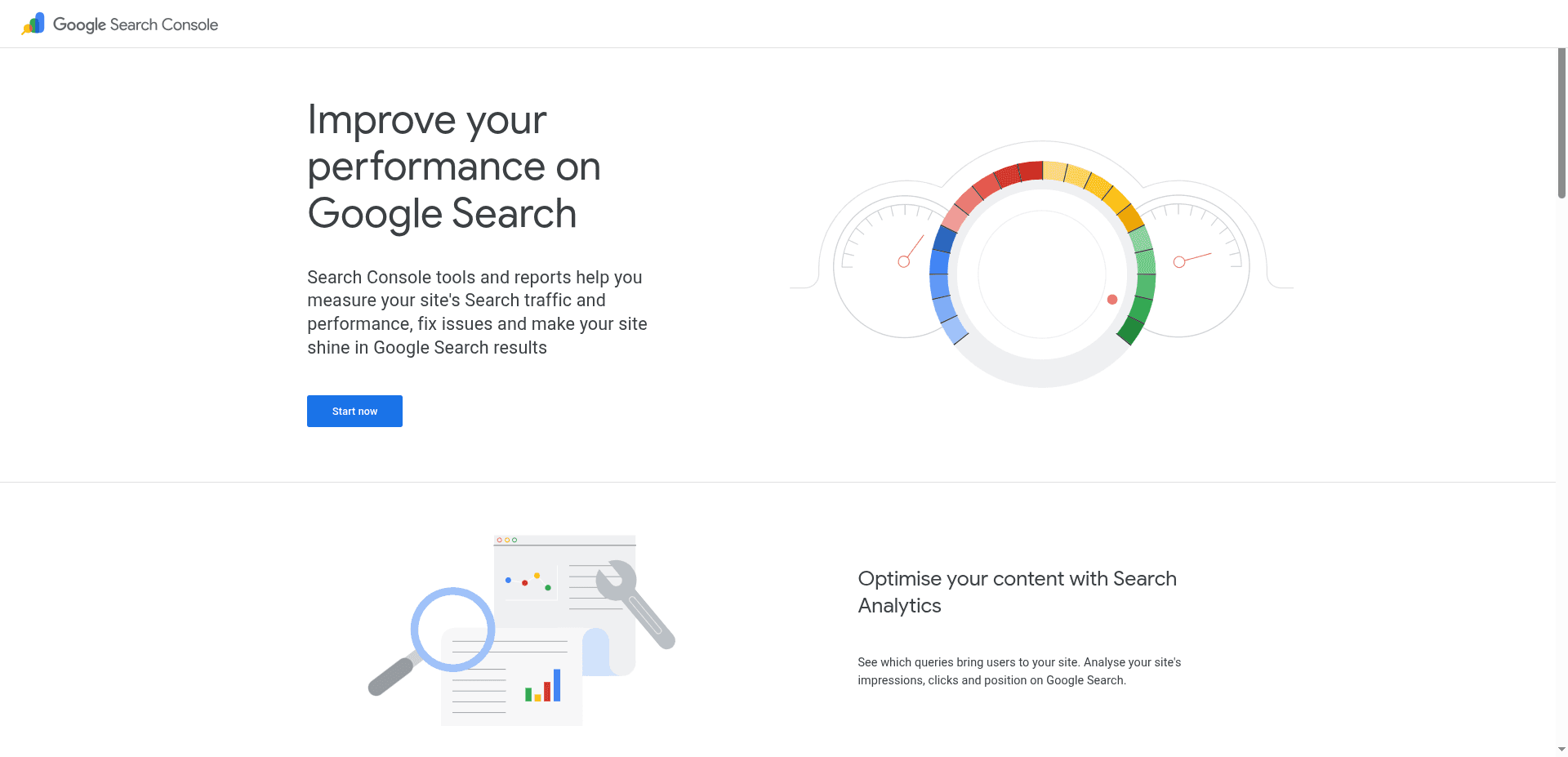
Google Search Console is the first SEO tool I would install on any website.
It shows:
Search queries
Impressions
Clicks
Average positions
Click-through rates
Indexed and excluded pages
Sitemap status
Page experience data
Core Web Vitals
Manual actions
Crawl and indexing information
Google’s URL Inspection tool can also show crawl, index and serving information for specific pages.
Where Google Search Console wins
It uses first-party Google data about your website.
That makes it more useful than third-party estimates when you need to understand what is actually happening.
Google's Search Central documentation notes you don't need to check Search Console daily — monthly reviews plus checks after major site changes are enough for most sites.
Where it falls short
It is not a competitor-research platform.
It will not give you a clean export of every keyword your competitors rank for. It will not build briefs, write articles or manage your publishing workflow.
My verdict
Every site needs it.
Do not buy a paid performance dashboard before properly configuring the free source of truth.
For a more detailed view of what technical tools should catch beyond GSC, compare the platforms in our guide to the best SEO audit tools.
2. Screaming Frog: Best Free Technical SEO Tool

Screaming Frog SEO Spider is one of the strongest free SEO tools for technical work.
The free version can crawl up to 500 URLs and help identify:
Broken links
Redirect chains
Missing titles
Duplicate titles
Missing meta descriptions
Canonical issues
Indexing directives
Duplicate pages
Hreflang issues
XML sitemap problems
Its official pricing page confirms that the free version has a 500-URL crawl limit, while paid licensing unlocks larger crawls and advanced features.
Who should use it
Small websites
Freelance SEOs
Developers
Content teams
Founders performing their first technical review
Who should not depend on it alone
Teams that need:
Cloud crawling
Stakeholder-friendly dashboards
Automatic issue prioritization
Team collaboration
Connected execution workflows
My verdict
If your website has fewer than 500 URLs, use the free version before paying for a technical crawler.
3. Google Keyword Planner: Best Free Commercial Keyword Tool
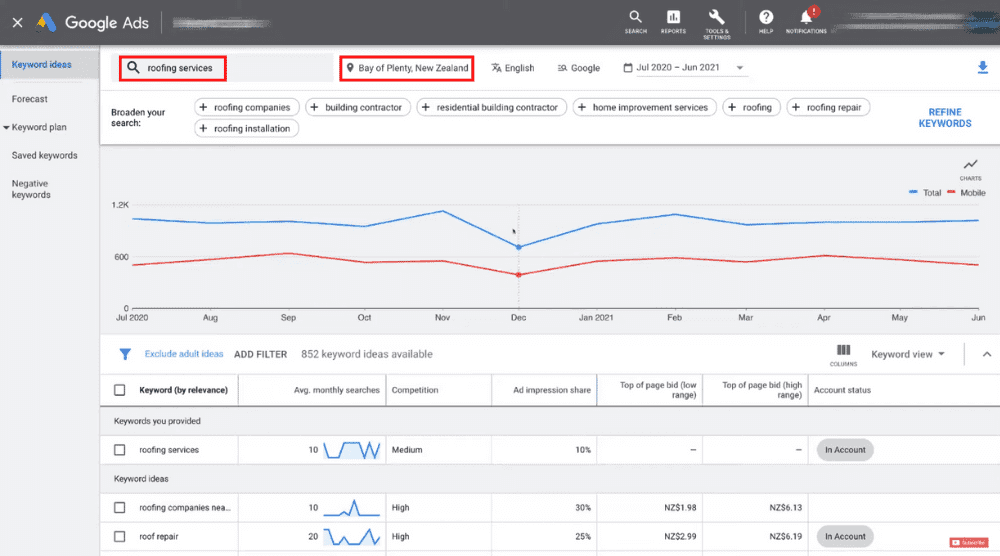
Google Keyword Planner was built for advertising, but it is still useful for SEO.
It helps you:
Discover related phrases
Review search trends
Estimate commercial value
Compare advertiser competition
Group keyword ideas
Google describes Keyword Planner as a free resource for generating keyword ideas and estimating keyword performance and bids. Access requires a Google Ads account setup.
The limitation
It is an advertising tool.
Its competition metric refers to paid advertising, not organic ranking difficulty. Search-volume data can also appear in broad ranges, particularly in accounts without active spending.
My verdict
Use it for demand and commercial direction.
Do not confuse its “competition” column with SEO difficulty.
4. Rank Math Free: Best Free WordPress SEO Plugin
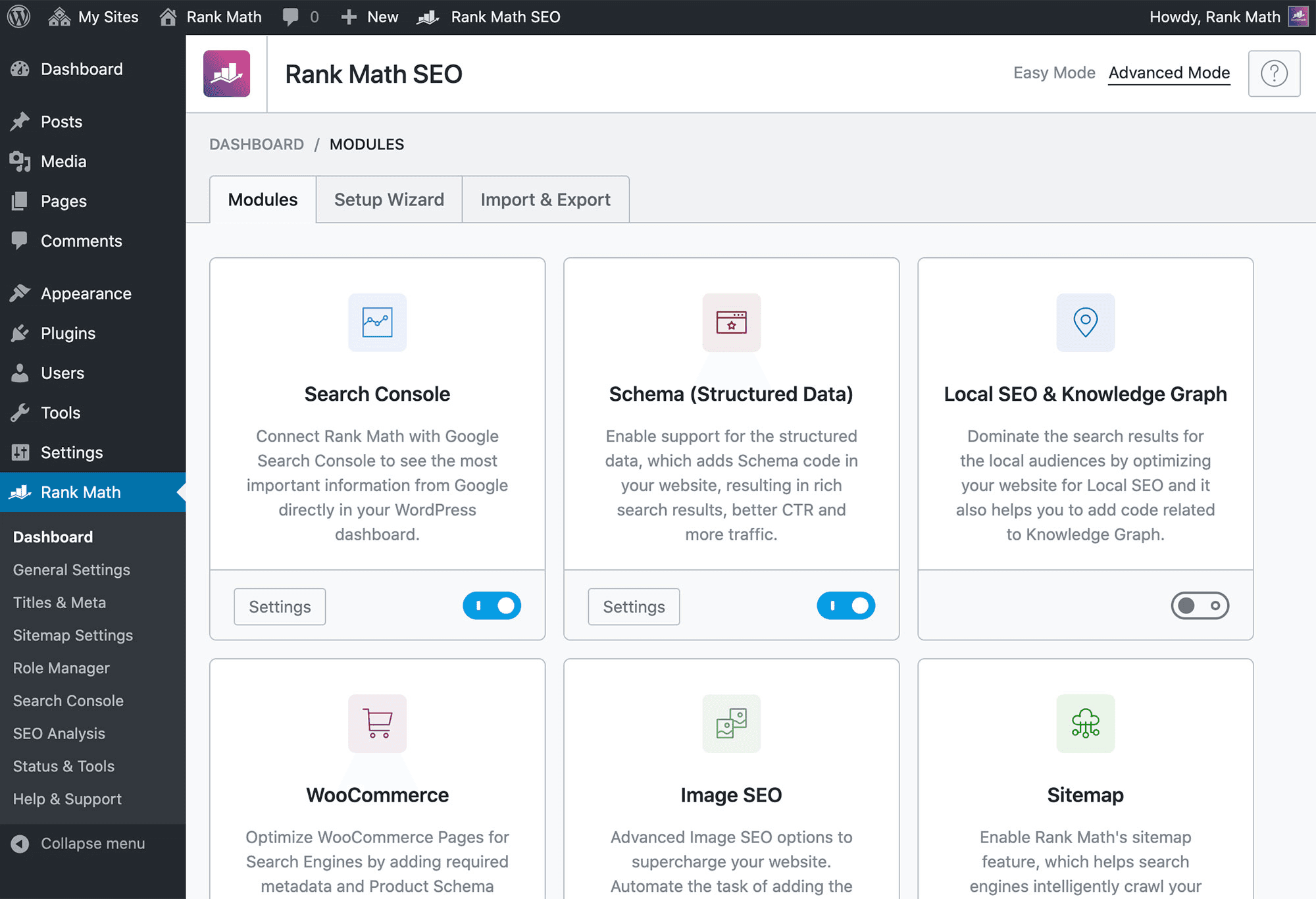
Rank Math gives WordPress websites a strong technical and on-page foundation.
Its free plan can help with:
Titles and meta descriptions
XML sitemaps
Schema
Robots settings
Canonicals
Basic on-page recommendations
Search Console integration
Rank Math also offers a Pro plan priced at €7.99 per month billed annually before VAT, with support for unlimited personally owned sites and tracking for 500 keywords.
A WordPress SEO plugin is infrastructure, not a complete SEO strategy.
It will not replace keyword research, competitor analysis, content planning or link acquisition.
For a full comparison, read our guide to the best SEO plugins for WordPress.
5. Ahrefs Webmaster Tools: Best Free Supplementary Site Data
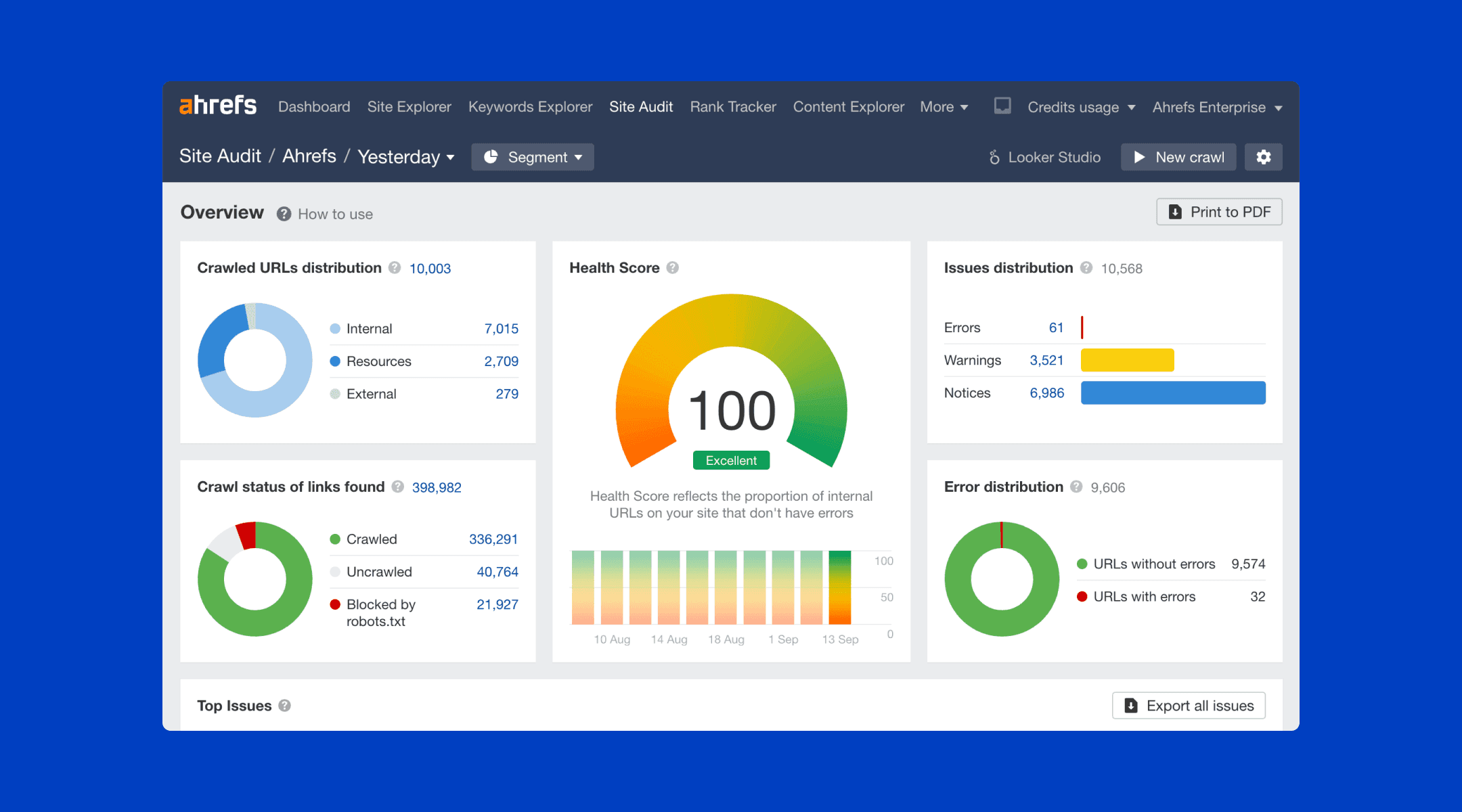
Ahrefs Webmaster Tools provides limited access to Site Explorer and Site Audit data for verified websites.
It can supplement Search Console with:
Backlink information
Organic keyword data
Technical audit findings
Page-level SEO metrics
Ahrefs positions the product as a free way to review your own site’s organic traffic, backlinks and technical issues.
My verdict
Use it alongside GSC.
It is not a substitute for full competitor access, but it makes the free stack considerably stronger.
The best completely free SEO stack
Use:
Google Search Console
Bing Webmaster Tools
Screaming Frog Free
Rank Math Free
Google Keyword Planner
Ahrefs Webmaster Tools
Total recurring cost: $0
This stack covers:
Measurement
Indexing
Small-site technical auditing
WordPress configuration
Basic keyword discovery
Limited backlink and organic data
It does not give you:
Deep competitor intelligence
A large-scale content workflow
Sophisticated rank tracking
Automated publishing
Strong AI visibility measurement
Free is enough at this stage for many new websites.
6. Google Trends: Best Free Tool for Timing and Seasonality
Google Trends answers a question most keyword tools ignore: when does a topic actually matter?
It shows:
Rising and breaking queries
Seasonal search patterns
Topic comparisons over time
Regional interest data
Google's own documentation describes Trends as a way to explore search interest using a random, anonymized sample of Search data—useful for direction and momentum, not exact volume.
My verdict
Use it to time content, not to size a market. Pair it with KeySearch, LowFruits or Keyword Planner for the volume data Trends deliberately doesn't provide.
Best Cheap SEO Tools Under $30 per Month
1. Ahrefs Starter: Best Entry Point Into Ahrefs Data
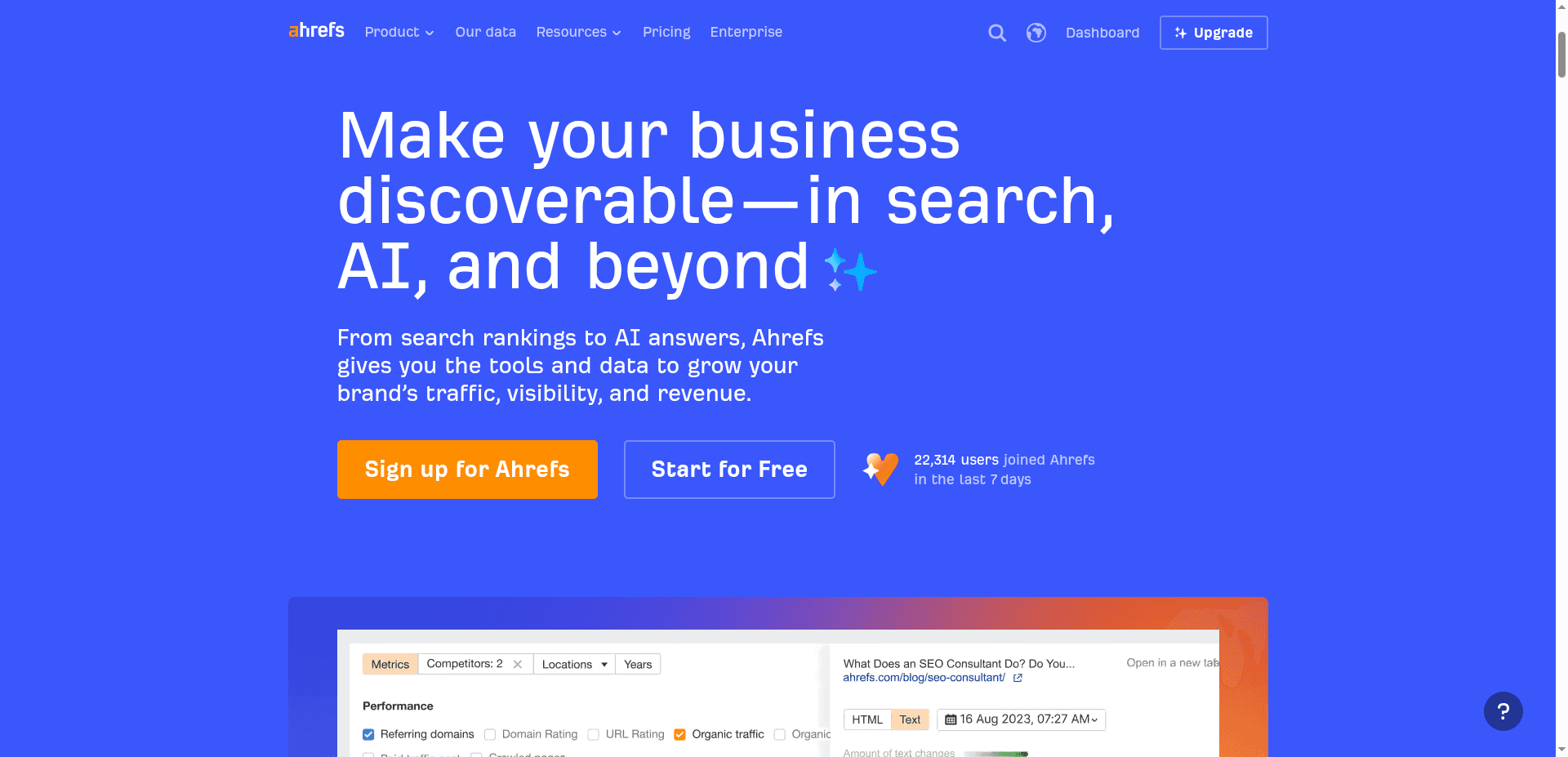
Price: $29 per month
Best for: Occasional keyword and competitor research
Main limitation: It is not the full Ahrefs suite
Ahrefs Starter is a separate entry product for people who want access to Ahrefs data without paying for the full Lite plan.
The Starter product is currently listed at $29 per month. Ahrefs’ full Lite plan now starts at $129 per month, so buyers should not confuse the two.
Why I included it
Ahrefs has strong keyword and competitor datasets. Starter creates a low-cost entry point for someone who needs occasional research rather than a complete daily operating system.
What it does well
Keyword discovery
Competitor research
Search-volume validation
Basic opportunity analysis
Access to Ahrefs’ data environment
What it does not solve
Content production
CMS publishing
A complete technical workflow
High-volume usage
Full Ahrefs reporting
Broad team collaboration
Who should buy it
Buy Ahrefs Starter when you want credible SEO data occasionally and can work within entry-level limits.
Who should avoid it
Avoid it when you expect a $29 purchase to unlock the same functionality as the $129 Lite plan.
For a deeper low-budget comparison, read Ahrefs vs Ubersuggest.
2. KeySearch: Best Cheap Keyword Research Tool
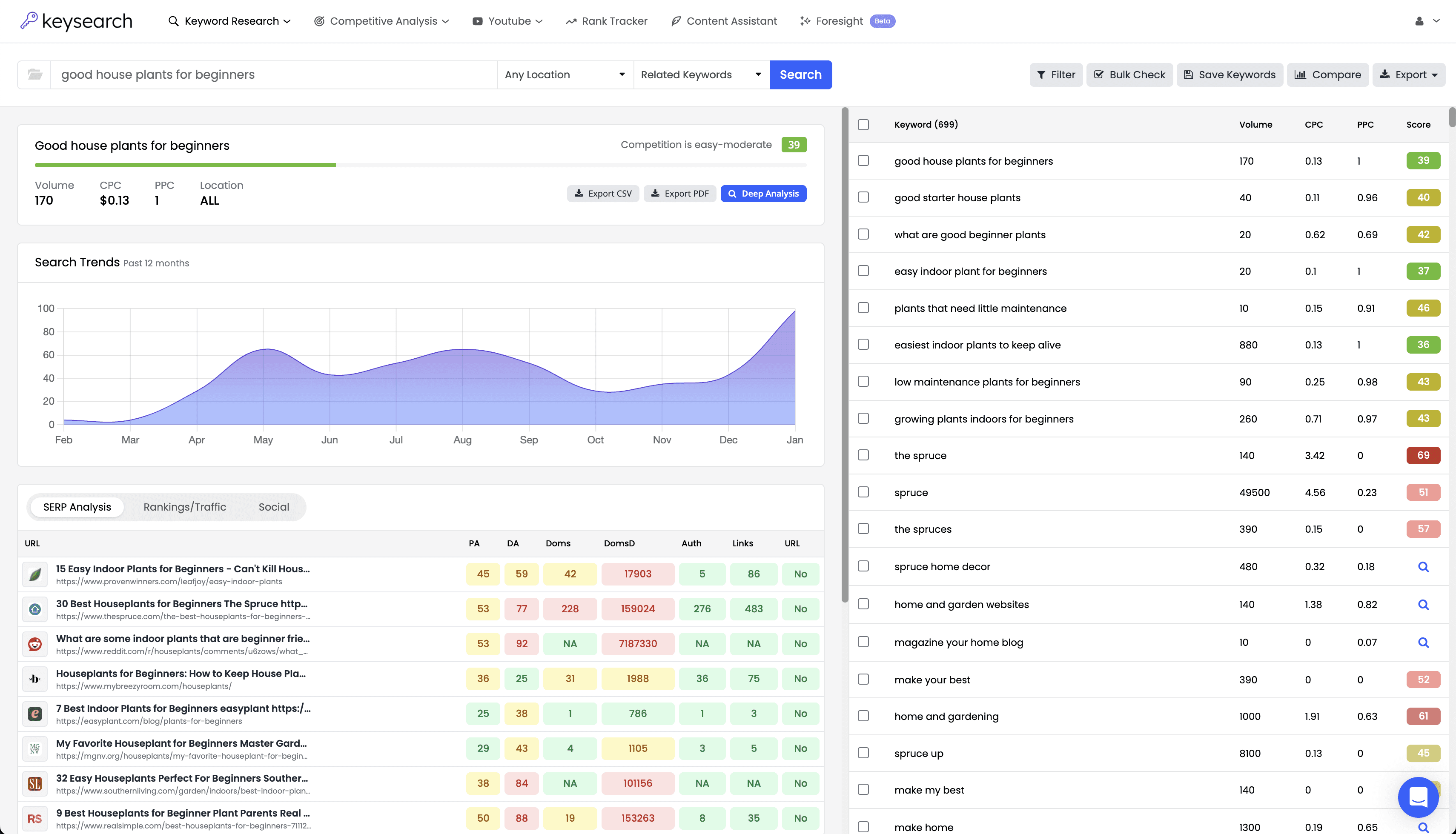
Price: $24 per month
Best for: Bloggers, publishers and small businesses
Main limitation: Smaller data ecosystem than premium tools
KeySearch is one of the clearest answers to where can I find cheap SEO automation tools?—provided your main need is research rather than end-to-end automation.
The Starter plan currently costs $24 per month and includes:
200 keyword searches per day
80 tracked keywords
2,000 audited pages per month
5,000 AI credits
Keyword research
Live SERP analysis
Competitor research
Backlink analysis
Rank tracking
The Pro plan costs $48 per month with higher usage limits.
Why KeySearch is good value
It does not attempt to compete through an enormous product surface.
It gives a small publisher the core tools needed to:
Find a topic
Review the SERP
Assess competitors
Track rankings
Audit a smaller website
That is enough for many lean operations.
What will become restrictive first
The tracked-keyword and audit limits.
A growing agency or large editorial site may outgrow the Starter plan quickly.
My verdict
KeySearch is one of the best choices for someone searching for cheap SEO keyword software without wanting a separate subscription for every basic SEO task.
3. LowFruits: Best Pay-As-You-Go SEO Tool
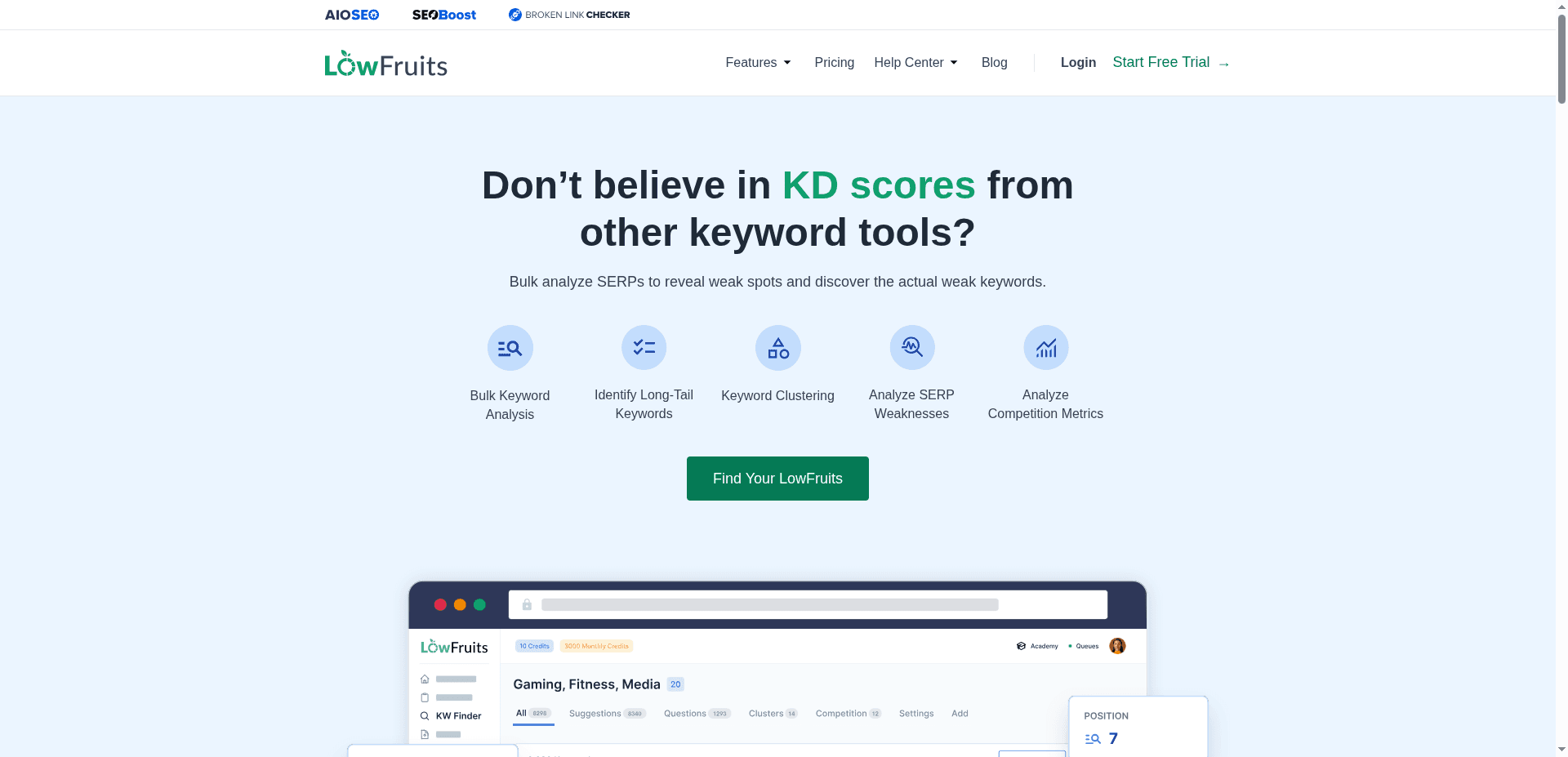
Price: $25 for 2,000 pay-as-you-go credits
Subscription: $79.90 monthly or $62.45 per month billed yearly for Premium
Best for: Finding weak SERPs and lower-competition keywords
Main limitation: It is a specialist research product
LowFruits is built around identifying long-tail searches where the results contain weaker competitors.
Its pay-as-you-go option starts at $25 for 2,000 credits. Credits can be used to generate keyword ideas and analyze SERPs. Its Premium subscription is currently $79.90 monthly or $62.45 per month when billed yearly.
Why this model is useful
Not every business needs a monthly keyword subscription.
A founder may want to:
Build one content calendar
Research one new service
Plan one topical cluster
Investigate one product category
Pay-as-you-go credits can be better value than paying every month for a dashboard you rarely open.
What LowFruits does particularly well
Long-tail ideas
Google autocomplete extraction
Weak-SERP detection
Competitor keyword extraction
Opportunity prioritization
What it does not do
LowFruits is not:
A complete content platform
A technical crawler
A CMS publisher
A full reporting suite
A serious AI visibility system
My verdict
LowFruits is among the cheapest SEO tools for finding practical content opportunities.
Do not buy it expecting an all-in-one platform.
4. NeuronWriter: Best Cheap Content Optimization Tool
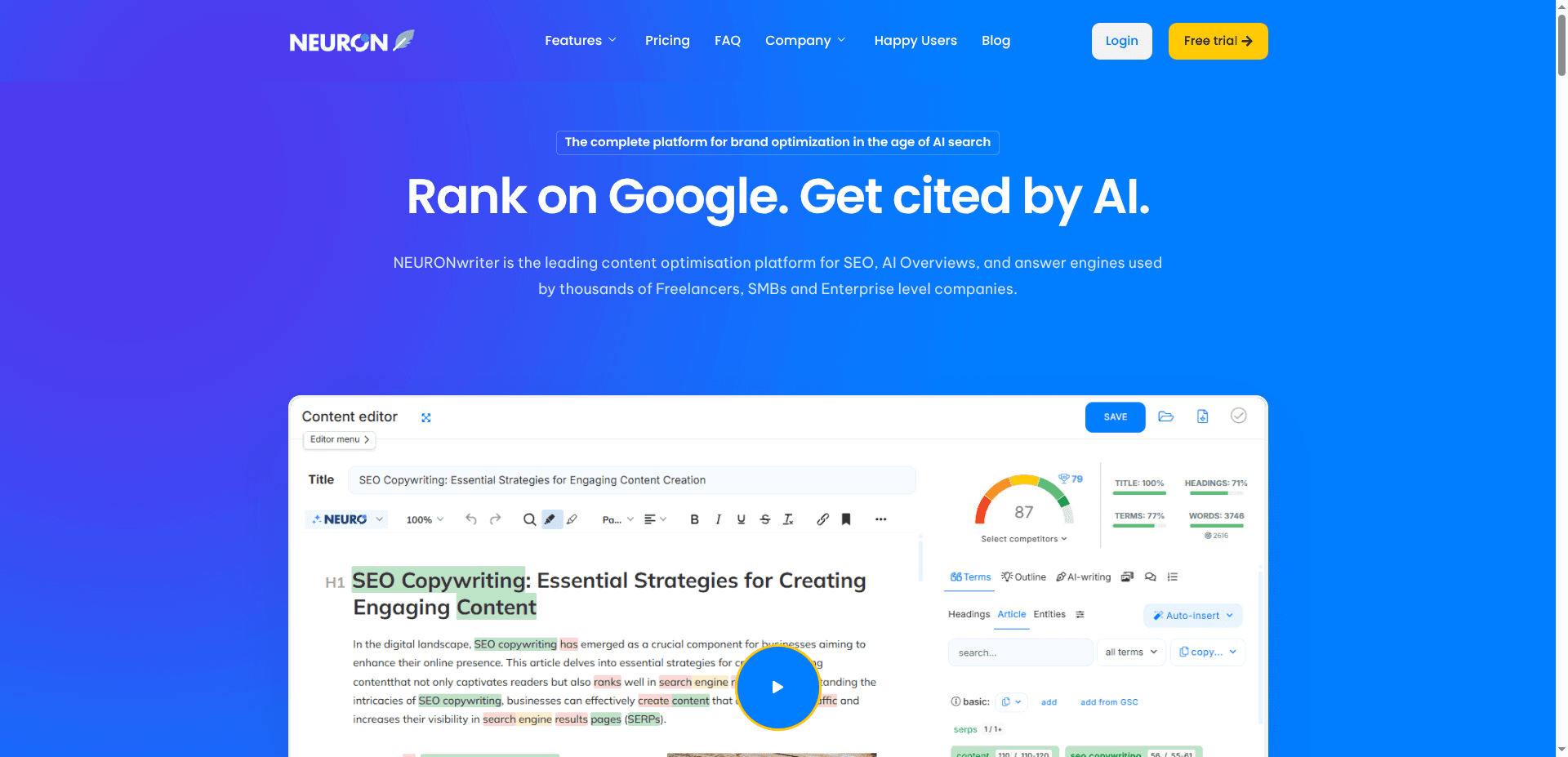
Monthly price: $23
Annual equivalent: $19 per month
Best for: Semantic content optimization
Main limitation: Limited traditional SEO research
NeuronWriter is one of the strongest options for people searching for budget friendly SEO content writing tools for small business under 100 dollars monthly.
Its Bronze plan currently includes:
Two projects
25 content analyses
15,000 AI credits
Content planning
Standard AI templates
Read-only sharing
The monthly Bronze plan costs $23, while annual billing is listed at the equivalent of $19 per month.
Why it is good value
The product focuses on the page itself.
It helps writers understand:
Related concepts
Missing terms
Competitor coverage
Content structure
Semantic completeness
What it does not replace
You will probably still need:
Keyword research
Technical crawling
Backlink research
Rank tracking
Publishing infrastructure
My verdict
NeuronWriter is a strong affordable SEO tool when your team already knows what to publish but needs help making each page more complete.
It is not a full SEO department in a browser tab.
5. Mangools Entry: Best Low-Cost Beginner Suite When Available
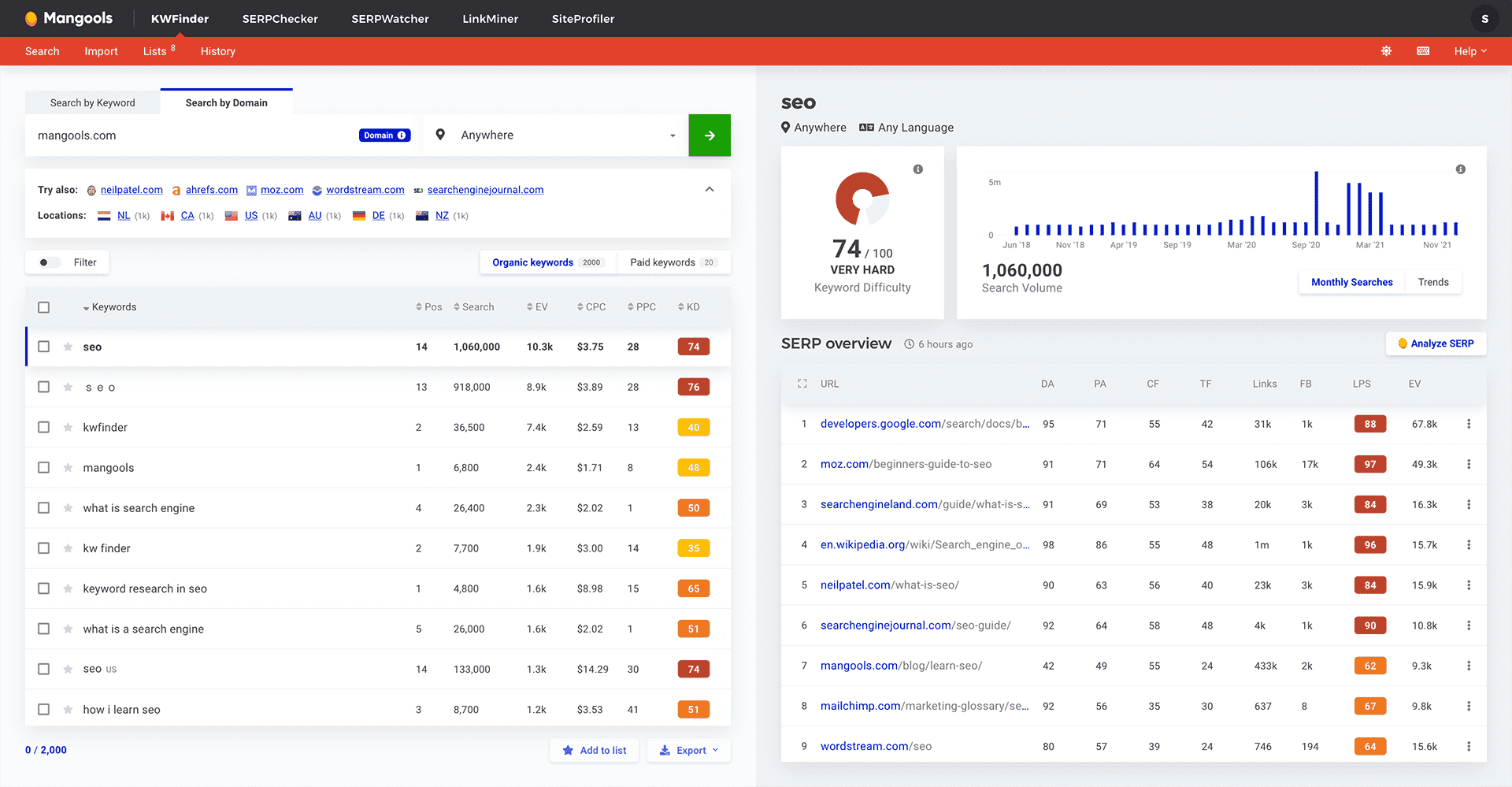
Price: Entry pricing has historically started around $19.90 per month billed annually
Best for: Beginners who want several connected research tools
Main limitation: Availability and plan limits should be checked at checkout
Mangools combines:
KWFinder
SERPChecker
SERPWatcher
LinkMiner
SiteProfiler
AI Search Watcher
Mangools introduced an Entry plan at $19.90 per month on annual billing with limited daily lookups, 50 tracked keywords and 25,000 monthly backlink rows. Its standard Basic plan has also been listed at $49 month-to-month with lower annual-equivalent pricing. Exact availability should be confirmed for new accounts.
Why Mangools works for beginners
The interface is less intimidating than many enterprise platforms.
KWFinder makes it straightforward to:
Discover phrases
Review search volume
inspect the SERP
estimate difficulty
save keyword lists
SERPWatcher then gives you a simpler rank-tracking layer.
The limitation
Daily lookups matter.
A low advertised price becomes less attractive when you repeatedly hit usage caps.
My verdict
Mangools is one of the best affordable SEO software tools for a beginner who values usability more than maximum data depth.
Read Ahrefs vs KWFinder for a more detailed comparison of the two research philosophies.
Best Affordable SEO Tools From $30 to $50
6. SpyFu: Best Cheap Competitor Research Tool
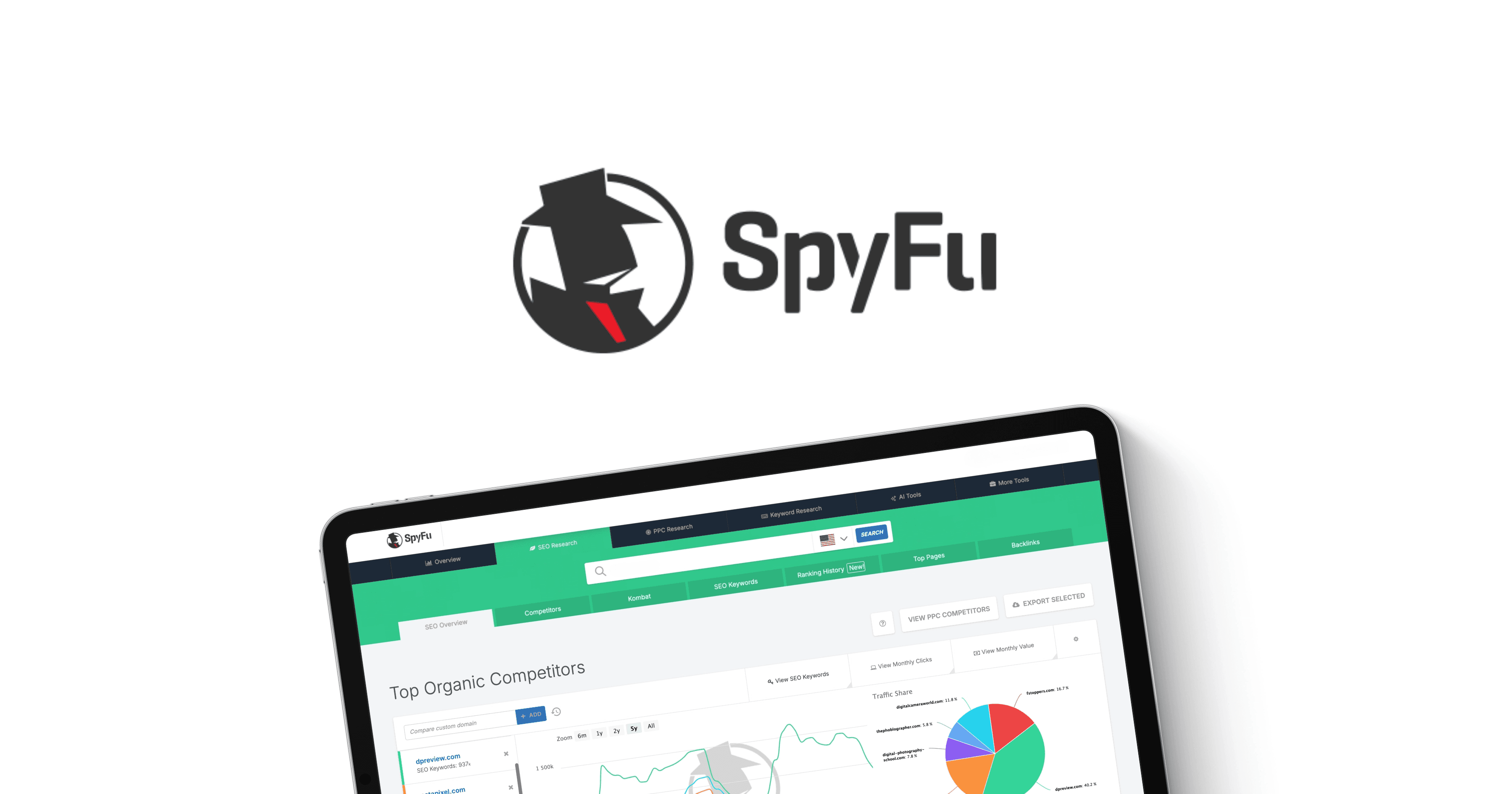
Monthly price: $39
Annual equivalent: $29 per month
Best for: SEO and PPC competitor research
Main limitation: Limited technical SEO
SpyFu is built for understanding what competitors are doing in organic and paid search.
Its Basic plan currently costs $39 month-to-month or $29 per month when billed annually. The plan includes 10,000-row search results and exports, one live tracking project and more than ten years of historical data.
What SpyFu does well
Competitor organic keywords
PPC keywords
Ad history
Historical ranking data
Domain comparisons
Keyword overlap
Competitive movement
This makes SpyFu particularly useful for:
PPC teams
SEO consultants
agencies conducting sales research
businesses entering an established market
Where it is weaker
Do not buy SpyFu for:
Technical crawling
Content publishing
Advanced content optimization
Full SEO project management
My verdict
SpyFu is one of the best cheap search engine optimization tools when competitor research is the primary job.
For a broader three-way comparison, see Ahrefs vs SpyFu vs Semrush.
7. Frase: Best for SEO Content Briefs and Research
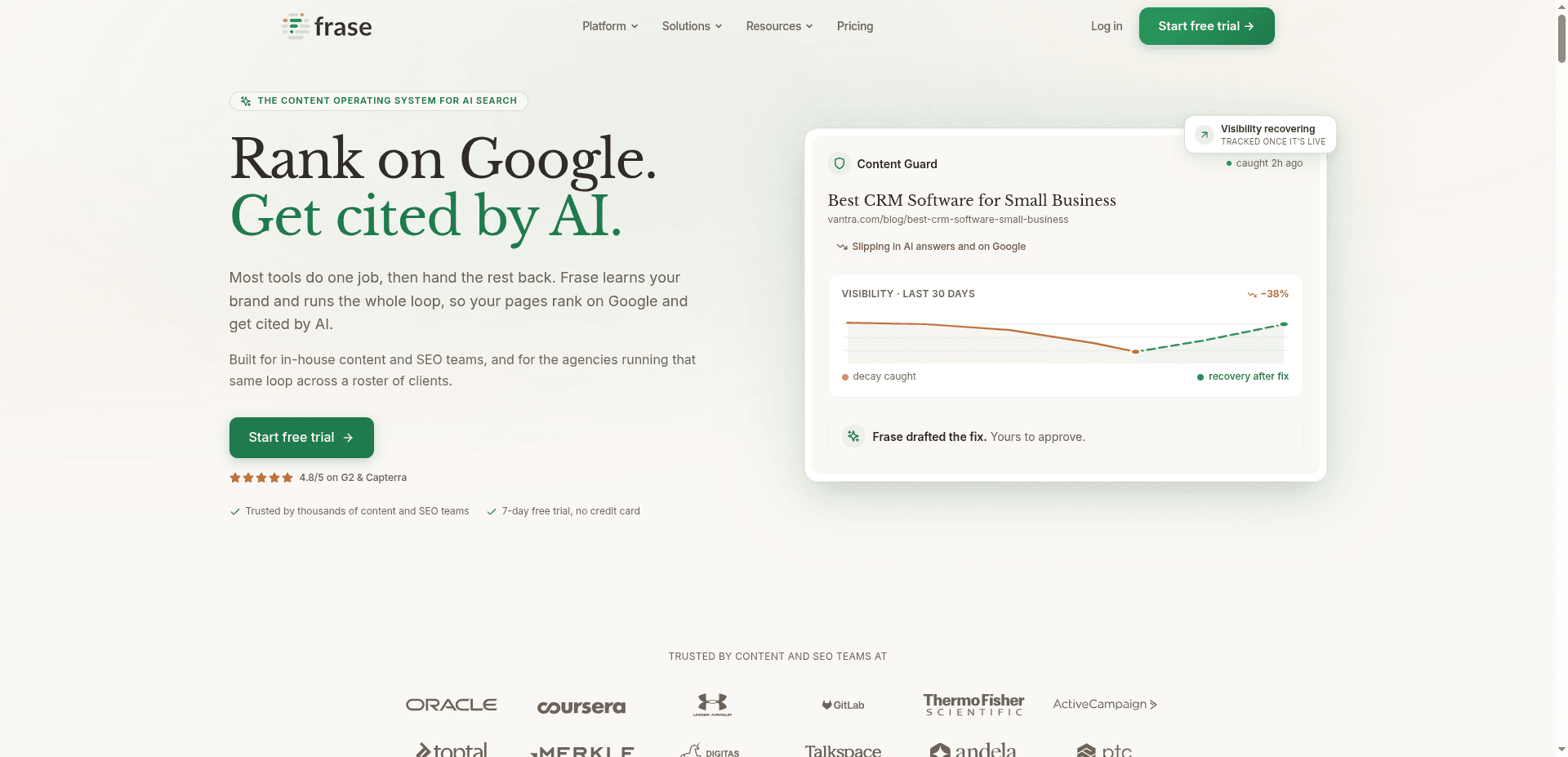
Monthly price: $49
Annual equivalent: $39 per month
Trial: Seven days without a credit card
Best for: Content briefs, SERP research and optimization
Main limitation: It is not a technical or backlink platform
Frase helps content teams turn a keyword into:
SERP research
Competitor summaries
Topic recommendations
Content briefs
Drafts
Optimization guidance
Its Starter plan is currently $49 month-to-month or $39 per month billed yearly. Frase also advertises a seven-day trial without requiring a credit card.
Why Frase is useful
Content teams waste time opening every ranking page, copying headings and manually identifying recurring concepts.
Frase compresses that research.
That does not mean the tool should make every editorial decision. It gives the writer a better starting point.
What Frase will not solve
A weak publishing cadence
Technical SEO problems
Backlink gaps
CMS governance
An absent internal-linking strategy
A lack of subject expertise
More recommendations do not fix an execution problem.
My verdict
Frase is a strong choice when your team publishes consistently and wants faster research and more structured briefs.
Read Frase vs Keytomic to understand the difference between content optimization and complete workflow automation.
8. Mangools Basic: Best Beginner-Friendly SEO Research Suite
Monthly price: Approximately $49
Annual pricing: Lower effective monthly rate
Best for: Keyword research and rank tracking
Main limitation: Daily lookups and lighter technical coverage
Mangools deserves inclusion in both lower and mid-budget discussions because the plan available to you may vary.
The core suite remains one of the easiest ways to combine:
Keyword research
SERP analysis
Rank tracking
Backlink discovery
Basic site profiling
Who should buy it
New SEO professionals
Bloggers
founders
small marketing teams
people who find Ahrefs or Semrush overwhelming
Who should skip it
Technical SEO specialists
large agencies
teams requiring massive exports
users who perform hundreds of daily lookups
My verdict
Mangools may not be the deepest platform in any one category.
That is also why people like it.
It does the common work without making every task feel like an enterprise implementation.
9. Ubersuggest: Best Beginner-Friendly Tool With Flexible Purchasing Options
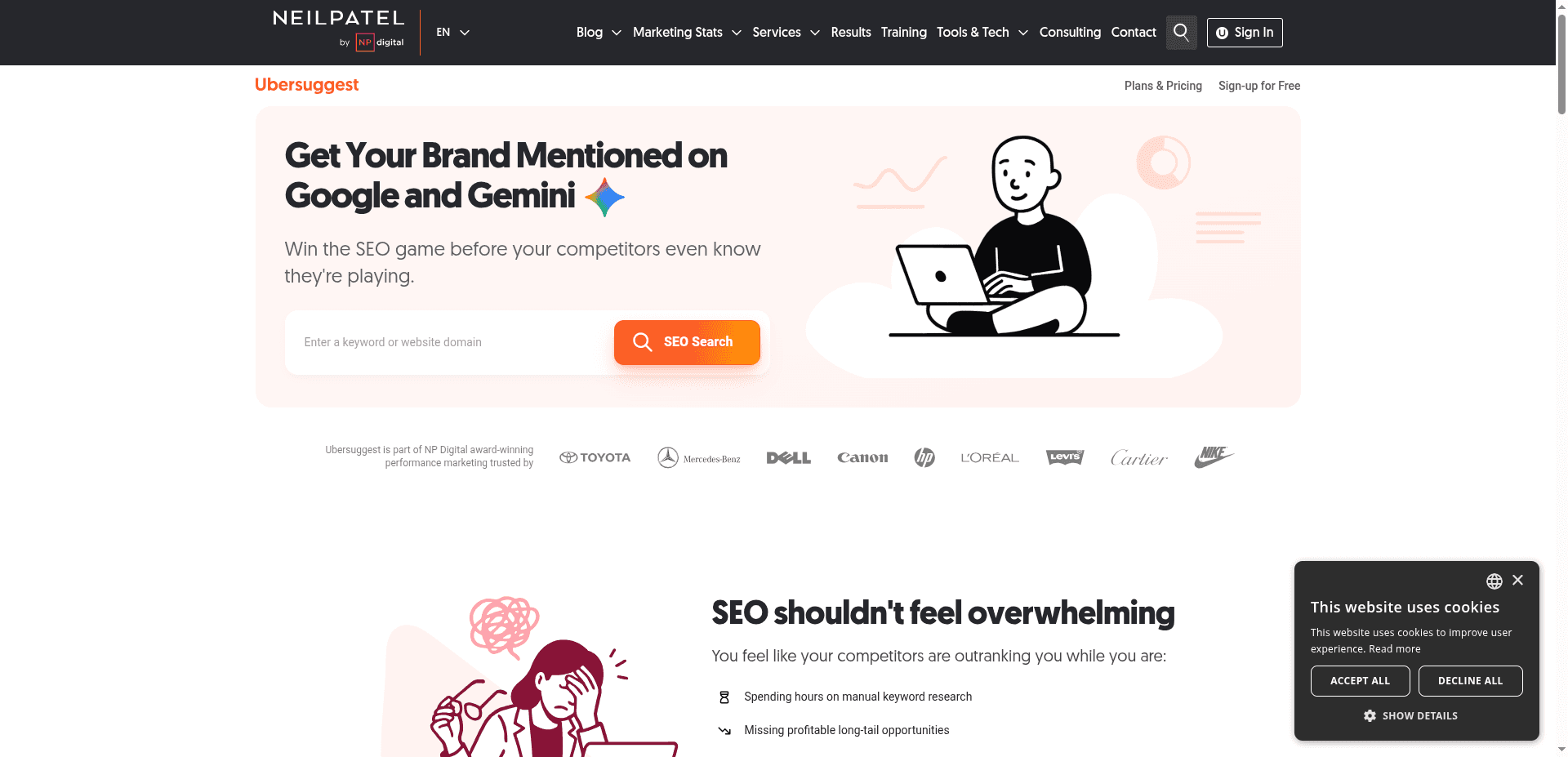
Price: Free limited access plus monthly, annual and lifetime options
Best for: Small businesses beginning keyword and competitor research
Main limitation: Pricing and plan availability can vary by promotion
Ubersuggest includes:
Keyword ideas
Competitor keywords
Rank tracking
Site auditing
Content ideas
Backlink data
Its official pages emphasize free limited access, a seven-day trial for monthly subscriptions and lifetime purchase options. Exact checkout pricing can vary, so confirm the current total rather than relying on an outdated listicle.
Why people choose Ubersuggest
The platform is easier to approach than many established suites.
It gives a small business enough information to:
Find ideas
Review competitors
perform basic audits
track a smaller set of terms
What to watch
Do not evaluate a lifetime plan purely on the headline number.
Check:
Daily search limits
Number of projects
Tracked keywords
Audit limits
Whether future feature additions are included
Refund terms
Lifetime purchases are final and non-refundable according to the current trial FAQ.
My verdict
Ubersuggest is a practical cheap SEO tool for beginners.
I would still compare its limits against KeySearch and Mangools before purchasing.
Best SEO Tools From $50 to $100
10. Serpstat: Best Traditional All-in-One SEO Platform Under $100
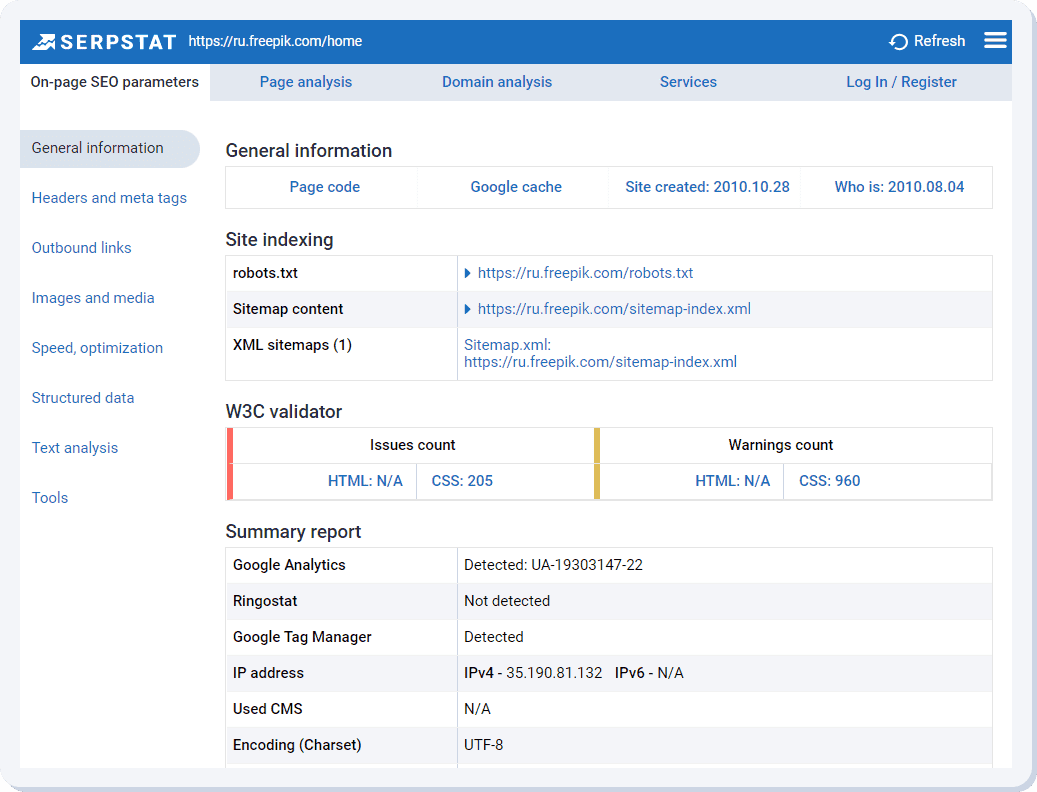
Individual plan: $50 per month on the annual pricing view
Team plan: $100 per month on the annual pricing view
Best for: Keyword research, tracking, audits and competitor analysis
Main limitation: Credit and usage limits
Serpstat is one of the few broad SEO platforms with an individual plan that remains inside this budget.
Its Individual plan currently lists:
Five projects
100 daily searches across site, keyword and link tools
10,000 keyword-position checks
30,000 audited pages
50,000 export rows
The plan includes keyword research, site analysis, rank tracking, auditing and backlink analysis. The Team plan is listed at $100 per month under the annual-discount view.
Why Serpstat stands out
It covers more traditional SEO categories than most specialist products in this price range.
You are not buying only:
A content editor
A keyword generator
A rank tracker
A crawler
You get a connected suite.
What to watch
Check how the following limits are calculated:
Daily searches
Position checks
Export rows
Audit pages
Additional users
AI features
My verdict
Serpstat is one of the strongest answers to best affordable SEO tools when you want a conventional all-in-one product and can live within the plan limits.
11. Semrush Content Toolkit: Best Standalone Semrush Content Product
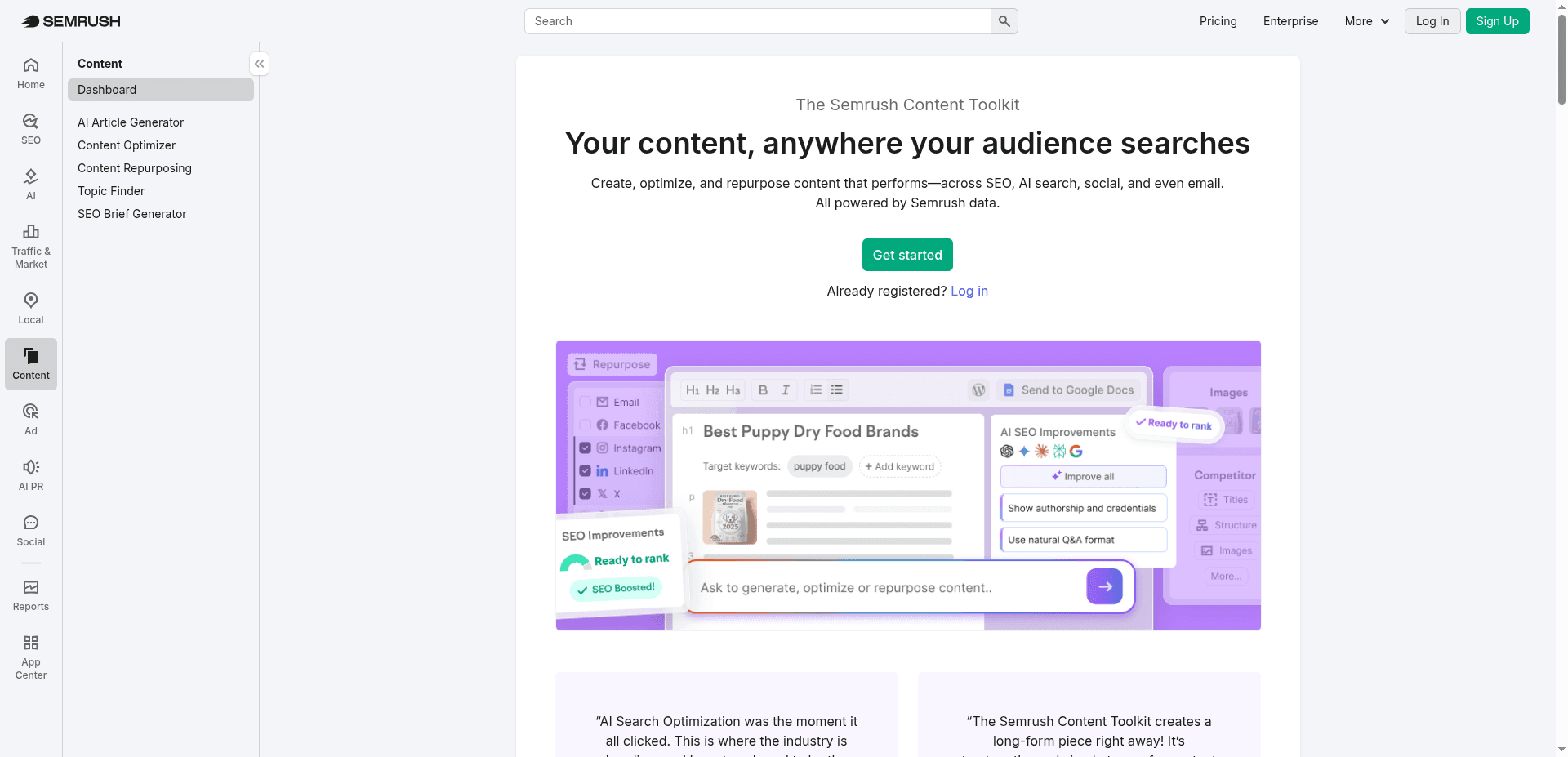
Price: $60 per month
Trial: Seven days
Best for: Content ideas, briefs and optimization
Main limitation: It is not the complete Semrush SEO suite
Semrush Content Toolkit is important because it gives buyers access to a focused Semrush content product without purchasing the broader suite.
The current $60 plan includes:
Unlimited standard articles
Five SEO-boosted articles per month
SEO briefs
Content ideas
Content optimization
An additional ten SEO-boosted articles currently costs $30 per month.
Why it is useful
The Toolkit connects:
Topic discovery
Brief development
Content creation
Optimization
WordPress publishing
Why it can become expensive
The five SEO-boosted article limit matters.
If your operation requires 15 optimized pieces every month, the base price is no longer the whole cost.
My verdict
The Semrush Content Toolkit is a useful sem rush alternative under $100/month to buying the full Semrush suite—when content is the only part of Semrush you need.
For broader alternatives, compare the products in our guide to Semrush alternatives.
12. Scalenut: Best for GEO Content and Entry-Level AI Visibility
Standard Starter price: $59 per month
Current promotional pricing: May be lower
Best for: GEO articles, keyword clusters and basic prompt tracking
Main limitation: Engine coverage and limits depend on the plan
Scalenut has moved beyond being only an AI writing tool.
Its Starter plan currently lists a standard price of $59 per month, with promotional pricing displayed separately. The plan includes:
Tracking for up to ten prompts
Weekly refreshes
ChatGPT and Google AI Overview coverage
One workspace
GEO article creation
Existing-article optimization
Keyword clusters
Higher plans increase prompts, workspaces, content output and audit allowances.
Why Scalenut belongs here
People searching for affordable AI SEO tools for small business under $100 per month 2026 increasingly want two things:
Content production
Visibility measurement in AI answers
Scalenut attempts to connect them.
What to inspect before subscribing
Number of AI engines
Prompt refresh frequency
Countries and languages
Number of workspaces
GEO article limits
Audit limits
Promotional renewal price
My verdict
Scalenut is useful when AI-search content and entry-level visibility tracking matter more than traditional backlink intelligence.
Read Scalenut vs Keytomic for a detailed comparison of content-centered GEO tooling versus end-to-end SEO automation.
13. Writesonic: Best for AI Visibility Plus AI-Assisted Content
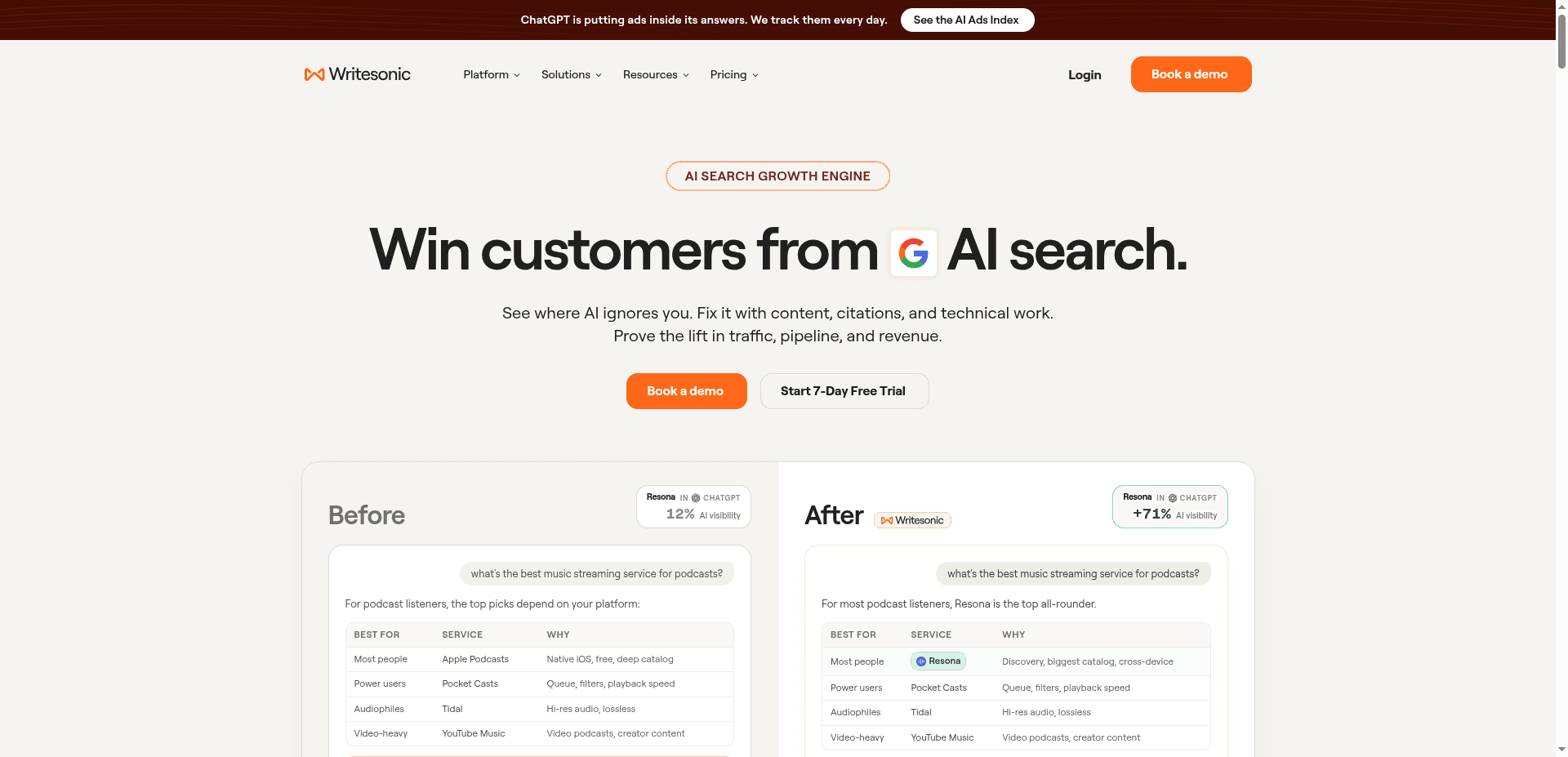
Annual equivalent: $79 per month
Best for: Brand tracking across AI search plus content workflows
Main limitation: Annual commitment and plan limits
Writesonic currently advertises a $79-per-month annual plan for tracking brands across ChatGPT, Gemini and Google AI Overviews.
The plan also includes AI articles and site audits intended to identify and address visibility gaps.
Why it is relevant
Writesonic has evolved beyond generic AI writing.
It now addresses:
AI answer visibility
Brand tracking
Content generation
Site audits
Optimization opportunities
What to verify
Before buying, inspect:
Number of brands
Included prompts
Refresh frequency
AI engines
article credits
site-audit limits
monthly billing price
overage pricing
My verdict
Writesonic is a serious option for buyers looking for best GEO tools under $100/month.
It is less compelling when you only need traditional keyword research.
14. Surfer SEO: Best Advanced Content Optimization Tool
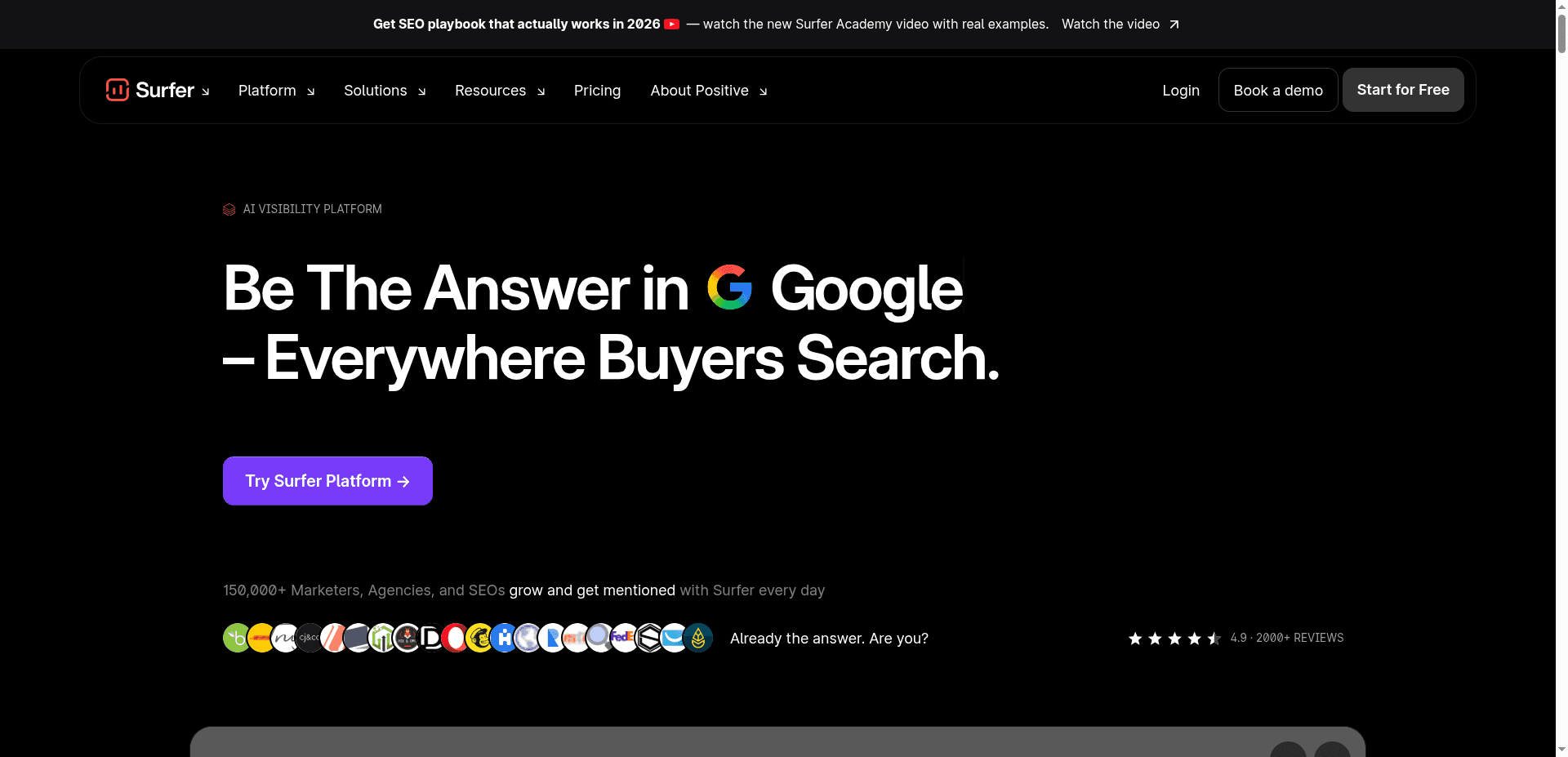
Discovery: $49 per month billed yearly
Standard: $99 per month billed yearly
Best for: SERP-driven content optimization
Main limitation: Annual commitment and specialist scope
Surfer SEO remains one of the best-known content optimization platforms.
Its Discovery plan is currently listed at $49 per month billed yearly and includes:
120 documents
Tracking for ten pages
AI SEO optimization guidelines
Surfy
Humanizer tools
The Standard plan is $99 per month billed yearly and includes 360 documents and tracking for 25 AI prompts refreshed weekly.
Why Surfer performs well
Surfer gives content teams a structured way to compare a draft with ranking pages and identify:
Missing concepts
Structural gaps
Topic coverage
Page-level optimization opportunities
What Surfer is not
It is not primarily:
A backlink platform
A full technical crawler
A conventional competitor database
An end-to-end publishing engine
My verdict
Surfer is best when the team already publishes consistently.
Do not buy an optimization tool to fix the fact that nothing is being produced.
For a broader research-versus-optimization comparison, read Surfer SEO vs Ahrefs.
15. Keytomic: Best End-to-End SEO Automation Tool Under $100
Monthly price: $99
Annual equivalent: $79 per month
Best for: Turning SEO research into published and measurable work
Main limitation: More platform than a research-only buyer needs
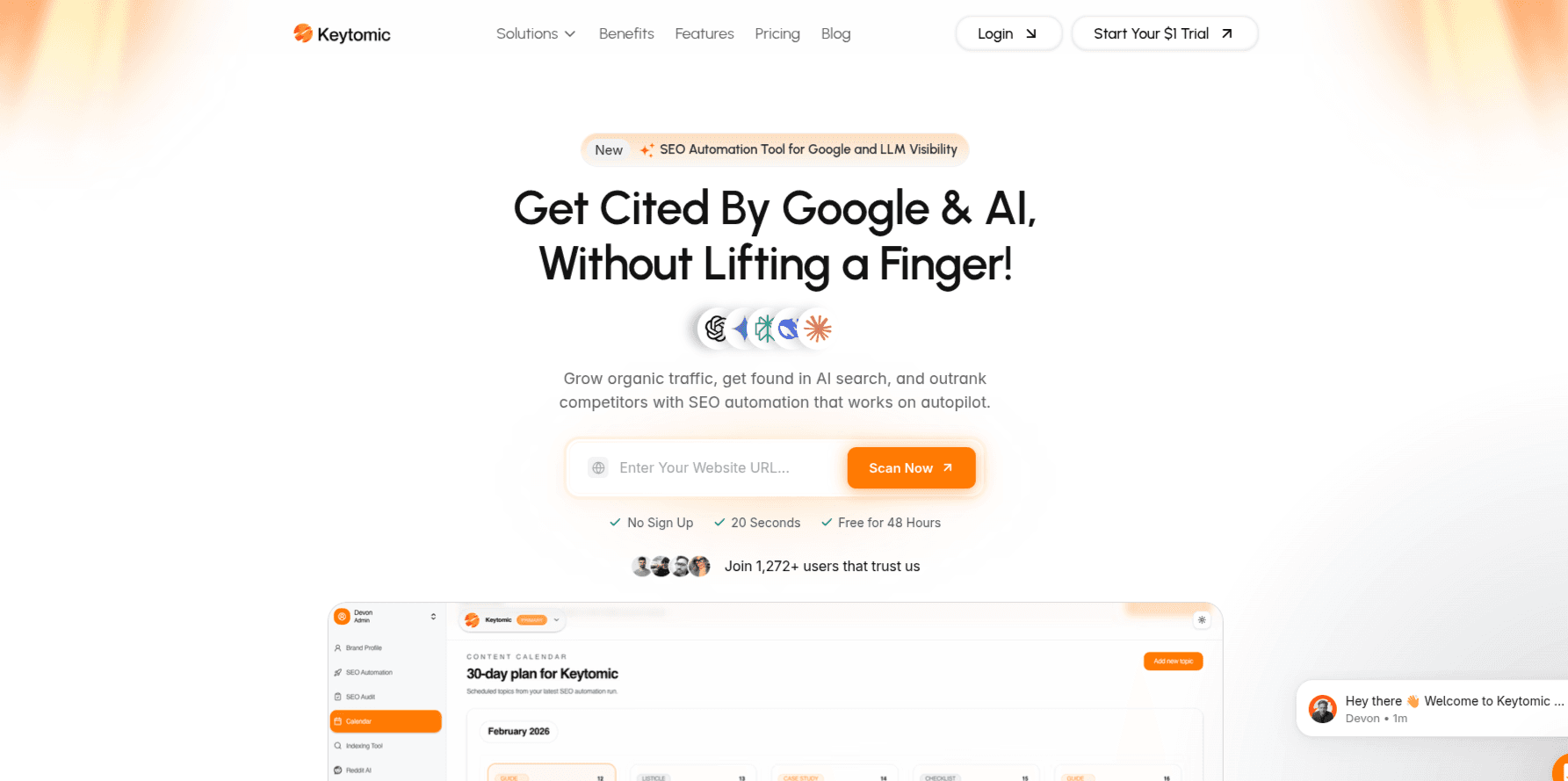
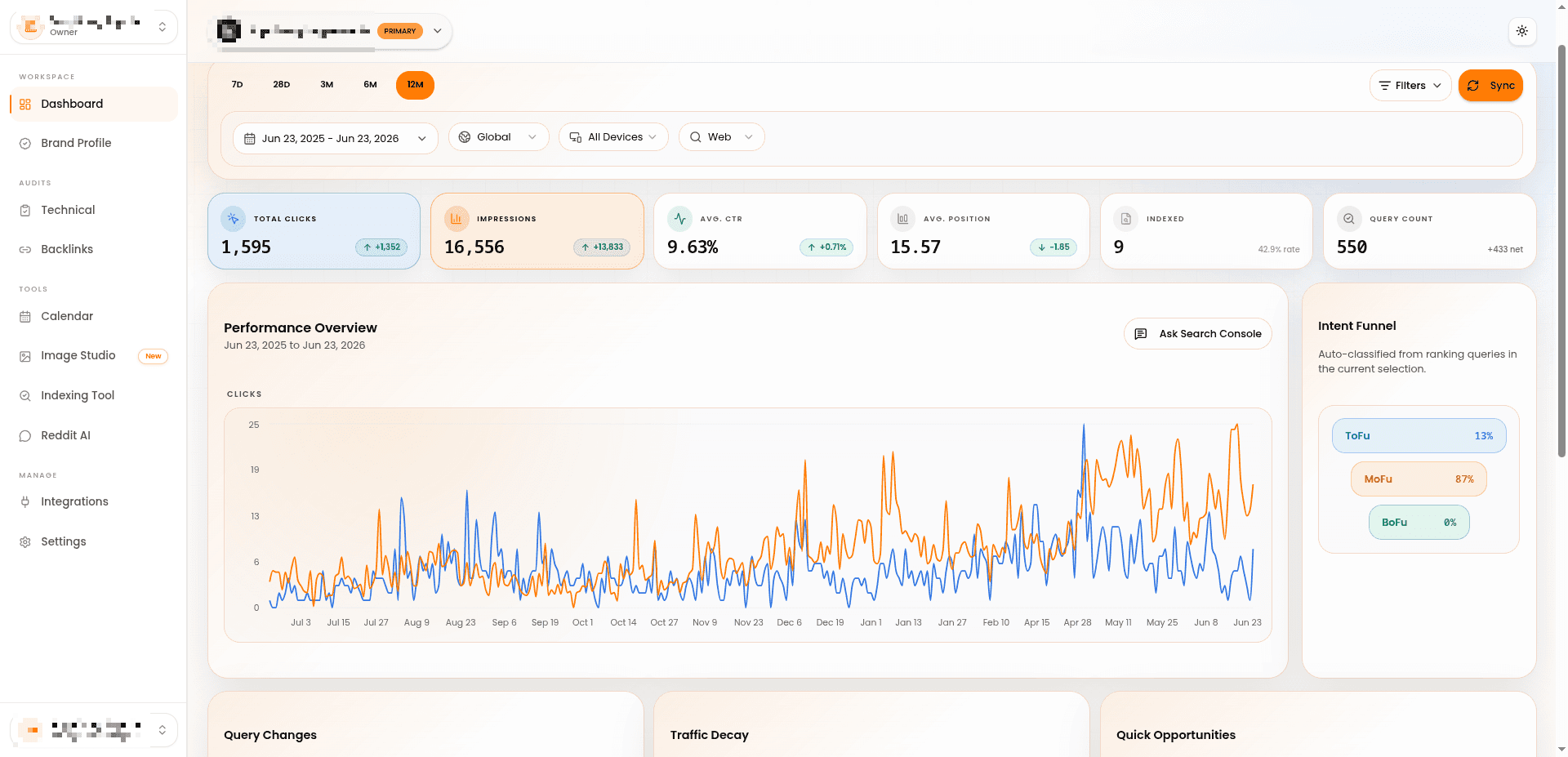
Keytomic is an AI SEO automation platform built around the complete execution workflow.
It combines:
Keyword research
Topical maps
Brand profiles
30-day content calendars
Content creation
Image generation
CMS publishing
Indexing workflows
Technical SEO monitoring
Google Search Console and analytics
AI visibility tracking
Schema and on-page support
The current Keytomic article lists pricing at $99 month-to-month or $79 per month on annual billing.
Where Keytomic is different
Most SEO tools end at one of these stages:
“Here are some keywords.”
“Here are your technical issues.”
“Here is a content score.”
“Here is a draft.”
“Here is a visibility report.”
You still have to connect everything.
Keytomic is designed to move from:
Research → prioritization → calendar → content → publishing → indexing → measurement
That is why I would choose it when the team already understands the value of SEO but cannot execute consistently.
What Keytomic is not the best at
Keytomic is not the right purchase when you only need:
The largest backlink database
Occasional keyword exports
A desktop crawler
A one-off content score
Enterprise PPC intelligence
Use a specialist for those jobs.
Who should choose Keytomic
Startups
SaaS companies
small businesses
lean content teams
agencies running repeatable content workflows
founders who do not want to assemble five subscriptions
Who should not choose it
Someone who needs one keyword report this month.
A $24 research tool would make more sense.
My verdict
Keytomic is the strongest best SEO tool for lean teams when the expensive part is not data.
It is the people, handoffs and time required to turn the data into output.
For a detailed module-by-module breakdown, read how Keytomic helps you win at SEO and AI visibility.
[IMAGE: Keytomic workflow screenshot showing keyword research, rolling calendar, content creation, publishing and visibility measurement]
Best Cheap SEO Tools by Use Case
Your main need | Best choice | Lower-cost alternative |
|---|---|---|
First-party performance data | Google Search Console | None needed |
Technical crawling | Screaming Frog | GSC inspection tools |
Keyword research | KeySearch or Mangools | Google Keyword Planner |
Low-competition opportunities | LowFruits | Google autocomplete research |
Competitor SEO and PPC | SpyFu | Ubersuggest |
Content briefs | Frase | NeuronWriter |
Semantic content optimization | NeuronWriter | Manual SERP analysis |
Advanced content optimization | Surfer | Frase |
Traditional all-in-one SEO | Serpstat | KeySearch |
WordPress SEO | Rank Math | Rank Math Free |
AI content and GEO | Scalenut or Writesonic | Manual LLM workflow |
AI visibility | Keytomic, Writesonic or Scalenut | Manual prompt testing |
End-to-end execution | Keytomic | Specialist stack with manual handoffs |
Small agencies | Serpstat or Keytomic | Multiple specialist products |
Best SEO Tools Under $100 by Business Type
Best SEO tool for a solopreneur
Start with:
Google Search Console
Screaming Frog Free
Rank Math Free
KeySearch or LowFruits
Do not build a seven-tool stack for one website.
You need enough data to choose the right work, not enough dashboards to avoid doing it.
Best SEO tool for a small business
My recommendation depends on the operating model:
Choose KeySearch for low-cost research.
Choose Mangools for easier research and tracking.
Choose Serpstat for a conventional all-in-one suite.
Choose Keytomic when no one has time to coordinate the complete workflow.
A local service business publishing two pages every quarter does not need enterprise software.
A SaaS team building topical authority may need something more operational.
Best SEO tool for a SaaS company
A SaaS company usually needs:
Competitor research
Category keywords
comparison pages
integrations content
use-case pages
topical clusters
consistent publishing
AI-search monitoring
A practical stack could be:
SpyFu or Ahrefs Starter for research
Screaming Frog for crawling
Keytomic for planning and execution
Read what early-stage startups get wrong about SEO before assuming the answer is simply “publish more articles.”
Best SEO tool for a content team
Choose:
Frase for research and briefs
NeuronWriter for lower-cost semantic optimization
Surfer for more advanced optimization
Keytomic when planning, publishing and measurement also need to be connected
A content optimizer improves an article.
It does not create a functioning content operation.
Best SEO tool for a lean agency
Agencies should inspect:
Client limits
websites
users
reporting
approvals
publishing
prompt tracking
white-label requirements
export limits
Serpstat is useful for traditional research and reporting.
Keytomic makes more sense when production and publishing are the main operational bottlenecks.
For larger comparisons, read our guide to SEO automation software for agencies.
Best SEO tool for WordPress
Use Rank Math as the site-level SEO plugin.
Pair it with:
Google Search Console
Screaming Frog
A keyword platform
A content or automation platform when needed
Do not expect a WordPress plugin to replace a proper keyword-research process.
Best SEO tool for Shopify
Shopify buyers should prioritize:
Technical crawling
collection and category-page planning
product-page optimization
internal linking
publishing integrations
index monitoring
Keytomic and NeuronWriter support Shopify-related content workflows, while Screaming Frog can help diagnose technical and indexable-page issues.
Read the guide to common Shopify SEO issues before purchasing software to solve a platform configuration problem.
Four Complete SEO Tool Stacks Under $100
This is where the buying decision becomes practical.
You are rarely choosing one tool in isolation. You are choosing a workflow.
Stack 1: Completely free SEO stack
Cost: $0 per month
Use:
Google Search Console
Bing Webmaster Tools
Screaming Frog Free
Google Keyword Planner
Rank Math Free
Ahrefs Webmaster Tools
What it covers
Search measurement
URL inspection
indexing
crawling for smaller websites
basic keyword ideas
WordPress SEO controls
limited backlink data
What is missing
Advanced competitor research
scalable rank tracking
content optimization
automated publishing
meaningful AI visibility tracking
Best for
New websites
side projects
founders validating SEO
small local businesses
teams with more time than budget
Stack 2: Cheapest research stack
Cost: Approximately $24–$29 per month
Use:
KeySearch or Ahrefs Starter
Google Search Console
Screaming Frog Free
Rank Math Free
What it covers
Keyword discovery
competitor research
SERP analysis
basic technical SEO
rankings
site-level WordPress configuration
What is missing
Advanced content optimization
automated publishing
broad AI visibility measurement
Best for
Bloggers
early-stage SaaS
freelancers
small businesses with in-house writers
Stack 3: Affordable content optimization stack
Cost: Approximately $23–$49 per month
Use:
Frase or NeuronWriter
Google Search Console
Screaming Frog Free
Google Keyword Planner
Rank Math Free
What it covers
Content research
briefs
semantic optimization
technical checks
performance measurement
What is missing
Deep competitor data
strong backlinks
publishing automation
connected AI visibility
Best for
A team that already knows what it wants to publish.
Stack 4: Execution-first SEO stack
Cost: Up to $99 per month
Use:
Keytomic
Google Search Console
Rank Math Free or your CMS’s native controls
What it covers
Keyword research
topical planning
content calendars
content production
publishing
indexing workflows
reporting
technical monitoring
AI visibility
What is missing
Enterprise-scale backlink data
massive historical competitor exports
Best for
A lean team whose biggest problem is shipping the work.
Use the process in our guide to creating an SEO content calendar if your keyword research is currently sitting unused in a spreadsheet.
One $99 SEO Platform vs Three Cheap Tools: Which Is Actually Cheaper?
Consider two possible stacks.
Specialist stack
Keyword research: $24
Content optimization: $23
AI writing or workflow tool: $30
Rank tracking: $20
Total: $97 per month
You may still need to:
Export keywords
create a calendar
transfer information into briefs
generate drafts
upload content
add images
publish
submit URLs
check indexing
build reports
Integrated stack
One $99 platform
Google Search Console
Free CMS plugin
The integrated stack may offer less depth in one specialist category, but it removes handoffs.
Factor | Several specialist tools | Integrated platform |
|---|---|---|
Specialist depth | Usually stronger | Usually broader |
Tool switching | Higher | Lower |
Setup complexity | Higher | Lower |
Publishing | Often manual | May be integrated |
Flexibility | Higher | Lower |
Workflow visibility | Fragmented | Centralized |
Best for | SEO specialists | Lean execution teams |
Neither model is universally better.
I would choose specialist products when I need deep analysis and have the people to connect everything.
I would choose an integrated platform when the team has enough insights and not enough execution.
More features will not fix a publishing problem.
Can SEO Be Done Without Ahrefs or Semrush?
Yes.
A small or medium-sized website can run a functional SEO program without either platform.
You can cover:
Search performance with Google Search Console
Keyword ideas with KeySearch, Mangools, LowFruits or Keyword Planner
Technical crawling with Screaming Frog
Content optimization with Frase or NeuronWriter
Rank tracking with KeySearch, Mangools or Serpstat
Publishing and automation with Keytomic
What affordable tools can replace
Basic keyword research
First-party performance measurement
Small-scale competitor research
Site crawling
on-page optimization
content briefs
metadata management
small-scale rank tracking
publishing workflows
What they usually cannot fully replace
Ahrefs’ or Semrush’s broad historical datasets
large backlink indexes
high-volume competitor exports
enterprise API access
multi-market research at scale
advanced white-label reporting
Who still needs Ahrefs or Semrush?
Large SEO agencies
international businesses
enterprise ecommerce sites
sophisticated digital PR teams
link-building operations
teams using their APIs and historical datasets every day
Who probably does not?
New websites
solo founders
single-location businesses
one-domain content teams
small SaaS businesses
companies publishing inconsistently
The question can SEO be done 100% without tools like Ahrefs or Semrush? has a simple answer:
Yes, but not entirely without tradeoffs.
You are replacing data depth with a less expensive, more focused workflow.
Hidden Costs That Make a Cheap SEO Tool Expensive
Annual pricing presented as monthly pricing
Always distinguish between:
$29 paid monthly
$29 per month billed annually
$348 charged today
These are different commitments.
Credit limits
Find out what consumes credits:
Keyword searches
SERP refreshes
content analyses
AI articles
crawled pages
prompt checks
exported rows
Project limits
A one-site plan may be fine for a founder and useless for an agency.
Rank-tracking frequency
Weekly tracking and daily tracking are not the same product.
You may not need daily positions, but you should know what you are buying.
User seats
Check whether the plan supports:
One login
invited team members
client access
editor roles
approval workflows
Add-ons
Common add-ons include:
AI writing
content optimization
additional articles
AI visibility
local SEO
API access
white-label reports
extra projects
additional users
Export restrictions
A tool may display 10,000 rows and only let you export 500.
That matters.
Promotional renewals
Scalenut and other platforms may display large promotional discounts.
Check:
How long the offer lasts
What the renewal price becomes
Whether the discount requires annual payment
Whether new features are excluded
Manual work
A tool that identifies 100 opportunities but gives you no way to prioritize or execute them can create more work.
Cheap is good only when it removes friction.
When Is a Free SEO Tool Enough?
Stick with free tools when:
Your website is new
You have little search data
You manage one small website
The site has fewer than 500 crawlable URLs
You publish infrequently
You do not have a defined content strategy
You need to validate whether SEO can produce impressions
You are still learning the terminology
Upgrade when:
You cannot find enough new opportunities
You need competitor data
You need rank tracking
Your site exceeds crawl limits
You manage several websites
Writers need repeatable briefs
Publishing is becoming inconsistent
Reporting is consuming too much time
You need to measure visibility in AI answers
Do not upgrade because you feel behind.
Upgrade because you can name the bottleneck.
Which SEO Tools Under $100 Are Best for AI Search and GEO?
An AI writer is not automatically a GEO platform.
A proper AI-search or GEO tool should ideally help with at least some of the following:
Brand-mention tracking
Citation tracking
AI prompt monitoring
Competitor share of voice
Source analysis
Answer sentiment
AI-search content gaps
actionable recommendations
content implementation
Platform | AI content | AI visibility | Prompt tracking | Publishing | Traditional SEO |
|---|---|---|---|---|---|
Keytomic | Yes | Yes | Yes | Yes | Yes |
Writesonic | Yes | Yes | Yes | Verify by plan | Yes |
Scalenut | Yes | Yes | Yes | Higher plans | Yes |
Surfer | Yes | Yes | Yes on eligible plans | Limited | Content focused |
Frase | Yes | Emerging features | Verify plan | Limited | Content focused |
NeuronWriter | Yes | Limited monitoring on annual plans | Limited | WordPress and Shopify on higher plans | Content focused |
Scalenut currently includes weekly prompt tracking for ChatGPT and Google AI Overviews on its Starter plan. Writesonic advertises tracking across ChatGPT, Gemini and Google AI Overviews. Surfer’s Standard plan currently includes 25 tracked AI prompts refreshed weekly.
A product should not call itself an AI visibility platform merely because it generates text through an LLM.
For a wider comparison, read:
Which Affordable SEO Tools Work Best With WordPress?
For WordPress users specifically, pairing a lightweight SEO plugin with a publishing automation platform often delivers more results than stacking multiple research-only tools. Keytomic’s WordPress integration handles the content side while your chosen plugin manages on-page settings.
A WordPress SEO stack has several layers.
Plugin layer
Use:
Rank Math
Yoast
AIOSEO
another properly maintained SEO plugin
This handles:
Metadata
canonicals
sitemaps
schema
indexing controls
redirects, depending on the plugin and plan
Research layer
Use:
KeySearch
Mangools
Ahrefs Starter
LowFruits
SpyFu
Technical layer
Use Screaming Frog.
Content layer
Use:
Frase
NeuronWriter
Surfer
Semrush Content Toolkit
Automation layer
Use Keytomic when you need content planning, creation and WordPress publishing connected in one workflow.
Do not ask one WordPress plugin to perform all five jobs.
SEO Tools That No Longer Qualify Under $100
Freshness matters in comparison articles.
Many lists still recommend products as “under $100” using:
Expired legacy plans
old screenshots
temporary promotions
annual prices that no longer exist
regional pricing
plans unavailable to new users
SE Ranking
SE Ranking appeared prominently in the supplied AI search fan-out for best SEO tools under $100.
It is a strong platform.
It no longer fits the threshold.
SE Ranking’s current Core plan is listed at $103.20 per month when billed annually or $129 month-to-month. It includes ten projects, 2,000 tracked keywords, 100 daily prompts and a substantial audit allowance.
That is only slightly above the budget, but slightly above is still above.
I would rather tell you the truth than manipulate the category to include a popular brand.
Full Ahrefs plans
Ahrefs Starter costs $29, but Ahrefs Lite currently starts at $129 per month.
Starter qualifies.
The full suite does not.
SpyFu Pro + AI on monthly billing
SpyFu’s Pro + AI plan is promoted at $59 for the first month but renews at $119 per month on monthly billing.
The annual equivalent is $89 per month.
The billing choice changes whether it qualifies.
Temporary discounted plans
Do not use a 60%-off promotional price as the permanent starting price.
Show both:
Standard price
Promotional price
Renewal condition
Required commitment
How to Choose the Right SEO Tool Without Wasting Money
Step 1: Identify the work that is not happening
Is the problem:
No keyword research?
No technical visibility?
No content briefs?
Poor content?
No publishing consistency?
No indexing?
No reporting?
No AI visibility?
Be specific.
Step 2: Start with free first-party tools
Install:
Google Search Console
Google Analytics
Bing Webmaster Tools
Connect the data before paying someone else to visualize it.
Step 3: Buy one specialist product for the biggest constraint
Choose:
KeySearch for research
Screaming Frog for technical work
Frase or NeuronWriter for content optimization
SpyFu for competitor analysis
Keytomic for execution
Do not buy all of them immediately.
Step 4: Check the limits you will reach within six months
Consider:
websites
keywords
articles
crawled pages
prompts
users
clients
exports
Do not only check today’s needs.
Step 5: Compare the real commitment
A $39/month annual plan may require $468 upfront.
That can matter more than the effective monthly saving.
Step 6: Buy an integrated platform when handoffs become the problem
You may begin with specialist tools.
That is normal.
Move to a connected platform when your team spends more time transferring work than completing it.
Step 7: Review the stack every quarter
Cancel products that:
Are not used
Overlap heavily
Produce reports no one acts on
Have become too limited
No longer support the workflow
SEO tools accumulate quietly.
Reviewing them is basic operational hygiene.
My Final Recommendations
Choose Google Search Console if:
You need accurate data about your own Google performance.
Choose Screaming Frog if:
You need to diagnose a technical website.
Choose Ahrefs Starter if:
You want occasional access to Ahrefs keyword and competitor data.
Choose KeySearch if:
You want one of the best combinations of low price, keyword research, tracking and site audits.
Choose LowFruits if:
You want to identify weaker SERPs and realistic long-tail opportunities.
Choose NeuronWriter if:
You need affordable semantic content optimization.
Choose SpyFu if:
You care most about competitor SEO and PPC history.
Choose Frase if:
Your writers need faster research and structured briefs.
Choose Mangools if:
You value usability and want several connected research tools.
Choose Ubersuggest if:
You are a beginner who wants a simple toolkit and flexible payment choices.
Choose Serpstat if:
You want a conventional all-in-one SEO product below the $100 threshold.
Choose Semrush Content Toolkit if:
You need Semrush-backed content functionality without the entire Semrush platform.
Choose Scalenut if:
You need GEO content plus entry-level AI-search monitoring.
Choose Writesonic if:
AI visibility and AI-assisted content are both priorities.
Choose Surfer SEO if:
You already publish consistently and want advanced page-level optimization.
Choose Keytomic if:
You have enough keyword ideas and reports, but your team is still not consistently planning, producing, publishing, indexing and measuring content.
I would not choose an SEO platform because it has the longest list of features.
I would choose the least expensive tool that removes the most expensive constraint in the workflow.
Sometimes that is free.
Sometimes it is $24.
Sometimes $99 is cheaper than maintaining a stack no one can operate properly.
Frequently Asked Questions
What is the best SEO tool under $100 in 2026?
The best overall option depends on the work you need completed. Serpstat is a strong traditional all-in-one SEO platform. Surfer is better for content optimization. SpyFu is better for competitor research. KeySearch is better for low-cost keyword research. Keytomic is better when you need research, planning, content, publishing and AI visibility connected in one workflow.
What is the best cheap SEO tool?
KeySearch is one of the best cheap SEO tools for conventional keyword research, SERP analysis, audits and rank tracking. Its Starter plan currently costs $24 per month. LowFruits is better for pay-as-you-go opportunity research, while Google Search Console remains the best free source of first-party performance data.
What is the cheapest useful SEO tool?
The cheapest SEO tool is Google Search Console because it is free and gives you real query, impression, click and indexing data. For paid research, KeySearch starts at $24 per month, while LowFruits offers 2,000 pay-as-you-go credits for $25.
What are the best affordable SEO tools for small businesses?
The best affordable SEO tools for small businesses include Google Search Console, Screaming Frog, KeySearch, Ubersuggest, Mangools, SpyFu, Frase, NeuronWriter, Serpstat and Keytomic. Choose according to the bottleneck rather than buying a large stack immediately.
What is the best SEO tool for lean teams?
The best SEO tool for lean teams is Keytomic when the team needs a connected workflow from research through publishing and measurement. Serpstat is better when the team wants traditional SEO research, auditing and rank tracking. KeySearch is more appropriate when the budget is the main constraint.
Are there good SEO tools under $30 per month?
Yes. The best SEO tools under $30 include Ahrefs Starter at $29, KeySearch at $24, NeuronWriter at $23 and LowFruits’ $25 pay-as-you-go package. Mangools may also offer entry-level annual pricing below $30, depending on current account eligibility.
What is the best cheap SEO software for keyword research?
The best cheap SEO software for keyword research is KeySearch for a balanced recurring toolkit, LowFruits for weak-SERP opportunities, Ahrefs Starter for entry access to Ahrefs data and Mangools for a more beginner-friendly experience.
Can SEO be done 100% without tools like Ahrefs or Semrush?
Yes. Can SEO be done 100% without tools like Ahrefs or Semrush? Absolutely, particularly for a smaller site. Use Google Search Console, Screaming Frog, KeySearch or LowFruits, and a WordPress plugin. You will give up some backlink depth, historical competitor data and enterprise-scale reporting.
What are the best budget SEO tools?
The best budget SEO tools are Google Search Console, Screaming Frog, KeySearch, LowFruits, NeuronWriter, SpyFu and Mangools. These products cover measurement, crawling, research, content optimization and tracking without requiring a premium enterprise subscription.
What is the best budget SEO software for a startup?
The best budget SEO software tools for a startup depend on stage. A new startup should begin with Google Search Console and Screaming Frog. Add KeySearch for research. Add Frase or NeuronWriter when content optimization becomes important. Use Keytomic when the business needs consistent end-to-end execution.
Is it better to buy one $99 SEO tool or several cheaper tools?
Several specialist tools are better when you need deeper functionality in individual categories and have someone to connect the workflow. One $99 platform is better when manual handoffs, tool switching, publishing and reporting consume more time than the analysis itself.
What is the best affordable SEO tool for WordPress?
Rank Math is one of the best affordable WordPress SEO plugins under 100 dollars. Its free version covers many essential site-level settings. Use it alongside Google Search Console, Screaming Frog and a separate research or content platform.
Are there affordable AI SEO tools for small businesses under $100 per month?
Yes. Affordable AI SEO tools for small business under $100 per month 2026 include NeuronWriter, Frase, Scalenut, Writesonic, Surfer and Keytomic. Their capabilities differ significantly, so distinguish between AI writing, content optimization, AI visibility tracking and true SEO automation.
What are the best GEO tools under $100 per month?
The best GEO tools under $100/month include Keytomic, Writesonic, Scalenut and eligible Surfer plans. Compare the number of AI engines, prompt checks, locations, refresh frequency, citation analysis and whether the platform helps implement the recommendations.
What is the most affordable SEO tool for competitor research?
SpyFu is one of the most affordable SEO tools for competitor analysis at $39 monthly or $29 per month on annual billing. KeySearch and Ubersuggest offer lighter competitive data at lower entry prices.
Are lifetime SEO software deals worth it?
They can be, but only when the product has sustainable recurring data costs and clear usage limits. Search data, SERP checks and AI models cost vendors money. A lifetime deal may become restrictive, stop receiving meaningful updates or rely on upsells. Treat it as a long-term product-risk decision, not merely a discount.
Are group-buy SEO tools safe?
I would avoid shared or group-buy access. These services can violate vendor terms, expose search and project data to other users, create unreliable access and increase account-security risks. A smaller legitimate plan is usually the safer option.
Are cheap backlinks worth buying?
Almost never. Google's spam policies state directly that techniques designed to manipulate rankings can get a site demoted or removed from results. Cheap backlinks buy a temporary illusion, not lasting authority. Spend that budget on a content or automation tool instead.
What's the difference between "cheap SEO tools" and "SEO tools under $100"?
"Cheap" is relative and can mean anything from a $9 browser extension to a $79 annual-billed suite. "Under $100" is a fixed ceiling that includes far more capable products—entry points into Ahrefs data, full content-optimization platforms, and end-to-end automation tools like Keytomic. If your budget is truly minimal, start with the free stack in this guide before evaluating anything paid.
Is $99 a month enough for effective SEO?
Yes. Paired with the free first-party stack (Search Console, Trends, Bing Webmaster Tools), a single well-chosen $99 tool can cover keyword research, content production, publishing and AI-visibility tracking—covering more ground than three overlapping $30 subscriptions.
Final Takeaway
You do not need a $500/month SEO stack to get results.
You need:
Reliable first-party data
A way to find realistic opportunities
A technical foundation
A repeatable publishing process
A way to measure what happens next
Start free.
Add one paid tool when you can name the exact problem it will solve.
Then consolidate when the complexity of your stack becomes more expensive than the software itself.
Keytomic is worth considering when you no longer need another SEO dashboard and want to connect keyword research, content planning, creation, publishing, indexing and AI visibility inside one workflow.
See how Keytomic automates SEO execution, or start the Keytomic trial when you are ready to test it on your own website.
No hype.
No twenty-tool stack.
Just buy the tool that helps the work get done.
TL;DR
You do not need to spend $300–$500 every month to run a functional SEO operation.
Here are my direct recommendations:
Best free SEO tool: Google Search Console
Best free technical SEO crawler: Screaming Frog
Best cheap SEO tool for keyword research: KeySearch
Best for low-competition keywords: LowFruits
Best entry point into Ahrefs data: Ahrefs Starter
Best affordable competitor research tool: SpyFu
Best beginner-friendly SEO toolkit: Mangools
Best cheap content optimizer: NeuronWriter
Best content research and briefing tool: Frase
Best traditional all-in-one SEO platform under $100: Serpstat
Best advanced content optimizer: Surfer SEO
Best AI search and GEO content platform: Scalenut or Writesonic
Best content-only Semrush product: Semrush Content Toolkit
Best SEO automation platform under $100: Keytomic
You probably landed on this guide because you searched for best SEO tools under $100, best cheap SEO tools, cheapest SEO tools or affordable SEO tools.
You were looking for something that could help you grow search traffic without forcing you to spend hundreds of dollars before you have even proved that SEO can work for your business.
Fair enough.
You do not want to invest your hard-earned money into Ahrefs, Semrush and four additional subscriptions before testing the channel, understanding the workflow or publishing enough content to get meaningful results.
Been there, done that.
I have worked in SEO and digital marketing for over six years, and I have repeatedly seen founders struggle with what looks like a simple decision:
Which SEO tool should I buy?
It is rarely that simple.
Price is not always the real problem.
Sometimes the business buys a cheap keyword tool but never publishes anything. Sometimes it buys an expensive platform and uses 10% of it. Sometimes it pays for three affordable tools that overlap so heavily that the combined stack costs more than one integrated platform.
A tool can be inexpensive and still be poor value.
A tool can cost $99 and still save money if it replaces several disconnected subscriptions and removes hours of manual work.
That is the lens I have used for this comparison.
I am not ranking tools by the length of their feature pages. I am comparing them according to the work they help a small business, startup, content team or lean agency complete.
Disclosure: I am Product & Growth Lead at Keytomic, which is included in this comparison. I have not positioned it as the universal winner. Keytomic is the strongest choice for a specific problem—SEO execution and automation—but it is not the cheapest keyword database, the deepest backlink tool or the right product for every buyer.
Pricing note: Prices were checked on July 15, 2026 using official product pages wherever possible. “Billed annually” means you may need to pay for a full year upfront. Taxes, promotions, currencies and plan limits can vary.
Best SEO Tools Under $100 at a Glance
SEO tool | Starting price | Best for | What it does particularly well | Main limitation |
|---|---|---|---|---|
Google Search Console | Free | First-party search data | Queries, clicks, impressions, indexing and page performance | No competitor research |
Screaming Frog | Free for 500 URLs | Technical SEO | Crawling, metadata, canonicals, redirects and directives | Desktop tool with a free crawl limit |
Ahrefs Starter | $29/month | Entry-level SEO research | Keyword and competitor discovery using Ahrefs data | Not the full Ahrefs platform |
KeySearch | $24/month | Budget keyword research | Keywords, SERPs, audits and rank tracking | Smaller ecosystem than premium suites |
LowFruits | $25 pay as you go | Low-competition keywords | Weak-SERP and long-tail opportunity discovery | Credit-based specialist tool |
NeuronWriter | $23/month | Affordable content optimization | Semantic analysis and content scoring | Limited traditional SEO research |
SpyFu | $39/month | Competitor and PPC research | Historical competitor and paid-search data | Weak technical SEO coverage |
Frase | $49 monthly | Content briefs and research | SERP analysis, briefs and optimization | Requires other tools for full SEO |
Mangools | From approximately $49 monthly | Beginner-friendly SEO research | Keywords, SERPs, tracking and link research | Daily limits and lighter auditing |
Serpstat | From $50/month annually | Traditional all-in-one SEO | Keywords, audits, ranks, competitors and links | Data and search limits |
Semrush Content Toolkit | $60/month | SEO content production | Briefs, content ideas and optimization | Not the full Semrush SEO suite |
Scalenut | $59/month before promotions | GEO content and AI visibility | Prompt tracking, content clusters and GEO articles | Broader features require higher plans |
Writesonic | $79/month billed annually | AI visibility and content | AI monitoring, content and site-audit workflows | Annual commitment and usage limits |
Surfer SEO | $49/month billed annually | Advanced content optimization | SERP-driven recommendations and AI optimization | Research and technical coverage are limited |
Keytomic | $99/month | End-to-end SEO execution | Research, planning, writing, publishing and AI visibility | More platform than a research-only buyer needs |
Google says Search Console helps website owners analyze queries, impressions, clicks and positions, submit sitemaps, inspect URLs and diagnose indexing issues. Screaming Frog’s free edition crawls up to 500 URLs.
My fastest recommendations by job
Choose Google Search Console when you need to understand how your own site performs.
Choose Screaming Frog when you need a proper technical crawl.
Choose KeySearch when you want conventional keyword research at one of the lowest recurring prices.
Choose LowFruits when you need realistic long-tail opportunities rather than another giant keyword export.
Choose SpyFu when competitor and PPC intelligence matter most.
Choose Frase, NeuronWriter or Surfer when you already have a publishing process and want to improve individual pieces of content.
Choose Keytomic when your problem is not a lack of SEO reports. Choose it when research, planning and drafts are not turning into published, indexed and measurable pages.
That distinction matters.
A dashboard is not an SEO strategy.
What Does “Cheap” Actually Mean for an SEO Tool?
The term cheap SEO tool is subjective.
A $29 tool may be affordable for a solo founder but unnecessarily expensive for someone who only needs to inspect ten keywords.
A $99 tool may look expensive until it replaces a content planner, an AI writer, a publishing tool and a visibility tracker.
For this comparison, I have divided low cost SEO tools into four realistic groups.
Free SEO tools
Free tools are best for:
Measuring your existing Google performance
Checking indexing
Crawling a small site
Configuring WordPress SEO basics
Doing basic keyword discovery
Validating ideas before paying for more data
Free tools are not toys.
Google Search Console should remain part of your stack even after you begin paying for SEO software.
SEO tools under $30
Most SEO tools under $30 are specialist products.
They usually perform one or two jobs well:
Keyword research
Low-competition keyword discovery
Basic rank tracking
Small-site auditing
Content optimization
Browser-based SEO research
This price range is ideal when you already know your main bottleneck.
SEO tools from $30 to $50
This is where affordable products begin combining several functions.
You can get:
Better keyword databases
More searches
Competitor analysis
Rank tracking
Content briefs
Historical data
Limited backlink research
For many one-person businesses, this is the sweet spot.
SEO tools from $50 to $100
At this price, the product should do one of two things:
Offer meaningfully better specialist capabilities.
Replace several tools or reduce substantial manual work.
I do not consider something a cost effective SEO tool simply because its pricing page says $29/month.
The following plan is not really a $29 commitment:
$29/month billed annually$348 charged upfrontOne website
Ten reports
One user
Paid add-ons for the functionality you actually need
The annual price is doing a lot of work there.
Before buying anything, calculate:
Real monthly cost = subscription + add-ons + overlapping tools + recurring manual work
The cheapest subscription is not always the cheapest workflow.
What Can an SEO Tool Under $100 Realistically Do?
A good sub-$100 stack can cover almost the entire SEO workflow for a small or medium-sized site.
SEO task | Free tools | Under $30 | $30–$50 | $50–$100 |
|---|---|---|---|---|
Search performance | Strong | Strong | Strong | Strong |
Keyword research | Basic | Useful | Strong for smaller sites | Broad and workflow-connected |
Technical crawling | Strong for small sites | Strong | Strong | Strong |
Rank tracking | Limited | Smaller keyword sets | Practical | More scalable |
Competitor research | Weak | Basic | Useful | Broader |
Backlink analysis | Limited | Directional | Directional | Better, but not enterprise-level |
Content briefs | Minimal | Basic | Strong | Advanced |
Content optimization | Minimal | Useful | Strong | Advanced |
AI content creation | Limited | Credit-based | Moderate | More usable |
CMS publishing | Rare | Rare | Occasionally | Common in automation platforms |
AI visibility | Mostly manual | Limited | Emerging | Increasingly available |
Client reporting | Manual | Basic | Useful | More developed |
What do you usually give up by staying below $100?
Enterprise-scale backlink databases
Huge historical datasets
Large API allowances
Advanced white-label reporting
Multiple user seats
Very high crawl volumes
Thousands of daily rank checks
Large-scale international data
Unlimited AI-search prompt tracking
Most small businesses do not need these capabilities on day one.
Do not pay for scale you have not earned yet.
How I Evaluated These Affordable SEO Tools
I did not invent a 90-day test across 15 subscriptions.
I did not create fake star ratings.
I did not claim that each product increased traffic by an arbitrary percentage.
Instead, I evaluated the tools using:
Current official pricing
Monthly versus annual commitment
Search, project, article and crawl limits
The primary job each product performs
What other tools are still needed
How quickly the entry plan becomes restrictive
Suitability for founders and lean teams
Traditional Google SEO coverage
AI-search and GEO capabilities
Whether the product reports work or helps complete it
When evaluating keyword platforms, remember that keyword-difficulty scores are not standardized. A phrase can look easy in one tool and difficult in another because each product uses a different model.
Read how keyword difficulty actually works before building a content strategy around a single KD number.
When evaluating automation platforms, I look for actual workflow depth.
A product is not automating SEO merely because it generates a report with recommendations. For a deeper breakdown, read how to choose SEO automation software that actually saves time.
Best Free SEO Tools to Use Before Paying for Anything
Before buying cheap SEO software, build a free foundation.
You may discover that your immediate problem does not require another subscription.
1. Google Search Console: Best Free SEO Tool Overall
Google Search Console is the first SEO tool I would install on any website.
It shows:
Search queries
Impressions
Clicks
Average positions
Click-through rates
Indexed and excluded pages
Sitemap status
Page experience data
Core Web Vitals
Manual actions
Crawl and indexing information
Google’s URL Inspection tool can also show crawl, index and serving information for specific pages.
Where Google Search Console wins
It uses first-party Google data about your website.
That makes it more useful than third-party estimates when you need to understand what is actually happening.
Google's Search Central documentation notes you don't need to check Search Console daily — monthly reviews plus checks after major site changes are enough for most sites.
Where it falls short
It is not a competitor-research platform.
It will not give you a clean export of every keyword your competitors rank for. It will not build briefs, write articles or manage your publishing workflow.
My verdict
Every site needs it.
Do not buy a paid performance dashboard before properly configuring the free source of truth.
For a more detailed view of what technical tools should catch beyond GSC, compare the platforms in our guide to the best SEO audit tools.
2. Screaming Frog: Best Free Technical SEO Tool
Screaming Frog SEO Spider is one of the strongest free SEO tools for technical work.
The free version can crawl up to 500 URLs and help identify:
Broken links
Redirect chains
Missing titles
Duplicate titles
Missing meta descriptions
Canonical issues
Indexing directives
Duplicate pages
Hreflang issues
XML sitemap problems
Its official pricing page confirms that the free version has a 500-URL crawl limit, while paid licensing unlocks larger crawls and advanced features.
Who should use it
Small websites
Freelance SEOs
Developers
Content teams
Founders performing their first technical review
Who should not depend on it alone
Teams that need:
Cloud crawling
Stakeholder-friendly dashboards
Automatic issue prioritization
Team collaboration
Connected execution workflows
My verdict
If your website has fewer than 500 URLs, use the free version before paying for a technical crawler.
3. Google Keyword Planner: Best Free Commercial Keyword Tool
Google Keyword Planner was built for advertising, but it is still useful for SEO.
It helps you:
Discover related phrases
Review search trends
Estimate commercial value
Compare advertiser competition
Group keyword ideas
Google describes Keyword Planner as a free resource for generating keyword ideas and estimating keyword performance and bids. Access requires a Google Ads account setup.
The limitation
It is an advertising tool.
Its competition metric refers to paid advertising, not organic ranking difficulty. Search-volume data can also appear in broad ranges, particularly in accounts without active spending.
My verdict
Use it for demand and commercial direction.
Do not confuse its “competition” column with SEO difficulty.
4. Rank Math Free: Best Free WordPress SEO Plugin
Rank Math gives WordPress websites a strong technical and on-page foundation.
Its free plan can help with:
Titles and meta descriptions
XML sitemaps
Schema
Robots settings
Canonicals
Basic on-page recommendations
Search Console integration
Rank Math also offers a Pro plan priced at €7.99 per month billed annually before VAT, with support for unlimited personally owned sites and tracking for 500 keywords.
A WordPress SEO plugin is infrastructure, not a complete SEO strategy.
It will not replace keyword research, competitor analysis, content planning or link acquisition.
For a full comparison, read our guide to the best SEO plugins for WordPress.
5. Ahrefs Webmaster Tools: Best Free Supplementary Site Data
Ahrefs Webmaster Tools provides limited access to Site Explorer and Site Audit data for verified websites.
It can supplement Search Console with:
Backlink information
Organic keyword data
Technical audit findings
Page-level SEO metrics
Ahrefs positions the product as a free way to review your own site’s organic traffic, backlinks and technical issues.
My verdict
Use it alongside GSC.
It is not a substitute for full competitor access, but it makes the free stack considerably stronger.
The best completely free SEO stack
Use:
Google Search Console
Bing Webmaster Tools
Screaming Frog Free
Rank Math Free
Google Keyword Planner
Ahrefs Webmaster Tools
Total recurring cost: $0
This stack covers:
Measurement
Indexing
Small-site technical auditing
WordPress configuration
Basic keyword discovery
Limited backlink and organic data
It does not give you:
Deep competitor intelligence
A large-scale content workflow
Sophisticated rank tracking
Automated publishing
Strong AI visibility measurement
Free is enough at this stage for many new websites.
6. Google Trends: Best Free Tool for Timing and Seasonality
Google Trends answers a question most keyword tools ignore: when does a topic actually matter?
It shows:
Rising and breaking queries
Seasonal search patterns
Topic comparisons over time
Regional interest data
Google's own documentation describes Trends as a way to explore search interest using a random, anonymized sample of Search data—useful for direction and momentum, not exact volume.
My verdict
Use it to time content, not to size a market. Pair it with KeySearch, LowFruits or Keyword Planner for the volume data Trends deliberately doesn't provide.
Best Cheap SEO Tools Under $30 per Month
1. Ahrefs Starter: Best Entry Point Into Ahrefs Data
Price: $29 per month
Best for: Occasional keyword and competitor research
Main limitation: It is not the full Ahrefs suite
Ahrefs Starter is a separate entry product for people who want access to Ahrefs data without paying for the full Lite plan.
The Starter product is currently listed at $29 per month. Ahrefs’ full Lite plan now starts at $129 per month, so buyers should not confuse the two.
Why I included it
Ahrefs has strong keyword and competitor datasets. Starter creates a low-cost entry point for someone who needs occasional research rather than a complete daily operating system.
What it does well
Keyword discovery
Competitor research
Search-volume validation
Basic opportunity analysis
Access to Ahrefs’ data environment
What it does not solve
Content production
CMS publishing
A complete technical workflow
High-volume usage
Full Ahrefs reporting
Broad team collaboration
Who should buy it
Buy Ahrefs Starter when you want credible SEO data occasionally and can work within entry-level limits.
Who should avoid it
Avoid it when you expect a $29 purchase to unlock the same functionality as the $129 Lite plan.
For a deeper low-budget comparison, read Ahrefs vs Ubersuggest.
2. KeySearch: Best Cheap Keyword Research Tool
Price: $24 per month
Best for: Bloggers, publishers and small businesses
Main limitation: Smaller data ecosystem than premium tools
KeySearch is one of the clearest answers to where can I find cheap SEO automation tools?—provided your main need is research rather than end-to-end automation.
The Starter plan currently costs $24 per month and includes:
200 keyword searches per day
80 tracked keywords
2,000 audited pages per month
5,000 AI credits
Keyword research
Live SERP analysis
Competitor research
Backlink analysis
Rank tracking
The Pro plan costs $48 per month with higher usage limits.
Why KeySearch is good value
It does not attempt to compete through an enormous product surface.
It gives a small publisher the core tools needed to:
Find a topic
Review the SERP
Assess competitors
Track rankings
Audit a smaller website
That is enough for many lean operations.
What will become restrictive first
The tracked-keyword and audit limits.
A growing agency or large editorial site may outgrow the Starter plan quickly.
My verdict
KeySearch is one of the best choices for someone searching for cheap SEO keyword software without wanting a separate subscription for every basic SEO task.
3. LowFruits: Best Pay-As-You-Go SEO Tool
Price: $25 for 2,000 pay-as-you-go credits
Subscription: $79.90 monthly or $62.45 per month billed yearly for Premium
Best for: Finding weak SERPs and lower-competition keywords
Main limitation: It is a specialist research product
LowFruits is built around identifying long-tail searches where the results contain weaker competitors.
Its pay-as-you-go option starts at $25 for 2,000 credits. Credits can be used to generate keyword ideas and analyze SERPs. Its Premium subscription is currently $79.90 monthly or $62.45 per month when billed yearly.
Why this model is useful
Not every business needs a monthly keyword subscription.
A founder may want to:
Build one content calendar
Research one new service
Plan one topical cluster
Investigate one product category
Pay-as-you-go credits can be better value than paying every month for a dashboard you rarely open.
What LowFruits does particularly well
Long-tail ideas
Google autocomplete extraction
Weak-SERP detection
Competitor keyword extraction
Opportunity prioritization
What it does not do
LowFruits is not:
A complete content platform
A technical crawler
A CMS publisher
A full reporting suite
A serious AI visibility system
My verdict
LowFruits is among the cheapest SEO tools for finding practical content opportunities.
Do not buy it expecting an all-in-one platform.
4. NeuronWriter: Best Cheap Content Optimization Tool
Monthly price: $23
Annual equivalent: $19 per month
Best for: Semantic content optimization
Main limitation: Limited traditional SEO research
NeuronWriter is one of the strongest options for people searching for budget friendly SEO content writing tools for small business under 100 dollars monthly.
Its Bronze plan currently includes:
Two projects
25 content analyses
15,000 AI credits
Content planning
Standard AI templates
Read-only sharing
The monthly Bronze plan costs $23, while annual billing is listed at the equivalent of $19 per month.
Why it is good value
The product focuses on the page itself.
It helps writers understand:
Related concepts
Missing terms
Competitor coverage
Content structure
Semantic completeness
What it does not replace
You will probably still need:
Keyword research
Technical crawling
Backlink research
Rank tracking
Publishing infrastructure
My verdict
NeuronWriter is a strong affordable SEO tool when your team already knows what to publish but needs help making each page more complete.
It is not a full SEO department in a browser tab.
5. Mangools Entry: Best Low-Cost Beginner Suite When Available
Price: Entry pricing has historically started around $19.90 per month billed annually
Best for: Beginners who want several connected research tools
Main limitation: Availability and plan limits should be checked at checkout
Mangools combines:
KWFinder
SERPChecker
SERPWatcher
LinkMiner
SiteProfiler
AI Search Watcher
Mangools introduced an Entry plan at $19.90 per month on annual billing with limited daily lookups, 50 tracked keywords and 25,000 monthly backlink rows. Its standard Basic plan has also been listed at $49 month-to-month with lower annual-equivalent pricing. Exact availability should be confirmed for new accounts.
Why Mangools works for beginners
The interface is less intimidating than many enterprise platforms.
KWFinder makes it straightforward to:
Discover phrases
Review search volume
inspect the SERP
estimate difficulty
save keyword lists
SERPWatcher then gives you a simpler rank-tracking layer.
The limitation
Daily lookups matter.
A low advertised price becomes less attractive when you repeatedly hit usage caps.
My verdict
Mangools is one of the best affordable SEO software tools for a beginner who values usability more than maximum data depth.
Read Ahrefs vs KWFinder for a more detailed comparison of the two research philosophies.
Best Affordable SEO Tools From $30 to $50
6. SpyFu: Best Cheap Competitor Research Tool
Monthly price: $39
Annual equivalent: $29 per month
Best for: SEO and PPC competitor research
Main limitation: Limited technical SEO
SpyFu is built for understanding what competitors are doing in organic and paid search.
Its Basic plan currently costs $39 month-to-month or $29 per month when billed annually. The plan includes 10,000-row search results and exports, one live tracking project and more than ten years of historical data.
What SpyFu does well
Competitor organic keywords
PPC keywords
Ad history
Historical ranking data
Domain comparisons
Keyword overlap
Competitive movement
This makes SpyFu particularly useful for:
PPC teams
SEO consultants
agencies conducting sales research
businesses entering an established market
Where it is weaker
Do not buy SpyFu for:
Technical crawling
Content publishing
Advanced content optimization
Full SEO project management
My verdict
SpyFu is one of the best cheap search engine optimization tools when competitor research is the primary job.
For a broader three-way comparison, see Ahrefs vs SpyFu vs Semrush.
7. Frase: Best for SEO Content Briefs and Research
Monthly price: $49
Annual equivalent: $39 per month
Trial: Seven days without a credit card
Best for: Content briefs, SERP research and optimization
Main limitation: It is not a technical or backlink platform
Frase helps content teams turn a keyword into:
SERP research
Competitor summaries
Topic recommendations
Content briefs
Drafts
Optimization guidance
Its Starter plan is currently $49 month-to-month or $39 per month billed yearly. Frase also advertises a seven-day trial without requiring a credit card.
Why Frase is useful
Content teams waste time opening every ranking page, copying headings and manually identifying recurring concepts.
Frase compresses that research.
That does not mean the tool should make every editorial decision. It gives the writer a better starting point.
What Frase will not solve
A weak publishing cadence
Technical SEO problems
Backlink gaps
CMS governance
An absent internal-linking strategy
A lack of subject expertise
More recommendations do not fix an execution problem.
My verdict
Frase is a strong choice when your team publishes consistently and wants faster research and more structured briefs.
Read Frase vs Keytomic to understand the difference between content optimization and complete workflow automation.
8. Mangools Basic: Best Beginner-Friendly SEO Research Suite
Monthly price: Approximately $49
Annual pricing: Lower effective monthly rate
Best for: Keyword research and rank tracking
Main limitation: Daily lookups and lighter technical coverage
Mangools deserves inclusion in both lower and mid-budget discussions because the plan available to you may vary.
The core suite remains one of the easiest ways to combine:
Keyword research
SERP analysis
Rank tracking
Backlink discovery
Basic site profiling
Who should buy it
New SEO professionals
Bloggers
founders
small marketing teams
people who find Ahrefs or Semrush overwhelming
Who should skip it
Technical SEO specialists
large agencies
teams requiring massive exports
users who perform hundreds of daily lookups
My verdict
Mangools may not be the deepest platform in any one category.
That is also why people like it.
It does the common work without making every task feel like an enterprise implementation.
9. Ubersuggest: Best Beginner-Friendly Tool With Flexible Purchasing Options
Price: Free limited access plus monthly, annual and lifetime options
Best for: Small businesses beginning keyword and competitor research
Main limitation: Pricing and plan availability can vary by promotion
Ubersuggest includes:
Keyword ideas
Competitor keywords
Rank tracking
Site auditing
Content ideas
Backlink data
Its official pages emphasize free limited access, a seven-day trial for monthly subscriptions and lifetime purchase options. Exact checkout pricing can vary, so confirm the current total rather than relying on an outdated listicle.
Why people choose Ubersuggest
The platform is easier to approach than many established suites.
It gives a small business enough information to:
Find ideas
Review competitors
perform basic audits
track a smaller set of terms
What to watch
Do not evaluate a lifetime plan purely on the headline number.
Check:
Daily search limits
Number of projects
Tracked keywords
Audit limits
Whether future feature additions are included
Refund terms
Lifetime purchases are final and non-refundable according to the current trial FAQ.
My verdict
Ubersuggest is a practical cheap SEO tool for beginners.
I would still compare its limits against KeySearch and Mangools before purchasing.
Best SEO Tools From $50 to $100
10. Serpstat: Best Traditional All-in-One SEO Platform Under $100
Individual plan: $50 per month on the annual pricing view
Team plan: $100 per month on the annual pricing view
Best for: Keyword research, tracking, audits and competitor analysis
Main limitation: Credit and usage limits
Serpstat is one of the few broad SEO platforms with an individual plan that remains inside this budget.
Its Individual plan currently lists:
Five projects
100 daily searches across site, keyword and link tools
10,000 keyword-position checks
30,000 audited pages
50,000 export rows
The plan includes keyword research, site analysis, rank tracking, auditing and backlink analysis. The Team plan is listed at $100 per month under the annual-discount view.
Why Serpstat stands out
It covers more traditional SEO categories than most specialist products in this price range.
You are not buying only:
A content editor
A keyword generator
A rank tracker
A crawler
You get a connected suite.
What to watch
Check how the following limits are calculated:
Daily searches
Position checks
Export rows
Audit pages
Additional users
AI features
My verdict
Serpstat is one of the strongest answers to best affordable SEO tools when you want a conventional all-in-one product and can live within the plan limits.
11. Semrush Content Toolkit: Best Standalone Semrush Content Product
Price: $60 per month
Trial: Seven days
Best for: Content ideas, briefs and optimization
Main limitation: It is not the complete Semrush SEO suite
Semrush Content Toolkit is important because it gives buyers access to a focused Semrush content product without purchasing the broader suite.
The current $60 plan includes:
Unlimited standard articles
Five SEO-boosted articles per month
SEO briefs
Content ideas
Content optimization
An additional ten SEO-boosted articles currently costs $30 per month.
Why it is useful
The Toolkit connects:
Topic discovery
Brief development
Content creation
Optimization
WordPress publishing
Why it can become expensive
The five SEO-boosted article limit matters.
If your operation requires 15 optimized pieces every month, the base price is no longer the whole cost.
My verdict
The Semrush Content Toolkit is a useful sem rush alternative under $100/month to buying the full Semrush suite—when content is the only part of Semrush you need.
For broader alternatives, compare the products in our guide to Semrush alternatives.
12. Scalenut: Best for GEO Content and Entry-Level AI Visibility
Standard Starter price: $59 per month
Current promotional pricing: May be lower
Best for: GEO articles, keyword clusters and basic prompt tracking
Main limitation: Engine coverage and limits depend on the plan
Scalenut has moved beyond being only an AI writing tool.
Its Starter plan currently lists a standard price of $59 per month, with promotional pricing displayed separately. The plan includes:
Tracking for up to ten prompts
Weekly refreshes
ChatGPT and Google AI Overview coverage
One workspace
GEO article creation
Existing-article optimization
Keyword clusters
Higher plans increase prompts, workspaces, content output and audit allowances.
Why Scalenut belongs here
People searching for affordable AI SEO tools for small business under $100 per month 2026 increasingly want two things:
Content production
Visibility measurement in AI answers
Scalenut attempts to connect them.
What to inspect before subscribing
Number of AI engines
Prompt refresh frequency
Countries and languages
Number of workspaces
GEO article limits
Audit limits
Promotional renewal price
My verdict
Scalenut is useful when AI-search content and entry-level visibility tracking matter more than traditional backlink intelligence.
Read Scalenut vs Keytomic for a detailed comparison of content-centered GEO tooling versus end-to-end SEO automation.
13. Writesonic: Best for AI Visibility Plus AI-Assisted Content
Annual equivalent: $79 per month
Best for: Brand tracking across AI search plus content workflows
Main limitation: Annual commitment and plan limits
Writesonic currently advertises a $79-per-month annual plan for tracking brands across ChatGPT, Gemini and Google AI Overviews.
The plan also includes AI articles and site audits intended to identify and address visibility gaps.
Why it is relevant
Writesonic has evolved beyond generic AI writing.
It now addresses:
AI answer visibility
Brand tracking
Content generation
Site audits
Optimization opportunities
What to verify
Before buying, inspect:
Number of brands
Included prompts
Refresh frequency
AI engines
article credits
site-audit limits
monthly billing price
overage pricing
My verdict
Writesonic is a serious option for buyers looking for best GEO tools under $100/month.
It is less compelling when you only need traditional keyword research.
14. Surfer SEO: Best Advanced Content Optimization Tool
Discovery: $49 per month billed yearly
Standard: $99 per month billed yearly
Best for: SERP-driven content optimization
Main limitation: Annual commitment and specialist scope
Surfer SEO remains one of the best-known content optimization platforms.
Its Discovery plan is currently listed at $49 per month billed yearly and includes:
120 documents
Tracking for ten pages
AI SEO optimization guidelines
Surfy
Humanizer tools
The Standard plan is $99 per month billed yearly and includes 360 documents and tracking for 25 AI prompts refreshed weekly.
Why Surfer performs well
Surfer gives content teams a structured way to compare a draft with ranking pages and identify:
Missing concepts
Structural gaps
Topic coverage
Page-level optimization opportunities
What Surfer is not
It is not primarily:
A backlink platform
A full technical crawler
A conventional competitor database
An end-to-end publishing engine
My verdict
Surfer is best when the team already publishes consistently.
Do not buy an optimization tool to fix the fact that nothing is being produced.
For a broader research-versus-optimization comparison, read Surfer SEO vs Ahrefs.
15. Keytomic: Best End-to-End SEO Automation Tool Under $100
Monthly price: $99
Annual equivalent: $79 per month
Best for: Turning SEO research into published and measurable work
Main limitation: More platform than a research-only buyer needs
Keytomic is an AI SEO automation platform built around the complete execution workflow.
It combines:
Keyword research
Topical maps
Brand profiles
30-day content calendars
Content creation
Image generation
CMS publishing
Indexing workflows
Technical SEO monitoring
Google Search Console and analytics
AI visibility tracking
Schema and on-page support
The current Keytomic article lists pricing at $99 month-to-month or $79 per month on annual billing.
Where Keytomic is different
Most SEO tools end at one of these stages:
“Here are some keywords.”
“Here are your technical issues.”
“Here is a content score.”
“Here is a draft.”
“Here is a visibility report.”
You still have to connect everything.
Keytomic is designed to move from:
Research → prioritization → calendar → content → publishing → indexing → measurement
That is why I would choose it when the team already understands the value of SEO but cannot execute consistently.
What Keytomic is not the best at
Keytomic is not the right purchase when you only need:
The largest backlink database
Occasional keyword exports
A desktop crawler
A one-off content score
Enterprise PPC intelligence
Use a specialist for those jobs.
Who should choose Keytomic
Startups
SaaS companies
small businesses
lean content teams
agencies running repeatable content workflows
founders who do not want to assemble five subscriptions
Who should not choose it
Someone who needs one keyword report this month.
A $24 research tool would make more sense.
My verdict
Keytomic is the strongest best SEO tool for lean teams when the expensive part is not data.
It is the people, handoffs and time required to turn the data into output.
For a detailed module-by-module breakdown, read how Keytomic helps you win at SEO and AI visibility.
[IMAGE: Keytomic workflow screenshot showing keyword research, rolling calendar, content creation, publishing and visibility measurement]
Best Cheap SEO Tools by Use Case
Your main need | Best choice | Lower-cost alternative |
|---|---|---|
First-party performance data | Google Search Console | None needed |
Technical crawling | Screaming Frog | GSC inspection tools |
Keyword research | KeySearch or Mangools | Google Keyword Planner |
Low-competition opportunities | LowFruits | Google autocomplete research |
Competitor SEO and PPC | SpyFu | Ubersuggest |
Content briefs | Frase | NeuronWriter |
Semantic content optimization | NeuronWriter | Manual SERP analysis |
Advanced content optimization | Surfer | Frase |
Traditional all-in-one SEO | Serpstat | KeySearch |
WordPress SEO | Rank Math | Rank Math Free |
AI content and GEO | Scalenut or Writesonic | Manual LLM workflow |
AI visibility | Keytomic, Writesonic or Scalenut | Manual prompt testing |
End-to-end execution | Keytomic | Specialist stack with manual handoffs |
Small agencies | Serpstat or Keytomic | Multiple specialist products |
Best SEO Tools Under $100 by Business Type
Best SEO tool for a solopreneur
Start with:
Google Search Console
Screaming Frog Free
Rank Math Free
KeySearch or LowFruits
Do not build a seven-tool stack for one website.
You need enough data to choose the right work, not enough dashboards to avoid doing it.
Best SEO tool for a small business
My recommendation depends on the operating model:
Choose KeySearch for low-cost research.
Choose Mangools for easier research and tracking.
Choose Serpstat for a conventional all-in-one suite.
Choose Keytomic when no one has time to coordinate the complete workflow.
A local service business publishing two pages every quarter does not need enterprise software.
A SaaS team building topical authority may need something more operational.
Best SEO tool for a SaaS company
A SaaS company usually needs:
Competitor research
Category keywords
comparison pages
integrations content
use-case pages
topical clusters
consistent publishing
AI-search monitoring
A practical stack could be:
SpyFu or Ahrefs Starter for research
Screaming Frog for crawling
Keytomic for planning and execution
Read what early-stage startups get wrong about SEO before assuming the answer is simply “publish more articles.”
Best SEO tool for a content team
Choose:
Frase for research and briefs
NeuronWriter for lower-cost semantic optimization
Surfer for more advanced optimization
Keytomic when planning, publishing and measurement also need to be connected
A content optimizer improves an article.
It does not create a functioning content operation.
Best SEO tool for a lean agency
Agencies should inspect:
Client limits
websites
users
reporting
approvals
publishing
prompt tracking
white-label requirements
export limits
Serpstat is useful for traditional research and reporting.
Keytomic makes more sense when production and publishing are the main operational bottlenecks.
For larger comparisons, read our guide to SEO automation software for agencies.
Best SEO tool for WordPress
Use Rank Math as the site-level SEO plugin.
Pair it with:
Google Search Console
Screaming Frog
A keyword platform
A content or automation platform when needed
Do not expect a WordPress plugin to replace a proper keyword-research process.
Best SEO tool for Shopify
Shopify buyers should prioritize:
Technical crawling
collection and category-page planning
product-page optimization
internal linking
publishing integrations
index monitoring
Keytomic and NeuronWriter support Shopify-related content workflows, while Screaming Frog can help diagnose technical and indexable-page issues.
Read the guide to common Shopify SEO issues before purchasing software to solve a platform configuration problem.
Four Complete SEO Tool Stacks Under $100
This is where the buying decision becomes practical.
You are rarely choosing one tool in isolation. You are choosing a workflow.
Stack 1: Completely free SEO stack
Cost: $0 per month
Use:
Google Search Console
Bing Webmaster Tools
Screaming Frog Free
Google Keyword Planner
Rank Math Free
Ahrefs Webmaster Tools
What it covers
Search measurement
URL inspection
indexing
crawling for smaller websites
basic keyword ideas
WordPress SEO controls
limited backlink data
What is missing
Advanced competitor research
scalable rank tracking
content optimization
automated publishing
meaningful AI visibility tracking
Best for
New websites
side projects
founders validating SEO
small local businesses
teams with more time than budget
Stack 2: Cheapest research stack
Cost: Approximately $24–$29 per month
Use:
KeySearch or Ahrefs Starter
Google Search Console
Screaming Frog Free
Rank Math Free
What it covers
Keyword discovery
competitor research
SERP analysis
basic technical SEO
rankings
site-level WordPress configuration
What is missing
Advanced content optimization
automated publishing
broad AI visibility measurement
Best for
Bloggers
early-stage SaaS
freelancers
small businesses with in-house writers
Stack 3: Affordable content optimization stack
Cost: Approximately $23–$49 per month
Use:
Frase or NeuronWriter
Google Search Console
Screaming Frog Free
Google Keyword Planner
Rank Math Free
What it covers
Content research
briefs
semantic optimization
technical checks
performance measurement
What is missing
Deep competitor data
strong backlinks
publishing automation
connected AI visibility
Best for
A team that already knows what it wants to publish.
Stack 4: Execution-first SEO stack
Cost: Up to $99 per month
Use:
Keytomic
Google Search Console
Rank Math Free or your CMS’s native controls
What it covers
Keyword research
topical planning
content calendars
content production
publishing
indexing workflows
reporting
technical monitoring
AI visibility
What is missing
Enterprise-scale backlink data
massive historical competitor exports
Best for
A lean team whose biggest problem is shipping the work.
Use the process in our guide to creating an SEO content calendar if your keyword research is currently sitting unused in a spreadsheet.
One $99 SEO Platform vs Three Cheap Tools: Which Is Actually Cheaper?
Consider two possible stacks.
Specialist stack
Keyword research: $24
Content optimization: $23
AI writing or workflow tool: $30
Rank tracking: $20
Total: $97 per month
You may still need to:
Export keywords
create a calendar
transfer information into briefs
generate drafts
upload content
add images
publish
submit URLs
check indexing
build reports
Integrated stack
One $99 platform
Google Search Console
Free CMS plugin
The integrated stack may offer less depth in one specialist category, but it removes handoffs.
Factor | Several specialist tools | Integrated platform |
|---|---|---|
Specialist depth | Usually stronger | Usually broader |
Tool switching | Higher | Lower |
Setup complexity | Higher | Lower |
Publishing | Often manual | May be integrated |
Flexibility | Higher | Lower |
Workflow visibility | Fragmented | Centralized |
Best for | SEO specialists | Lean execution teams |
Neither model is universally better.
I would choose specialist products when I need deep analysis and have the people to connect everything.
I would choose an integrated platform when the team has enough insights and not enough execution.
More features will not fix a publishing problem.
Can SEO Be Done Without Ahrefs or Semrush?
Yes.
A small or medium-sized website can run a functional SEO program without either platform.
You can cover:
Search performance with Google Search Console
Keyword ideas with KeySearch, Mangools, LowFruits or Keyword Planner
Technical crawling with Screaming Frog
Content optimization with Frase or NeuronWriter
Rank tracking with KeySearch, Mangools or Serpstat
Publishing and automation with Keytomic
What affordable tools can replace
Basic keyword research
First-party performance measurement
Small-scale competitor research
Site crawling
on-page optimization
content briefs
metadata management
small-scale rank tracking
publishing workflows
What they usually cannot fully replace
Ahrefs’ or Semrush’s broad historical datasets
large backlink indexes
high-volume competitor exports
enterprise API access
multi-market research at scale
advanced white-label reporting
Who still needs Ahrefs or Semrush?
Large SEO agencies
international businesses
enterprise ecommerce sites
sophisticated digital PR teams
link-building operations
teams using their APIs and historical datasets every day
Who probably does not?
New websites
solo founders
single-location businesses
one-domain content teams
small SaaS businesses
companies publishing inconsistently
The question can SEO be done 100% without tools like Ahrefs or Semrush? has a simple answer:
Yes, but not entirely without tradeoffs.
You are replacing data depth with a less expensive, more focused workflow.
Hidden Costs That Make a Cheap SEO Tool Expensive
Annual pricing presented as monthly pricing
Always distinguish between:
$29 paid monthly
$29 per month billed annually
$348 charged today
These are different commitments.
Credit limits
Find out what consumes credits:
Keyword searches
SERP refreshes
content analyses
AI articles
crawled pages
prompt checks
exported rows
Project limits
A one-site plan may be fine for a founder and useless for an agency.
Rank-tracking frequency
Weekly tracking and daily tracking are not the same product.
You may not need daily positions, but you should know what you are buying.
User seats
Check whether the plan supports:
One login
invited team members
client access
editor roles
approval workflows
Add-ons
Common add-ons include:
AI writing
content optimization
additional articles
AI visibility
local SEO
API access
white-label reports
extra projects
additional users
Export restrictions
A tool may display 10,000 rows and only let you export 500.
That matters.
Promotional renewals
Scalenut and other platforms may display large promotional discounts.
Check:
How long the offer lasts
What the renewal price becomes
Whether the discount requires annual payment
Whether new features are excluded
Manual work
A tool that identifies 100 opportunities but gives you no way to prioritize or execute them can create more work.
Cheap is good only when it removes friction.
When Is a Free SEO Tool Enough?
Stick with free tools when:
Your website is new
You have little search data
You manage one small website
The site has fewer than 500 crawlable URLs
You publish infrequently
You do not have a defined content strategy
You need to validate whether SEO can produce impressions
You are still learning the terminology
Upgrade when:
You cannot find enough new opportunities
You need competitor data
You need rank tracking
Your site exceeds crawl limits
You manage several websites
Writers need repeatable briefs
Publishing is becoming inconsistent
Reporting is consuming too much time
You need to measure visibility in AI answers
Do not upgrade because you feel behind.
Upgrade because you can name the bottleneck.
Which SEO Tools Under $100 Are Best for AI Search and GEO?
An AI writer is not automatically a GEO platform.
A proper AI-search or GEO tool should ideally help with at least some of the following:
Brand-mention tracking
Citation tracking
AI prompt monitoring
Competitor share of voice
Source analysis
Answer sentiment
AI-search content gaps
actionable recommendations
content implementation
Platform | AI content | AI visibility | Prompt tracking | Publishing | Traditional SEO |
|---|---|---|---|---|---|
Keytomic | Yes | Yes | Yes | Yes | Yes |
Writesonic | Yes | Yes | Yes | Verify by plan | Yes |
Scalenut | Yes | Yes | Yes | Higher plans | Yes |
Surfer | Yes | Yes | Yes on eligible plans | Limited | Content focused |
Frase | Yes | Emerging features | Verify plan | Limited | Content focused |
NeuronWriter | Yes | Limited monitoring on annual plans | Limited | WordPress and Shopify on higher plans | Content focused |
Scalenut currently includes weekly prompt tracking for ChatGPT and Google AI Overviews on its Starter plan. Writesonic advertises tracking across ChatGPT, Gemini and Google AI Overviews. Surfer’s Standard plan currently includes 25 tracked AI prompts refreshed weekly.
A product should not call itself an AI visibility platform merely because it generates text through an LLM.
For a wider comparison, read:
Which Affordable SEO Tools Work Best With WordPress?
For WordPress users specifically, pairing a lightweight SEO plugin with a publishing automation platform often delivers more results than stacking multiple research-only tools. Keytomic’s WordPress integration handles the content side while your chosen plugin manages on-page settings.
A WordPress SEO stack has several layers.
Plugin layer
Use:
Rank Math
Yoast
AIOSEO
another properly maintained SEO plugin
This handles:
Metadata
canonicals
sitemaps
schema
indexing controls
redirects, depending on the plugin and plan
Research layer
Use:
KeySearch
Mangools
Ahrefs Starter
LowFruits
SpyFu
Technical layer
Use Screaming Frog.
Content layer
Use:
Frase
NeuronWriter
Surfer
Semrush Content Toolkit
Automation layer
Use Keytomic when you need content planning, creation and WordPress publishing connected in one workflow.
Do not ask one WordPress plugin to perform all five jobs.
SEO Tools That No Longer Qualify Under $100
Freshness matters in comparison articles.
Many lists still recommend products as “under $100” using:
Expired legacy plans
old screenshots
temporary promotions
annual prices that no longer exist
regional pricing
plans unavailable to new users
SE Ranking
SE Ranking appeared prominently in the supplied AI search fan-out for best SEO tools under $100.
It is a strong platform.
It no longer fits the threshold.
SE Ranking’s current Core plan is listed at $103.20 per month when billed annually or $129 month-to-month. It includes ten projects, 2,000 tracked keywords, 100 daily prompts and a substantial audit allowance.
That is only slightly above the budget, but slightly above is still above.
I would rather tell you the truth than manipulate the category to include a popular brand.
Full Ahrefs plans
Ahrefs Starter costs $29, but Ahrefs Lite currently starts at $129 per month.
Starter qualifies.
The full suite does not.
SpyFu Pro + AI on monthly billing
SpyFu’s Pro + AI plan is promoted at $59 for the first month but renews at $119 per month on monthly billing.
The annual equivalent is $89 per month.
The billing choice changes whether it qualifies.
Temporary discounted plans
Do not use a 60%-off promotional price as the permanent starting price.
Show both:
Standard price
Promotional price
Renewal condition
Required commitment
How to Choose the Right SEO Tool Without Wasting Money
Step 1: Identify the work that is not happening
Is the problem:
No keyword research?
No technical visibility?
No content briefs?
Poor content?
No publishing consistency?
No indexing?
No reporting?
No AI visibility?
Be specific.
Step 2: Start with free first-party tools
Install:
Google Search Console
Google Analytics
Bing Webmaster Tools
Connect the data before paying someone else to visualize it.
Step 3: Buy one specialist product for the biggest constraint
Choose:
KeySearch for research
Screaming Frog for technical work
Frase or NeuronWriter for content optimization
SpyFu for competitor analysis
Keytomic for execution
Do not buy all of them immediately.
Step 4: Check the limits you will reach within six months
Consider:
websites
keywords
articles
crawled pages
prompts
users
clients
exports
Do not only check today’s needs.
Step 5: Compare the real commitment
A $39/month annual plan may require $468 upfront.
That can matter more than the effective monthly saving.
Step 6: Buy an integrated platform when handoffs become the problem
You may begin with specialist tools.
That is normal.
Move to a connected platform when your team spends more time transferring work than completing it.
Step 7: Review the stack every quarter
Cancel products that:
Are not used
Overlap heavily
Produce reports no one acts on
Have become too limited
No longer support the workflow
SEO tools accumulate quietly.
Reviewing them is basic operational hygiene.
My Final Recommendations
Choose Google Search Console if:
You need accurate data about your own Google performance.
Choose Screaming Frog if:
You need to diagnose a technical website.
Choose Ahrefs Starter if:
You want occasional access to Ahrefs keyword and competitor data.
Choose KeySearch if:
You want one of the best combinations of low price, keyword research, tracking and site audits.
Choose LowFruits if:
You want to identify weaker SERPs and realistic long-tail opportunities.
Choose NeuronWriter if:
You need affordable semantic content optimization.
Choose SpyFu if:
You care most about competitor SEO and PPC history.
Choose Frase if:
Your writers need faster research and structured briefs.
Choose Mangools if:
You value usability and want several connected research tools.
Choose Ubersuggest if:
You are a beginner who wants a simple toolkit and flexible payment choices.
Choose Serpstat if:
You want a conventional all-in-one SEO product below the $100 threshold.
Choose Semrush Content Toolkit if:
You need Semrush-backed content functionality without the entire Semrush platform.
Choose Scalenut if:
You need GEO content plus entry-level AI-search monitoring.
Choose Writesonic if:
AI visibility and AI-assisted content are both priorities.
Choose Surfer SEO if:
You already publish consistently and want advanced page-level optimization.
Choose Keytomic if:
You have enough keyword ideas and reports, but your team is still not consistently planning, producing, publishing, indexing and measuring content.
I would not choose an SEO platform because it has the longest list of features.
I would choose the least expensive tool that removes the most expensive constraint in the workflow.
Sometimes that is free.
Sometimes it is $24.
Sometimes $99 is cheaper than maintaining a stack no one can operate properly.
Frequently Asked Questions
What is the best SEO tool under $100 in 2026?
The best overall option depends on the work you need completed. Serpstat is a strong traditional all-in-one SEO platform. Surfer is better for content optimization. SpyFu is better for competitor research. KeySearch is better for low-cost keyword research. Keytomic is better when you need research, planning, content, publishing and AI visibility connected in one workflow.
What is the best cheap SEO tool?
KeySearch is one of the best cheap SEO tools for conventional keyword research, SERP analysis, audits and rank tracking. Its Starter plan currently costs $24 per month. LowFruits is better for pay-as-you-go opportunity research, while Google Search Console remains the best free source of first-party performance data.
What is the cheapest useful SEO tool?
The cheapest SEO tool is Google Search Console because it is free and gives you real query, impression, click and indexing data. For paid research, KeySearch starts at $24 per month, while LowFruits offers 2,000 pay-as-you-go credits for $25.
What are the best affordable SEO tools for small businesses?
The best affordable SEO tools for small businesses include Google Search Console, Screaming Frog, KeySearch, Ubersuggest, Mangools, SpyFu, Frase, NeuronWriter, Serpstat and Keytomic. Choose according to the bottleneck rather than buying a large stack immediately.
What is the best SEO tool for lean teams?
The best SEO tool for lean teams is Keytomic when the team needs a connected workflow from research through publishing and measurement. Serpstat is better when the team wants traditional SEO research, auditing and rank tracking. KeySearch is more appropriate when the budget is the main constraint.
Are there good SEO tools under $30 per month?
Yes. The best SEO tools under $30 include Ahrefs Starter at $29, KeySearch at $24, NeuronWriter at $23 and LowFruits’ $25 pay-as-you-go package. Mangools may also offer entry-level annual pricing below $30, depending on current account eligibility.
What is the best cheap SEO software for keyword research?
The best cheap SEO software for keyword research is KeySearch for a balanced recurring toolkit, LowFruits for weak-SERP opportunities, Ahrefs Starter for entry access to Ahrefs data and Mangools for a more beginner-friendly experience.
Can SEO be done 100% without tools like Ahrefs or Semrush?
Yes. Can SEO be done 100% without tools like Ahrefs or Semrush? Absolutely, particularly for a smaller site. Use Google Search Console, Screaming Frog, KeySearch or LowFruits, and a WordPress plugin. You will give up some backlink depth, historical competitor data and enterprise-scale reporting.
What are the best budget SEO tools?
The best budget SEO tools are Google Search Console, Screaming Frog, KeySearch, LowFruits, NeuronWriter, SpyFu and Mangools. These products cover measurement, crawling, research, content optimization and tracking without requiring a premium enterprise subscription.
What is the best budget SEO software for a startup?
The best budget SEO software tools for a startup depend on stage. A new startup should begin with Google Search Console and Screaming Frog. Add KeySearch for research. Add Frase or NeuronWriter when content optimization becomes important. Use Keytomic when the business needs consistent end-to-end execution.
Is it better to buy one $99 SEO tool or several cheaper tools?
Several specialist tools are better when you need deeper functionality in individual categories and have someone to connect the workflow. One $99 platform is better when manual handoffs, tool switching, publishing and reporting consume more time than the analysis itself.
What is the best affordable SEO tool for WordPress?
Rank Math is one of the best affordable WordPress SEO plugins under 100 dollars. Its free version covers many essential site-level settings. Use it alongside Google Search Console, Screaming Frog and a separate research or content platform.
Are there affordable AI SEO tools for small businesses under $100 per month?
Yes. Affordable AI SEO tools for small business under $100 per month 2026 include NeuronWriter, Frase, Scalenut, Writesonic, Surfer and Keytomic. Their capabilities differ significantly, so distinguish between AI writing, content optimization, AI visibility tracking and true SEO automation.
What are the best GEO tools under $100 per month?
The best GEO tools under $100/month include Keytomic, Writesonic, Scalenut and eligible Surfer plans. Compare the number of AI engines, prompt checks, locations, refresh frequency, citation analysis and whether the platform helps implement the recommendations.
What is the most affordable SEO tool for competitor research?
SpyFu is one of the most affordable SEO tools for competitor analysis at $39 monthly or $29 per month on annual billing. KeySearch and Ubersuggest offer lighter competitive data at lower entry prices.
Are lifetime SEO software deals worth it?
They can be, but only when the product has sustainable recurring data costs and clear usage limits. Search data, SERP checks and AI models cost vendors money. A lifetime deal may become restrictive, stop receiving meaningful updates or rely on upsells. Treat it as a long-term product-risk decision, not merely a discount.
Are group-buy SEO tools safe?
I would avoid shared or group-buy access. These services can violate vendor terms, expose search and project data to other users, create unreliable access and increase account-security risks. A smaller legitimate plan is usually the safer option.
Are cheap backlinks worth buying?
Almost never. Google's spam policies state directly that techniques designed to manipulate rankings can get a site demoted or removed from results. Cheap backlinks buy a temporary illusion, not lasting authority. Spend that budget on a content or automation tool instead.
What's the difference between "cheap SEO tools" and "SEO tools under $100"?
"Cheap" is relative and can mean anything from a $9 browser extension to a $79 annual-billed suite. "Under $100" is a fixed ceiling that includes far more capable products—entry points into Ahrefs data, full content-optimization platforms, and end-to-end automation tools like Keytomic. If your budget is truly minimal, start with the free stack in this guide before evaluating anything paid.
Is $99 a month enough for effective SEO?
Yes. Paired with the free first-party stack (Search Console, Trends, Bing Webmaster Tools), a single well-chosen $99 tool can cover keyword research, content production, publishing and AI-visibility tracking—covering more ground than three overlapping $30 subscriptions.
Final Takeaway
You do not need a $500/month SEO stack to get results.
You need:
Reliable first-party data
A way to find realistic opportunities
A technical foundation
A repeatable publishing process
A way to measure what happens next
Start free.
Add one paid tool when you can name the exact problem it will solve.
Then consolidate when the complexity of your stack becomes more expensive than the software itself.
Keytomic is worth considering when you no longer need another SEO dashboard and want to connect keyword research, content planning, creation, publishing, indexing and AI visibility inside one workflow.
See how Keytomic automates SEO execution, or start the Keytomic trial when you are ready to test it on your own website.
No hype.
No twenty-tool stack.
Just buy the tool that helps the work get done.
Salam Qadir
Product & Growth Lead
Product & Growth Lead
Salam Qadir is a Product and Growth Lead at Keytomic, an AI SEO automation platform. He has worked in SEO and digital marketing for over seven years across SaaS products, service businesses, and content operations.
Salam Qadir is a Product and Growth Lead at Keytomic, an AI SEO automation platform. He has worked in SEO and digital marketing for over seven years across SaaS products, service businesses, and content operations.
FREE AI Visibility Audit

Is Your Brand Visible in AI Searches?
Free AI Visibility Audit → See where you appear (and where competitors appear).
Read More From Our Blog...
12 Best AI Tools for Ecommerce SEO and AI Visibility in 2026
Ecommerce Category Page SEO: Best Practices for 2026
Best AI Tools for Increasing Visibility in LLMs 2026

Start Getting Cited By Google
and AI Searches on Auto-Pilot


AI SEO agents research keywords, write & publish ranking content, track AI citations, and grow your brand visibility — while you focus on the business.


Trusted by 300+ users
4.5
Start Getting Cited By Google
and AI Searches on Auto-Pilot
Automate your SEO to rank faster, and showing up in AI search, without the guesswork.
Trusted by 300+ users
4.5
Start Getting Cited By Google
and AI Searches on Auto-Pilot
AI SEO agents research keywords, write & publish ranking content, track AI citations, and grow your brand visibility — while you focus on the business.
Trusted by 300+ users