The best SEO tool for WordPress depends on the job. For a new site, I would start with Rank Math Free + Google Search Console + PageSpeed Insights.
Yoast is easier for a beginner-led editorial team. Screaming Frog is the technical crawler I reach for when a plugin cannot explain a crawl problem. Keytomic belongs in a different layer: it plans, produces, publishes, distributes, audits, and measures SEO work around your WordPress site.
You do not need all 15 tools. You need one primary on-page plugin and the smallest supporting stack that removes your current bottleneck.
I have spent seven years in organic growth across more than 50 SaaS, tech, and service brands. Over the last 12 months, my team and I have tested more than 30 products across content, on-page SEO, technical SEO, and AI visibility. I work at Keytomic, which appears in this roundup. That relationship matters: read my Keytomic assessment with it in mind, including the reasons to skip it.
The comparisons below assess the recurring job each product is built to do.
For plugins I check setup, metadata, schema, redirect handling, and the rendered page; for research and workflow tools I check whether the output changes a real publishing decision or removes a manual handoff. These are practical evaluations, not a controlled ranking experiment or a claim that installing a plugin improves rankings by itself.
Disclaimer: Prices were checked on October 4, 2026; plans, billing currencies, and promotions can change. Each tool section has one screenshot of its official homepage.
My picks at a glance
If your bottleneck is… | Pick | Why |
|---|---|---|
Basic titles, canonicals, sitemaps, schema | Rank Math Free | Broadest useful free plugin feature set |
Training new writers | Yoast SEO | Clearer editor guidance |
Multi-site client plugin licensing | SEOPress Pro | Predictable site tiers and quiet admin interface |
Minimal on-page interface | The SEO Framework | Strong automatic defaults |
Internal links across a large archive | Link Whisper | Turns link discovery into a review queue |
Image payload | ShortPixel | Compresses and converts existing WordPress media |
Keyword and competitor research | Semrush | Broad research database and workflows |
Backlink intelligence | Ahrefs | Deep link and competitor research |
Lean keyword research budget | Mangools | Focused keyword and SERP tools |
Content optimization | Surfer | Briefs and draft-level coverage guidance |
Technical crawl diagnosis | Screaming Frog | Detailed local crawl and export controls |
Multi-client tracking and reports | SE Ranking | Project-based monitoring and reporting |
Free measurement | Google stack | First-party Search Console, GA4, and PageSpeed data |
Connected SEO execution | Keytomic | Research through WordPress publishing, distribution, audits, and AI visibility |
Choose the layer before the product
A WordPress SEO plugin controls the output of pages you have already decided to publish: titles, descriptions, canonical tags, robots directives, sitemaps, and structured data.
A research platform helps decide what to publish. A crawler diagnoses what is broken. An execution platform moves approved work through production and publication. Analytics tells you whether that work mattered.
That is why I do not rank all 15 by one score. A site that cannot edit its canonicals needs a plugin; a site with 200 unpublished drafts has a production problem; a site with falling clicks and 5,000 existing posts has an analysis and refresh problem. Buying another plugin for either of the latter two is an expensive way to avoid naming the real constraint.
My rule: use one primary SEO plugin. Two plugins outputting the same canonical, sitemap, or Organization schema can create duplicate or conflicting signals.
If you switch, export settings, test a staging copy, verify redirects and structured data, and only then deactivate the old plugin. Our detailed WordPress SEO plugin comparison covers plugin-only decisions in more depth.
All 15 WordPress SEO tools compared
Tool | Layer | WordPress relationship | Starting price | Best fit |
|---|---|---|---|---|
Rank Math | On-page plugin | Native plugin | Free; Pro €7.99/mo billed annually, renews €8.99/mo | Most new sites |
Keytomic | SEO automation software | Native Plugin | For $99/m Pro, $999/m DFY / Managed SEO | Content teams, founders, marketing teams |
Yoast SEO | On-page plugin | Native plugin | Free; Premium $118.80/yr/site | Beginner-led teams |
All in One SEO | On-page plugin | Native plugin | Free; Basic $49.50 first year | WooCommerce and guided setup |
SEOPress | On-page plugin | Native plugin | Free; Pro $49/yr/site | Agencies and developers |
The SEO Framework | On-page plugin | Native plugin | Free; Pro $7/mo billed yearly for 2 sites | Automatic defaults |
Link Whisper | Internal linking | Native plugin | From $77/yr/site | Large content archives |
SE Ranking | Monitoring | Cloud platform | Core $129/mo monthly | Multiple client projects |
ShortPixel | Image optimization | Native plugin | 100 free credits/mo; paid plans vary | Image-heavy sites |
Semrush | Research suite | Cloud; optional WP integration | Pro $139.95/mo | Broad research |
Ahrefs | Research suite | Cloud; optional WP plugin | Starter $29/mo; Lite $129/mo | Links and competitors |
Mangools | Research suite | Cloud, no plugin needed | Basic $29.90/mo billed annually | Lean research |
Surfer | Content optimization | WordPress integration | Discovery $49/mo billed yearly; Standard $99/mo | Editorial optimization |
Screaming Frog | Technical crawler | Desktop, crawls WP URLs | Free to 500 URLs; $279/yr | Technical investigation |
Google stack | Measurement | Site Kit or direct | Free | Every WordPress site |
A low entry price is not the cost of the workflow. Check annual billing, renewal terms, site or project limits, credits, and whether the feature you need lives on a higher tier. Rank Math's personal-site license is not a client-site license. AIOSEO's advertised rates are introductory. Ahrefs Starter is a limited entry point, not Lite at a discount. SE Ranking's $129 Core monthly price is different from its annual effective rate.
The 15 tools, by job
1. Rank Math — best free on-page plugin
Best for: A new WordPress site that wants metadata, sitemap, schema basics, redirects, and 404 monitoring in one plugin.
Price: Free; Pro is listed in euros at €7.99/month billed annually and renews at €8.99/month. Its unlimited-site wording applies to personal sites, not client work.
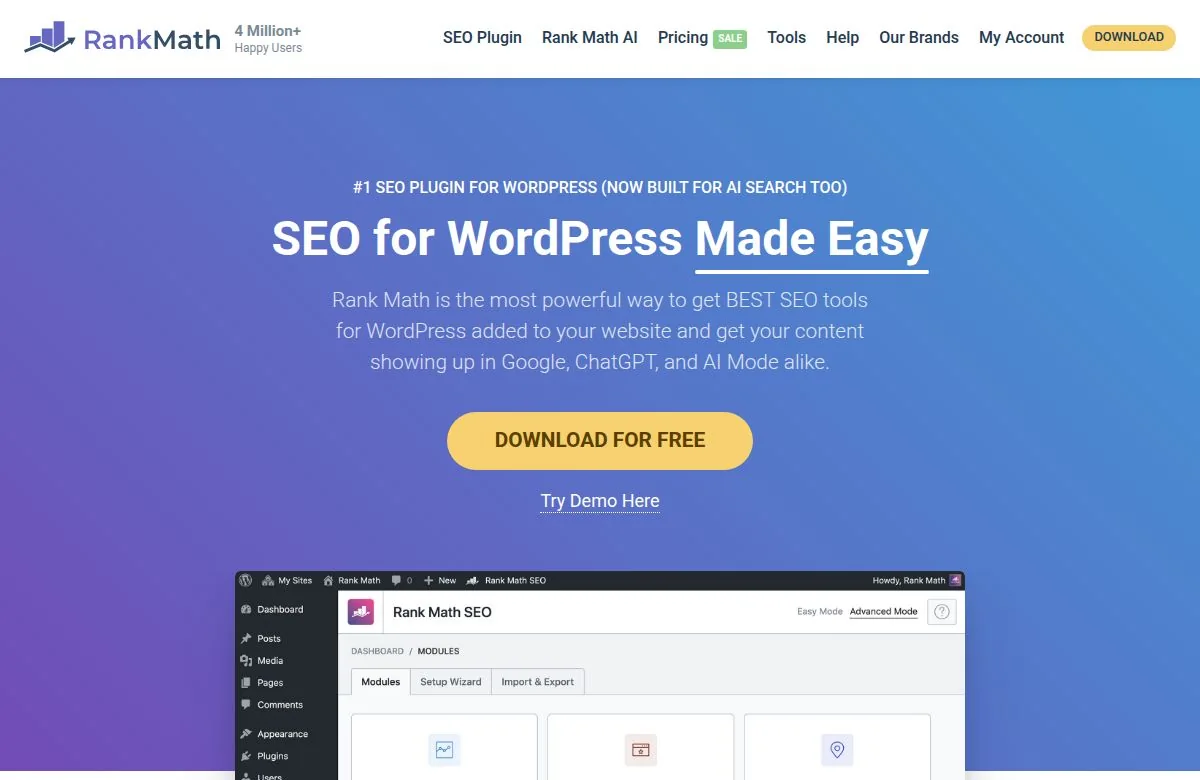
Rank Math gives you more day-one control than most free plugins, especially with its redirect manager and modular settings. The important distinction is between available in Rank Math and included free. Its advanced/custom schema tooling and Google Trends integration belong to paid functionality. Do not choose the free tier assuming the entire schema catalog is included.
I like the module approach because it lets me keep a small site simple. The downside is the number of toggles: it is easy to enable features without checking the resulting HTML. After setup, inspect one post, one archive, and one product page if you run WooCommerce. Confirm the canonical, robots tag, sitemap inclusion, and JSON-LD are the outputs you intended.
Verdict: Best default free plugin for a fresh WordPress site. Skip Pro until you can name a paid feature you will use. Rank Math pricing.
2. Keytomic — best connected SEO automation suite for WordPress
Best for: Lean WordPress teams that need research, production, publishing and measurement in one connected workflow
Price: Pro $99/month (one project). $999 DFY/Managed SEO. See Keytomic pricing

This is the product I work on, so weigh the review accordingly. Keytomic is a complete SEO suite and automation platform, not just an AI writer. For a WordPress site the workflow starts with keyword discovery and topical planning, moves through briefs, drafts, author profiles and Image Studio, then sends formatted posts, images and metadata straight into WordPress via the WordPress publishing integration.
Around that loop sit technical SEO audits, backlink review, content-refresh workflows, Reddit brand monitoring, AI visibility tracking and an Indexing & Distribution Center. It also connects Search Console and GA4, including a chat-style way to query performance data.
That combination changes the operating model. Instead of buying a writer, a calendar, an audit dashboard, an AI visibility monitor and a publisher as separate subscriptions, a WordPress team can run a single loop: choose a topic, ship the page, check crawl and distribution status, inspect search and AI visibility, then prioritise the next update.
The real cost of most stacks is the handoffs — every time someone copies a URL, brief, draft, image or performance finding into the next tool. For a team publishing weekly those handoffs are usually the expensive part.
Who it fits: It works well for founders running a WordPress site without a content team, in-house SEO teams that cannot add headcount, and agencies managing multiple client WordPress installs. See the full set of use cases at Keytomic solutions.
Limits to keep in mind: Keytomic does not replace a dedicated backlink index like Ahrefs or a configurable technical crawler like Screaming Frog. Its technical SEO audit identifies issues; it does not automatically deploy every fix to your live theme.
Verdict: Choose Keytomic when your WordPress SEO work stalls between deciding, producing, publishing and learning. Skip it if you already publish reliably and your main need is a best-in-class backlink database or deep crawl configuration. Explore WordPress publishing, technical audits, AI visibility tracking and current pricing.
3. Yoast SEO — best plugin for beginners
Best for: Editorial teams whose writers need clear guidance inside the editor.
Price: Free; Premium $118.80/year per site at the checked price.

Yoast's strength is teaching while you work. The SEO and readability checks make metadata and structure visible to a non-specialist. I treat its traffic lights as prompts for review, not as Google's grading system: a useful long sentence does not become bad writing because a plugin marks it orange.
The free tier covers essential metadata and XML sitemaps. Premium adds conveniences, including a redirect manager and internal-link suggestions. The per-site license becomes material when you manage several domains. Before paying, compare the annual cost across your actual site count and ask whether the editor guidance saves more time than a cheaper plugin.
Verdict: Choose Yoast when writer onboarding is the bottleneck. Choose a different license model when client-site count dominates the budget. Yoast Premium.
4. All in One SEO — best guided setup for a store owner
Best for: A WordPress or WooCommerce owner who wants a guided setup and a broad set of on-page controls.
Price: Free; advertised first-year Basic $49.50, Plus $99.50, Pro $199.50, Elite $299.50. Renewals are higher than those promotional figures.
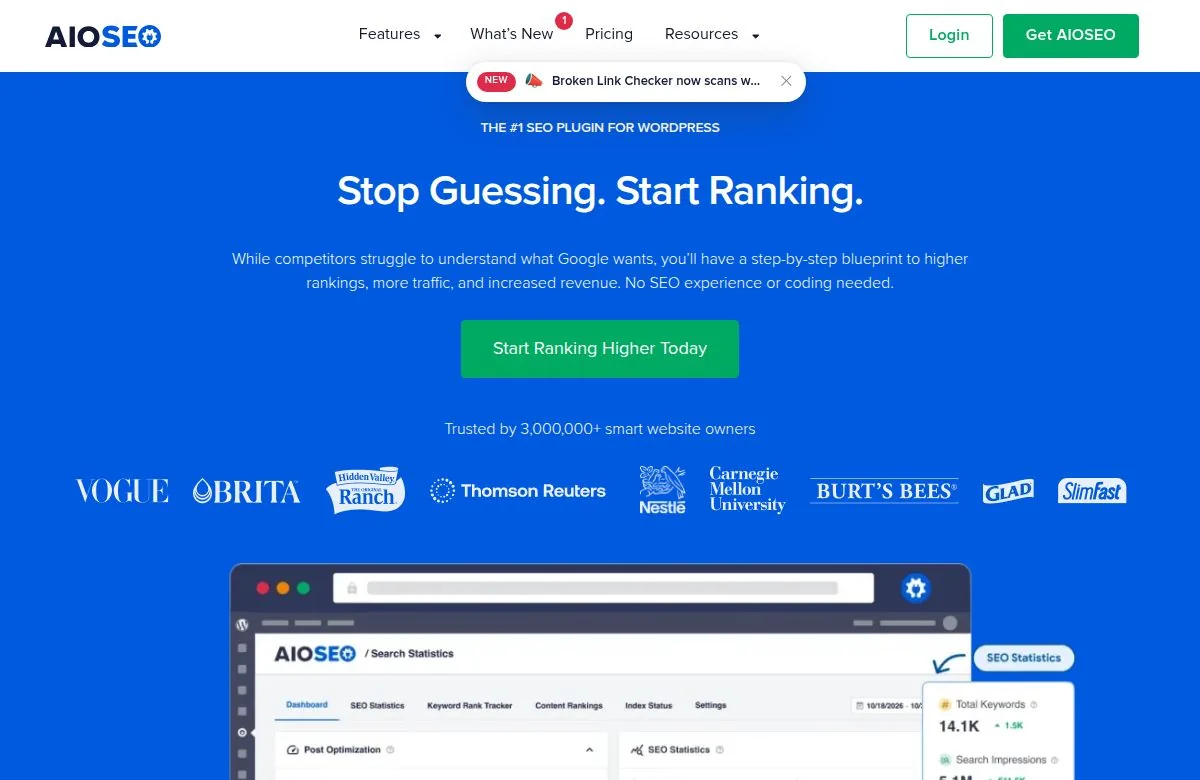
AIOSEO puts titles, sitemaps, schema, social settings, redirects, and a Link Assistant under one interface. For a store, the useful test is concrete: create a variable product and check its canonical, product schema, category inclusion, and sitemap output. WooCommerce itself may already output Product schema; duplicate markup is not an upgrade. AIOSEO's Link Assistant is a Pro-tier decision, not a free-plugin bonus.
The weakness is pricing clarity. A cheap first year can make a multi-site plan look better than its renewal cost. Model year two before installing it across a client portfolio.
Verdict: A solid guided option for WooCommerce; validate your own product markup before calling any plugin the automatic winner for every store. AIOSEO pricing.
5. SEOPress — best agency plugin value
Best for: Developers and agencies that want a clean interface and predictable license tiers.
Price: Free; Pro $49/year for one site, $59 for five, or $149 for unlimited sites. Standard renewals follow the subscribed rate unless a promotion changes the terms.
SEOPress avoids the constant prompts that make some WordPress dashboards feel like a shopfront. It covers the core outputs without treating an SEO score as the goal.
Paid tiers add the features an agency is most likely to need, including redirects and 404 monitoring; those two features are not in SEOPress Free. That correction matters if you are migrating from a plugin whose free tier already handles redirects.
The trade-off is a smaller learning ecosystem than Yoast or Rank Math. For an experienced WordPress team, that is often fine. For a client who needs step-by-step explanations in the editor, Yoast may still be easier.
Verdict: Strong fit for multi-site teams that know what they want the plugin to output. SEOPress pricing.
6. The SEO Framework — best quiet default
Best for: Site owners who want dependable metadata and crawl controls without a crowded editor.
Price: Free; Pro $7/month billed yearly for two sites; higher tiers cover more sites.
The SEO Framework makes more decisions automatically. That is its appeal and its limitation. It produces titles, descriptions, sitemaps, and baseline structured data without asking a writer to chase a score.
Premium extensions add capabilities such as article markup, content guidance, and monitoring. Its WooCommerce integration recognizes products and taxonomies in the free plugin; WooCommerce itself handles much of the Product schema, so verify the combined output rather than assuming you need another schema layer.
Verdict: Best when you value a low-noise admin and already know how to evaluate a page without traffic lights. Pricing and site limits.
7. Link Whisper — best for a large, underlinked archive
Best for: Blogs with dozens or hundreds of posts that have accumulated orphan pages.
Price: From $77/year for one site.

Link Whisper turns internal linking into an editorial queue. It scans content, suggests source pages and anchor placements, and helps identify posts with few incoming links. That is useful when the hard part is finding relevant locations across an old archive. It is less useful if you have 12 posts and can map the links yourself in an hour.
Do not auto-accept every suggestion. A relevant source page is only half the decision; the sentence must genuinely help the reader and the anchor must describe the destination. Review links in rendered pages too, especially when a page builder or dynamic block changes context.
Verdict: Buy it for archive scale and review the suggestions like an editor. It does not replace a primary SEO plugin. Link Whisper licensing.
8. SE Ranking — best multi-client monitoring
Best for: Agencies that need recurring rank checks, site audits, and client reporting across projects.
Price: Core $129/month on monthly billing; annual billing lowers the effective monthly rate. Growth starts at $279/month monthly; agency features can add cost.
SE Ranking is the reporting and monitoring layer. It does not need a WordPress plugin to track a WordPress site. Its practical value appears when three or more clients need the same report at the same time every month. Set up branded and non-branded segments, location-specific tracking where relevant, and a consistent baseline before judging movement.
It will find and prioritize issues; your team still implements the changes in WordPress. If publishing volume is your constraint, a reporting subscription will not solve it.
Verdict: Good multi-project operations choice. Evaluate the project and keyword allowances in the plan you would actually buy. SE Ranking plans.
9. ShortPixel — best image optimization specialist
Best for: Image-heavy blogs and stores where large image files are hurting load experience.
Price: 100 free credits per month; paid pricing depends on the credit model selected.
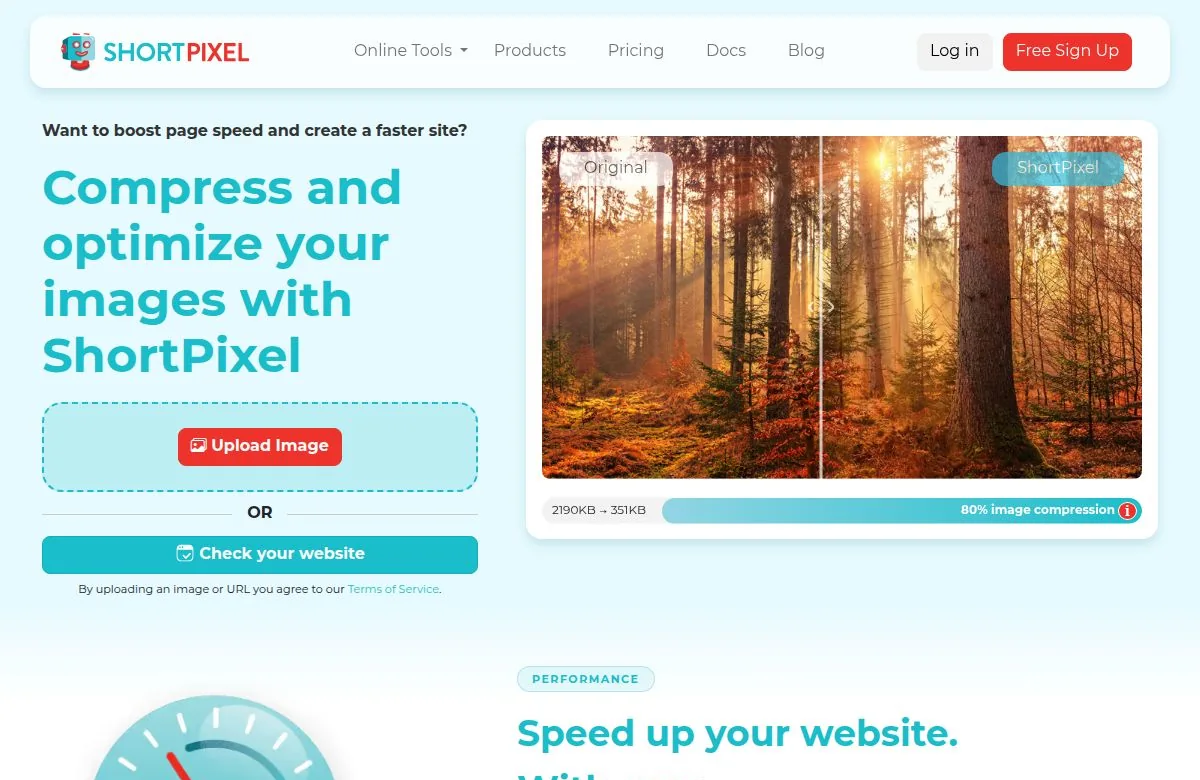
ShortPixel compresses existing uploads and can deliver modern formats. It addresses a very specific problem, which is why it earns a place alongside broad SEO suites.
Start by looking at your largest WordPress images, the hero image on a mobile page, and whether your theme is serving the right responsive size. Compression cannot fix a page that downloads a 2,000-pixel image into a 300-pixel slot.
Keep backups or a rollback path before bulk optimization. After enabling WebP or AVIF delivery, test image display in your theme, email embeds, and social previews. A broken hero image costs more than the bytes saved.
Verdict: Add it when image diagnostics identify a real payload issue; do not install it merely because it appears on an SEO list. ShortPixel free allowance.
10. Semrush — best broad research suite
Best for: Teams doing regular keyword, competitor, link, and site research.
Price: Pro $139.95/month, Guru $249.95, Business $499.95 before add-ons and additional limits.
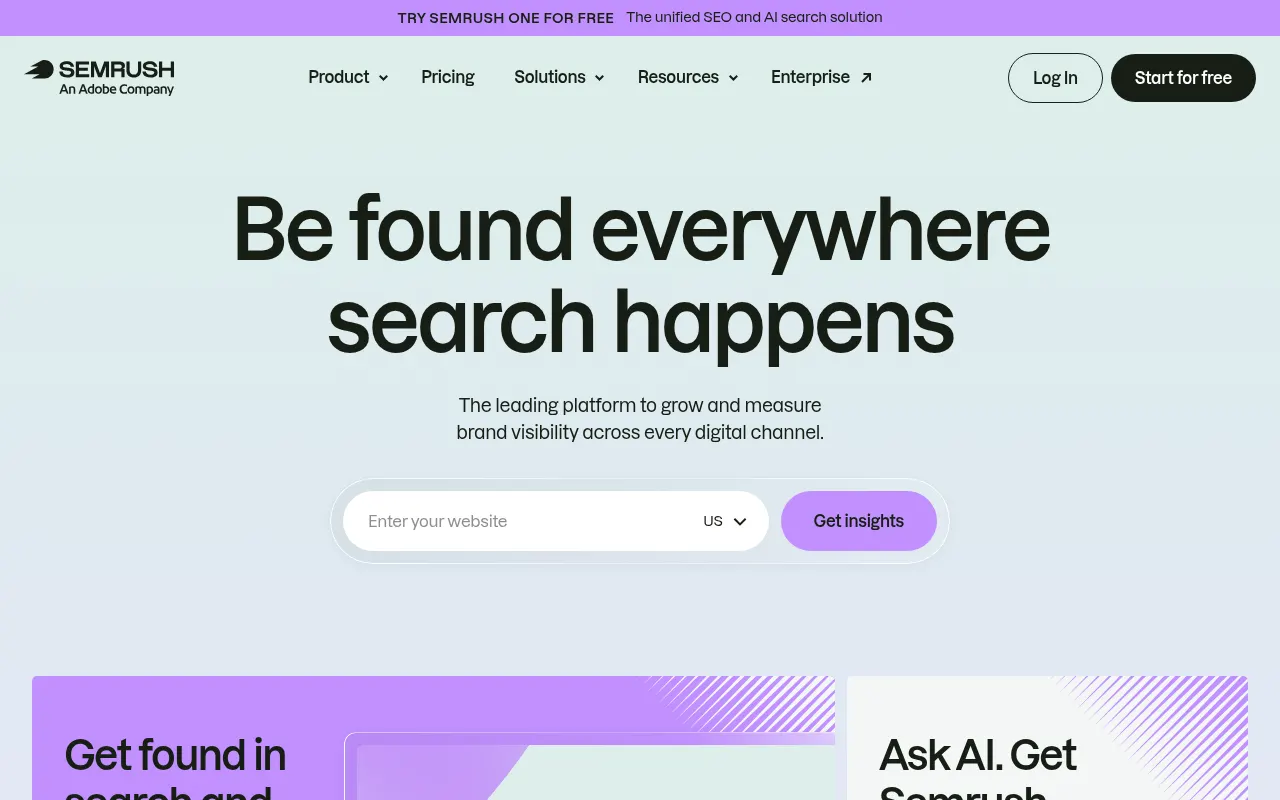
Semrush answers questions a plugin cannot: which topics competitors own, what demand exists, where links come from, and which pages have technical problems at scale. It can schedule checks and reports, but a recommendation does not edit your WordPress page. I use it to decide what work to do, then use the CMS and other tools to do it.
Its breadth is also the cost. An occasional blogger can spend more time navigating modules than acting on the findings. If you only need a monthly keyword check, start with Search Console plus a smaller research tool.
Verdict: Powerful when research is a weekly job, excessive when it is an occasional question. Semrush plan details.
11. Ahrefs — best competitor and backlink research
Best for: Link analysis, competitor discovery, and content-gap research.
Price: Starter $29/month with limited credits; Lite $129/month, Standard $249, Advanced $449.

Ahrefs is where I go when the question is about other sites rather than my own: who links to them, which pages attract those links, and what topics they cover that we have missed. Search Console remains the source of truth for your own Google impressions and clicks. Third-party traffic estimates are models, not a substitute for your analytics.
The $29 Starter plan is useful for spot checks, but its credit and user restrictions mean it is not simply Lite at a lower price. Verify the allowance against how many sites and people will use it.
Verdict: Worth paying for when competitor and link intelligence changes your decisions; it will not publish or repair a WordPress page. Ahrefs pricing.
12. Mangools — best lean keyword research
Best for: Solo operators who need keyword ideas and SERP inspection without buying a broad suite.
Price: Basic $29.90/month when billed annually, or $49 month to month at the checked rate.

Mangools keeps the workflow small: research a query, inspect the results, compare the relative difficulty, and add a candidate to a plan. That simplicity is the product. It does not become a content publishing system because it has several tools in the bundle.
Check the result pages yourself before committing to a keyword. A difficulty number cannot tell you whether the top ten rewards a tool directory, a tutorial, or a local service page. That page-type decision matters more than a one-digit score difference.
Verdict: Good budget research companion to a free WordPress plugin. Mangools plan prices.
13. Surfer — best draft-level content optimization
Best for: Teams writing their own articles who want SERP-informed briefs and coverage checks.
Price: Discovery $49/month billed yearly; Standard $99/month; higher tiers increase allowances.
Surfer is useful between the brief and the final edit. It shows topics and terms common to current results, which can reveal a missing subtopic. It cannot tell you whether your experience is original or whether a recommendation would help your audience. If every competing article has the same section, copying it may make your article more complete but less useful.
Use its score as a coverage diagnostic. Keep your own examples, screenshots, and critical judgments even when they diverge from the average page.
Verdict: A good editorial aid for teams that already have subject expertise. Check the number of articles and AI features included in your tier. Surfer pricing.
14. Screaming Frog — best technical crawl
Best for: Diagnosing redirects, canonicals, indexability, broken links, duplicate metadata, and structured-data output.
Price: Free for crawls of up to 500 URLs; paid license $279/year per user.

WordPress plugins know what they intend to output. Screaming Frog sees what a crawler can actually fetch. That distinction catches theme conflicts, redirect chains, accidental noindex directives, and faceted URL problems that a plugin dashboard can miss. Schedule crawls when the site is large enough that regressions appear between manual checks.
It takes more setup than a cloud audit. You must choose crawl rules, rendering, authentication if needed, and export logic. The payoff is control: you can isolate a template, compare a deployment, or inspect every URL with a particular canonical pattern.
Verdict: The technical specialist on this list, even for a site that already pays for an all-in-one SEO suite. Screaming Frog license.
15. Google stack — best free measurement baseline
Best for: Every WordPress site.
Price: Free. The core pieces are Search Console, GA4, and PageSpeed Insights; Site Kit can connect Google services in WordPress, but direct access works too.
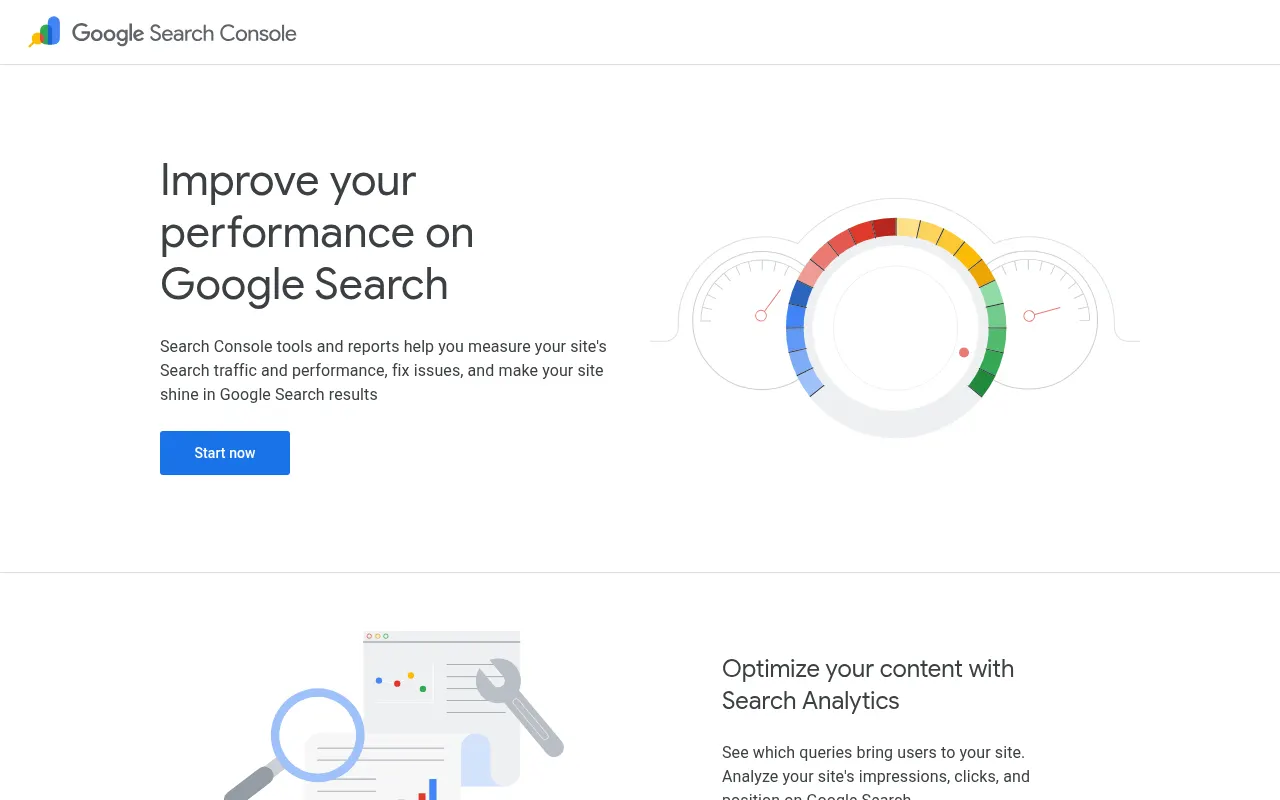
Search Console shows the queries and pages Google actually recorded. GA4 shows what visitors do after arrival. PageSpeed Insights gives lab diagnostics plus field data where available. Those are different measurements, and merging them into one vague “SEO score” throws away the useful distinctions.
A weekly check I would run before buying another tool: filter Search Console to non-branded queries, find pages with rising impressions but weak click-through or falling average position, inspect the actual result page, then decide whether the page needs a title change, content refresh, or stronger internal links. The free layer often tells you what to do next; it does not do the work for you.
Do not treat a single PageSpeed run as a Core Web Vitals experiment. Lab conditions fluctuate, and field data represents real-user history. Compare like with like and look for repeated patterns.
Verdict: Install or connect this before paying for a reporting dashboard. Search Console · PageSpeed Insights documentation.
Three stack decisions that save more than another subscription
1. Pay for the missing layer, not the most popular logo
A 20-page local site usually needs a free plugin, Search Console, and a fast theme. A 500-post publication may need Link Whisper and a crawl schedule. An agency with monthly client reports may need SE Ranking. A team with plenty of keyword data and too few published pages needs an execution workflow. These are different purchases.
2. Compare the cost of ownership, not the sticker
For one site, a free plugin can be enough. Across ten client sites, per-site licensing, user seats, project caps, report credits, and renewal prices can dominate the first-year number. Put the actual number of sites, people, articles, and reports into a one-year and renewal-year budget before choosing. Do not treat Rank Math's unlimited personal sites as unlimited client sites.
3. Test the rendered WordPress output
After installing or migrating a plugin, check a post, archive, and product URL in the browser. Confirm one canonical, the intended robots directive, valid article or product markup where appropriate, sitemap inclusion, and no duplicate schema from the theme. Then check a real mobile URL with PageSpeed Insights. The settings screen is not proof of the rendered result.
A practical 30-minute selection test
Write the next SEO task you want to stop doing manually: finding a topic, fixing metadata, connecting posts, compressing images, crawling a large site, publishing, or assembling reports.
Pick only products that actually perform or materially shorten that task. A keyword database cannot solve a publishing backlog.
Reproduce the task on your own WordPress site. Count manual actions, time, and any errors. Use one real page rather than demo data.
Check what remains if you cancel. Plugins may leave stored metadata; some cloud workflows or hosted changes may not. Exportability matters.
Review the rendered page and first-party data after the change. A tool's dashboard is a starting point, not the outcome.
Frequently asked questions
Which SEO tools does a new WordPress site actually need?
Start with one primary on-page plugin, Google Search Console, and PageSpeed Insights. Add GA4 if you need on-site behavior and conversion data. Buy another tool only when a recurring task or data gap is clear.
Can I use Rank Math and Yoast together?
Do not run them as simultaneous primary SEO plugins. Both can output titles, canonicals, XML sitemaps, and schema. If migrating, use the import tools, inspect sample pages and redirects, then disable the old plugin.
Is an SEO plugin enough for WordPress?
It is enough to control baseline on-page output, but it cannot decide your content strategy, earn links, diagnose every technical issue, or measure AI search visibility. Those jobs need first-party data, editorial judgment, and sometimes specialist tools.
Will an SEO plugin improve Core Web Vitals?
Usually not by itself. Measure the page actually served to visitors. Oversized images, theme scripts, fonts, and hosting commonly matter more than the admin interface of the SEO plugin. Use PageSpeed Insights field and lab data for different purposes.
What is the difference between Keytomic and a WordPress SEO plugin?
A plugin controls how existing WordPress pages describe themselves to search engines. Keytomic connects planning, content production, WordPress publishing, technical auditing, search-data analysis, distribution workflows, and AI visibility tracking. They can work together because they serve different layers.